“TurboTabs” Documentation by “Aleksej Vukomanovic” v1.0
“TurboTabs” Help - Shortcode
Thank you for purchasing my plugin. If you have any questions that are beyond the scope of this help file, visit my support forum. Thanks so much!
Shortcode
Inserting a shortcode is done in two clicks: 1. Click the TurboTabs icon from the tinyMCE editor and 2. Select your group from the drop-down menu of currently available groups.
-
1.
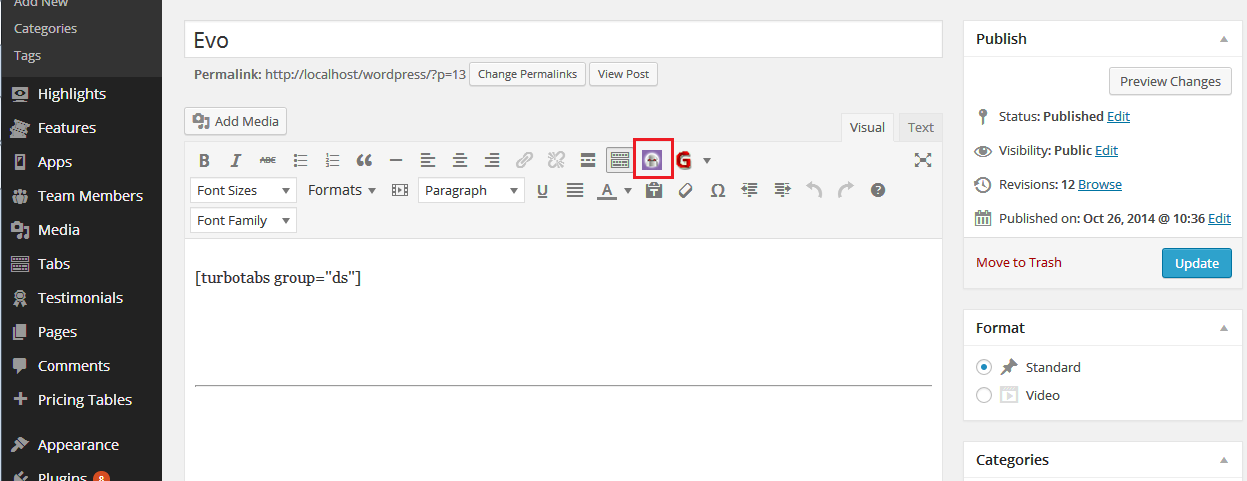
-
2.
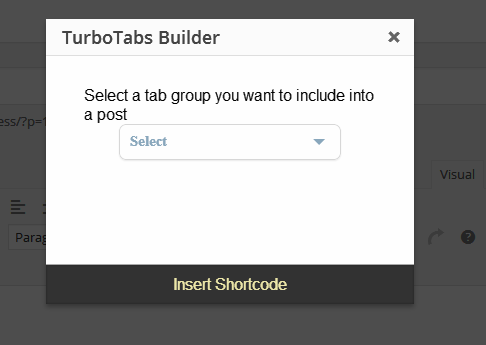
To use a shortcode manualy just insert [turbotabs group="group_slug"] where group_slug is your selected group's slug. "Slug" is url-friendly name that is assigned to every group when creating it. If you didn't edited it manualy, then group "slug" will be the name of your group just lowercased. To find your group slug, go to admin dashboard, click Groups and then edit choosen group. On edit page you will see three fields: Name, Slug And Customization Options