INSIDE
🌈 SPA, Flat and clean theme for Hexo, built with Angular.


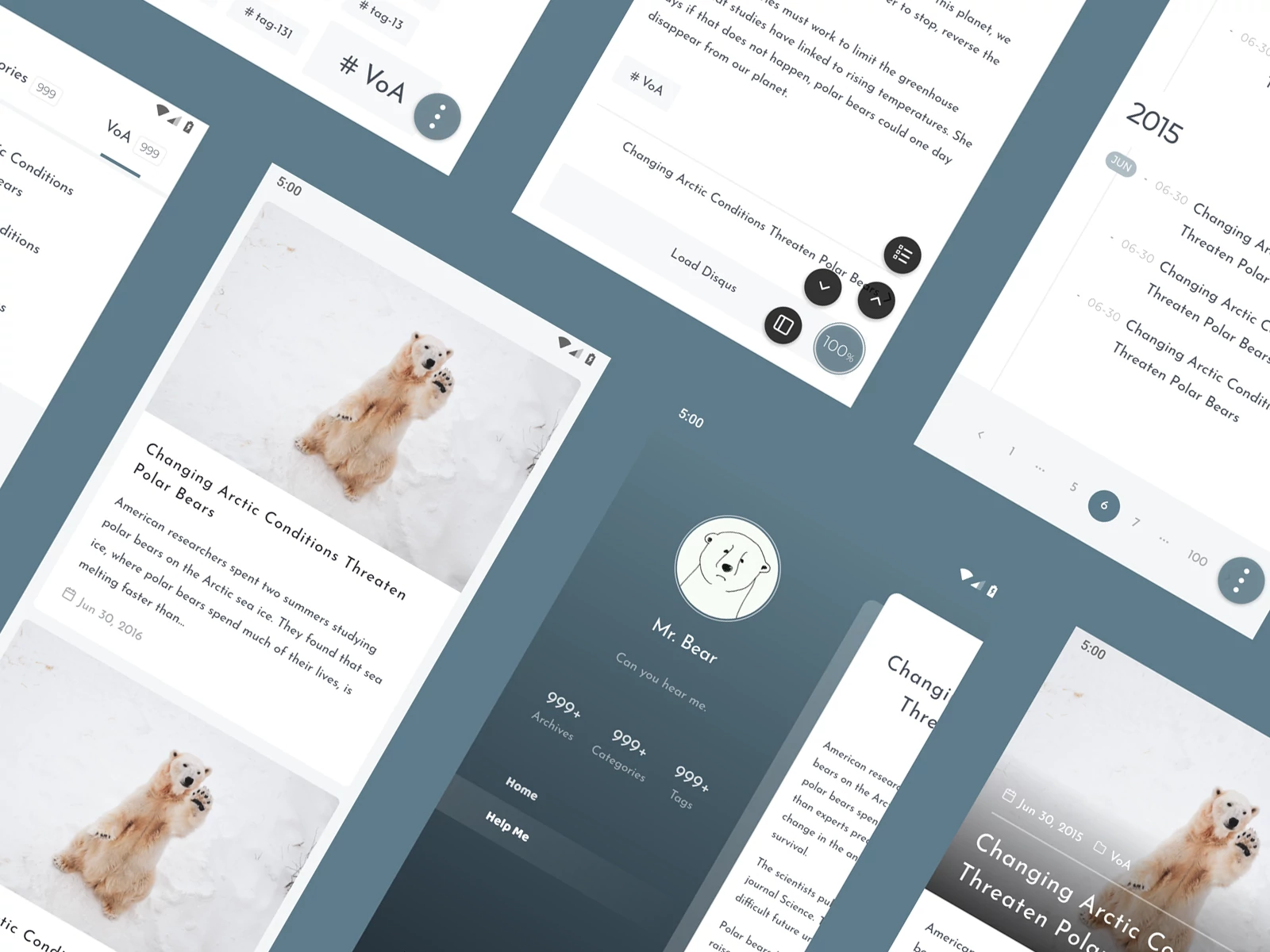
## Preview
- https://blog.oniuo.com
- https://blog.oniuo.com/post/inside-theme-showcase
## Features
- Custom theming
- Built-in Search
- Built-in [Disqus](https://disqus.com)
- Flexible plugin mechanism
- Enhanced content display
- Reward, Copyright notice, Picture zooming
- Table (headless table, long table)
- Content addons, out of the box (Collapse, Timeline, Content Crypto)
- Misc
- [PWA](https://developers.google.com/web/progressive-web-apps) (Immersive design, Offline support ([workbox](https://developers.google.com/web/tools/workbox/)))
- SEO (SSR、sitemap)
- Print friendly
## Quick start
1\. Locate to `project/` and run
```bash
npm install hexo-theme-inside
```
2\. Config `project/_config.yml`
```yaml
theme: inside
```
3\. Copy [_config.yml](https://github.com/ikeq/hexo-theme-inside/blob/master/_config.yml) to `project/_config.inside.yml`, see [here](https://blog.oniuo.com/theme-inside) for full documentation.
## Changelog
[releases](https://github.com/ikeq/hexo-theme-inside/releases)
## FAQ
- Where to find front-end source code?
https://bitbucket.org/ikeq/hexo-theme-inside-ng
## License
[MIT](LICENSE)