
<div align="center">

<a href="https://handsontable.com" rel="nofollow"><img src="https://raw.githubusercontent.com/handsontable/handsontable/develop/resources/handsontable-logo-blue.svg" alt="Handsontable - data grid for Vue" width="300"></a>

# Data Grid for Vue <img src="https://raw.githubusercontent.com/handsontable/handsontable/develop/resources/icons/vue-icon.svg" width="22" height="22">

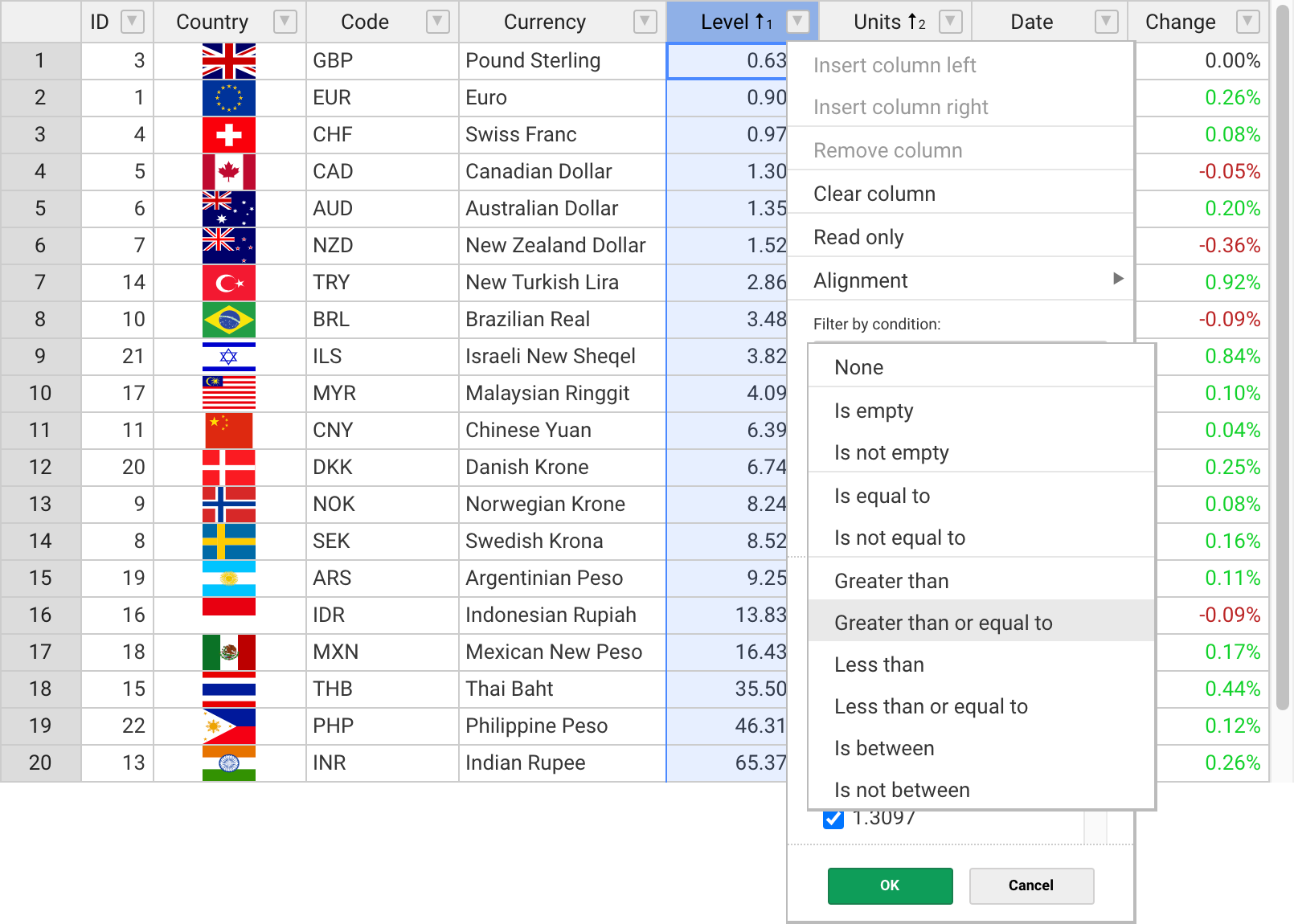
Handsontable's wrapper for Vue combines data grid features with spreadsheet-like UX. <br>
It provides data binding, data validation, filtering, sorting, and CRUD operations.

[![npm](https://img.shields.io/npm/dt/@handsontable/vue.svg)](https://npmjs.com/package/@handsontable/vue)

[![npm](https://img.shields.io/npm/dm/@handsontable/vue.svg)](https://npmjs.com/package/@handsontable/vue)

[![Build status](https://app.codeship.com/projects/1ec34290-ed0a-0131-911c-1a47c8fbcce0/status?branch=master)](https://app.codeship.com/projects/26649)

[![FOSSA Status](https://app.fossa.io/api/projects/git%2Bgithub.com%2Fhandsontable%2Fhandsontable.svg?type=shield)](https://app.fossa.io/projects/git%2Bgithub.com%2Fhandsontable%2Fhandsontable?ref=badge_shield)

[![Known Vulnerabilities](https://snyk.io/test/github/handsontable/handsontable/badge.svg?targetFile=package.json)](https://snyk.io/test/github/handsontable/handsontable?targetFile=package.json)

---

<a href="https://handsontable.com/examples"><img src="https://raw.githubusercontent.com/handsontable/handsontable/develop/resources/handsontable-github-preview.png" alt="Handsontable data grid for Vue" width="805"/></a>

</div>

## Features

The most popular features of Handsontable for Vue:

&nbsp;&nbsp;✓&nbsp; Multiple column sorting <br>
&nbsp;&nbsp;✓&nbsp; Non-contiguous selection <br>
&nbsp;&nbsp;✓&nbsp; Filtering data <br>
&nbsp;&nbsp;✓&nbsp; Export to file <br>
&nbsp;&nbsp;✓&nbsp; Validating data <br>
&nbsp;&nbsp;✓&nbsp; Conditional formatting <br>
&nbsp;&nbsp;✓&nbsp; Merging cells <br>
&nbsp;&nbsp;✓&nbsp; Freezing rows/columns <br>
&nbsp;&nbsp;✓&nbsp; Moving rows/columns <br>
&nbsp;&nbsp;✓&nbsp; Resizing rows/columns <br>
&nbsp;&nbsp;✓&nbsp; Hiding rows/columns <br>
&nbsp;&nbsp;✓&nbsp; Context menu <br>
&nbsp;&nbsp;✓&nbsp; Comments <br>

## Documentation

- [Developer guides](https://handsontable.com/docs/frameworks-wrapper-for-vue-installation.html)
- [API Reference](https://handsontable.com/docs/Core.html)
- [Change log](https://handsontable.com/docs/tutorial-release-notes.html)
- [Demo](https://handsontable.com/examples)

<div id="installation"></div>

## Get Started
### Install with npm

Run the following command in your terminal
```
npm install handsontable @handsontable/vue
```

You can load it directly from [jsDelivr](//jsdelivr.com/package/npm/@handsontable/vue) as well.
```html
<script src="https://cdn.jsdelivr.net/npm/handsontable/dist/handsontable.full.min.js"></script>
<script src="https://cdn.jsdelivr.net/npm/@handsontable/vue/dist/vue-handsontable.min.js"></script>

<link href="https://cdn.jsdelivr.net/npm/handsontable/dist/handsontable.full.min.css" rel="stylesheet">
```

The component will be available as `Handsontable.vue.HotTable`.

### Usage

Use this data grid as you would any other component in your application. [Options](//handsontable.com/docs/Options.html) can be set as `HotTable` props.

**Styles**
```css
@import '~handsontable/dist/handsontable.full.css';
```

**Vue Component**
```vue
<template>
  <hot-table :data="data" colHeaders="true" rowHeaders="true" width="600" height="300"></hot-table>
</template>

<script>
  import { HotTable } from '@handsontable/vue';

  export default {
    data: function() {
      return {
        data: [
          ['', 'Tesla', 'Mercedes', 'Toyota', 'Volvo'],
          ['2019', 10, 11, 12, 13],
          ['2020', 20, 11, 14, 13],
          ['2021', 30, 15, 12, 13]
        ],
      };
    },
    components: {
      HotTable
    }
  }
</script>
```

### handsontable收缩行的操作图标从行头切换到某列中
```vue
<template>
<HotTable ref="ht" :settings="hotSettings"></HotTable>
</template>

<script>
hotSettings: {
   colMenuIndex: 0, //参数代表列的索引 0代表操作按钮在表格的第一列。
}
</script>
```

### [View live demo](//handsontable.com/docs/frameworks-wrapper-for-vue-simple-example.html)

## Support

We provide support for developers working with commercial version via [contact form](https://handsontable.com/contact?category=technical_support)</a> or at support@handsontable.com.

If you use a non-commercial version then please ask your tagged question on [StackOverflow](https://stackoverflow.com/questions/tagged/handsontable).

## License

Handsontable is a commercial software with two licenses available:

- Free for non-commercial purposes such as teaching, academic research, and evaluation. [Read it here](https://github.com/handsontable/handsontable/blob/master/handsontable-non-commercial-license.pdf).
- Commercial license with support and maintenance included. See [pricing plans](https://handsontable.com/pricing).

## License key

If you use Handsontable for Vue in a project that supports your commercial activity, then you must purchase the license key at [handsontable.com](https://handsontable.com/pricing).

If you use the free for non-commercial license of Handsontable, then pass the phrase `'non-commercial-and-evaluation'`, as described in [this documentation](https://handsontable.com/docs/tutorial-license-key.html).

<br>
<br>

Proudly created and maintained by the [Handsontable Team](https://handsontable.com/team).