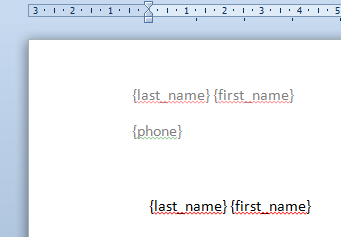
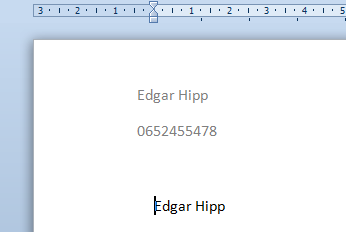
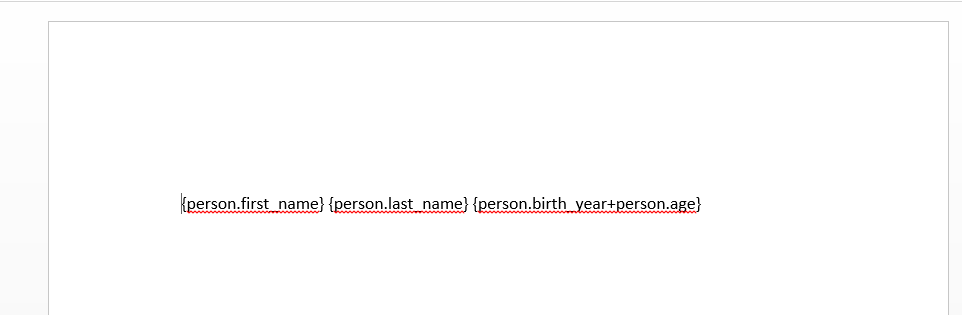
Variables: Use {tagName} to replace variables
|
=>
Results in: |
|
Code Used: |
||
docxgen.js is a small library to generate docx documents given a docx template. It can replace tags by their values and replace images with other images. It is very user oriented as users can without a lot of programming knowledge create their first template and automatically change variables in it.
Replace Variables|
|
=>
Results in: |
|
Code Used: |
||
|
=>
Results in: |
|
Code Used: |
||
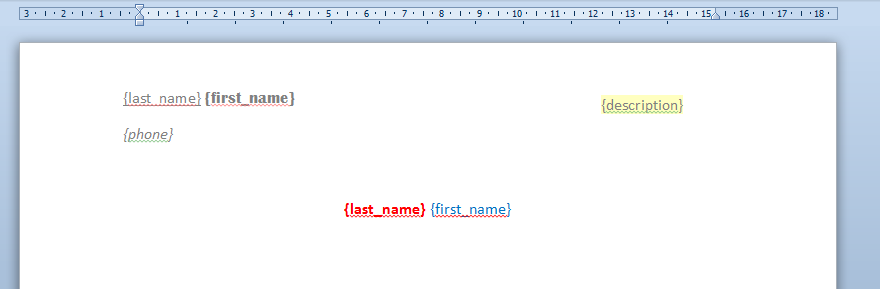
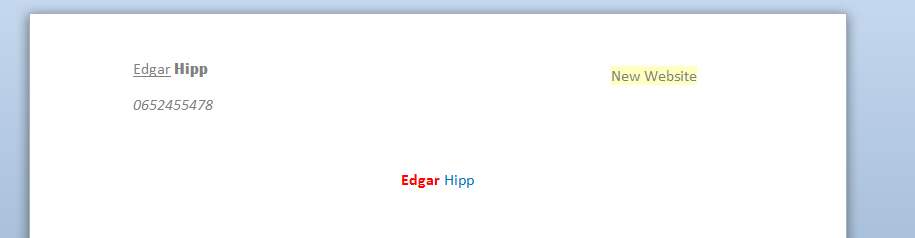
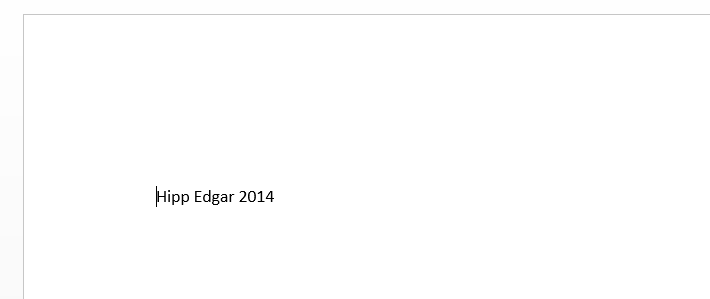
To enable this in the browser, you need to include vendor/angular-parser-browser.js
|
=>
Results in: |
|
Code Used: |
||
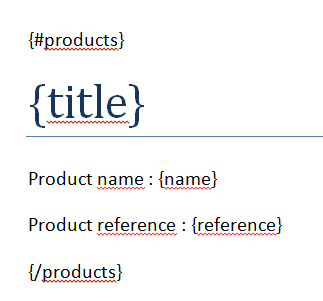
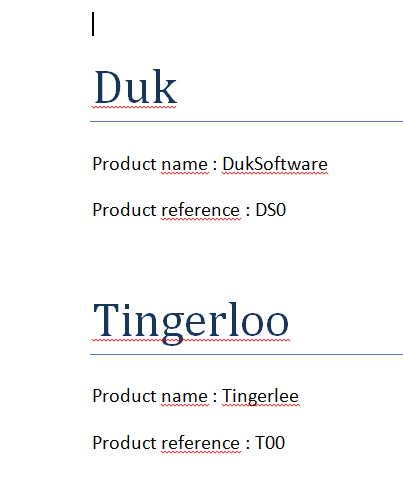
tagName has to be an array of objects, every element of the array will be used to output what is between the opening loop tag and the closing loop tag.
 |
=>
Results in: |
 |
Code Used: |
||
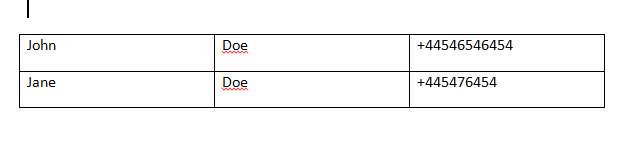
This also works with Bullet Lists
 |
=>
Results in: |
 |
Code Used: |
||
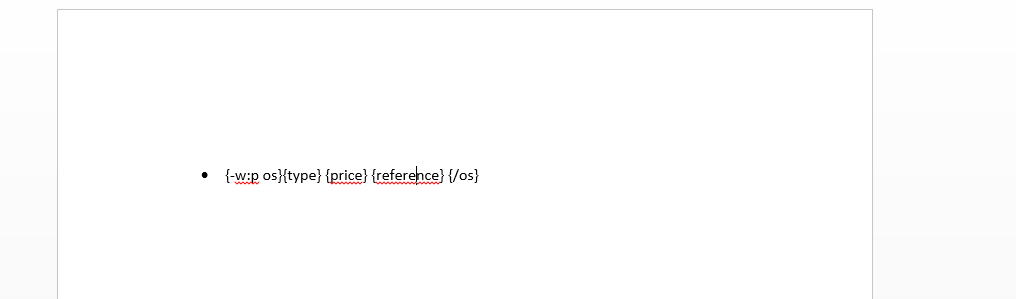
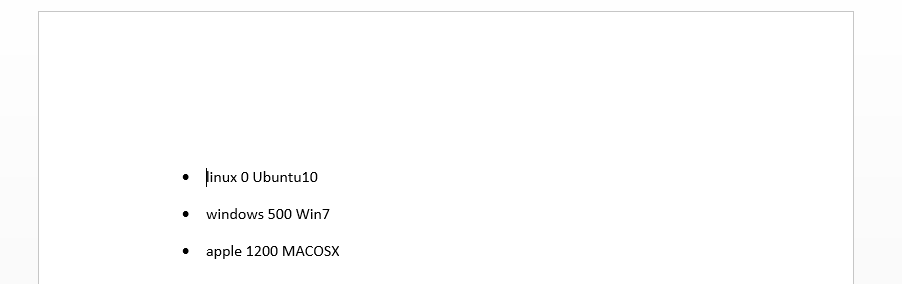
This could work for lists, paragraphs, or any element that could be repeated. The syntax is {-element name} {/name}. When encountering such an element, docxgen will search for the first parent element that equals element, and loop over this.
 |
=>
Results in: |
 |
Code Used: |
||
Sorry mate, if you want this, you're going to need flash :-(. This will open up a flash popup that will prompt the user to save the file where he wants to
|
|
=>
Results in: |
|
Code Used: |
||
|
You must have Flash 10 installed to download this file. |
||
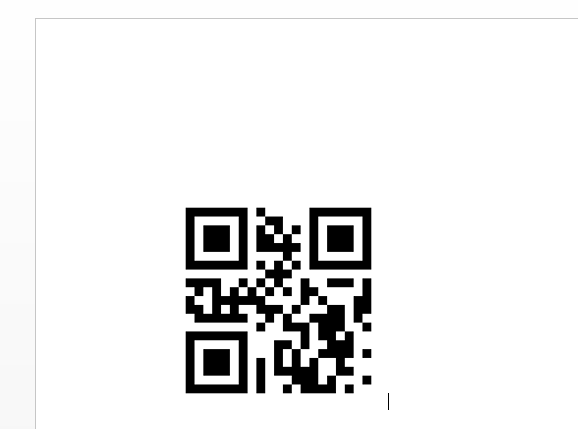
If you scan the qrcode on the left, you will get the value "Firefox_logo.png" So docxtemplater will load that image and replace the image, keeping the style of the original image (which is really great). You can put tags inside string if you want. For example put "{name}.png" and the image will be loaded depending on the tags. Important: the qrCode functionality only works for PNG, I don't think I will enable this for other fileformats in the near future.
 |
=>
Results in: |
 |
Code Used: |
||
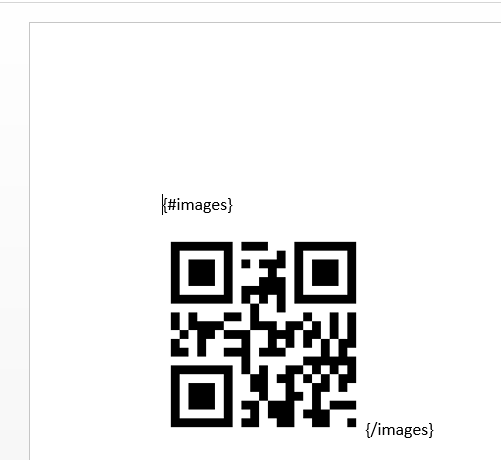
If you scan the qrcode on the left, you will get "{image}.png". Because the qrcode is inside a loop (inside a loop tag {#images} {/images}), it will loop over the array defined underneath: {'images':[{image:'Firefox_logo'},{image:'image'}]}. So this will replace the whole by two images, the first one being the logo of firefox_logo, the second image.png . To create your own qrcodes, I recommend you http://qrcode.kaywa.com with the static option
 |
=>
Results in: |
 |
Code Used: |
||
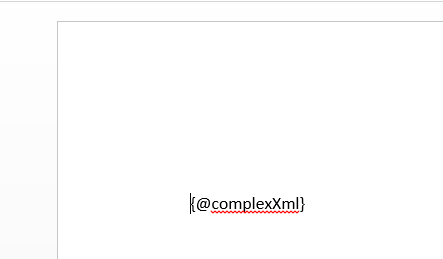
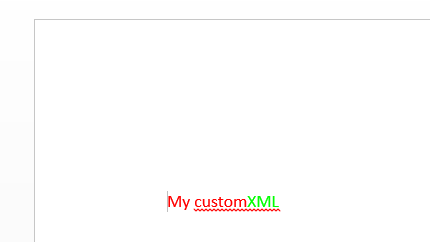
You can embed your own XML using the {@rawXml} syntax. DocXTemplater will replace the containing w:p tag to the xml you enter in the json. This can be particularly useful to embed: tables, user input that could be bold, italics, change the size, color, or whatever. However, you can't create some graphs, smartarts because they use multiple files and not just the one you're in.
 |
=>
Results in: |
 |
Code Used: |
||