# Webcam Easy JS
ใช้ Web Cam ได้ 2 Options
## Todo
[DONE] Capture High Res Image *** เกี่ยวกับ วิธี Init Div Video see http://jsfiddle.net/kg0q815f/31/ for capturing mechanic test (try chaning zoom and video size)
[DONE] Set Vdo CSS to match capture size
[DONE]Scale (Zoom) Video's Div to match screen size
[DONE] On Capturing Change Canvas Size Corresponding to new Video Size
This getUserMedia on <= iOS14.4 with WKWebView (Chrome IOS, In APP Facebook)
will have NotAllowedError
https://stackoverflow.com/questions/65919160/getusermedia-on-ios-14-4-with-wkwebview-still-produces-a-notallowederror
For OWN Webview App There are some fix (not tested)
By adding the props
allowInlineMediaPlayback={true}
mediaPlaybackRequiresUserAction={false}
https://github.com/react-native-webview/react-native-webview/issues/1672#issuecomment-834224821
## Feature หลัก
- Take Photo
#### 1. webcam-flippable
Display list of user media that user can use then let user flip/select camera themself
##### Feature
- Filter out known Media label that not compatible for facing parameters
- Use facingMode = "any" to display all media to user
- Rotate to next media automatically if system can't access to specific media stream (This may prompt another permission request to user)
#### 2. webcam-user
This will open default user facing camera
##### Feature
- flip left/right as an option in flipImage
This is a javascript library for accessing webcam stream and taking photos.
You can easily add it as a module to your own app.
- Streaming webcam on desktop computer or mobile
- Switch back or front cameras on mobile
- Take pictures and be able to download.
## Live Demo
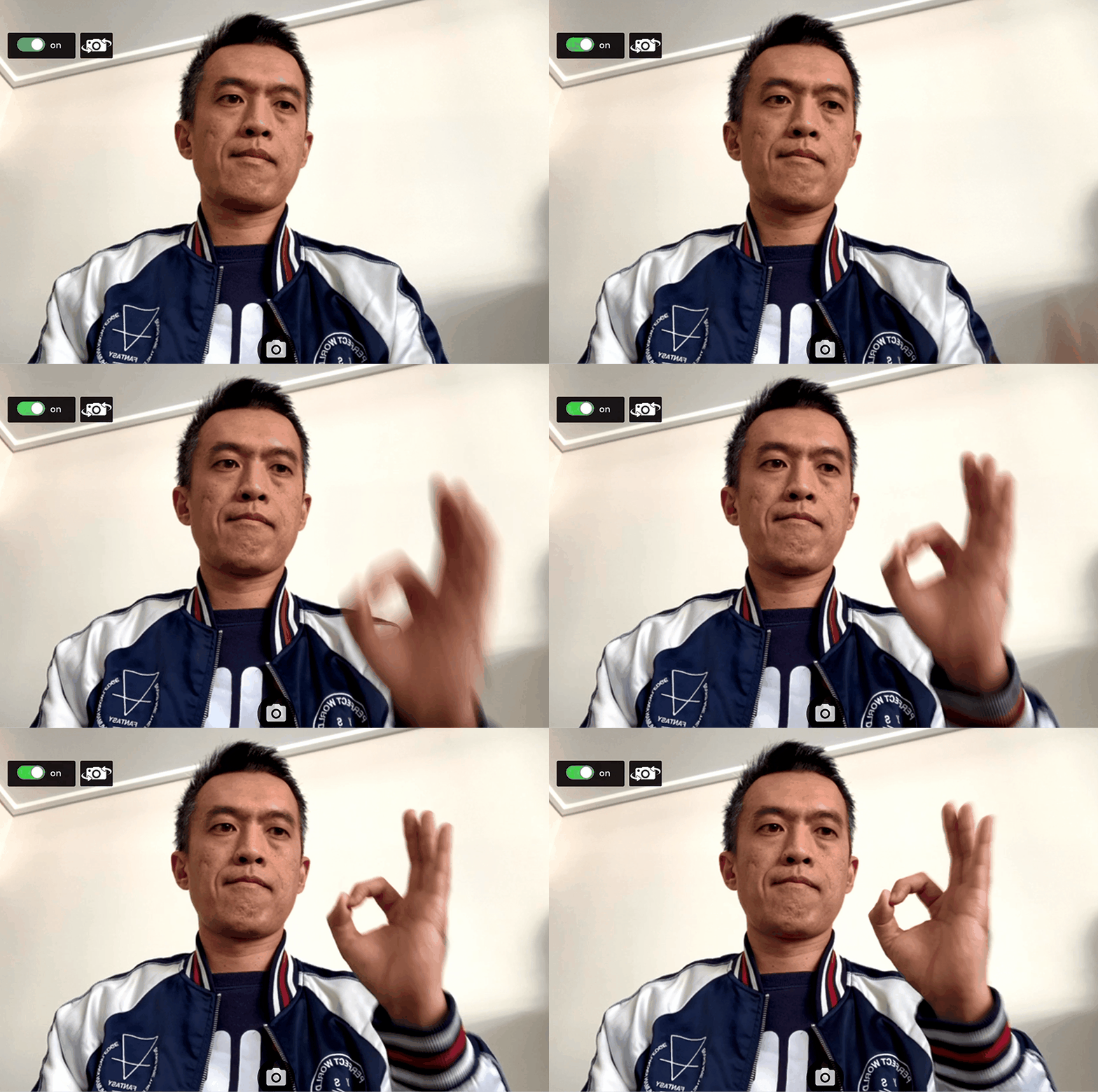
**[https://mobile-web-camera-poc.web.app/Camera](https://mobile-web-camera-poc.web.app/Camera)**
## How to publish with github package manager
1. Create AuthToken in github account (allow repository read and/or write). https://github.com/settings/tokens
2. Login to npm in your machine with the script below, use AuthToken as your password.
```
$ npm login --registry=https://npm.pkg.github.com
> Username: USERNAME
> Password: TOKEN
> Email: PUBLIC-EMAIL-ADDRESS
```
3. Use ```npm run release -- -p 'notes'``` (-p patch, -m minor, -M major) to re-build and publish the code to repository, this will automatically increase version and tag it in Github repository.
## How to npm install github package manager
1. Add ```.npmrc``` file to your package root folder and add this line
```
@adapterdigital:registry=https://npm.pkg.github.com/adapterdigital
```
2. You can now use ```npm i @adapterdigital/package-name```
## Build
This will build and copy /dist files and copy it to ../vue3-camera-lab/src/lib for testing purpose
``` shell
npm run build
```
## Release
Publish to npm
#### MAC
``` shell
#patch version increase
npm run release -- -p 'comment'
#minor version increase
npm run release -- -m 'comment'
#Major version increase
npm run release -- -M 'comment'
```
#### WINDOWS
``` shell
#patch version increase
npm run win-release -- -p 'comment'
#minor version increase
npm run win-release -- -m 'comment'
#Major version increase
npm run win-release -- -M 'comment'
```
## Installation
#### Use Git Clone
``` shell
git https://github.com/adapterdigital/webcam-easy-v2.git
```
#### OR Use NPM
``` shell
npm install @adapterdigital/webcam-easy-v2
```
## Usage
#### 1. Import into javascript
``` js
//Flippable
import {FlippableWebCamera} from '@adapterdigital/webcam-easy-v2';
//User
import {UserWebCamera} from '@adapterdigital/webcam-easy-v2';
```
#### 2. Place elements in HTML
```html
```
#### 3. Call constructor in javascript
``` js
const webcamElement = document.getElementById('webcam');
const canvasElement = document.getElementById('canvas');
const snapSoundElement = document.getElementById('snapSound');
//flippable
const webcam = new FlippableWebCamera(webcamElement, 'user', canvasElement, snapSoundElement);
//user
const webcam = new UserWebCamera(webcamElement, true, canvasElement, snapSoundElement);
//bind this to UI (Only Flippable)
function cameraFilp() {
if(webcamDom.webcamCount > 1){
await webcamDom.flip();
}
}
```
#### 4. Start Webcam
``` js
webcam.start()
.then(result =>{
console.log("webcam started");
})
.catch(err => {
console.log(err);
if (err.message && err.message.toLowerCase().indexOf("not supported browser") !== -1) {
// check ios / android here!
alert(err.toString());
} else {
// user denied or no matched media
}
});
//or
try {
await webcam.start();
console.log("webcam started");
} catch(err) {
console.log(err);
if (err.message && err.message.toLowerCase().indexOf("not supported browser") !== -1) {
// check ios / android here!
alert(err.toString());
} else {
// user denied or no matched media
}
}
```
#### 5. Take Photo
``` js
var picture = webcam.snap();
//or
var picture = webcam.snap(0.3);//0.3 Mega pixel snap!!
var picture = webcam.snap(8);//8 Mega pixel snap!!
```
#### 6. Stop Webcam
``` js
webcam.stop();
```
## Functions
- start(startStream) : start streaming webcam
- get permission from user
- get all video input devices info (Flippable)
- select camera based on facingMode (Flippable)
- start stream
- stop() : stop streaming webcam
- dispose() : should call this to dispose when change view this will stop()
- stream() : start streaming webcam to video element
- snap() : take photo from webcam
- flip() (Only Flippable) : change Facing mode and selected camera
- unBindingDebugger() : Unbind debugger
- bindDebugger(binder:(message:string)=>any) : bind debugger
## Properties
- facingMode : 'user', 'enviroment', 'left', 'right', 'any' (Only Flippable)
- webcamList : all available camera device (Only Flippable)
- webcamCount : number of available camera device (Only Flippable)