# Introduction
Welcome to the ORY Editor guide. Please be aware that the ORY Editor requires substantial knowledge of ReactJS, build tools
like webpack, and ES6. If you lack this knowledge ask in our [Chat](https://gitter.im/ory-am/editor) for help.
## Demonstration
Seeing is believing, so let's start with a demo!
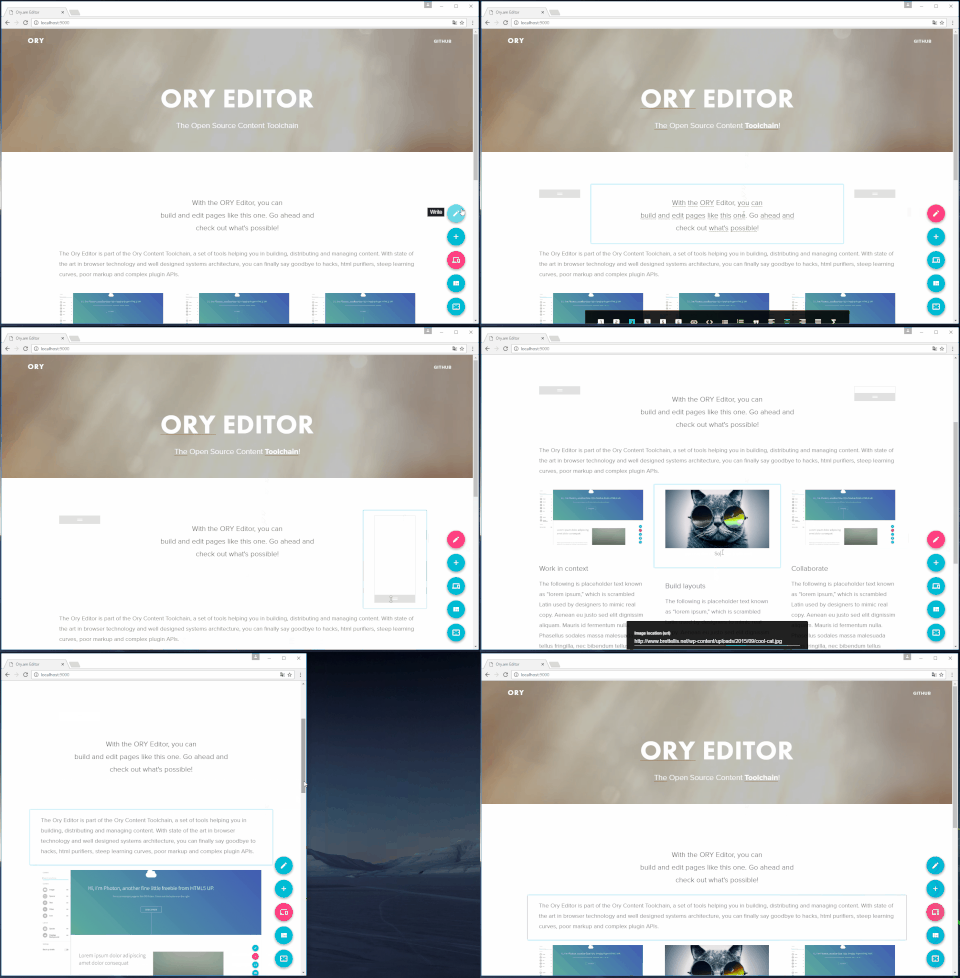
A demo available at [editor.ory.sh](https://editor.ory.sh/) so go ahead and try it yourself!
## Why it's different
Before founding ORY, we built something [like the Wikipedia](https://de.serlo.org), but for learning. The content is
crowd sourced and over half a million people use this platform every month. We had to realize that existing open source
content editing solutions had one of the three flaws:
1. The produced markup was horrific, a lot of sanitation had to take place and XSS is always a threat.
2. The author must learn special mark up, like markdown, before being able to produce content. These text-based solutions
are usually unable to specify a layout and complex data structures like tables are annoying to edit.
3. Promising libraries potentially solving the above where abandoned by their maintainers, because it started as a special
use case, or a free-time project.
We concluded that a solution must meet the following principles:
1. The state is a normalized JSON object, no HTML involved.
2. It is a visual editor that does not require programming experience or special training.
3. It is built by a company, reducing the likelihood of abandonment.
4. Based on reusable React Components, it gives developers, authors and designers new ways of working together and creating
better and richer experiences more easily.
5. It works on mobile and touch devices.
With these principles in mind, we went out and implemented the ORY Editor, which you are looking at right now.
## How it works
The ORY Editor is primarily a tool to create and modify layouts. At the core, there are *Cells* and *Rows*. The layout
system is very similar to the [bootstrap grid system](http://getbootstrap.com/css/#grid) where you have
rows and columns.
An exemplary structure of an editable (other editors call this "document") could be the following:
```
1. Editable
+-1. Container cell
+-1. Row
| +-1. Cell (text)
| |-2. Cell (parallax background image)
| +-1. Row
| +-1. Cell (image)
| |-2. Cell (image)
|-2. Row
| +-1. Cell (image)
| |-2. Cell (image)
```
There are four distinct data types:
1. **Editable** (`1.` in the tree) - the editable is a container for cells and rows. You can have multiple editables
on a page and it is possible to drag and drop cells from one editable to another.
2. **Container cell** (`1.1` in the tree) - the container cell is a cell without a plugin and gives structure to the tree.
These cells are generated automatically when required and also removed automatically when no longer required.
3. **Content cell** (`1.1.1`, `1.2.1`, ... in the tree) - the content cell is always a leaf in the tree (it has no children) and its
behaviour is defined by a **content plugin** (which can be written by you or downloaded from npm). A content plugin is usually something
like rich text, video, audio, a soundcloud widget and so on.
4. **Layout cell** - the layout cell contains a list of nested cells and rows (container, content, layout). The idea of the
layout cell is that it gives its children a layout (e.g. a parallax background, a spoiler box, a box where all text is red).
What the layout looks like is defined by by a **layout plugin**. A layout cell must always have at least one child or
it will be automatically removed.
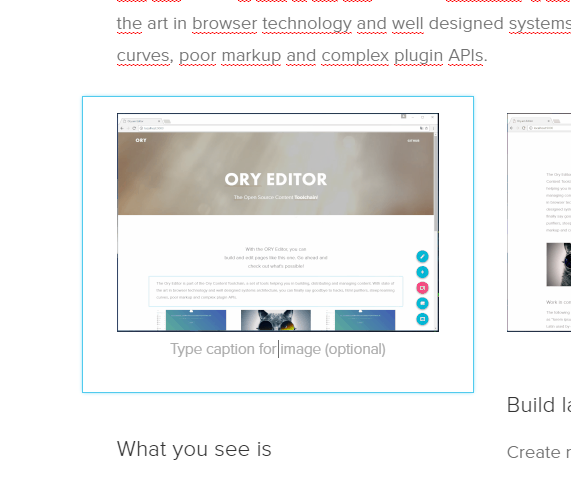
A content cell with the image plugin
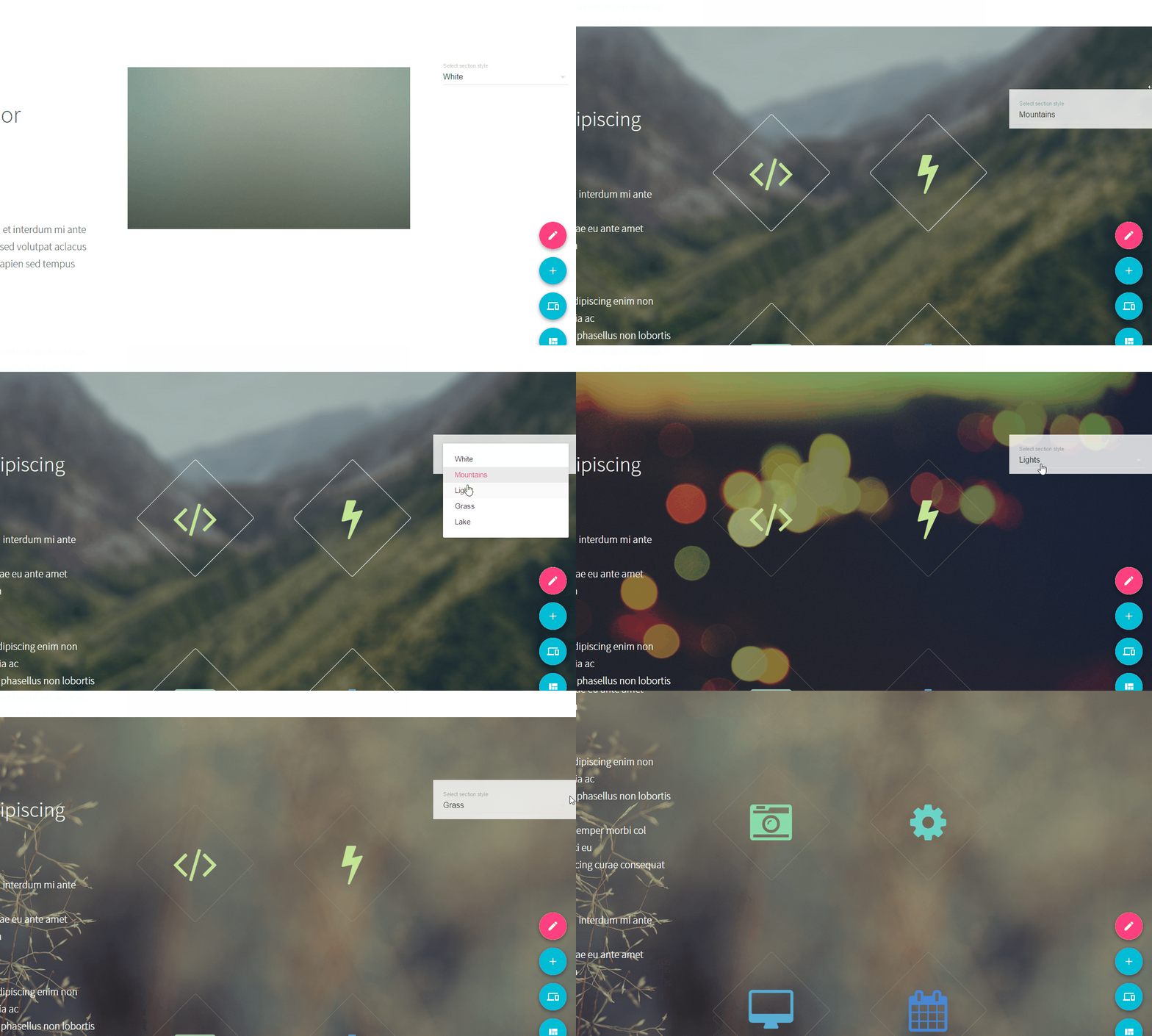
A layout cell with a switchable background image plugin
The grid system is baked into the ORY Editor. It takes care of any drag and drop logic, resizing, focus detection and so
on. As a developer, you will primarily extend the functionality using layout and content plugins. Additionally,
the editor takes care of the whole data model. The plugins are just simple ReactJS components that receive
properties such as `onChange`, `readOnly`, `state` by the editor. You will learn in later sections how plugins
work exactly, what their API looks like, and also how to write your own.