<p align="center">
  <a href="https://github.com/mudin/vue-vr/blob/master/LICENSE">
    <img src="https://img.shields.io/github/license/mudin/vue-vr.svg" alt="License">
  </a>
  <a href="https://badge.fury.io/js/vue-vr">
    <img src="https://badge.fury.io/js/vue-vr.svg" alt="npm version">
  </a>
  <a href="http://hits.dwyl.io/mudin/vue-vr">
    <img src="http://hits.dwyl.io/mudin/vue-vr.svg" alt="HitCount">
  </a>
  <a href="https://unpkg.com/vuejs-vr@latest/dist/vue-vr.min.js">
    <img src="https://img.badgesize.io/mudin/vue-vr/master/dist/vue-vr.min.js?compression=gzip" alt="size">
  </a>
</p>

# Vue VR
A Wrapper of [Panolens](https://pchen66.github.io/Panolens/) for building VR applications with Vue
based on [threejs](https://threejs.org/)

## Demos
[Image Pano](https://mudin.github.io/vue-vr/#/demo-pano)

[Cube Pano](https://mudin.github.io/vue-vr/#/demo-cube-pano)

[Video Pano](https://mudin.github.io/vue-vr/#/demo-video-pano)
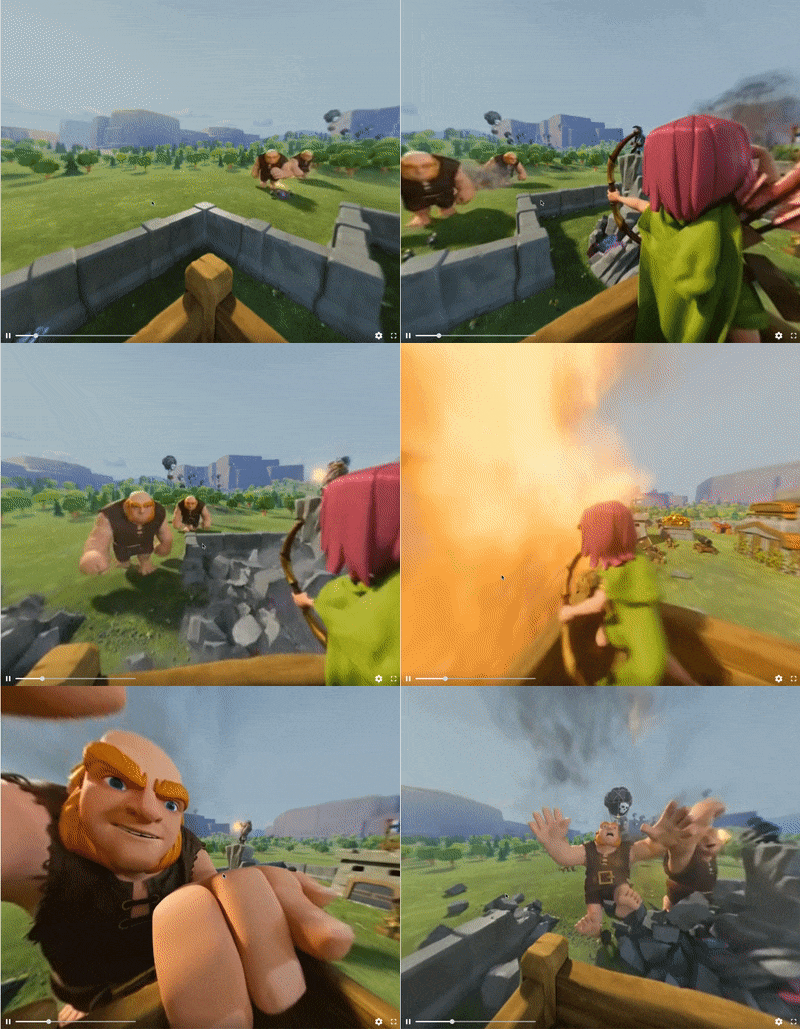
![360 Video Demo](https://mudin.github.io/vue-vr/assets/360video.gif?raw=true)

[VR Tour](https://mudin.github.io/vue-vr/#/demo-tour)
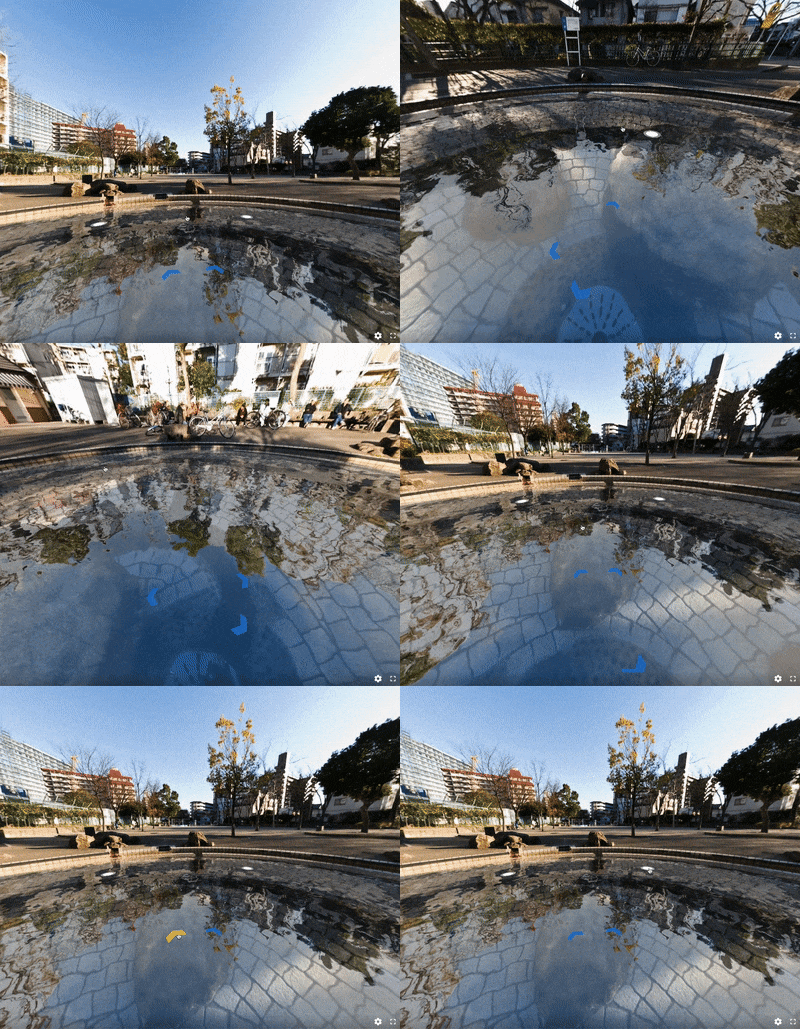
![VR Tour](https://mudin.github.io/vue-vr/assets/vrtour.gif?raw=true)

## Getting started
using npm
```
npm install vuejs-vr --save
```
Or using script tag for global use
```html
<script src="https://unpkg.com/vuejs-vr@latest/dist/vue-vr.min.js"></script>
```

Or Download <a href="https://unpkg.com/vuejs-vr@latest/dist/vue-vr.min.js">vue-vr.min.js</a> and include it in your html

## Installing & Running Locally

Clone the repository using git:
```
git clone https://github.com/mudin/vue-vr.git 
```
Installing all dependencies:
```
npm install 
```
Build by webpack:
```
npm run-script build 
```
Run locally:
```
npm start 
```
This will start development server on localhost:8080

## Usage

####For simple panorama:
Panorama by equirectangular image
```vue
<template>
    <Pano source="pano.jpg"></Pano>
</template>
<script>
    import { Pano } from 'vuejs-vr'

    export default {
        components: { Pano }
    }
</script>
```
Or
```vue
<!DOCTYPE html>
<html>
<head>
    <meta charset="UTF-8">
</head>
<body>
    <div id="app">
        <Pano source="pano.jpg"></Pano>
    </div>
    <script src="vue.js"></script>
    <script src="vuejs-vr.js"></script>
    <script>
        new Vue({
            el: '#app'
        })
    </script>
</body>
```


####For cube faces:
Panorama with a six-face cubemap
```vue
<template>
    <Pano type='cube' source="pano_%s.jpg"></Pano>
</template>
<script>
    import { Pano } from 'vuejs-vr'

    export default {
        components: { Pano }
    }
</script>
```
Note: `%s` replaced by `'l'|'f'|'r'|'b'|'u'|'d'`
Or
```vue
<!DOCTYPE html>
<html>
<head>
    <meta charset="UTF-8">
</head>
<body>
    <div id="app">
        <Pano type='cube' source="pano_%s.jpg"></Pano>
    </div>
    <script src="vue.js"></script>
    <script src="vuejs-vr.js"></script>
    <script>
        new Vue({
            el: '#app'
        })
    </script>
</body>
```


####360 video:
Panorama with 360 video
```vue
<template>
    <Pano type='video' source="video.mp4"></Pano>
</template>
<script>
    import { Pano } from 'vuejs-vr'

    export default {
        components: { Pano }
    }
</script>
```
Or
```vue
<!DOCTYPE html>
<html>
<head>
    <meta charset="UTF-8">
</head>
<body>
    <div id="app">
        <Pano type='video' source="video.mp4"></Pano>
    </div>
    <script src="vue.js"></script>
    <script src="vuejs-vr.js"></script>
    <script>
        new Vue({
            el: '#app'
        })
    </script>
</body>
```

## TODO List
* Hotspots
* 3D objects

## Contributing
If you would like to contribute code you can do so through GitHub by forking the repository and sending a pull request.

## LICENSE
MIT
