# Vue3-Image-Preview
Vue3的图片预览插件,内置图片预览组件、图片预览指令以及图片预览函数。使用起来灵活方便,可以满足大部分针对图片预览的需求。
## 安装 Install
```bash
npm install vue3-image-preview
```
or
```bash
yarn add vue3-image-preview
```
## 局部引入 Part Import
在要使用的.vue文件中,引入**vue3-image-preview**。
```ts
import {preview, vPreview, Vue3ImagePreview} from 'vue3-image-preview';
```
其中**preview**为图片预览函数,**vPreview**为图片预览指令(v-preview:需要在directives属性中注册),**Vue3ImagePreview**为图片预览组件(需要在components属性中注册)。
## 全局引入 Global Import
在入口文件中引入**vue3-image-preview**,并且使用.use()安装全局插件。
**v-preview**已注册为全局指令,**Vue3ImagePreview**已注册为全局组件。
```ts
import { createApp } from 'vue';
import App from './App.vue';
import preview from 'vue3-image-preview';
createApp(App).use(preview).mount('#app');
```
**preview**函数需要通过getCurrentInstance(Vue3的Composition Api)来引入。
```ts
const {proxy} = getCurrentInstance() as any;
proxy.preview({
images: state.images1,
index: state.index
});
```
## preview函数
### 示例
```vue
...
setup() {
// 响应式数据
const state: any = reactive({
image: 'https://www.43cx.com/d/file/20220704/e1eb727dc76e4dfc916048b32ab9d50c.jpg',
images1: [
'https://img.phb123.com/uploads/allimg/200615/60-2006151H317-52.jpg',
'https://img.phb123.com/uploads/allimg/200615/60-2006151H318.jpg'
],
images2: [
{url: 'https://www.43cx.com/d/file/20220704/87fb4397c47fab8b9fb9496e5279591d.jpg'},
{url: 'https://www.43cx.com/d/file/20220704/a958a8b2ae53bdf22d318ce0356d3ab8.jpg'}
],
index: 0
});
const preview1Event = () => {
preview({
images: state.image
});
};
const preview2Event = () => {
preview({
images: state.images1,
index: state.index
});
};
const preview3Event = () => {
preview({
images: state.images2,
index: state.index
});
};
return {
...toRefs(state),
preview1Event,
preview2Event,
preview3Event
};
}
```

### 参数
| 属性 | 描述 | 类型 | 默认值 | 必填 |
| ---------- | ------------------------------------------------------------ | ------ | ------ | ------ |
| images | 当前预览的图片资源或图片资源数组。 | String/Array | "" | 是 |
| index | 初始化预览图片的索引,仅当**images**类型为Array时可用。 | Number | 0 | 否 |
| key | 仅当**images**为对象数组时,key为数组里对象的图片资源的属性名。 | String | "url" | 否 |
| zoom | 缩放事件的缩放速度。 | Number | 1.2 | 否 |
## v-preview指令
### 示例
默认,直接使用**v-preview**指令,会打开单个预览组件。
```html
 ```

分组,使用**v-preview:name**指令,指令值相同的都会在同一个预览组件中打开。
```html
```

分组,使用**v-preview:name**指令,指令值相同的都会在同一个预览组件中打开。
```html


 ```

缩放,使用**v-preview:zoom**指令,会改变缩放事件的缩放速度。
```html
```

缩放,使用**v-preview:zoom**指令,会改变缩放事件的缩放速度。
```html
 ```

配置,**v-preview**的值为属性包含"name","zoom"的对象。
```html
```

配置,**v-preview**的值为属性包含"name","zoom"的对象。
```html


 ```
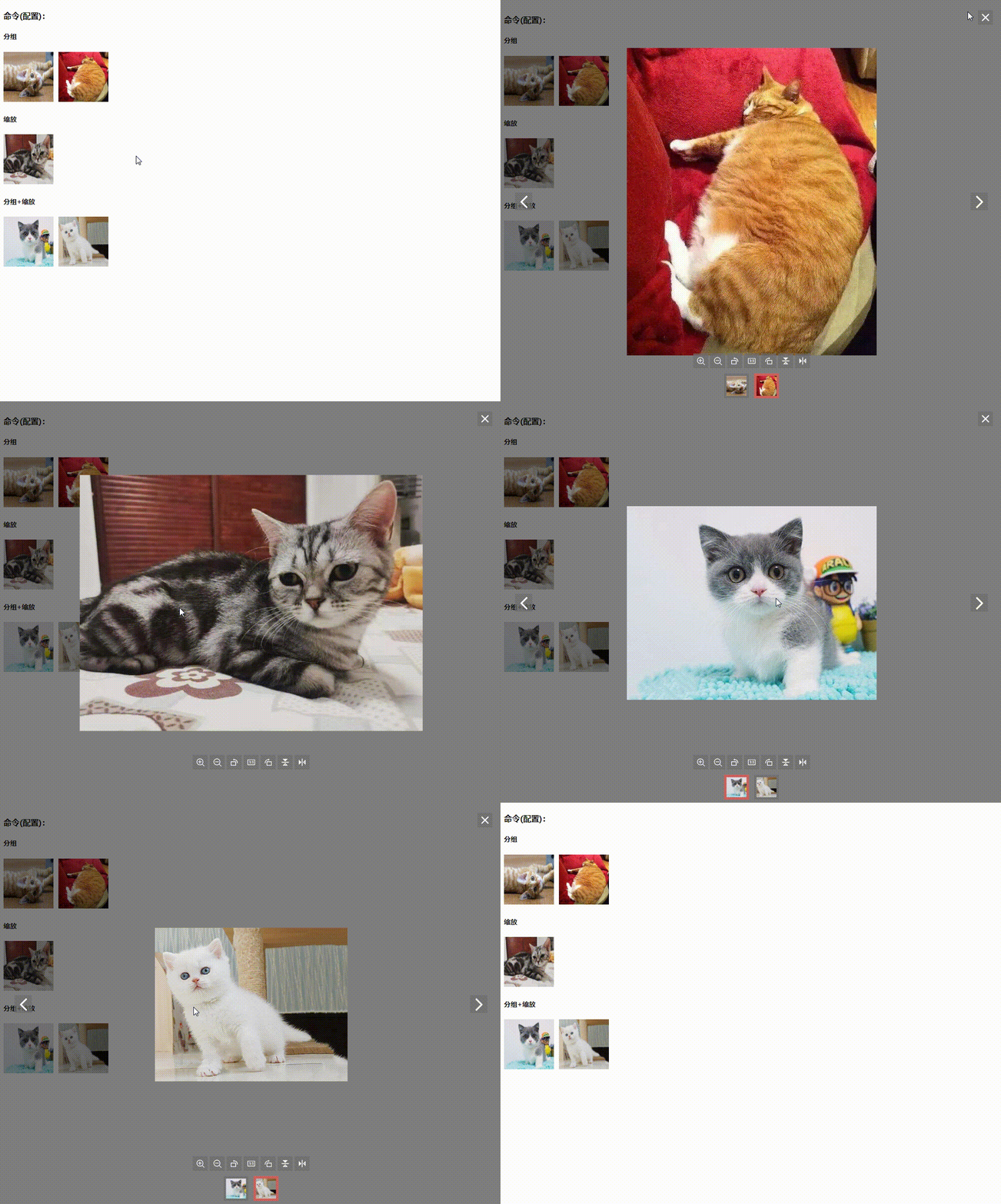
响应式数据
```vue
setup() {
const {proxy} = getCurrentInstance() as any;
// 响应式数据
const state: any = reactive({
name1: 'name1',
name2: 'name2',
zoom1: 1.4,
zoom2: 1.1,
config1: {name: 'name3'},
config2: {zoom: 1.1},
config3: {name: 'name4', zoom: 1.4},
config4: {name: 'name4', zoom: 1.1}
});
return {
...toRefs(state)
};
}
```
| 参数 | 描述 | 类型 | 默认值 | 必填 |
| ---------- | ------------------------------------------------------------ | ------ | ------ | ------ |
| name | 图片分组的名称。 | String | - | 否 |
| zoom | 缩放事件的缩放速度。 | Number | 1.2 | 否 |
## Vue3ImagePreview组件
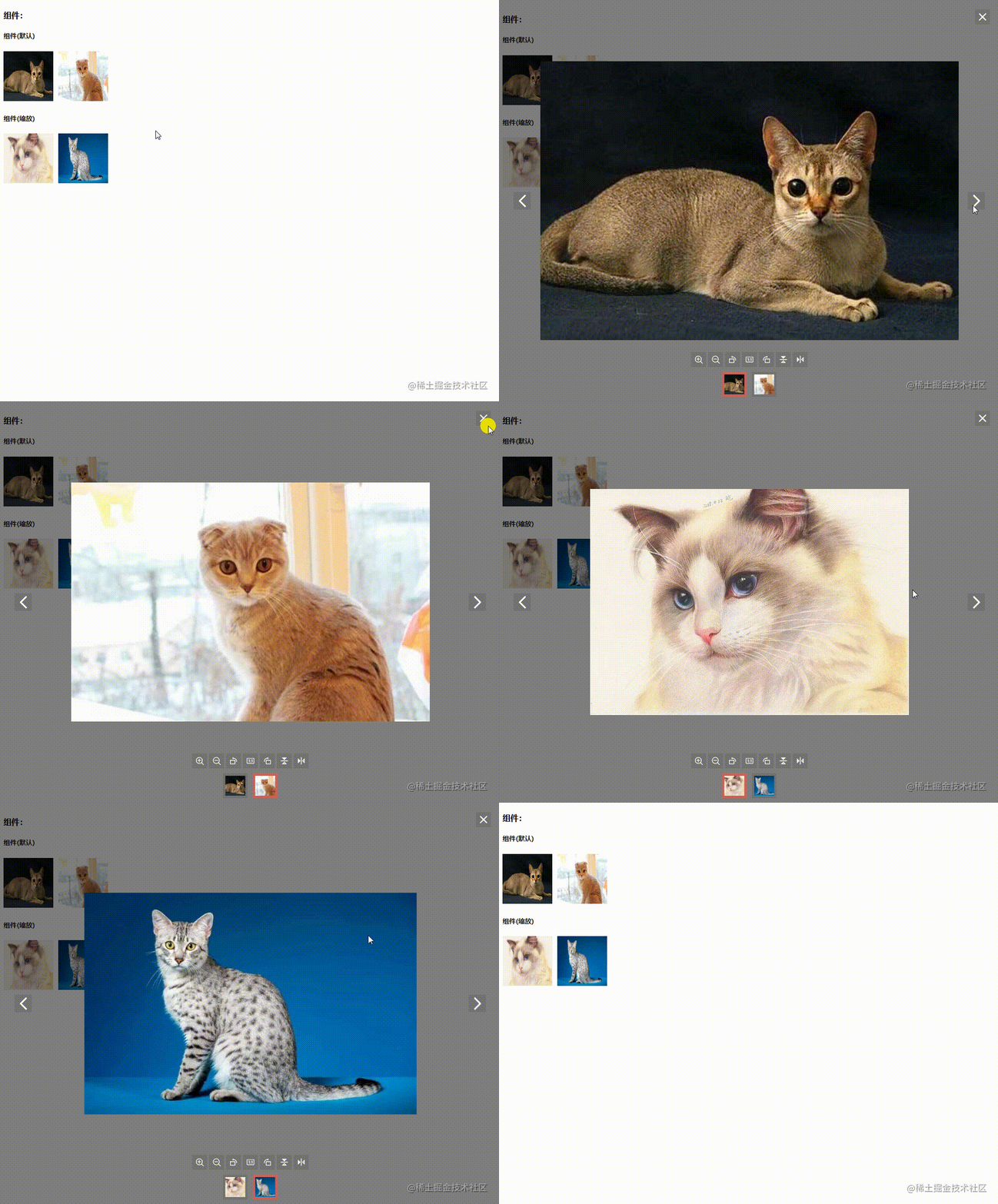
所有包裹在**Vue3ImagePreview**组件里的img,都会在同一个预览组件中打开。
```html
```

响应式数据
```vue
setup() {
const {proxy} = getCurrentInstance() as any;
// 响应式数据
const state: any = reactive({
name1: 'name1',
name2: 'name2',
zoom1: 1.4,
zoom2: 1.1,
config1: {name: 'name3'},
config2: {zoom: 1.1},
config3: {name: 'name4', zoom: 1.4},
config4: {name: 'name4', zoom: 1.1}
});
return {
...toRefs(state)
};
}
```
| 参数 | 描述 | 类型 | 默认值 | 必填 |
| ---------- | ------------------------------------------------------------ | ------ | ------ | ------ |
| name | 图片分组的名称。 | String | - | 否 |
| zoom | 缩放事件的缩放速度。 | Number | 1.2 | 否 |
## Vue3ImagePreview组件
所有包裹在**Vue3ImagePreview**组件里的img,都会在同一个预览组件中打开。
```html


 ```
| 属性 | 描述 | 类型 | 默认值 | 必填 |
| ---------- | ------------------------------------------------------------ | ------ | ------ | ------ |
| zoom | 缩放事件的缩放速度。 | Number | 1.2 | 否 |
- 演示地址
```

| 属性 | 描述 | 类型 | 默认值 | 必填 |
| ---------- | ------------------------------------------------------------ | ------ | ------ | ------ |
| zoom | 缩放事件的缩放速度。 | Number | 1.2 | 否 |
- 演示地址