# vue-org-tree
> A simple organization tree chart based on Vue2.x
## Usage
### NPM
```
# use npm
npm i vue2-org-tree
# use yarn
yarn add vue2-org-tree
```
### Import Plugins
``` js
import Vue from 'vue'
import Vue2OrgTree from 'vue2-org-tree'
Vue.use(Vue2OrgTree)
// ...
```
### CDN
``` html
# css
# js
```
## API
#### props
prop | descripton | type | default
------------------|-----------------------------------------|:----------------------:|:---------------------------------------------------------:
data | | `Object` |
props | configure props | `Object` | `{label: 'label', children: 'children', expand: 'expand'}`
labelWidth | node label width | `String` \| `Number` | `auto`
collapsable | children node is collapsable | `Boolean` | `true`
renderContent | how to render node label | `Function` | -
labelClassName | node label class | `Function` \| `String` | -
selectedKey | The key of the selected node | `String` | -
selectedClassName | The className of the selected node | `Function` \| `String` | -
### events
event name | descripton | type
------------------|-----------------------------------------|:----------------------
click | Click event | `Function`
mouseover | onMouseOver event | `Function`
mouseout | onMouseOut event | `Function`
### Call events
#### on-expand
well be called when the collapse-btn clicked
- params `e` `Event`
- params `data` `Current node data`
#### on-node-click
well be called when the node-label clicked
- params `e` `Event`
- params `data` `Current node data`
#### on-node-mouseover
It is called when the mouse hovers over the label.
- params `e` `Event`
- params `data` `Current node data`
#### on-node-mouseout
It is called when the mouse leaves the label.
- params `e` `Event`
- params `data` `Current node data`
## Example
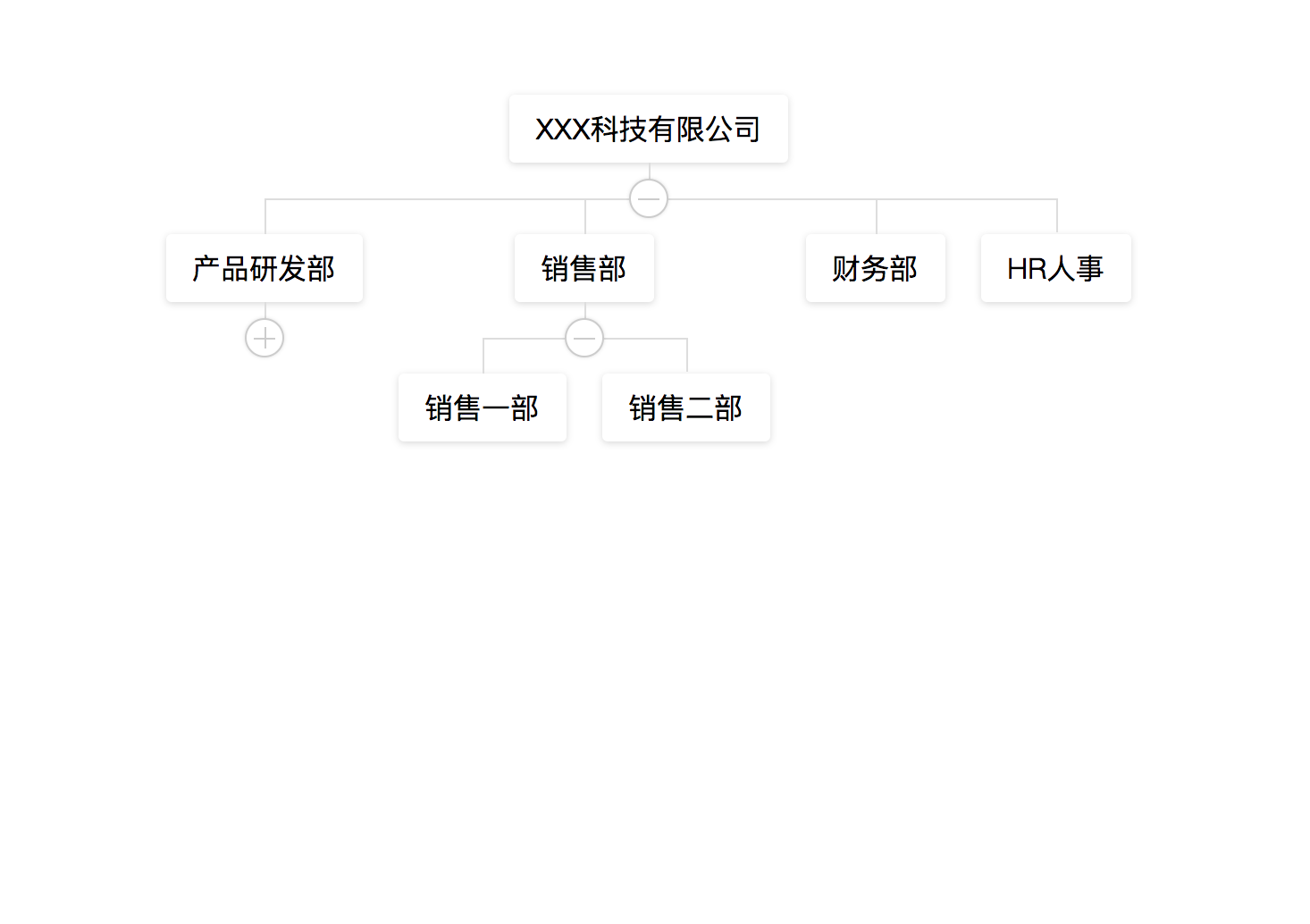
- default
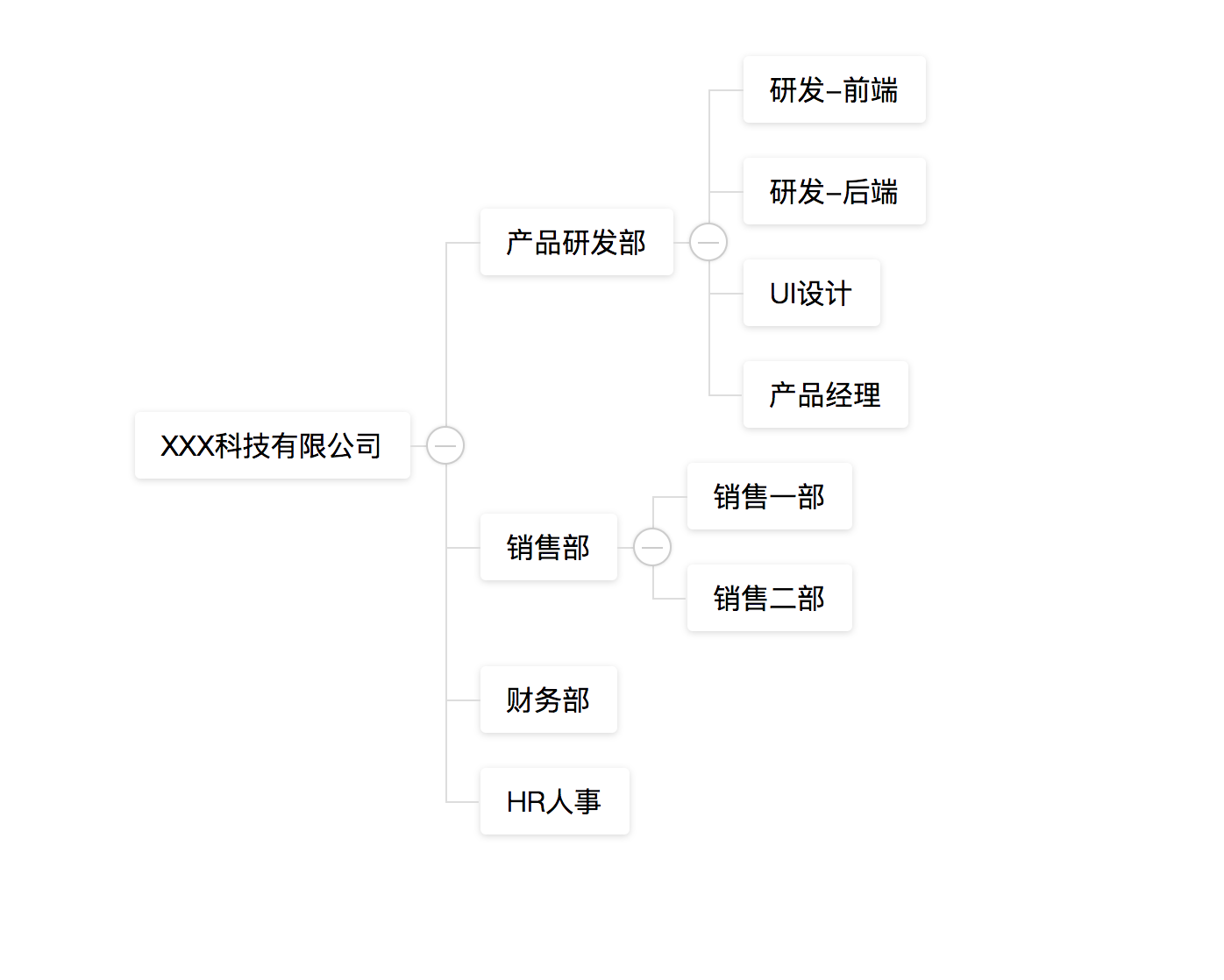
- horizontal
## Browser support
use table layout!
> IE9+、Chrome、Firefox、Opera
## License
[MIT](./LICENSE)