# vue-text-dot
A vue component for clipping text.
## Installation
``` bash
npm install vue-text-dot --save
```
and in your component:
``` javascript
import dot from 'vue-text-dot'
```
## Usage
``` html
```
## Props
| Name | Type | Required | Default | Description |
| ---:| --- | --- | --- | --- |
| msg | String | true | |text in dot |
| line | Number | false | 1 | the number of rows that you want to show |
## Tips
You'd better set the class for component including 'line-height'
## Demo
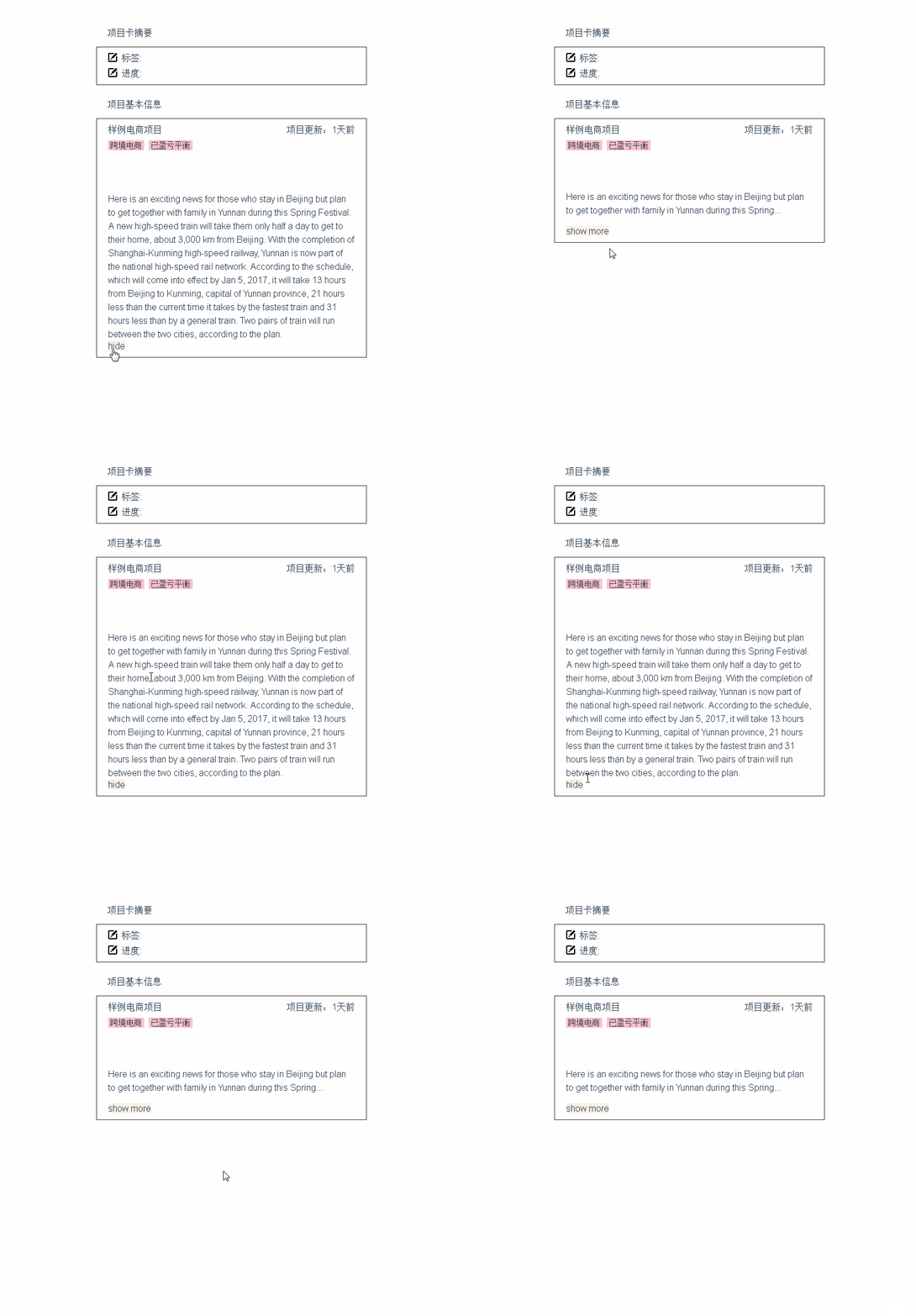
``` html
{{pinfo.desc}}
show more
hide
```
``` javascript
import dot from 'vue-text-dot'
...
{
...
components: { dot, ... },
data () {
return {
desc: '.....text....'
moreText: false,
dot: true
}
},
methods: {
// $emit
isDot () {
this.moreText = true
}
}
}
...
```