# vue2-lob-address-autocomplete
> Address Autocomplete component for Vue powered by Lob
[](https://www.npmjs.com/package/vue-lob-address-autocomplete) [](https://standardjs.com)
## Features
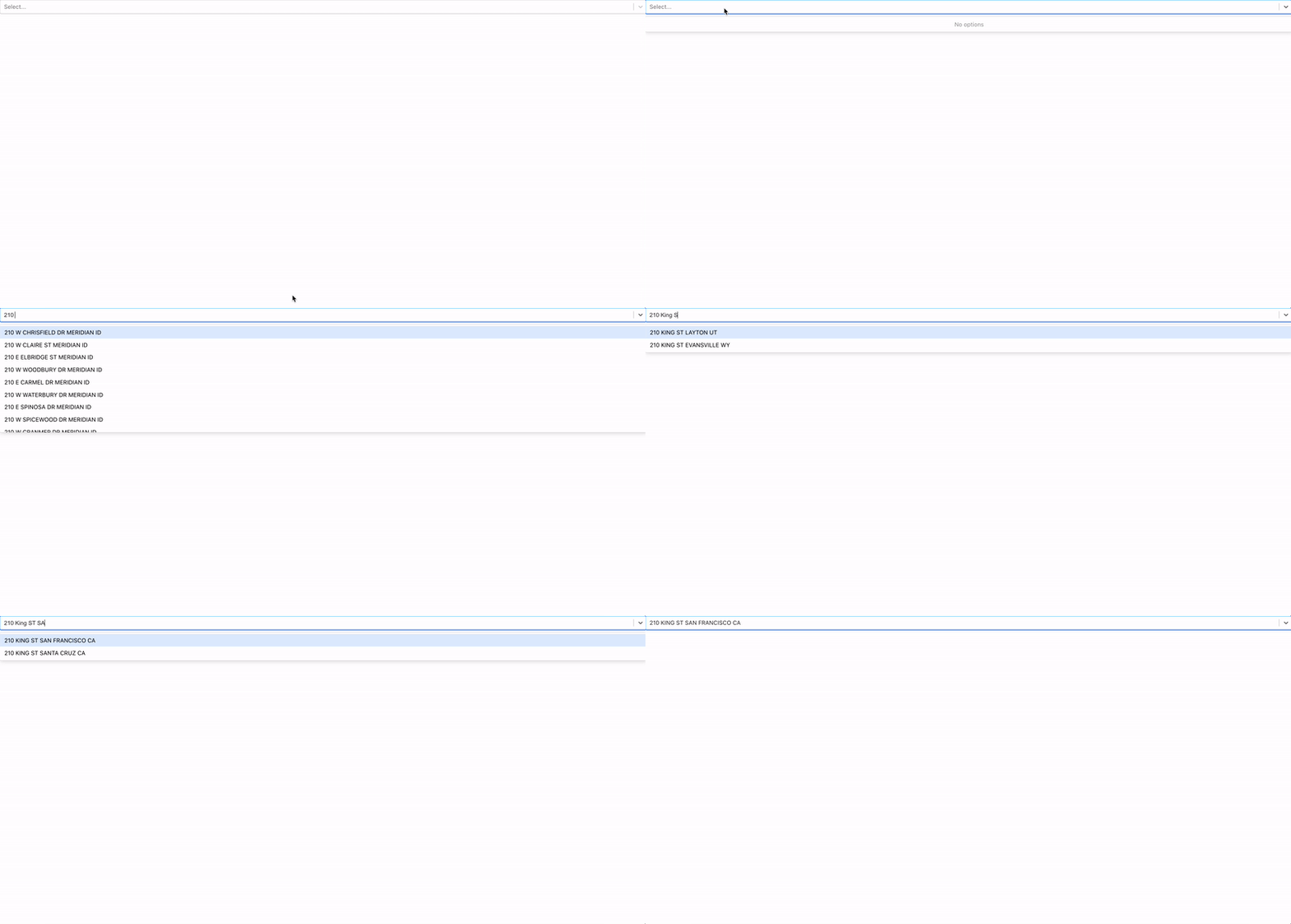
This is a very lightweight Vue component that uses the Lob Autocomplete API in order to simplify the process of adding in a search autocomplete bar. Check out the Autocomplete API on [Postman](https://www.postman.com/lobteam/workspace/lob-public-workspace/overview) or [Lob Documentation](https://docs.lob.com/)
## Demo
## Demo Code
```jsx
```
## Install
```bash
npm install --save vue-lob-address-autocomplete
```
## Getting API Keys
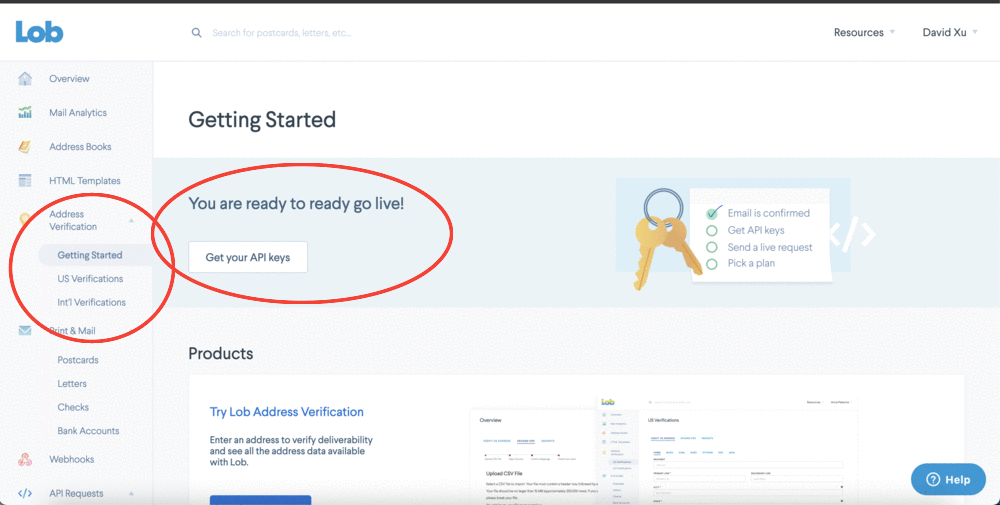
Head to [Lob.com](https://www.lob.com/) and create your account. Head to the dashboard and click on Address Verification Getting Started to find your API keys. It's reccomended to use your publishable Live key for front end components.

## Usage
#### APIKEY
Add in the API Key you retrieved from the Lob Dashboard and plug it in as an APIKEY prop.
#### SelectedLocation Event
After adding in your API key the only only prop you need is a function to handle the selection process when a user chooses a location. Autocomplete will emit a location which can be caught like using any method.
```vue
@selectedLocation="method($event)"
```
### Location object
When handling a SelectedLocation event, an object will be returned with the following schema:
```json
{
"location": {
"primary_line": "185 BAYSIDE VILLAGE PL",
"city": "SAN FRANCISCO",
"state": "CA",
"zip_code": "94107"
},
"label": "185 BAYSIDE VILLAGE PL SAN FRANCISCO CA 94107"
}
```
## License
MIT © [lob](https://github.com/lob)
