# vue-digital-clock
> A digital clock component built with Vue.js
## Installation
With NPM:
```shell
npm install --save vue-digital-clock
```
With Yarn
```shell
yarn add vue-digital-clock
```
And import it into your project
```javascript
import DigitalClock from "vue-digital-clock";
```
## Props
| Prop | Type | Usage |
| ------ | ---- | ------ |
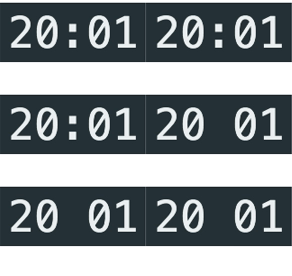
| blink | Boolean | Set as true to have the colon blink with the seconds|
| displaySeconds | Boolean | Set as true to display seconds|
| twelveHour | Boolean | Set as true to display times with AM/PM|
## Example
```vue
```
## Screenshot