Verminal
INTRODUCTION
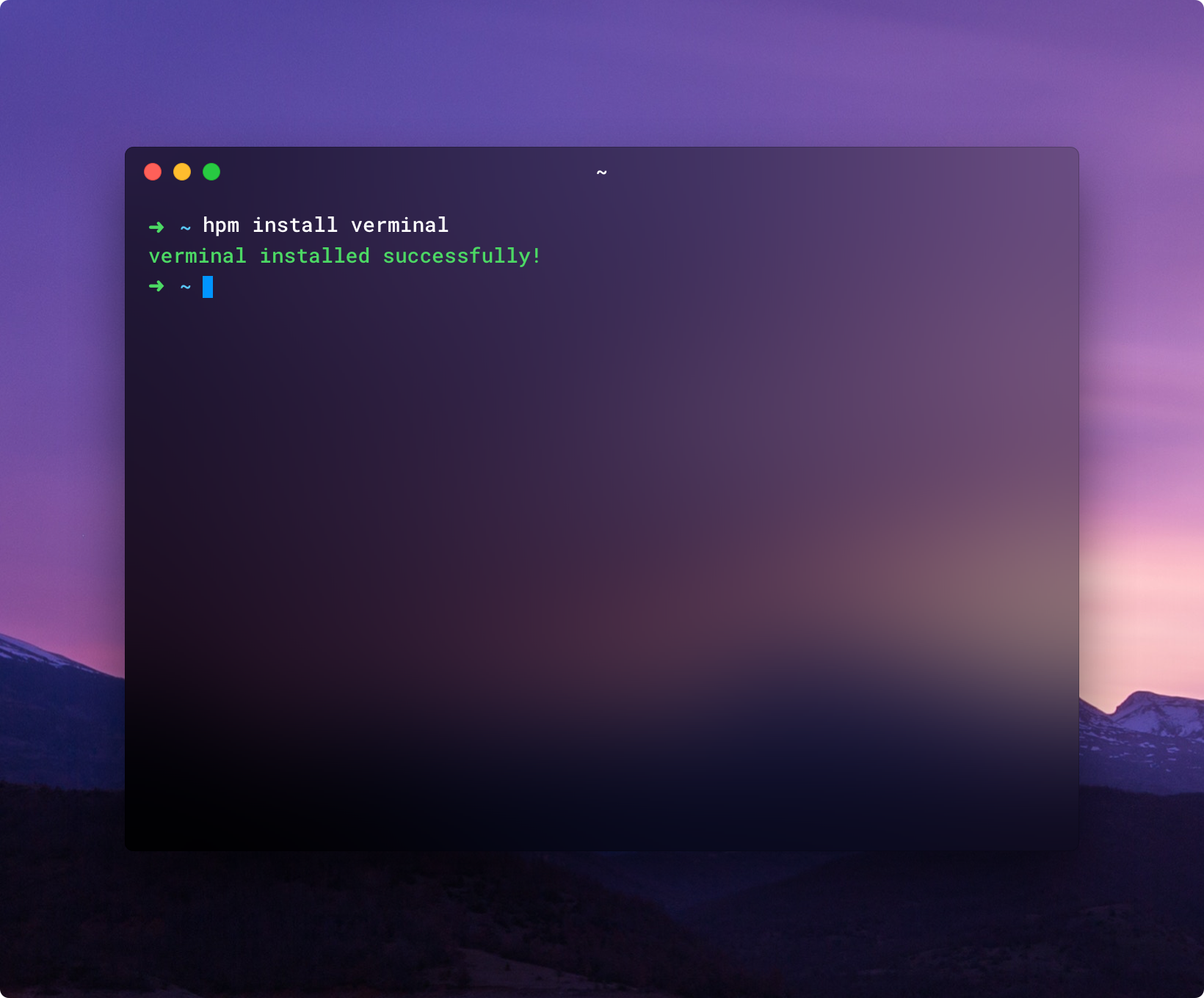
Verminal is a beautiful, fully customizable, theme for the Hyper terminal.

## 🛠 Install
Installing the Verminal theme for your Hyper terminal couldn't be easier.
###### Inside Your Hyper Terminal
1. `hyper i verminal`
###### Manually
1. Open `~/.hyper.js` in your favorite editor.
2. Add `verminal` to the `plugins` array.
3. Enjoy Verminal.
## ⚙️ Configure
Verminal aims to deliver a beautiful experience out of the box. However, you can override the font-family or font-size specified by Verminal.
1. Open `~/.hyper.js` in your favorite editor.
2. Add a `verminal` object to the `config` object and specify `fontFamily` and/or `fontSize`.
###### Example
```javascript
verminal: {
fontFamily: '"My favourite font"',
fontSize: 16
}
```
## ⚡️ Contribute
Verminal is built by developers, for developers. If you are a developer and want to help improve our themes, you're more than welcome to contribute.
1. [Fork](https://help.github.com/articles/fork-a-repo/) this repository to your own GitHub account.
2. [Clone](https://help.github.com/articles/cloning-a-repository/) to your local device: `git clone git@github.com:/verminal.git`
3. Install the dependencies: `npm install`
## 👭 Friends
- [ZEIT](https://github.com/zeit)
## 🔑 License
[MIT](https://github.com/defringe/verminal/blob/master/license) © [Vernon de Goede](https://twitter.com/vernon_dg)