# Vega-Lite API  [](https://www.npmjs.com/package/vega-lite-api)
[](https://github.com/vega/vega-lite-api/actions)
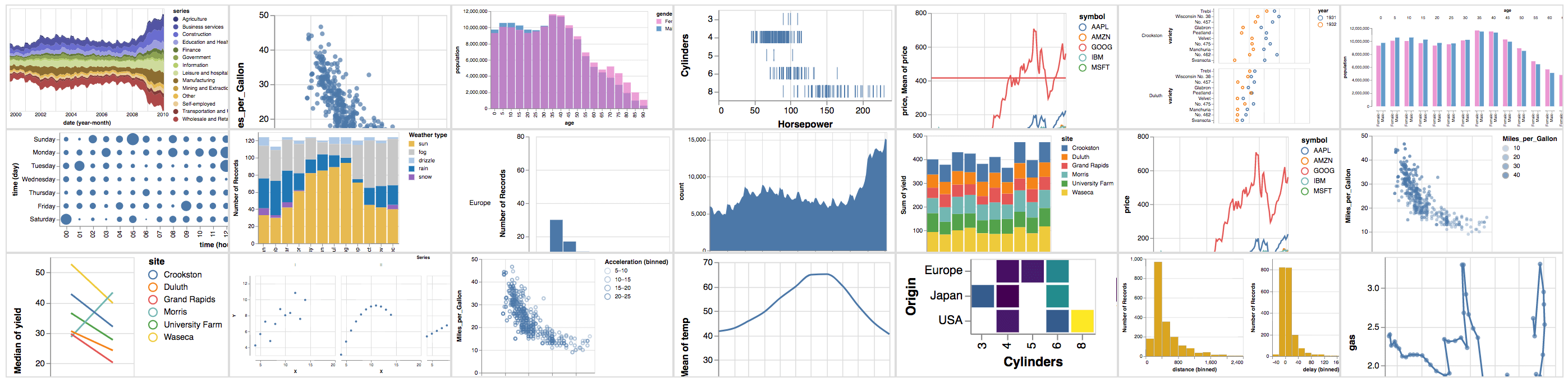
A JavaScript API for creating Vega-Lite JSON specifications. [Vega-Lite](https://vega.github.io/vega-lite/) is a high-level grammar for visual analysis that generates complete [Vega](https://vega.github.io/) specifications.
With the Vega-Lite API, you can write JavaScript code like this:
```js
vl.markBar().data('data/movies.json').encode(
vl.x().fieldQ('IMDB_Rating').bin(true),
vl.y().count()
)
```
To produce Vega-Lite JSON like this:
```json
{
"mark": "bar",
"data": {"url": "data/movies.json"},
"encoding": {
"x": {
"bin": true,
"field": "IMDB_Rating",
"type": "quantitative"
},
"y": {
"aggregate": "count",
"type": "quantitative"
}
}
}
```
To get started with the Vega-Lite API, see these Observable notebooks:
- [Introduction to Vega-Lite](https://observablehq.com/@uwdata/introduction-to-vega-lite)
- [Vega-Lite API](https://observablehq.com/@vega/vega-lite-api-v5)
- [Vega-Lite API Collection](https://observablehq.com/collection/@vega/vega-lite-api)
## Build Instructions
For a basic setup allowing you to build the API and run tests:
- Clone `https://github.com/vega/vega-lite-api`.
- Run `npm i` to install dependencies for all packages.
- Once installation is complete, run `npm run build` to build the API generator and generate API source code in the `src` directory. Run `npm test` to additionally run the test suite.
## API Reference
See the [Vega-Lite JavaScript API Reference](https://vega.github.io/vega-lite-api/api).
## Usage
### vega-lite API For Observable Notebooks
Just import it like this:
~~~js
import {vl} from '@vega/vega-lite-api'
~~~
### vega-lite API for Browsers
To use the vega-lite API on a browser, you need to include all the dependencies, set the default configuration and finally register it. Here is some starting code you can build from
~~~html
~~~
### vega-lite API For Nodejs
~~~
npm install vega vega-lite vega-tooltip vega-lite-api
~~~
then import everything set your options and register. Here is an example
~~~js
import * as vega from "vega";
import * as vegaLite from "vega-lite";
import * as vegaTooltip from "vega-tooltip";
import * as vl from "vega-lite-api";
const options = {
config: {
// vega-lite default configuration
},
init: (view) => {
// initialize tooltip handler
view.tooltip(new vegaTooltip.Handler().call);
// enable horizontal scrolling for large plots
if (view.container()) view.container().style["overflow-x"] = "auto";
},
view: {
// view constructor options
loader: vega.loader({
baseURL: "https://cdn.jsdelivr.net/npm/vega-datasets@1/",
}),
renderer: "canvas",
},
};
vl.register(vega, vegaLite, options);
const chart = vl
.markBar({ tooltip: true })
.data([
{ a: "A", b: 28 },
{ a: "B", b: 55 },
{ a: "C", b: 43 },
{ a: "D", b: 91 },
{ a: "E", b: 81 },
{ a: "F", b: 53 },
{ a: "G", b: 19 },
{ a: "H", b: 87 },
{ a: "I", b: 52 },
])
.encode(
vl.x().fieldQ("b"),
vl.y().fieldN("a"),
vl.tooltip([vl.fieldQ("b"), vl.fieldN("a")])
);
// Pretty print the spec just for testing
console.log(JSON.stringify(chart.toJSON(), null, 2));
~~~
[](https://www.npmjs.com/package/vega-lite-api)
[](https://github.com/vega/vega-lite-api/actions)

A JavaScript API for creating Vega-Lite JSON specifications. [Vega-Lite](https://vega.github.io/vega-lite/) is a high-level grammar for visual analysis that generates complete [Vega](https://vega.github.io/) specifications.
With the Vega-Lite API, you can write JavaScript code like this:
```js
vl.markBar().data('data/movies.json').encode(
vl.x().fieldQ('IMDB_Rating').bin(true),
vl.y().count()
)
```
To produce Vega-Lite JSON like this:
```json
{
"mark": "bar",
"data": {"url": "data/movies.json"},
"encoding": {
"x": {
"bin": true,
"field": "IMDB_Rating",
"type": "quantitative"
},
"y": {
"aggregate": "count",
"type": "quantitative"
}
}
}
```
To get started with the Vega-Lite API, see these Observable notebooks:
- [Introduction to Vega-Lite](https://observablehq.com/@uwdata/introduction-to-vega-lite)
- [Vega-Lite API](https://observablehq.com/@vega/vega-lite-api-v5)
- [Vega-Lite API Collection](https://observablehq.com/collection/@vega/vega-lite-api)
## Build Instructions
For a basic setup allowing you to build the API and run tests:
- Clone `https://github.com/vega/vega-lite-api`.
- Run `npm i` to install dependencies for all packages.
- Once installation is complete, run `npm run build` to build the API generator and generate API source code in the `src` directory. Run `npm test` to additionally run the test suite.
## API Reference
See the [Vega-Lite JavaScript API Reference](https://vega.github.io/vega-lite-api/api).
## Usage
### vega-lite API For Observable Notebooks
Just import it like this:
~~~js
import {vl} from '@vega/vega-lite-api'
~~~
### vega-lite API for Browsers
To use the vega-lite API on a browser, you need to include all the dependencies, set the default configuration and finally register it. Here is some starting code you can build from
~~~html
~~~
### vega-lite API For Nodejs
~~~
npm install vega vega-lite vega-tooltip vega-lite-api
~~~
then import everything set your options and register. Here is an example
~~~js
import * as vega from "vega";
import * as vegaLite from "vega-lite";
import * as vegaTooltip from "vega-tooltip";
import * as vl from "vega-lite-api";
const options = {
config: {
// vega-lite default configuration
},
init: (view) => {
// initialize tooltip handler
view.tooltip(new vegaTooltip.Handler().call);
// enable horizontal scrolling for large plots
if (view.container()) view.container().style["overflow-x"] = "auto";
},
view: {
// view constructor options
loader: vega.loader({
baseURL: "https://cdn.jsdelivr.net/npm/vega-datasets@1/",
}),
renderer: "canvas",
},
};
vl.register(vega, vegaLite, options);
const chart = vl
.markBar({ tooltip: true })
.data([
{ a: "A", b: 28 },
{ a: "B", b: 55 },
{ a: "C", b: 43 },
{ a: "D", b: 91 },
{ a: "E", b: 81 },
{ a: "F", b: 53 },
{ a: "G", b: 19 },
{ a: "H", b: 87 },
{ a: "I", b: 52 },
])
.encode(
vl.x().fieldQ("b"),
vl.y().fieldN("a"),
vl.tooltip([vl.fieldQ("b"), vl.fieldN("a")])
);
// Pretty print the spec just for testing
console.log(JSON.stringify(chart.toJSON(), null, 2));
~~~