# translate-components 🌎🌍🌏
[](https://travis-ci.org/zamarrowski/translate-components)
translate-components provides a super simple translation for React. Write your application in your language and use translate-components to annotate which texts should be translated.
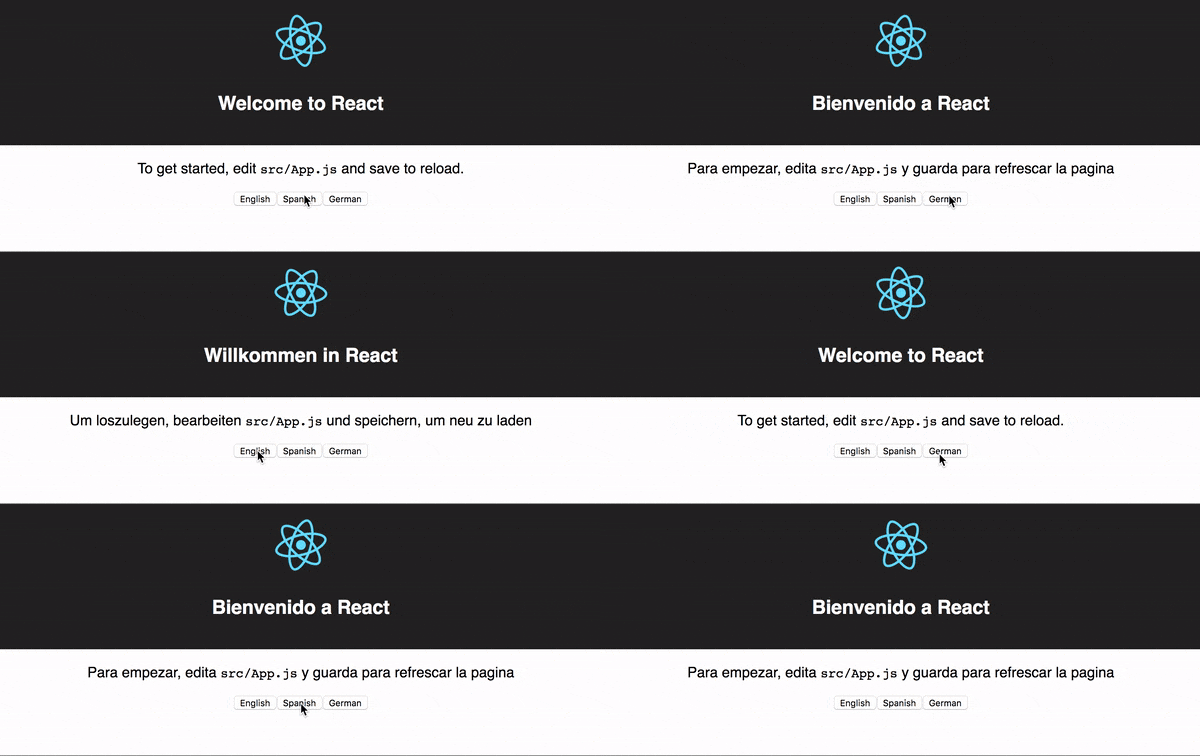
# Demo
# Features
* Write in your language.
* Instant translations without having to refresh your browser.
* Easy to use.
* Support for create-react-app.
# Install
```
npm install --save translate-components
```
# How to use
```
//index.js
import React from 'react';
import ReactDOM from 'react-dom';
import App from './App';
import { TranslateProvider } from 'translate-components'
import './index.css';
import translations from './translations.json'
ReactDOM.render(
,
document.getElementById('root')
);
```
Wrap your application with TranslateProvider, pass the translations and the default language of your application.
```
import React, { Component } from 'react';
import logo from './logo.svg';
import './App.css';
import Translate from 'translate-components'
import { reactTranslateChangeLanguage } from 'translate-components'
class App extends Component {
render() {
return (
Welcome to React
To get started, editsrc/App.jsand save to reload.
);
}
}
export default App;
```
Use ```Translate``` component to wrap the text you want to translate.
Use ```reactTranslateChangeLanguage``` to change the language of your application. Pass to ```reactTranslateChangeLanguage``` function, as first argument, the language. This translate instantly your application!
Of course, you need to have a translation **JSON** file to pass it to TranslateProvider like this:
```
{
"Welcome to React": {
"es": "Bienvenido a React",
"de": "Willkommen in React"
},
"To get started, edit": {
"es": "Para empezar, edita",
"de": "Um loszulegen, bearbeiten"
},
"and save to reload.": {
"es": "y guarda para refrescar la pagina",
"de": "und speichern, um neu zu laden"
}
}
```
By default the ```Translate``` component wraps the tranlated text into a `````` element. Additionally, you can use the prop ```useRawText``` from the ```Translate``` component to render the tranlated text with no wrapping. This will be useful to render the text in elements that don't support nested `````` as well as for other user cases like placeholders in `````` elements. E.g.
```
Número Telefónico} />
```
**The default language passed to TranslateProvider is the key of your translation objects.**
# Extracting strings
Once we have our app annotated with **Translate** component it's now time to extract these strings automatically.
To extract these string we need to create a Javascript file that we will run with NodeJS.
In this file we should import **getTranslations**:
```
let extractTranslations = require('./../translate-components/lib/getTranslations')
extractTranslations.extract('./src/*.js', './src/translations.json', ['es', 'de'])
```
extractTranslations.extract() needs three params:
* Files RegExp
* File translation output
* Languages
If a translation file not exist, translate-components will create a file but if it already exist will add the new translations.
Execute node pathToYourFile.js and that will generate a translations file!
## Debug mode (Highlight texts)
Enable debug mode to higlight untranslated texts.
```
```
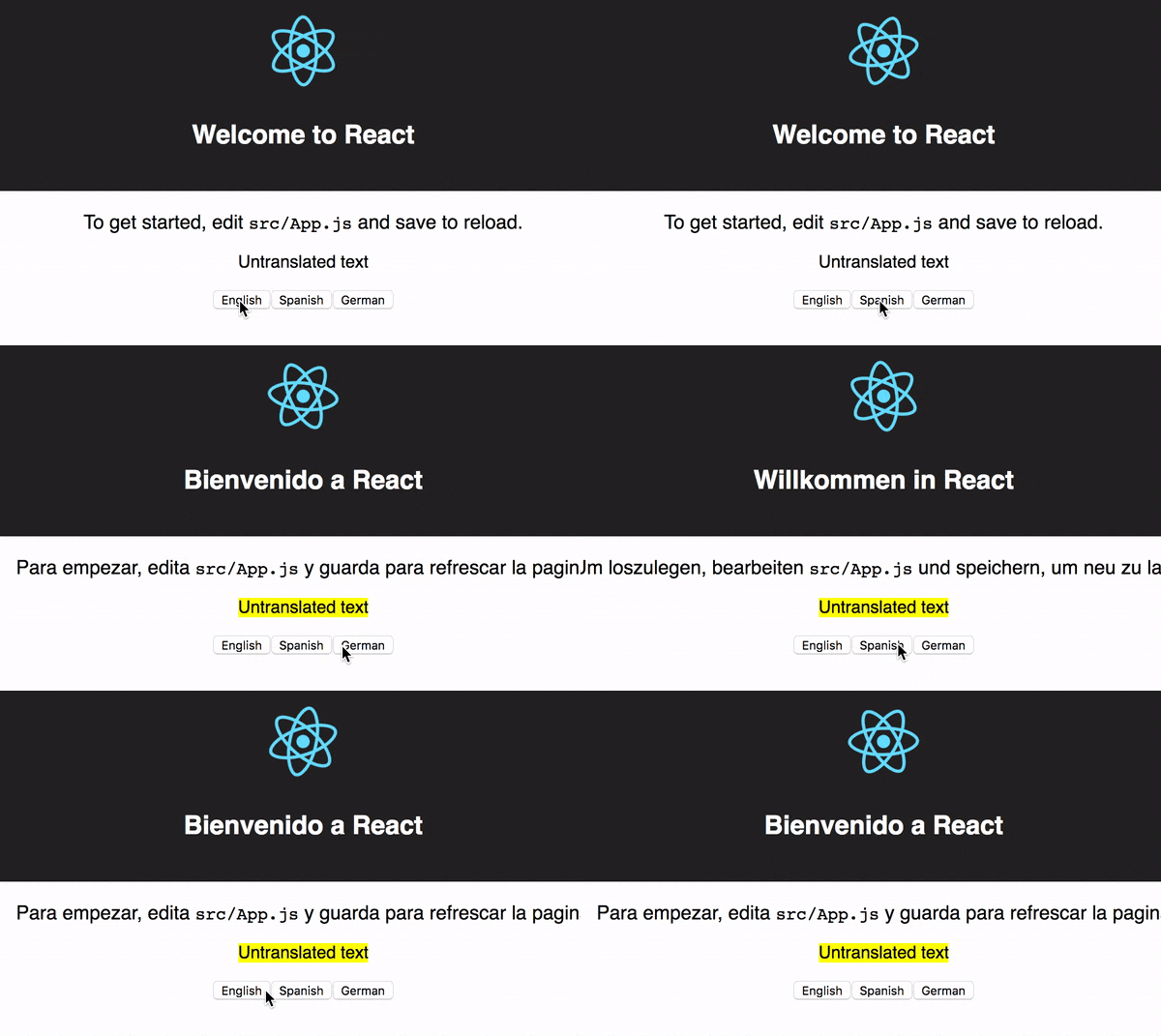
When translate-components does not found a translate for a certain text this text will be higlighted with a background yellow. Demo: