# jQuery Timeline Plugin
jQuery timeline plugin, easily creates a timeline.
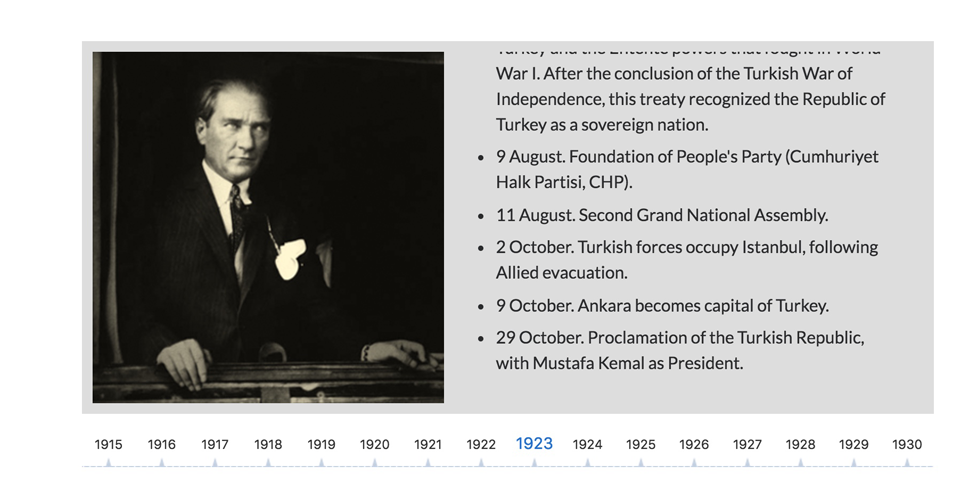
Getting Started:
-------
Timeline.js is now setup and ready to be used with [Bower](https://bower.io/) and [NPM](https://www.npmjs.com/package/timelinejs-slider) and can be installed using the following commands.
```shell
bower install timelinejs-slider
npm install timelinejs-slider
```
Include the jQuery library and plugin:
```html
```
Include the plugin css file:
```html
```
Html markup:
```html
your content or markup
your content or markup
your content or markup
your content or markup
your content or markup
```
Start plugin:
```js
$(function(){
$('.js-timeline').Timeline();
});
```
Options:
_Available options listed below._
```js
$('.timeline').Timeline({
autoplay: false,
// value: boolean | Enables Autoplay
autoplaySpeed: 3000,
// value: integer | Autoplay Speed in milliseconds
mode: 'horizontal',
// value: horizontal | vertical, default to horizontal
itemClass: 'timeline-item',
// value: item class
dotsClass: 'timeline-dots',
// value: dots item class
activeClass: 'slide-active',
// value: item and dots active class
prevClass: 'slide-prev',
// value: item and dots prev class
nextClass: 'slide-next',
// value: item and dots next class
startItem: 'first', // first|last|number
// value: first | last | number , default to first
dotsPosition: 'bottom',
// value: bottom | top, default to bottom
pauseOnHover: true,
// value: boolean | Pause Autoplay On Hover
pauseOnDotsHover: false,
// value: boolean | Pause Autoplay when a dot is hovered
});
```
Demo
-------
https://ilkeryilmaz.github.io/timelinejs/
Tasks
-------
- [x] ~~Basic plugin~~
- [x] ~~Demo page and documentation~~
- [ ] Mouse drag and touch support
- [ ] Mobile support
- [ ] Next/prev button
- [ ] Advanced features (date slider, autoplay etc.)