THREE.DecalGeometry.js
=========================
This object creates a decal geometry, intersecting a cube against a THREE.Geometry. Based on this article [How to project decals](http://blog.wolfire.com/2009/06/how-to-project-decals/). It interesects a cube against an arbitrary geometry and clips vertex coordinates and normals.
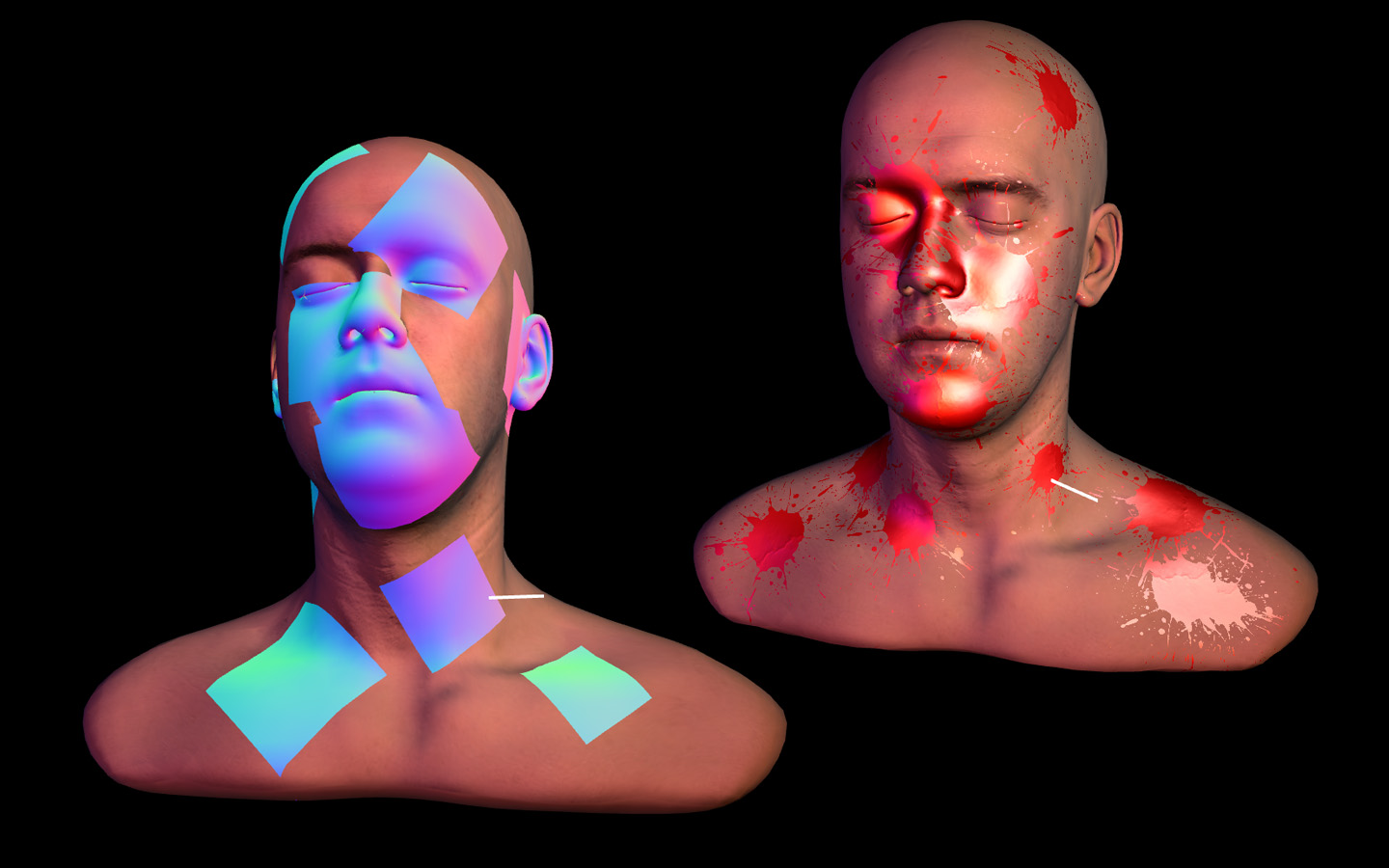
Demo is here: [Decal Splatter](http://clicktorelease.com/code/decal-splatter).
How to use
----------
Include the library:
<script src="THREE.DecalGeometry.js" ></script>
Instantiate a geometry passing:
var decalGeometry = new THREE.DecalGeometry(
    meshToIntersect, // it has to be a THREE.Geometry
    position, // THREE.Vector3 in world coordinates
    direction, // THREE.Vector3 specifying the orientation of the decal
    dimensions, // THREE.Vector3 specifying the size of the decal box
    check // THREE.Vector3 specifying what sides to clip (1-clip, 0-noclip)
);
and create a mesh using that geometry, as usual:
var mesh = new THREE.Mesh( decalGeometry, decalMaterial );
The decal material can be any material, just make sure to have this attributes enabled:
var decalMaterial = new THREE.MeshNormalMaterial( {
    transparent: true,
	depthTest: true,
	depthWrite: false,
	polygonOffset: true,
	polygonOffsetFactor: -4,
});
License
-------
MIT licensed
Copyright (C) 2014 Jaume Sanchez Elias http://twitter.com/thespite
Lee Perry Smith's head model and textures by [Infinite Realities](http://www.ir-ltd.net/)
http://www.clicktorelease.com