<div align="">
  <a href="https://versoly.com/taos" align=""><h1>TAOS</h1></a>
  <p>Tailwind CSS Animation on Scroll - A simple and small (600 bytes) library to help animate elements while scrolling using responsive Tailwind CSS utility classes. React & Vue supported.</p>

  <p>
      <a href="https://discord.versoly.com"><img src="https://flat.badgen.net/badge/icon/discord?icon=discord&label" alt="Discord"></a>
      <a href="https://github.com/versoly/taos/blob/main/LICENSE.md"><img src="https://img.shields.io/badge/license-MIT-blue" alt="Licenese"></a>
      <a href="https://unpkg.com/taos@1.0.5/dist/taos.js">
          <img src="https://flat.badgen.net/badgesize/brotli/https://unpkg.com/taos@1.0.5/dist/taos.js?icon=jsdelivr&label&color=blue&cache=10800" alt="brotli bundle size">
      </a>
  </p>
</div>

------

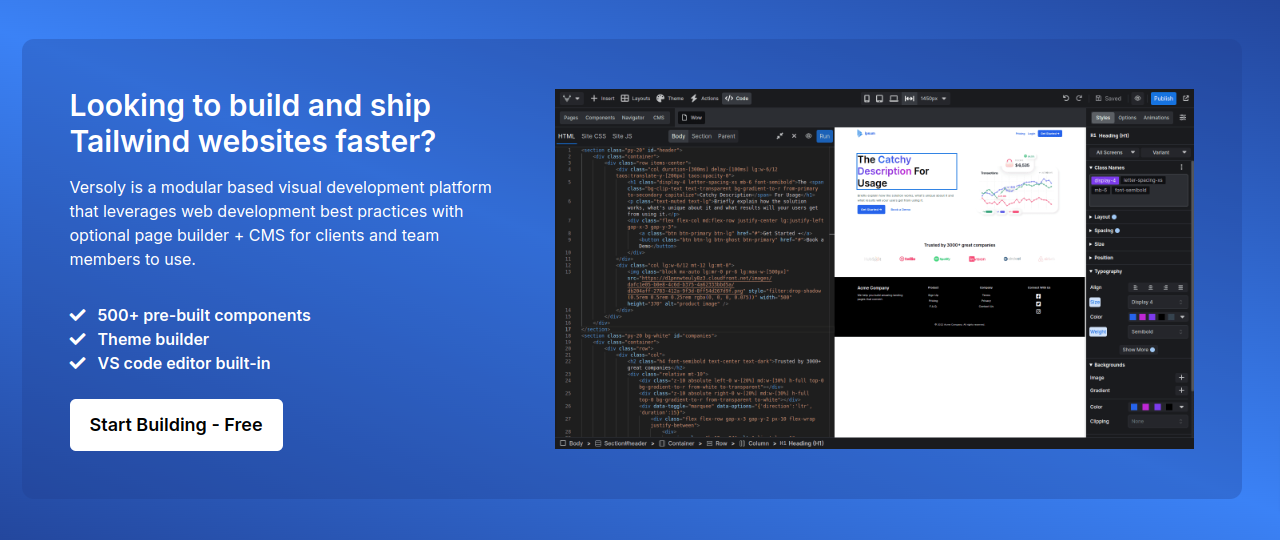
[![Versoly - Tailwind page builder](public/versoly.png)](https://versoly.com/tailwind-page-builder?utm_source=github&utm_medium=repo&utm_campaign=image&utm_term=taos)


------
## Table of Contents

- [Table of Contents](#table-of-contents)
- [Demo](#demo)
- [Getting started](#getting-started)
  - [Installation](#installation)
  - [Add JavaScript scripts](#add-javascript-scripts)
- [TAOS Frequently Asked Questions](#taos-frequently-asked-questions)
- [JS Frameworks](#js-frameworks)
- [Inspiration](#inspiration)
- [Community](#community)

## Demo

To view 20+ examples of TAOS in action go to [versoly.com/taos](https://versoly.com/taos).


## Getting started

TAOS can be included as a plugin into an existing Tailwind CSS project and will allow you to add responsive Tailwind CSS utility classes for animation on scroll.

### Installation

Install the plugin from npm:
```shell
npm install taos --save
```

Then add to your main `style.css` file:
```css
@custom-variant taos (&.taos-init:where(:not(.taos-animate)));

html.js :where([class*="taos:"]:not(.taos-init)) {
  visibility: hidden;
}

@source inline('!duration-[0ms] !delay-[0ms]');
```

If you are still using **Tailwind CSS v3**, add the plugin and safelist classes to your `tailwind.config.js` file:

```js
// tailwind.config.js
module.exports = {
  theme: {
    // ...
  },
  plugins: [
    // ...
    require('taos/plugin'),
  ],
  safelist: [
    '!duration-[0ms]',
    '!delay-[0ms]',
    'html.js :where([class*="taos:"]:not(.taos-init))',
  ]
}
```

### Add JavaScript scripts

Add the CDN script or download and paste before the closing `</body>` tag
```html
  <script src="https://unpkg.com/taos@1.0.5/dist/taos.js"></script>
</body>
```

Add script in `<head>`
```html
  <script>document.documentElement.classList.add('js')</script>
</head>
```


## TAOS Frequently Asked Questions

### Why do you use MutationObserver instead of IntersectionObserver

MutationObserver is a cleaner solution to check if the element is in view on page load and refresh. With IntersectionObserver it would require more code on top just to handle that part.

## JS Frameworks

- [React](https://github.com/versoly/taos/tree/main/packages/react)
- [Vue](https://github.com/versoly/taos/tree/main/packages/vue)


## Inspiration

- [AOS](https://github.com/michalsnik/aos): is a great library and works by using custom classes such as aos-animate to animate elements.
- [Tailwind](https://tailwindcss.com/): created an easy to use utility library that is easily extendable and flexible. Their variant and just in time compiler changed the game for developers.


## Community

If you need help or just want to discuss about the library join the community on Github:

[Discuss about Versoly on GitHub](https://github.com/versoly/taos/discussions)

For casual chatting with others using the library:

[Join the Versoly Discord Server](https://discord.versoly.com)