Vue components built for Vue3 powered by Uno CSS or tailwindcss
## 🚀 Features
- 🌔 All components and classes include dark-mode support
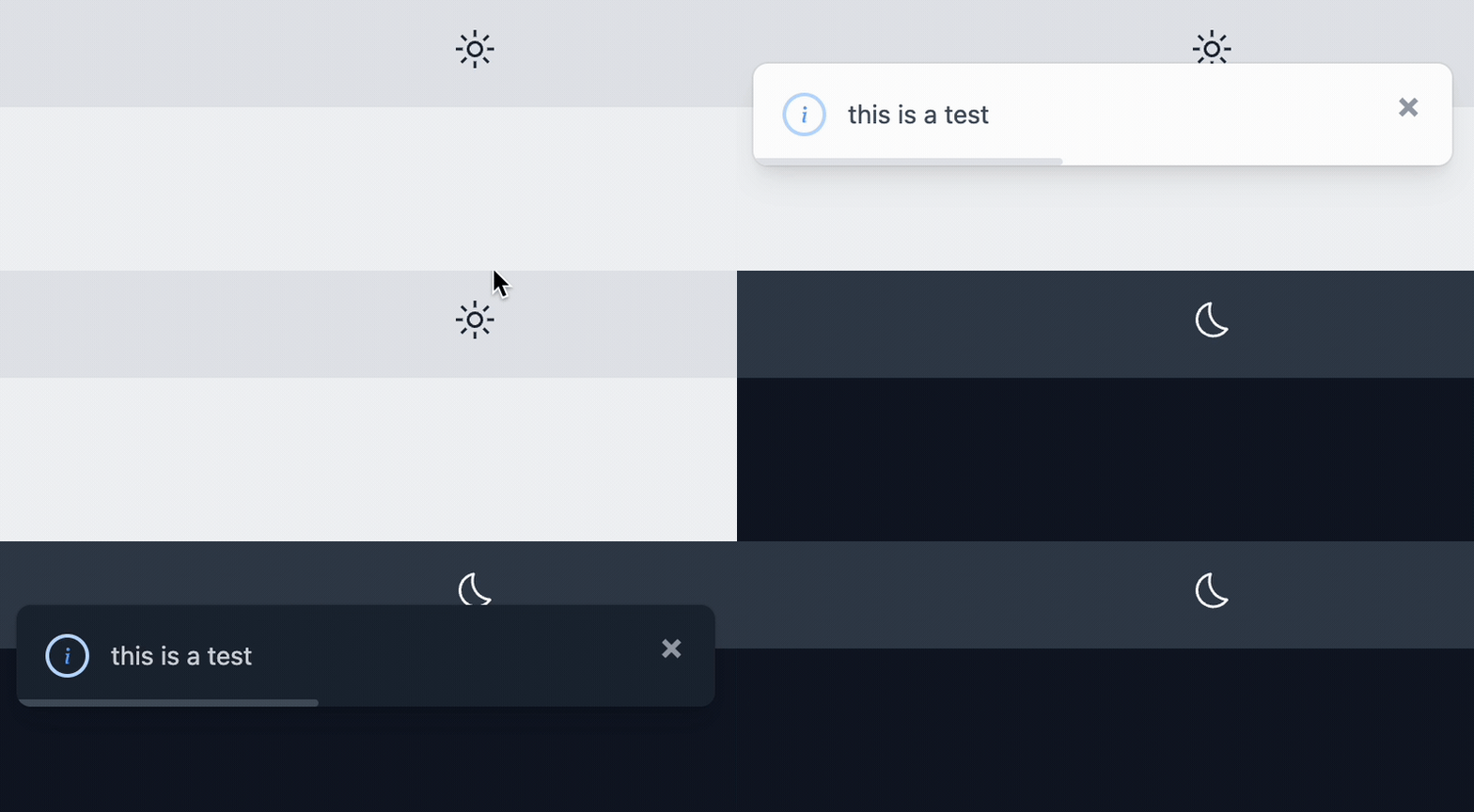
- 🔌 Programmatic toasts
```ts
$toast.show('this is a test');
```

```ts
$toast.show({
type: 'danger',
message: 'single action toast',
timeout: 6,
primary: {
label: 'UNDO',
action: () => $toast.show('you clicked UNDO')
}
})
```
- 🔌 Programmatic modals

```ts
$modal.show({
type: 'danger',
title: 'This is the title property',
body: 'This is the body property.',
primary: {
label: 'Primary Action',
theme: 'red',
action: () => $toast.show('Primary Button clicked'),
},
secondary: {
label: 'Secondary Action',
theme: 'white',
action: () => $toast.show('Clicked Secondary'),
},
})
```
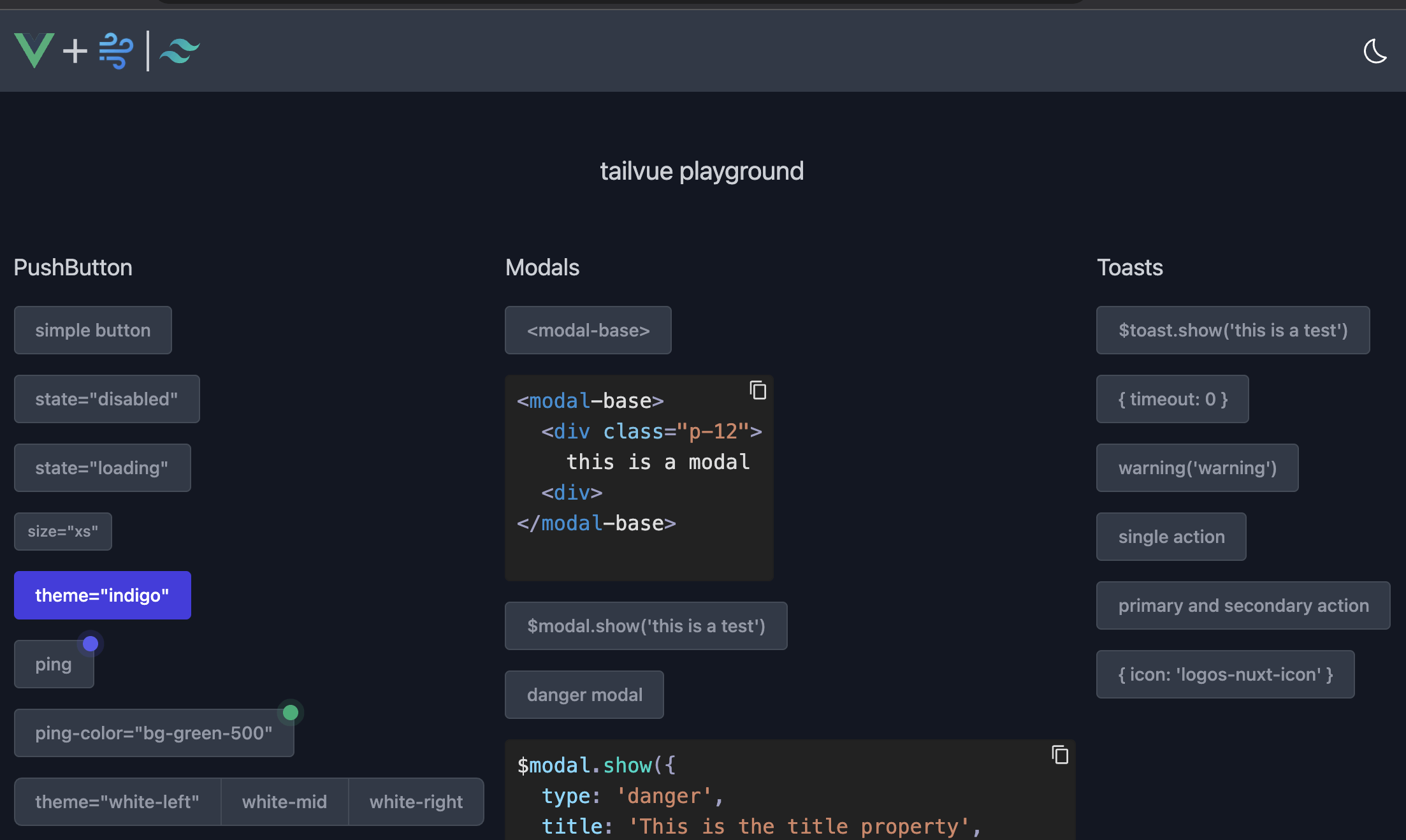
- 🎪 Interactive playground! - just run `yarn; yarn dev`
- ✨ Tons of other components that will be documented shortly!
## Installation
### NuxtJS v3
```bash
yarn add --dev @tailvue/nuxt
```
* Add this to your `nuxt.config.ts`
```ts
modules: [
// ...
'@tailvue/nuxt',
],
```
> **Note**
> If you are using Nuxt 2 you may need to put this in of the `buildModules` array
### Vue3
```bash
yarn add tailvue
```
```ts
import { useToast, useModal } from 'tailvue'
const $toast = useToast()
const $modal = useModal()
```
### Icons
* All Icons are brought in via the [Iconify Vue Component](https://docs.iconify.design/icon-components/vue/)
```bash
yarn add --dev @iconify/vue
```
### UnoCSS
* Install [UnoCSS](https://unocss.dev/)
* Add the following to your `uno.config.ts`
```ts
export default defineConfig({
extract: {
include: [
...
"node_modules/tailvue/dist/tailvue.es.js",
],
},
```
### tailwindcss
* Install [tailwindcss](https://tailwindcss.com/)
* Add the following to your `tailwind.config.js`
```js
module.exports = {
content: [
...
"node_modules/tailvue/dist/tailvue.es.js",
],
}
```