# svg2rough.js
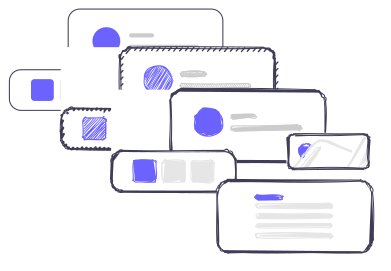




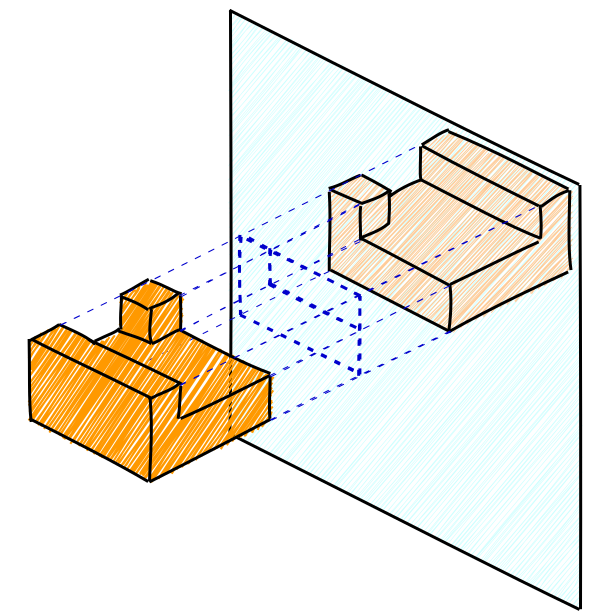
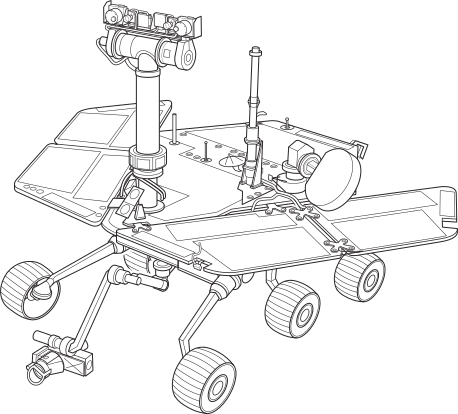
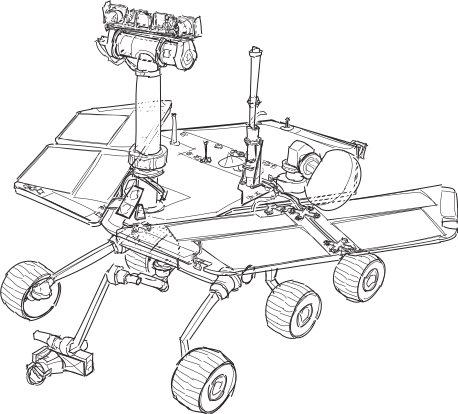
Utilizes [Rough.js](https://github.com/pshihn/rough) to convert an SVG to a hand-drawn visualization.
Try the sample application [here](https://fskpf.github.io/).
## NPM
Install from the NPM registry with
```shell
npm install --save svg2roughjs
```
## Usage
Just import `Svg2Roughjs` and instantiate it with an output div in which the
SVG sketch should be created. Calling `sketch()` outputs the current `svg` to the given element
as hand-drawn sketch.
For reference, a [sample application](https://fskpf.github.io/) is provided in
[`/sample-application/`](https://github.com/fskpf/svg2roughjs/tree/master/sample-application).
### ES Module
```javascript
import { Svg2Roughjs } from 'svg2roughjs'
const svg2roughjs = new Svg2Roughjs('#output-div')
svg2roughjs.svg = document.getElementById('input-svg')
svg2roughjs.sketch()
```
### UMD Bundle
An UMD bundle that ca be loaded via script tags or a module loader e.g.
[RequireJS](https://requirejs.org/) is included in the NPM package or can
be loaded from [unpkg](https://unpkg.com/):
```
https://unpkg.com/svg2roughjs/dist/svg2roughjs.umd.min.js
```
```javascript
```
```javascript
```
## API
### Module Exports
- `Svg2Roughjs`: The main class for the conversion.
- `OutputType`: An enum that is used to switch between `SVG` and `CANVAS` output when targetting an `HTMLDivElement` as output container.
### Methods
- `constructor(target, outputType?, roughConfig?)`
Creates a new Svg2Rough.js instance.
`target` may either be a container `HTMLDivElement` (or a selector for the container) into which a new sketch should be created, or directly an `SVGSVGElement` or `HTMLCanvasElement` that should be used for the output.
The optional `outputType` defaults to the respective mode if `target` is either `SVGSVGElement` or `HTMLCanvasElement`. If targetting an HTML container element, then `OutputType.SVG` is used by default.
- `sketch(sourceSvgChanged = false): Promise`
Clears the configured `target` element and converts the current `svg2roughj.svg` to a hand-drawn sketch.
Setting `sourceSvgChanged` to `true` re-evaluates the given `svg2roughj.svg` as it was set anew. May be used to re-use the same Svg2Rough.js instance and the same SVG element as source container.
### Properties
| Property | Description | Default |
| ----------------- | --------------------------------------------------------------------------------------------------------------------------------- | -------------------------- |
| `svg` | The given `SVGSVGElement` that should be converted. | `undefined` |
| `outputType` | Switch between canvas or SVG output. | `OutputType.SVG` |
| `roughConfig` | [Rough.js options](https://github.com/rough-stuff/rough/wiki#options) object, e.g. to change the fill-style, roughness or bowing. | `{}` |
| `fontFamily` | Font with which text elements should be drawn.
If set to `null`, the text element's original font-family is used. | `'Comic Sans MS, cursive'` |
| `backgroundColor` | Sets a background color onto which the sketch is drawn. | `transparent` |
| `randomize` | Randomize Rough.js' fillWeight, hachureAngle and hachureGap. | `true` |
| `seed` | Optional, numerical seed for the randomness when creating the sketch. | `null` |
| `sketchPatterns` | Whether to sketch pattern fills/strokes or just copy them to the output | `true` |
| `pencilFilter` | Applies a pencil effect on the SVG rendering. | `false` |
## Sample Images
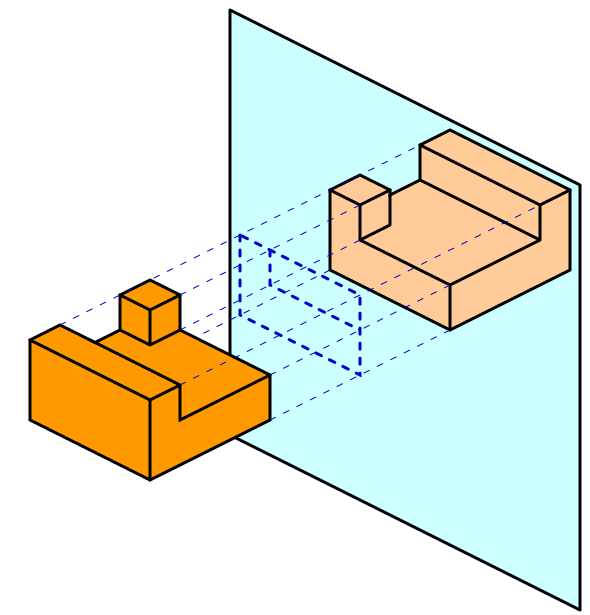
Some sample images with different Svg2rough.js settings. Try it yourself [here](https://fskpf.github.io/).
| SVG | Sketch |
| ----------------------------------------------------------------------------------------------------------------------------------------------------------- | -------------------------------------------------------------------------------------------------------------- |
| 
(created with [yEd Live](https://www.yworks.com/yed-live)) | 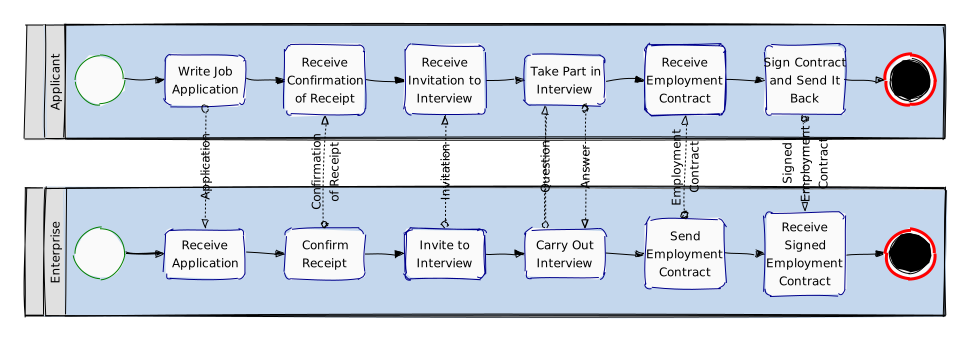
|
| | |
| 
(created with [yEd Live](https://www.yworks.com/yed-live)) | 
|
| | |
| 
(created with [yEd Live](https://www.yworks.com/yed-live)) | 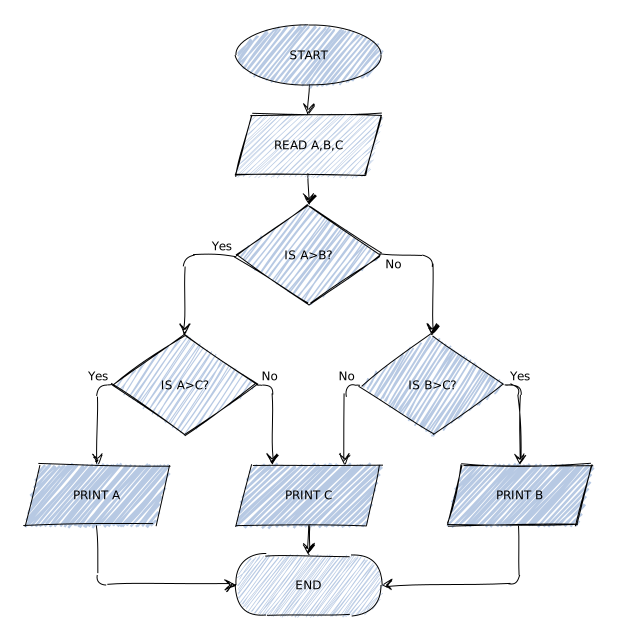
|
| | |
|  |
|  |
| | |
|
|
| | |
|  |
|  |
| | |
|
|
| | |
|  |
|  |
## Local Build
To build the project locally, make sure to have [Node.js](https://nodejs.org/en) installed and run
```
> npm install
> npm run build
```
This creates a local `/dist/` folder containing both, the ES module and UMD build of `svg2roughjs`.
### Tests
To perform all tests on the current build, run
```
npm run test-all
```
This converts all given tests in [`/test/`](https://github.com/fskpf/svg2roughjs/tree/master/test) and
compares the output SVG with the expected string. Each test contains a configuration file with different
settings and a fixed seed to account for the randomness in the sketched output.
## Credits
- [Rough.js](https://github.com/pshihn/rough) – Draws the hand-drawn elements
- [svg-pathdata](https://github.com/nfroidure/svg-pathdata) – Parses SVGPathElements
- [TinyColor](https://github.com/bgrins/TinyColor) – Color manipulation
## License
[MIT License](https://github.com/fskpf/svg2roughjs/blob/master/LICENSE.md) © Fabian Schwarzkopf and Johannes Rössel
|
## Local Build
To build the project locally, make sure to have [Node.js](https://nodejs.org/en) installed and run
```
> npm install
> npm run build
```
This creates a local `/dist/` folder containing both, the ES module and UMD build of `svg2roughjs`.
### Tests
To perform all tests on the current build, run
```
npm run test-all
```
This converts all given tests in [`/test/`](https://github.com/fskpf/svg2roughjs/tree/master/test) and
compares the output SVG with the expected string. Each test contains a configuration file with different
settings and a fixed seed to account for the randomness in the sketched output.
## Credits
- [Rough.js](https://github.com/pshihn/rough) – Draws the hand-drawn elements
- [svg-pathdata](https://github.com/nfroidure/svg-pathdata) – Parses SVGPathElements
- [TinyColor](https://github.com/bgrins/TinyColor) – Color manipulation
## License
[MIT License](https://github.com/fskpf/svg2roughjs/blob/master/LICENSE.md) © Fabian Schwarzkopf and Johannes Rössel