# Strapi-Phone-Validator




---
**Strapi Phone Validator** is an updated and improved version of [strapi-phone-validator](https://www.npmjs.com/package/strapi-phone-validator), now fully compatible with **Strapi v5**.
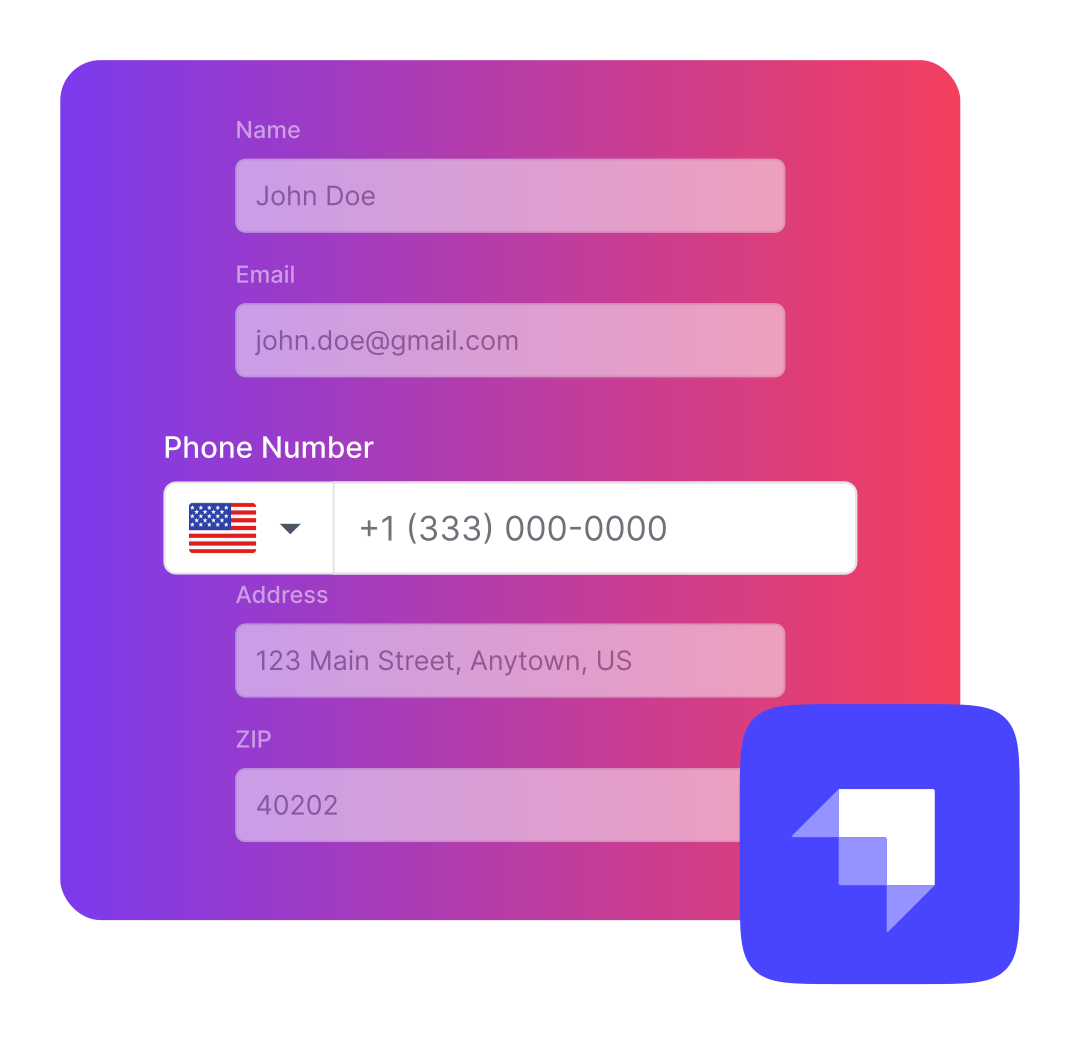
It provides seamless integration into the Strapi admin panel with a UI that matches the Strapi design system and includes built-in support for translations.
This plugin allows you to easily validate phone numbers in multiple formats, including full international support, ensuring accuracy and consistency for phone data in your applications.
It integrates the powerful [React International Phone](https://www.npmjs.com/package/react-international-phone) library for modern and flexible input handling.
## ❗ Requirements
- Strapi v5
## 🔧 Installation
You just need to install the `strapi-phone-validator-5` package via npm or yarn, at the root of your strapi project.
**npm:**
```bash
npm i strapi-phone-validator-5
```
**yarn:**
```bash
yarn add strapi-phone-validator-5
```
## ✨ Usage
Create a custom field for a phone number on content type builder page.

Now you can use Strapi Phone Validator as a custom field.

**To make Strapi Phone Validator work, you should take a look at the next section.**
After restarting your Strapi app, Strapi Phone Validator should be listed as one of your plugins.
## 🚀 Strapi Configuration (required)
Allow Strapi Phone Validator assets to be loaded correctly by customizing the **strapi::security** middleware inside `./config/middlewares.js`.
Instead of:
```js
export default [
// ...
'strapi::security',
// ...
];
```
Write:
```js
export default [
// ...
{
name: "strapi::security",
config: {
contentSecurityPolicy: {
useDefaults: true,
directives: {
"connect-src": ["'self'", "https:"],
"script-src": ["https://cdnjs.cloudflare.com"],
"media-src": ["https://cdnjs.cloudflare.com"],
"img-src": ["https://cdnjs.cloudflare.com"],
},
},
},
},
// ...
];
```