
---
---
---
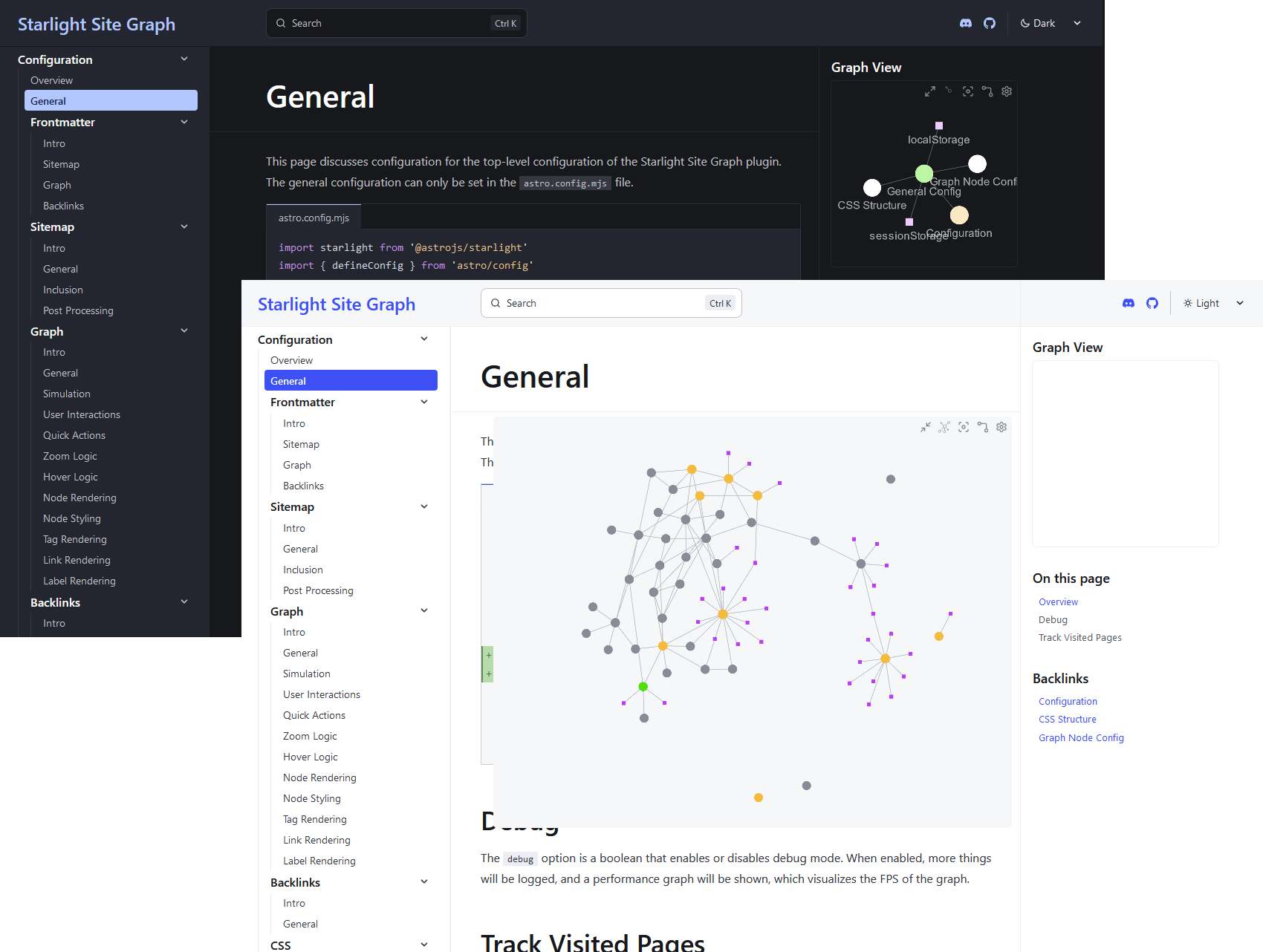
A package/plugin for [Starlight](https://starlight.astro.build/) and [Astro](https://astro.build/)
which allows you to add a graph to your website, visualizing connections between pages.
---
## 📑 Table of Contents
- [📑 Table of Contents](#table-of-contents)
- [🧰 Set-up](#setup)
- [💬 Discussion and Feedback](#discussion-and-feedback)
- [💎 Acknowledgements](#acknowledgements)
- [🤝 Contributors](#contributors)
- [❤️ Support](#support)
---
## 🧰 Set-up
You can install this package from [npm](https://www.npmjs.com/package/starlight-site-graph) from your favourite package manager:
```bash
npm install starlight-site-graph
```
If you are using Starlight, you can just add the following to your `astro.config.mjs`:
```js
// astro.config.mjs
import starlight from '@astrojs/starlight'
import { defineConfig } from 'astro/config'
import starlightSiteGraph from 'starlight-site-graph'
export default defineConfig({
integrations: [
starlight({
plugins: [starlightSiteGraph({ ... })],
title: 'My Docs',
}),
],
})
```
If you are just using Astro, you will instead need to register it as follows:
```js
// astro.config.mjs
import sitegraphSitemapIntegration from 'starlight-site-graph/integration';
import { defineConfig } from 'astro/config'
export default defineConfig({
prefetch: true,
integrations: [
// ...
sitegraphSitemapIntegration({ ... })
]
})
```
For more information, check out the [Getting Started](https://fevol.github.io/starlight-site-graph/getting-started/) guide.
## 💬 Discussion and Feedback
Any feedback would _very_ much be appreciated. Please use the [GitHub issue tracker](https://github.com/Fevol/starlight-site-graph/issues/new) to report bugs, request features,
or suggest improvements, or message me over on Discord (`@fevol`).
---
## 💎 Acknowledgements
This plugin makes use of existing projects such as:
- [D3.js](https://d3js.org/) - For the graph visualization
- [PixiJS](https://www.pixijs.com/) - For the canvas rendering
- [Pixi Stats](https://github.com/Prozi/pixi-stats) - For the FPS counter
- [micromatch](https://github.com/micromatch/) - For glob pattern matching
And was originally inspired by [Quartz](https://github.com/jackyzha0/quartz)'s graph component.
This README makes use of [shields.io](https://shields.io) for adding badges to display some cursory information about the project.
---
## 🤝 Contributors
[mProjectsCode](https://github.com/mProjectsCode/) - For making large improvements to the graph's rendering logic and fixing many bugs.
[HiDeoo](https://github.com/HiDeoo/) and [Delucis](https://github.com/delucis) - For helping me to figure out how to solve some of the more difficult problems I encountered, and giving many helpful suggestions on how to improve the project.
---
## ❤️ Support
If you like this project, please consider giving it a star on GitHub,
contributing some code, or sponsoring me via [GitHub Sponsors](https://github.com/sponsors/Fevol).





