# SenangWebs Gallery (SWG)
SenangWebs Gallery (SWG) is a lightweight JavaScript library that provides a modern, responsive modal image gallery with smooth transitions and intuitive navigation. With minimal setup, you can transform your image collections into an engaging gallery experience, complete with captions and keyboard controls.
[](LICENSE.md)
[](https://github.com/bookklik-technologies/senangstart-icons)
| example 1 | example 2 |
| ------------------------------------------------------------------------------------------------------------- | ------------------------------------------------------------------------------------------------------------- |
| 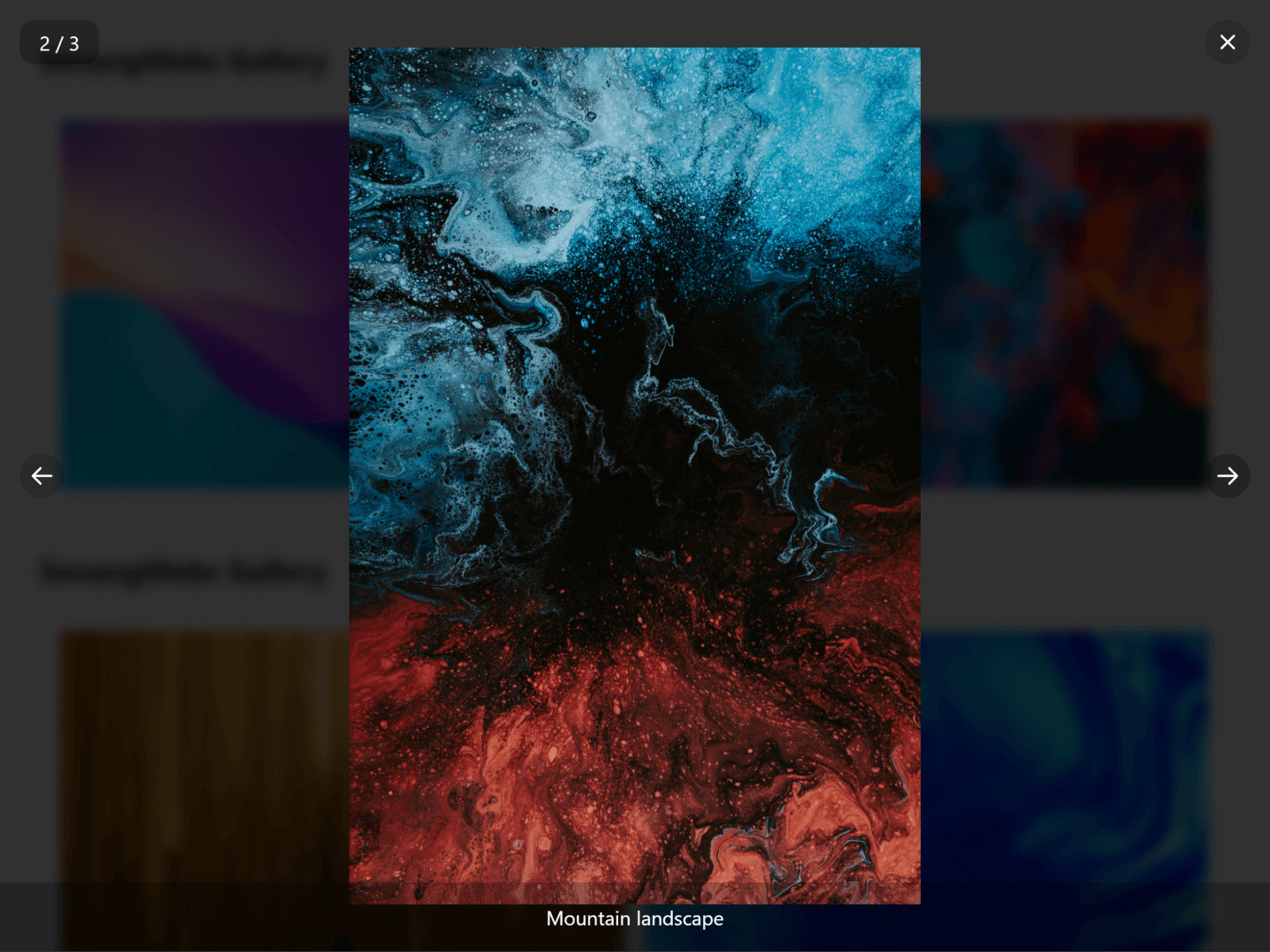 | 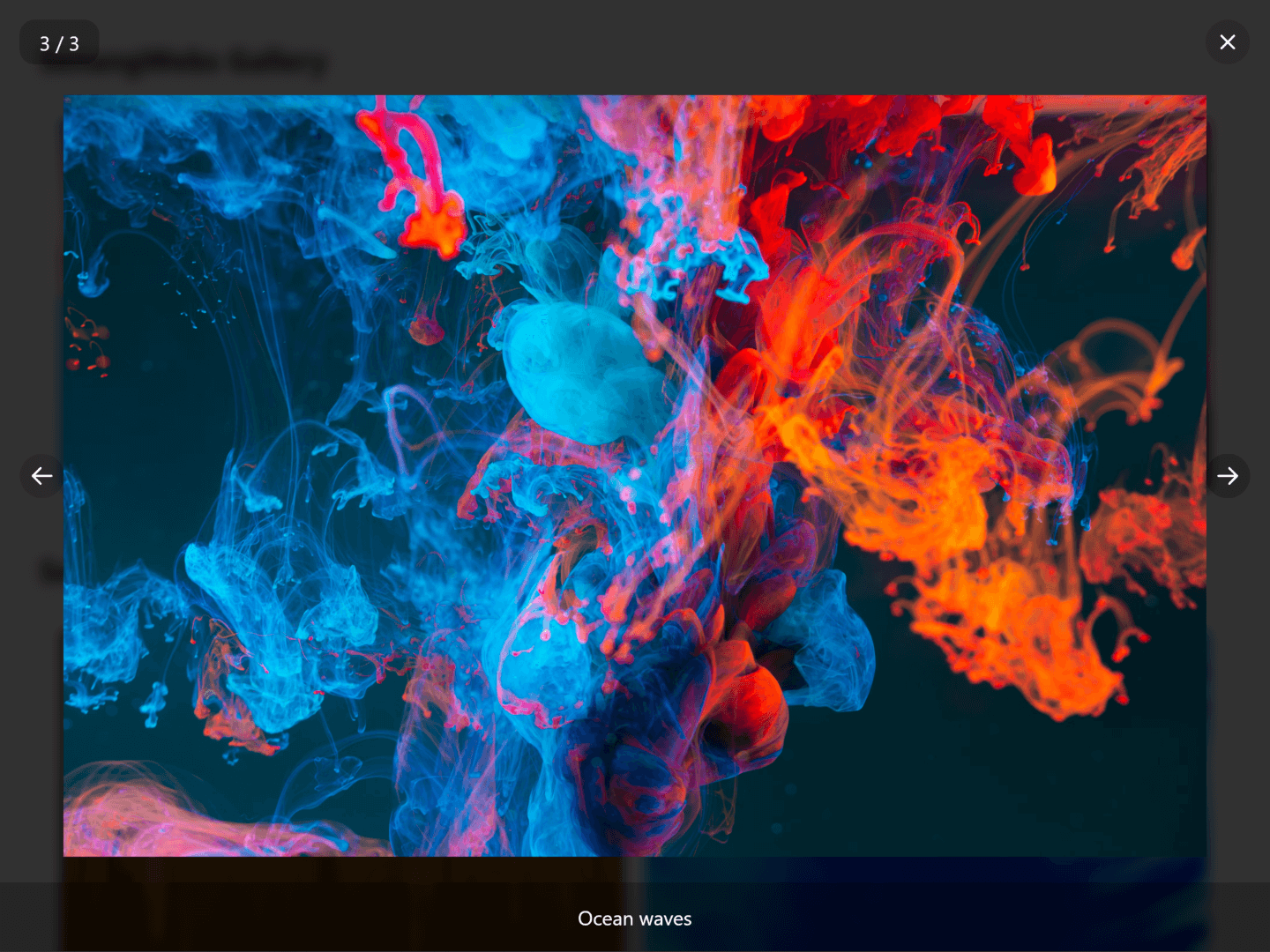 |
## Features
- Easy to integrate with existing projects
- Responsive modal gallery with smooth transitions
- Support for image captions
- Keyboard navigation support (arrow keys and escape)
- Counter display option for tracking image position
- Touch-friendly navigation controls
- Customizable via data attributes
- No external dependencies
- Efficient performance
- Works on all modern browsers
## Installation
### Using npm
```bash
npm install senangwebs-gallery
```
### Using a CDN
You can include SenangWebs Gallery directly in your HTML file using unpkg:
```html
```
## Usage
1. Include the SWG CSS and JavaScript files in your HTML:
```html
```
2. Create your gallery structure using data attributes:
```html
```
The gallery will automatically initialize when the page loads.
## Data Attributes
Configure your gallery using these data attributes:
- `data-swg`: Marks the container element as a gallery
- `data-swg-page`: Enables the counter display showing current image position (e.g., "2 / 5")
- `data-swg-item`: Marks an element as a gallery item
- `data-swg-caption`: Adds a caption to the image in the modal view
## Features in Detail
### Navigation
- **Keyboard Controls:**
- Left Arrow: Previous image
- Right Arrow: Next image
- Escape: Close modal
- **Mouse/Touch Controls:**
- Click on image: Open modal
- Click overlay: Close modal
- Previous/Next buttons: Navigate between images
- Close button: Exit modal view
### Visual Features
- Smooth transitions between images
- Responsive design that works on all screen sizes
- Optional image counter
- Caption support for detailed image descriptions
- Clean, modern UI with intuitive controls
## Browser Support
SenangWebs Gallery works on all modern browsers, including:
- Chrome
- Firefox
- Safari
- Edge
- Opera
## Contributing
Contributions are welcome! Please feel free to submit a Pull Request.
## License
This project is licensed under the MIT License - see the [LICENSE.md](LICENSE.md) file for details.
## Support
If you encounter any issues or have questions, please file an issue on the GitHub repository.


