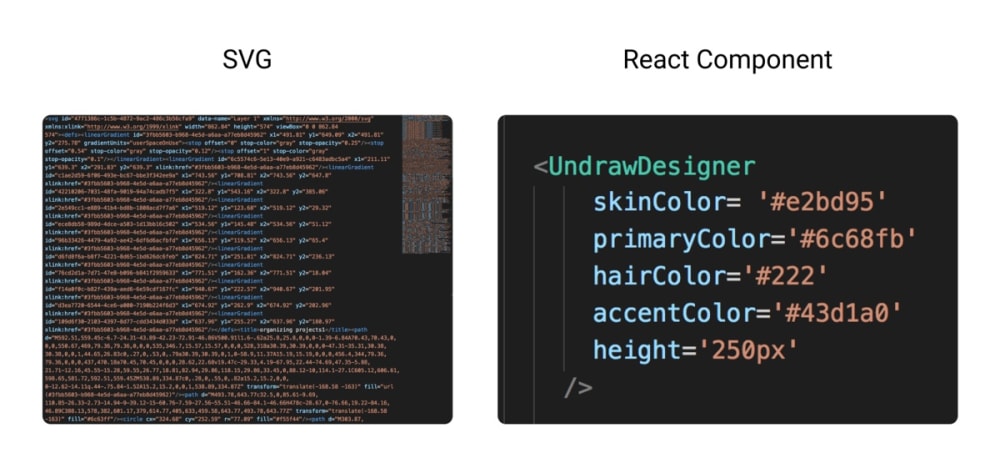
## React unDraw Components
#### MIT licensed illustrations by unDraw for your React projects
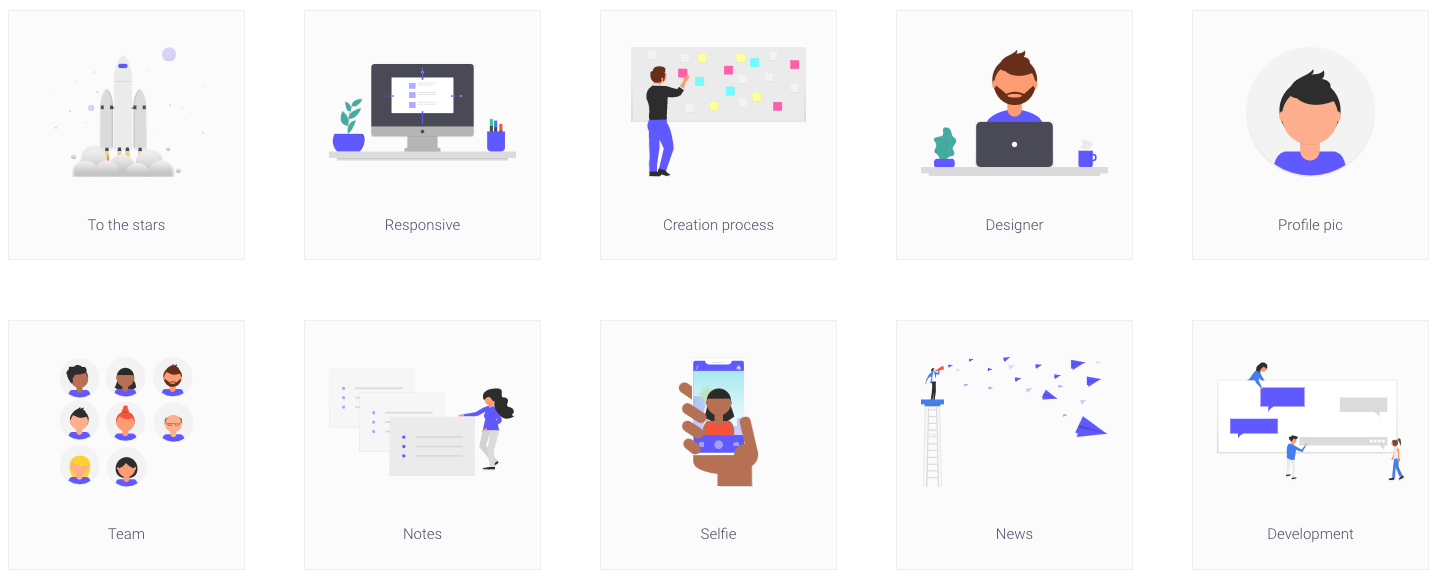
* SVGs from [unDraw](https://undraw.co/) as customisable images in React.
* It's an early version, only containing 10 illustrations, adding more as I get time - contributors welcome! *update - now 21!
* available to try on [npm](https://www.npmjs.com/package/react-undraw-illustrations)
* play with it in [styleguidist](https://graemefulton.github.io)
## Project Usage
Install in your project: `npm install react-undraw-illustrations --save`
At the top of your React component, import the illustrations you want to use:
`import {UndrawTabs, UndrawDesigner,UndrawResponsive } from 'react-undraw-illustrations';`
Then use them, passing settings you like, e.g:
``
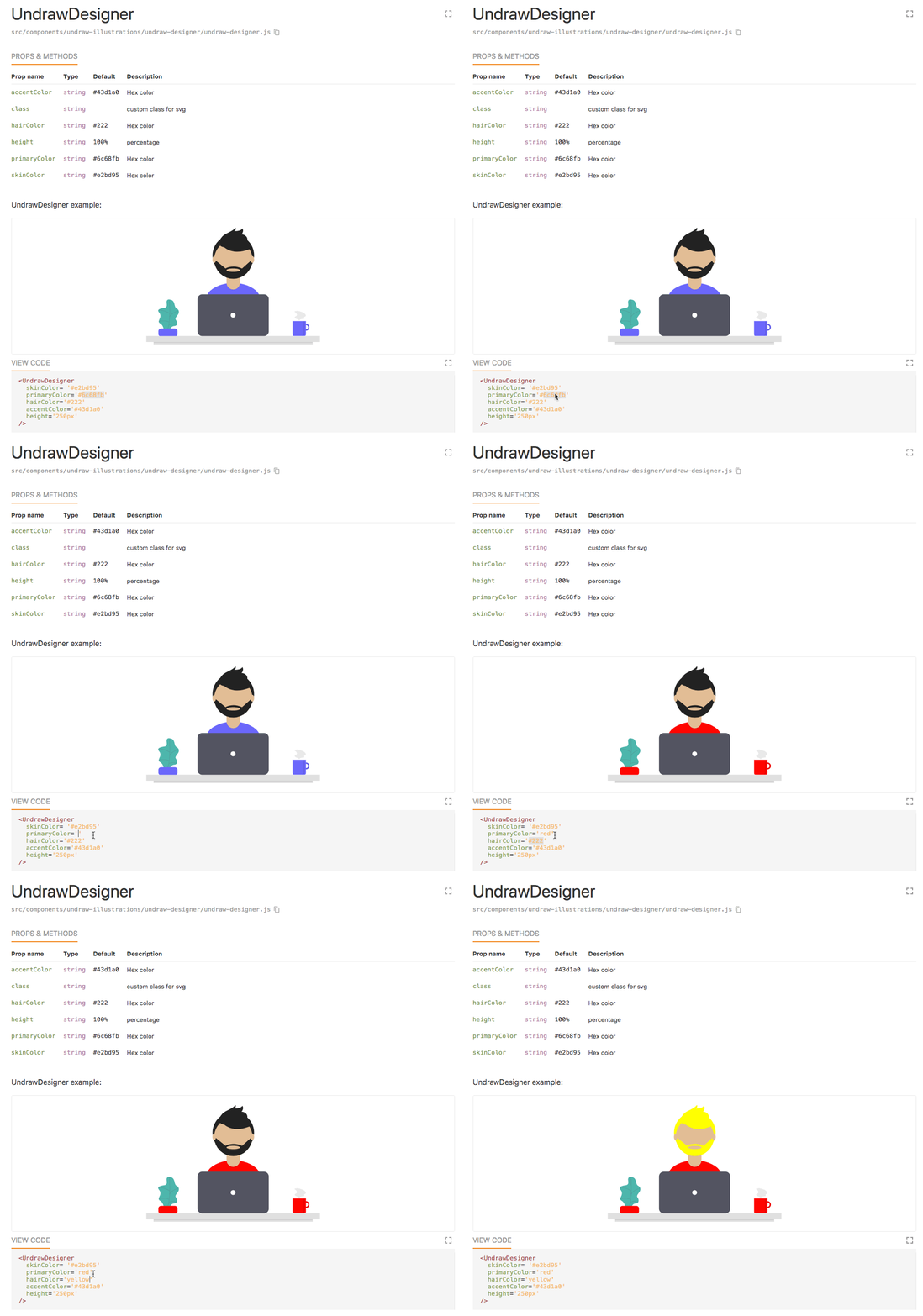
#### Check out how the components work:
#### Find out more about how this was made:
Read about it on CSS-Tricks 👉 [How to Create a Component Library From SVG Illustrations](https://css-tricks.com/how-to-create-a-component-library-from-svg-illustrations/)