# React Tailwindcss Datepicker

A modern date range picker component for React using Tailwind 3 and dayjs. Alternative to Litepie Datepicker which uses Vuejs.
[](https://www.npmjs.com/package/react-tailwindcss-datepicker)
[](https://www.npmjs.com/package/react-tailwindcss-datepicker)
## Contents
- [Features](#features)
- [Documentation](#documentation)
- [Supported versions](#-supported-versions)
- [Installation](#installation)
- [Simple Usage](#simple-usage)
- [Theming Options](#theming-options)
- [Playground](#playground)
- [Contributing](#contributing)
## Features
- ✅ Theming options
- ✅ Dark mode
- ✅ Single Date
- ✅ Single date use Range
- ✅ Shortcuts
- ✅ TypeScript support
- ✅ Localization(i18n)
- ✅ Date formatting
- ✅ Disable specific dates
- ✅ Minimum Date and Maximum Date
- ✅ Custom shortcuts
## Documentation
Go to [full documentation](https://react-tailwindcss-datepicker.vercel.app/)
## ⚠️ Supported versions
Only **react-tailwindcss-datepicker** versions greater than or equal to **1.7.4** receive bug fixes and new features. The table below lists compatibility with the different **react** versions:
| Version | React Version |
|----------------------------------------------------------------------------|---------------|
| [2.x](https://github.com/onesine/react-tailwindcss-datepicker/tree/v1.7.4) | 19.x |
| [1.x](https://github.com/onesine/react-tailwindcss-datepicker/tree/v1.7.3) | 17.x, 18.x |
## Installation
React Tailwindcss Datepicker uses Tailwind CSS 3 (with the
[@tailwindcss/forms](https://github.com/tailwindlabs/tailwindcss-forms) plugin) &
[Dayjs](https://day.js.org/en/) under the hood to work.
### Install via npm
```
npm install react-tailwindcss-datepicker
```
### Install via yarn
```
yarn add react-tailwindcss-datepicker
```
### Install for react 18 project
```
yarn add react-tailwindcss-datepicker@1.7.3
```
Make sure you have installed the peer dependencies as well with the below versions.
```
"dayjs": "^1.11.12",
"react": "^17.0.2 || ^18.2.0" || "^19.0.0"
```
## Simple Usage
#### Tailwindcss Configuration
Add the datepicker to your tailwind configuration using this code
```javascript
// in your tailwind.config.js
module.exports = {
// ...
content: [
"./src/**/*.{js,jsx,ts,tsx}",
"./node_modules/react-tailwindcss-datepicker/dist/index.esm.js"
]
// ...
};
```
Then use react-tailwindcss-select in your app:
```tsx
import { useState } from "react";
import Datepicker from "react-tailwindcss-datepicker";
const App = () => {
const [value, setValue] = useState({
startDate: null,
endDate: null
});
return (
<>
setValue(newValue)} />
);
};
export default App;
```
## Theming options
**Light Mode**
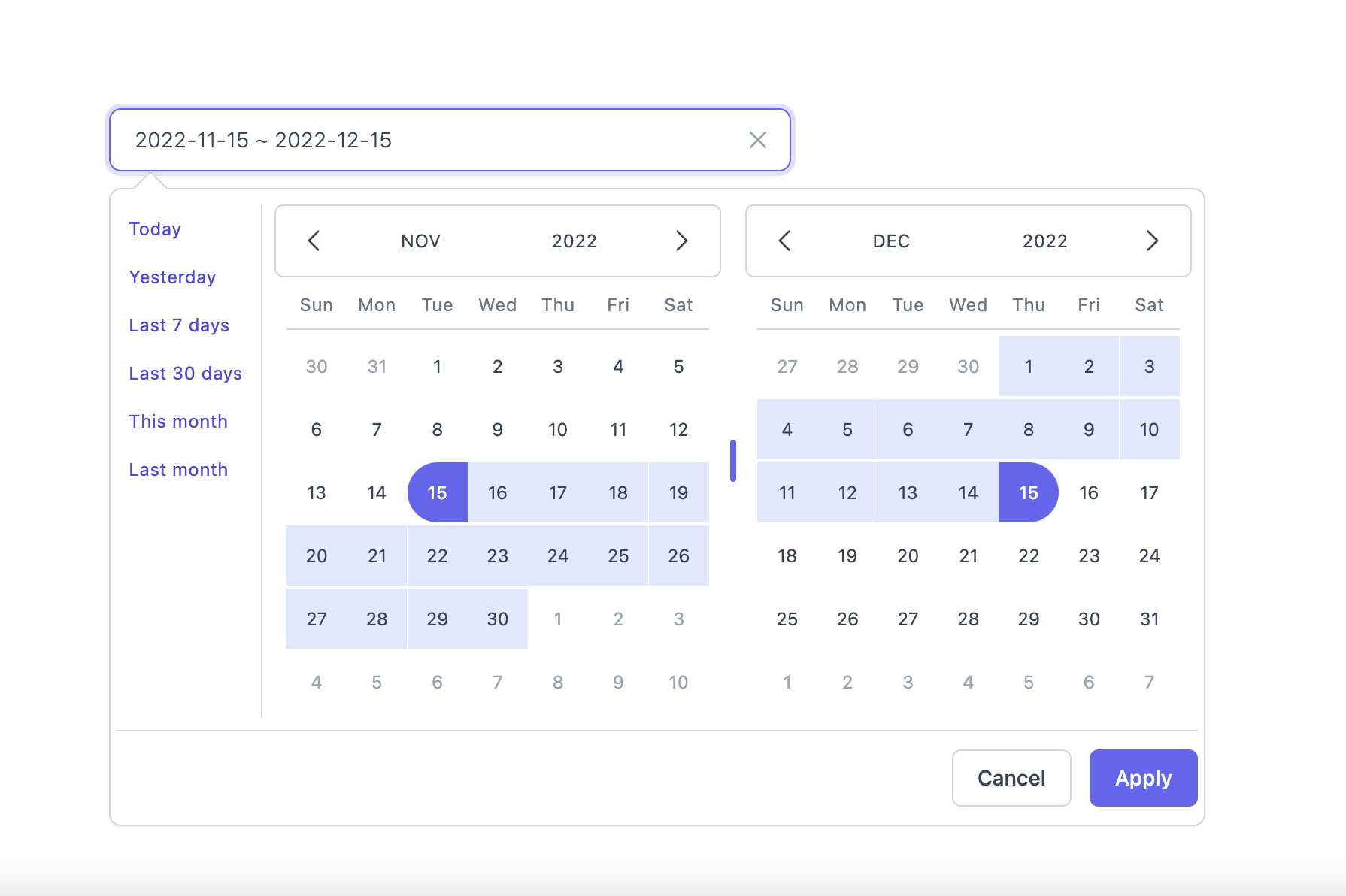
**Dark Mode**
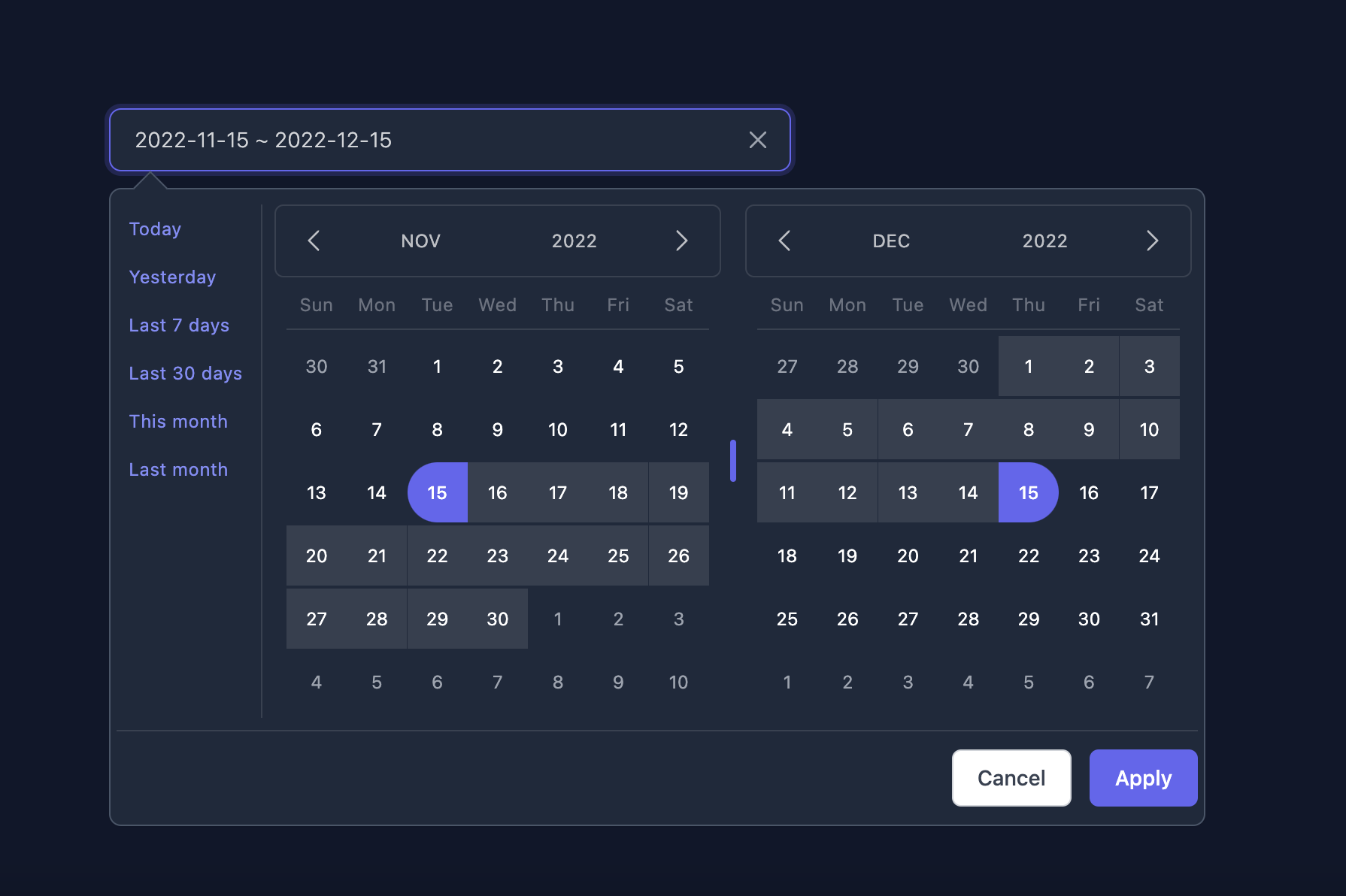
**Supported themes**
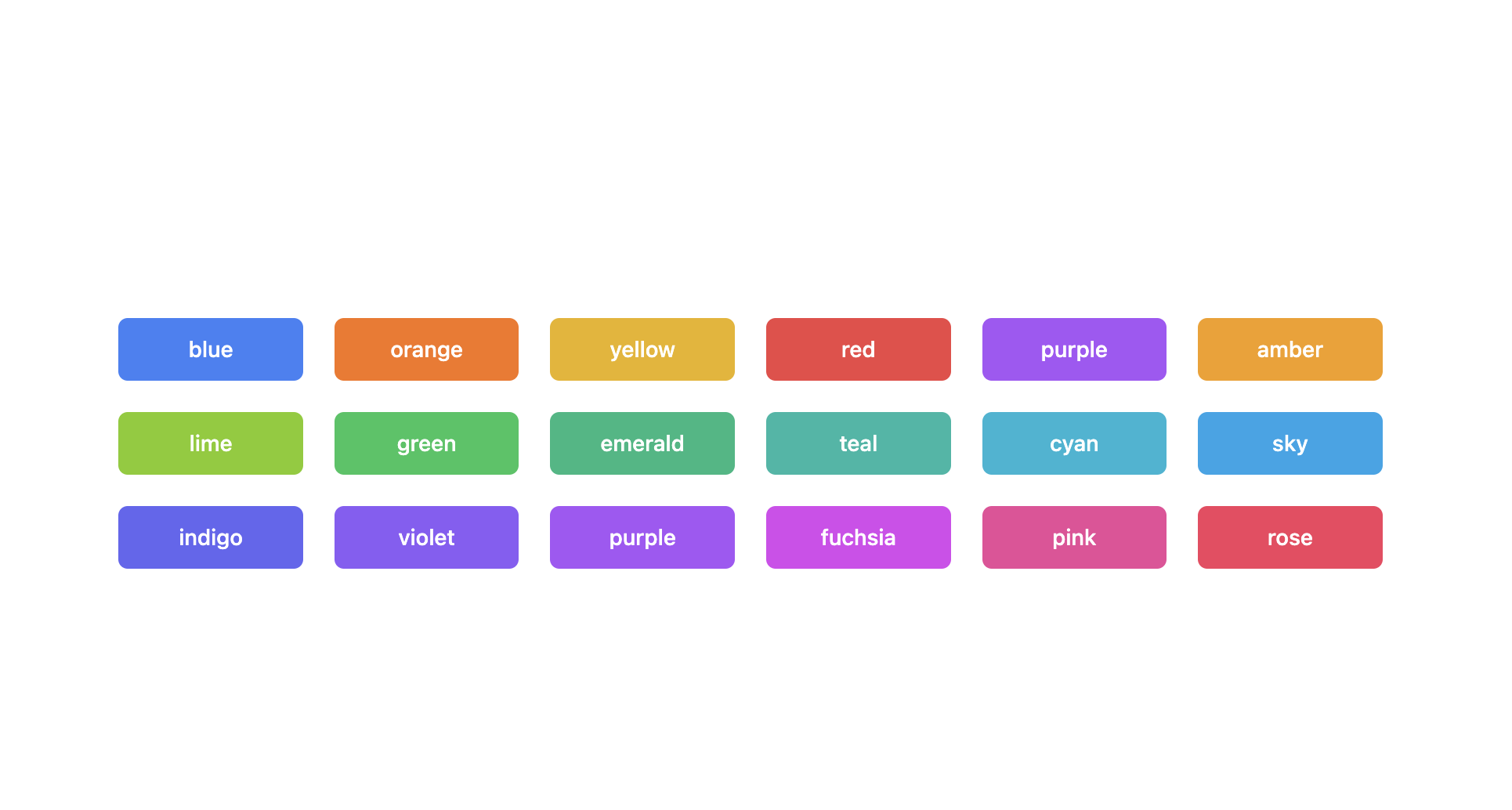
**Teal themes example**
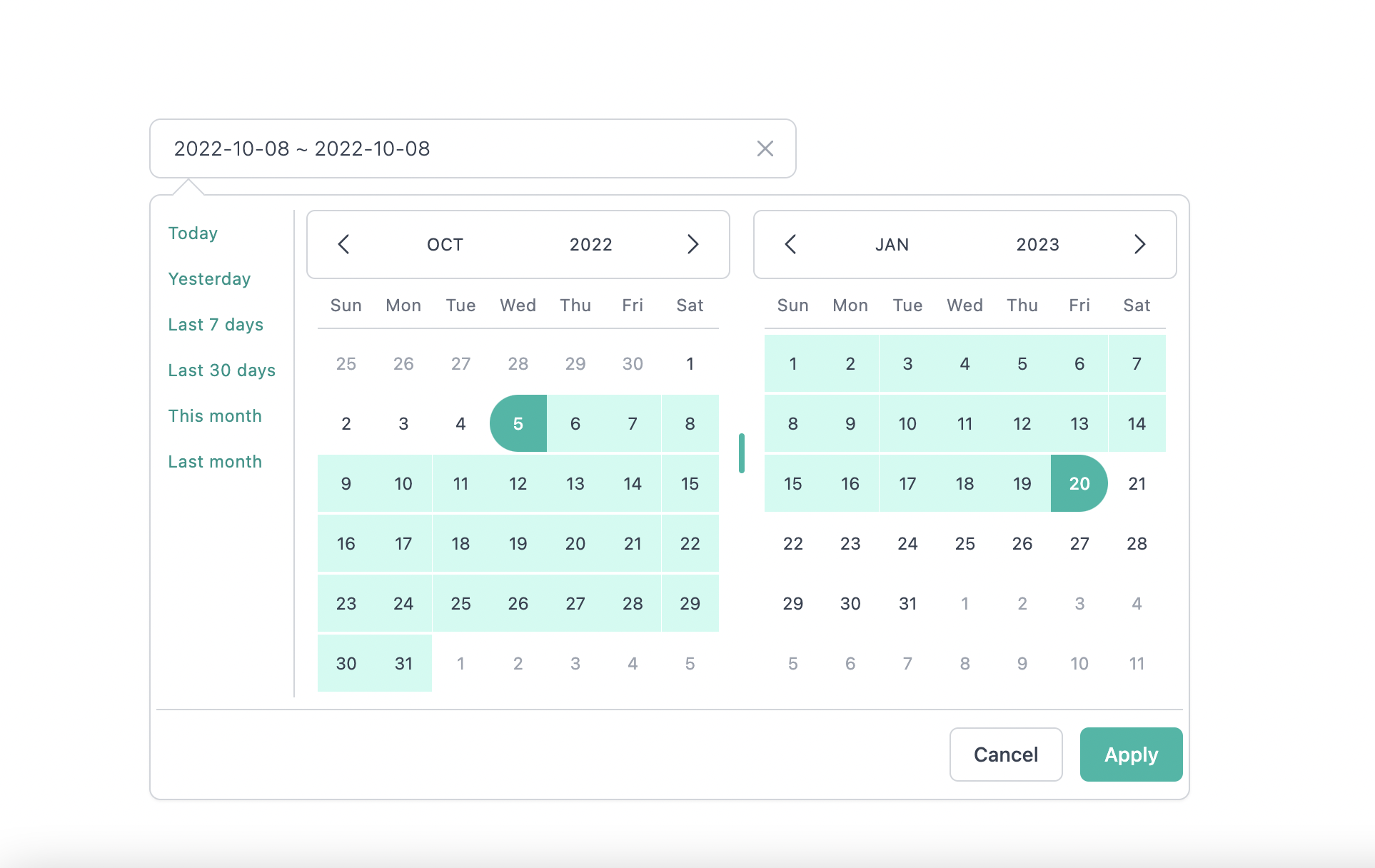
You can find the demo at [here](https://react-tailwindcss-datepicker.vercel.app/demo)
> **Info**
>
> 👉 To discover the other possibilities offered by this library, you can consult the
> [full documentation](https://react-tailwindcss-datepicker.vercel.app/).
## PlayGround
Clone the `master` branch and run commands:
```sh
# Using npm
npm install && npm dev
# Using yarn
yarn install && yarn dev
```
Open a browser and navigate to `http://localhost:8888`
## Contributing
See
[CONTRIBUTING.md](https://github.com/onesine/react-tailwindcss-datepicker/blob/master/CONTRIBUTING.md)
## Official Documentation repo
[https://github.com/onesine/react-tailwindcss-datepicker-doc](https://github.com/onesine/react-tailwindcss-datepicker-doc)
## Thanks to
- [Vue Tailwind Datepicker](https://vue-tailwind-datepicker.com/)
- [React](https://reactjs.org/)
- [Tailwind CSS](https://tailwindcss.com/)
- [dayjs](https://day.js.org/)
I thank you in advance for your contribution to this project.
## License
[MIT](LICENSE) Licensed. Copyright (c) Lewhe Onesine 2022.