react-progressive-image-blur (alpha version)
=======================
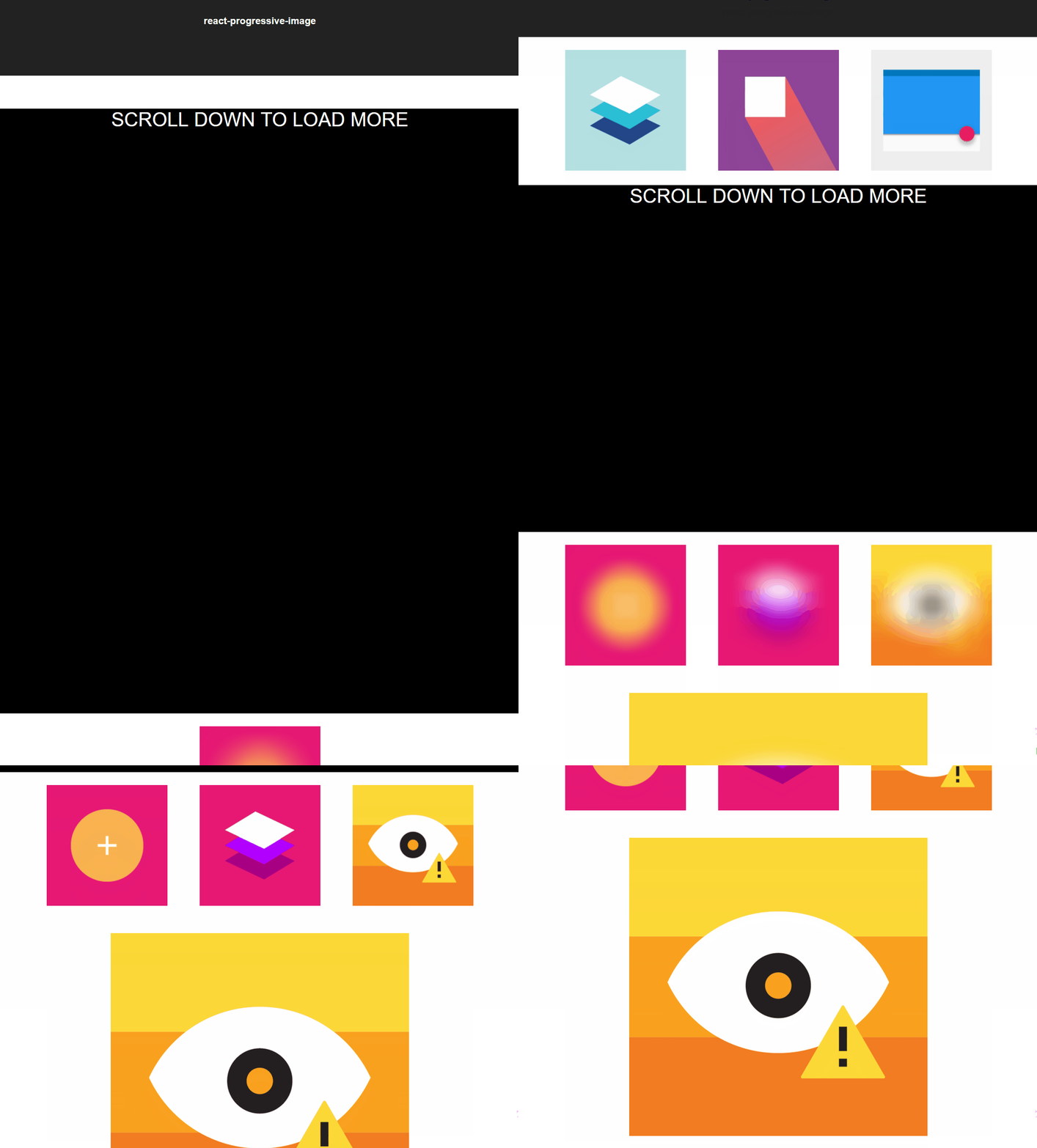
Preview
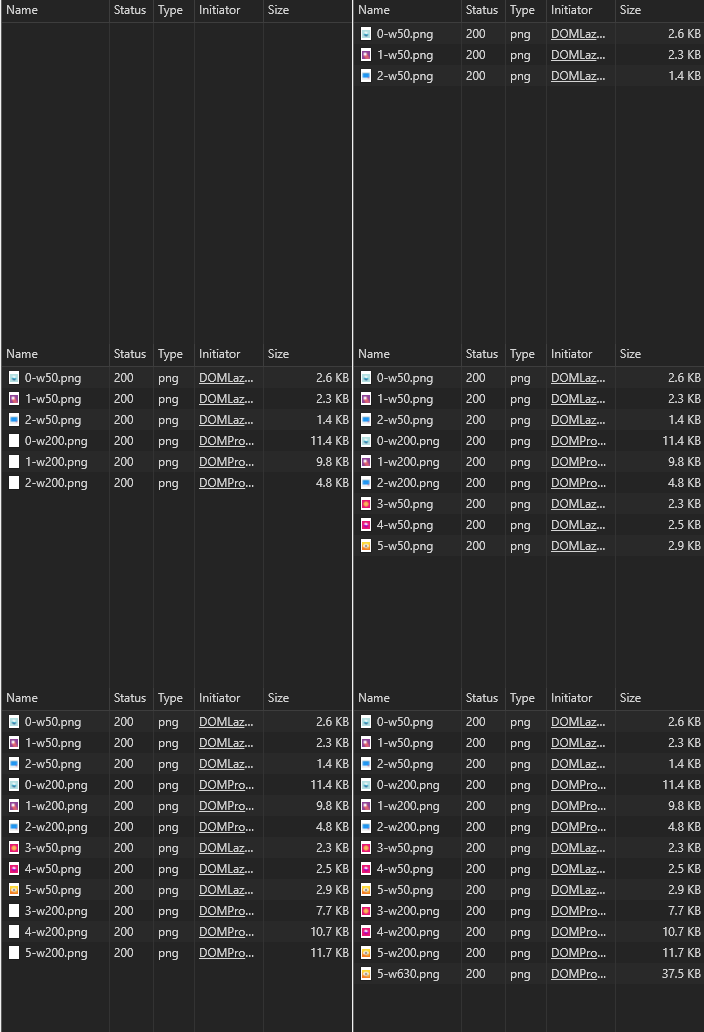
Requests
Load images progressively with blur transitions like [Medium](https://medium.com/)
this module can also work with [next](https://github.com/zeit/next.js/)
Install
--------
`npm install react-progressive-image-blur`
or
`yarn add react-progressive-image-blur`
Features
--------
- Blur transition
- Load images only when it appears inside view port
- Load different resolutions according to the width
Issues
------
- Currently the blur performance is not very good, the bigger area you have the slower the blur animation performs, if you can help to improve that, feel free to have a PR
- Some codes are still not will designed, written, documented and tested, will continue to improve that as well
Credits
-------
- [Super Fast Blur](http://www.quasimondo.com/BoxBlurForCanvas/FastBlurDemo.html) : The blur effects are implemented by [Mario KlingemannVerified](https://twitter.com/Quasimondo) 's Super Fast Blur library with a little bit modified.
How to use
----------
**Prepare different images for progressive image loading**
This module accepts a prop named `resolutions`, it accepts a resolution list for a resolution list, defaults to the following:
{
50: '-w50',
200: '-w200',
630: '-w630',
1180: '-o'
}
the key will be the width, and the correspondent value will be the suffix of the file. For example: when you use this module, you give a `src` prop indicates the original image `https://awesome-website.me/profile.png`, in the initial load, the module will find the smallest resolution as a thumbnail, so in the initial load, the module will request `https://awesome-website.me/profile-w50.png`. And next, according to the current width, lets say you have a style sets it to 300px, which 200 in the provided list is closest to 300px, so the module will request `https://awesome-website/profile-w200.png` and show it.
(You can see the request process above)
**Using Gulp and gulp-responsive to produce different images**
You can see the [gulp-responsive](https://github.com/mahnunchik/gulp-responsive) example in `example`
**Using it in your projects**
Basic usage
import React, {Component} from 'react'
import {DeferImg, DeferGlobalSettings} from 'react-progressive-image-blur'
// if you don't want to set props every time,
// you can call DeferImgGlobalSettings
// The settings passed from props will overwrite global settings
DeferGlobalSettings({resolution:{10:'-thumb',1180:'-original'}})
export default class MyApp extends Component {
constructor(props) {
super(props)
}
render() {
return (
)
}
}
**What props will DeferImg accepts**
Currently the module only accepts a limited set of custom settings
- `src` **(MUST)** the original image source without any suffix
- `alt` alternative text for `![]() ` tag
- `className`class names for the module
- `figcaption`If set, will append a `` tag after `
` tag
- `className`class names for the module
- `figcaption`If set, will append a `` tag after `![]() `
**What settings will DeferGlobalSettings accepts**
- `resolutions` to set your own resolution list
`
**What settings will DeferGlobalSettings accepts**
- `resolutions` to set your own resolution list