# Tencent Chat SDK for React native
 Tencent Cloud's official `IM React Native SDK` can easily integrate chat, conversation, group, and data management capabilities to help you send and receive rich media messages such as text, pictures, short voices, and short videos, fully meeting communication needs.
## About Tencent Cloud Chat
Tencent Cloud Chat provides globally interconnected chat APIs, multi-platform SDKs, and UIKit components to help you quickly bring messaging capabilities such as one-to-one chat, group chat, chat rooms, and system notifications to your applications and websites.
Through the official React Native SDK react-native-tim-js, you can efficiently integrate real-time chat into your client app.
You can sign up for a Tencent Cloud account at [here](https://www.tencentcloud.com/en/account/login?s_url=https%3A%2F%2Fconsole.tencentcloud.com%2Fim).
Explore more docs about [Tencent Cloud Chat](https://www.tencentcloud.com/en/products/im).
## Commonly Used Scenarios
- Online Customer Service
Tencent Cloud's official `IM React Native SDK` can easily integrate chat, conversation, group, and data management capabilities to help you send and receive rich media messages such as text, pictures, short voices, and short videos, fully meeting communication needs.
## About Tencent Cloud Chat
Tencent Cloud Chat provides globally interconnected chat APIs, multi-platform SDKs, and UIKit components to help you quickly bring messaging capabilities such as one-to-one chat, group chat, chat rooms, and system notifications to your applications and websites.
Through the official React Native SDK react-native-tim-js, you can efficiently integrate real-time chat into your client app.
You can sign up for a Tencent Cloud account at [here](https://www.tencentcloud.com/en/account/login?s_url=https%3A%2F%2Fconsole.tencentcloud.com%2Fim).
Explore more docs about [Tencent Cloud Chat](https://www.tencentcloud.com/en/products/im).
## Commonly Used Scenarios
- Online Customer Service
 - OA
- OA
 - Interactive Live Streaming
 - Social Messaging
 - Influencer Marketing
 - Interactive Game
 - Online Education
 - Online Healthcare
 - Meeting
 - Smart Device
 - Private Cloud Deployment
 ## Installation
``` javascript
// npm
npm install react-native-tim-js
//yarn
yarn add react-native-tim-js
```
## Prerequisites
1. You have [signed up](https://cloud.tencent.com/document/product/378/17985) for a Tencent Cloud account,and completed [identity verification](https://cloud.tencent.com/document/product/378/3629)。
2. Please refer to [Creating and Upgrading an Application](https://cloud.tencent.com/document/product/269/32577) and create an app,record its `SDKAppID`。
## Getting started
```javascript
import { TencentImSDKPlugin } from 'react-native-tim-js';
// Obtain Chat Instance
const timManger = TencentImSDKPlugin.v2TIMManager;
// Group Manager Interface,includes advanced function of the group,such as group member invitation, non-group member join application and other operation interfaces
const groupManager = timManager.getGroupManager();
// Advanced Message Interface, includes create message,send message,get historical message and other operation interfaces
const messageManager = timManager.getMessageManager();
// Friendship Interface,includes addtion and deletion of friends,addtion and deletion of blocklist and other operation interfaces
const friendshipManager = timManager.getFriendshipManager();
// Conversation Interface,includes getting,deleting,updating conversation and other operation interfaces
const conversationManager = timManager.getConversationManager();
// Offline Push Interface
const offlinePushManager = timManager.getOfflinePushManager();
// Signaling Manager Interface
const signalingManager = timManager.getSignalingManager();
// Init SDK
const sdkAppID = 0; // sdkAppID from prerequisites
const logLevel = LogLevelEnum.V2TIM_LOG_DEBUG;
await timManger.initSDK(sdkAppID, logLeve);
// Login
const userID = 123456; // User ID
const userSig = "xxx"; // userSig generation see [Generating UserSig](https://cloud.tencent.com/document/product/269/32688)
timManger.login(userID, userSig);
// Send First Message
const friendID = 456789; // Receiver ID
const text = "Hello, Tencent IM";
timManger.sendC2CTextMessage(friendID, text);
// logout
timManager.logout();
```
## API Docs & Changelogs
If you want to find out more api docs about react-native-tim-js, go to [Docs](https://comm.qq.com/im/doc/RN/en/).
If you want to check the record of SDK versions, go to [Change Log](https://www.tencentcloud.com/en/document/product/1047/34281).
## Reference
- [Tencent Cloud](https://cloud.tencent.com/product/im)
- [API document](https://comm.qq.com/im/doc/RN/en/)
## Installation
``` javascript
// npm
npm install react-native-tim-js
//yarn
yarn add react-native-tim-js
```
## Prerequisites
1. You have [signed up](https://cloud.tencent.com/document/product/378/17985) for a Tencent Cloud account,and completed [identity verification](https://cloud.tencent.com/document/product/378/3629)。
2. Please refer to [Creating and Upgrading an Application](https://cloud.tencent.com/document/product/269/32577) and create an app,record its `SDKAppID`。
## Getting started
```javascript
import { TencentImSDKPlugin } from 'react-native-tim-js';
// Obtain Chat Instance
const timManger = TencentImSDKPlugin.v2TIMManager;
// Group Manager Interface,includes advanced function of the group,such as group member invitation, non-group member join application and other operation interfaces
const groupManager = timManager.getGroupManager();
// Advanced Message Interface, includes create message,send message,get historical message and other operation interfaces
const messageManager = timManager.getMessageManager();
// Friendship Interface,includes addtion and deletion of friends,addtion and deletion of blocklist and other operation interfaces
const friendshipManager = timManager.getFriendshipManager();
// Conversation Interface,includes getting,deleting,updating conversation and other operation interfaces
const conversationManager = timManager.getConversationManager();
// Offline Push Interface
const offlinePushManager = timManager.getOfflinePushManager();
// Signaling Manager Interface
const signalingManager = timManager.getSignalingManager();
// Init SDK
const sdkAppID = 0; // sdkAppID from prerequisites
const logLevel = LogLevelEnum.V2TIM_LOG_DEBUG;
await timManger.initSDK(sdkAppID, logLeve);
// Login
const userID = 123456; // User ID
const userSig = "xxx"; // userSig generation see [Generating UserSig](https://cloud.tencent.com/document/product/269/32688)
timManger.login(userID, userSig);
// Send First Message
const friendID = 456789; // Receiver ID
const text = "Hello, Tencent IM";
timManger.sendC2CTextMessage(friendID, text);
// logout
timManager.logout();
```
## API Docs & Changelogs
If you want to find out more api docs about react-native-tim-js, go to [Docs](https://comm.qq.com/im/doc/RN/en/).
If you want to check the record of SDK versions, go to [Change Log](https://www.tencentcloud.com/en/document/product/1047/34281).
## Reference
- [Tencent Cloud](https://cloud.tencent.com/product/im)
- [API document](https://comm.qq.com/im/doc/RN/en/)
 Tencent Cloud's official `IM React Native SDK` can easily integrate chat, conversation, group, and data management capabilities to help you send and receive rich media messages such as text, pictures, short voices, and short videos, fully meeting communication needs.
## About Tencent Cloud Chat
Tencent Cloud Chat provides globally interconnected chat APIs, multi-platform SDKs, and UIKit components to help you quickly bring messaging capabilities such as one-to-one chat, group chat, chat rooms, and system notifications to your applications and websites.
Through the official React Native SDK react-native-tim-js, you can efficiently integrate real-time chat into your client app.
You can sign up for a Tencent Cloud account at [here](https://www.tencentcloud.com/en/account/login?s_url=https%3A%2F%2Fconsole.tencentcloud.com%2Fim).
Explore more docs about [Tencent Cloud Chat](https://www.tencentcloud.com/en/products/im).
## Commonly Used Scenarios
- Online Customer Service
Tencent Cloud's official `IM React Native SDK` can easily integrate chat, conversation, group, and data management capabilities to help you send and receive rich media messages such as text, pictures, short voices, and short videos, fully meeting communication needs.
## About Tencent Cloud Chat
Tencent Cloud Chat provides globally interconnected chat APIs, multi-platform SDKs, and UIKit components to help you quickly bring messaging capabilities such as one-to-one chat, group chat, chat rooms, and system notifications to your applications and websites.
Through the official React Native SDK react-native-tim-js, you can efficiently integrate real-time chat into your client app.
You can sign up for a Tencent Cloud account at [here](https://www.tencentcloud.com/en/account/login?s_url=https%3A%2F%2Fconsole.tencentcloud.com%2Fim).
Explore more docs about [Tencent Cloud Chat](https://www.tencentcloud.com/en/products/im).
## Commonly Used Scenarios
- Online Customer Service
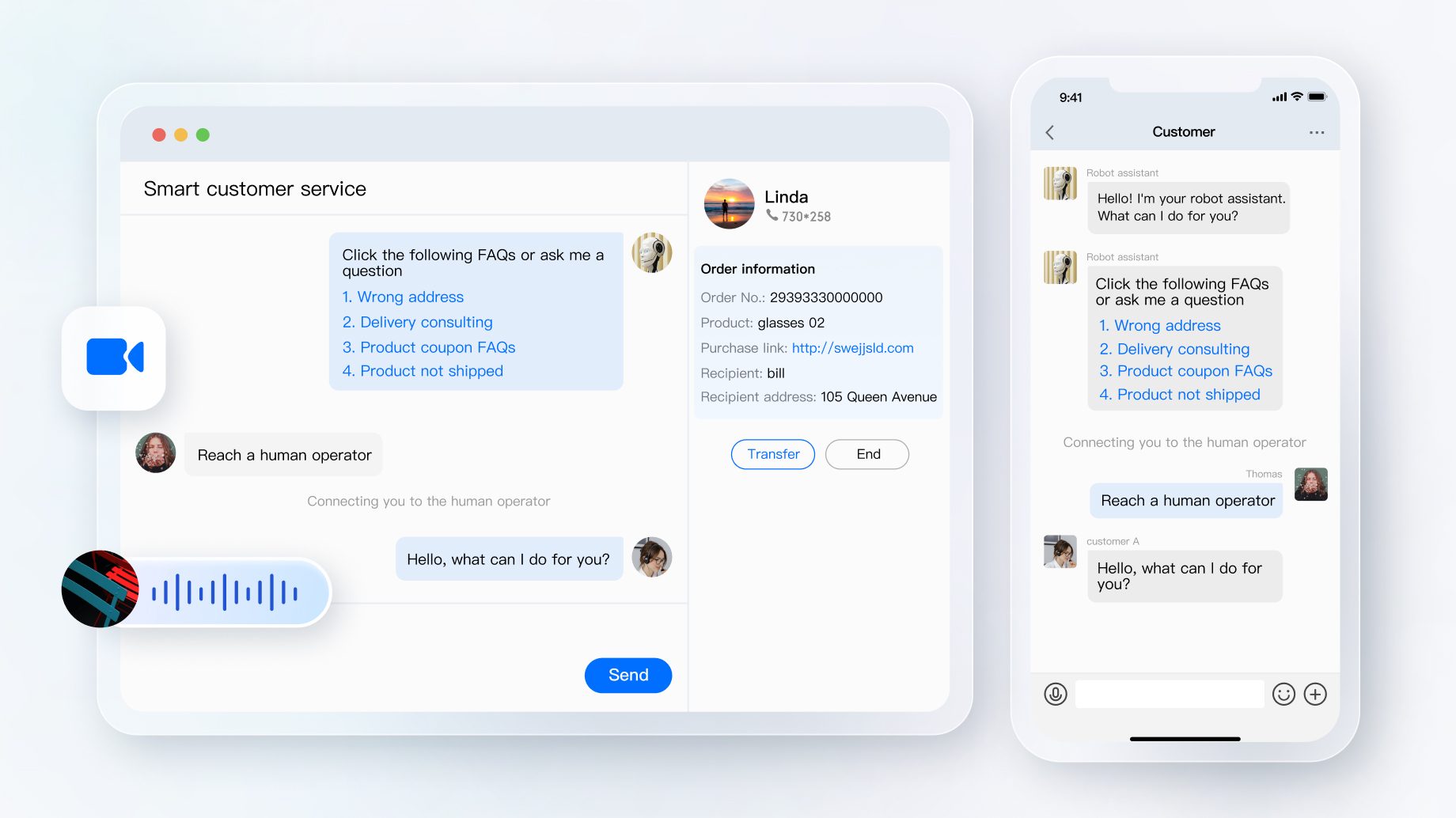 - OA
- OA
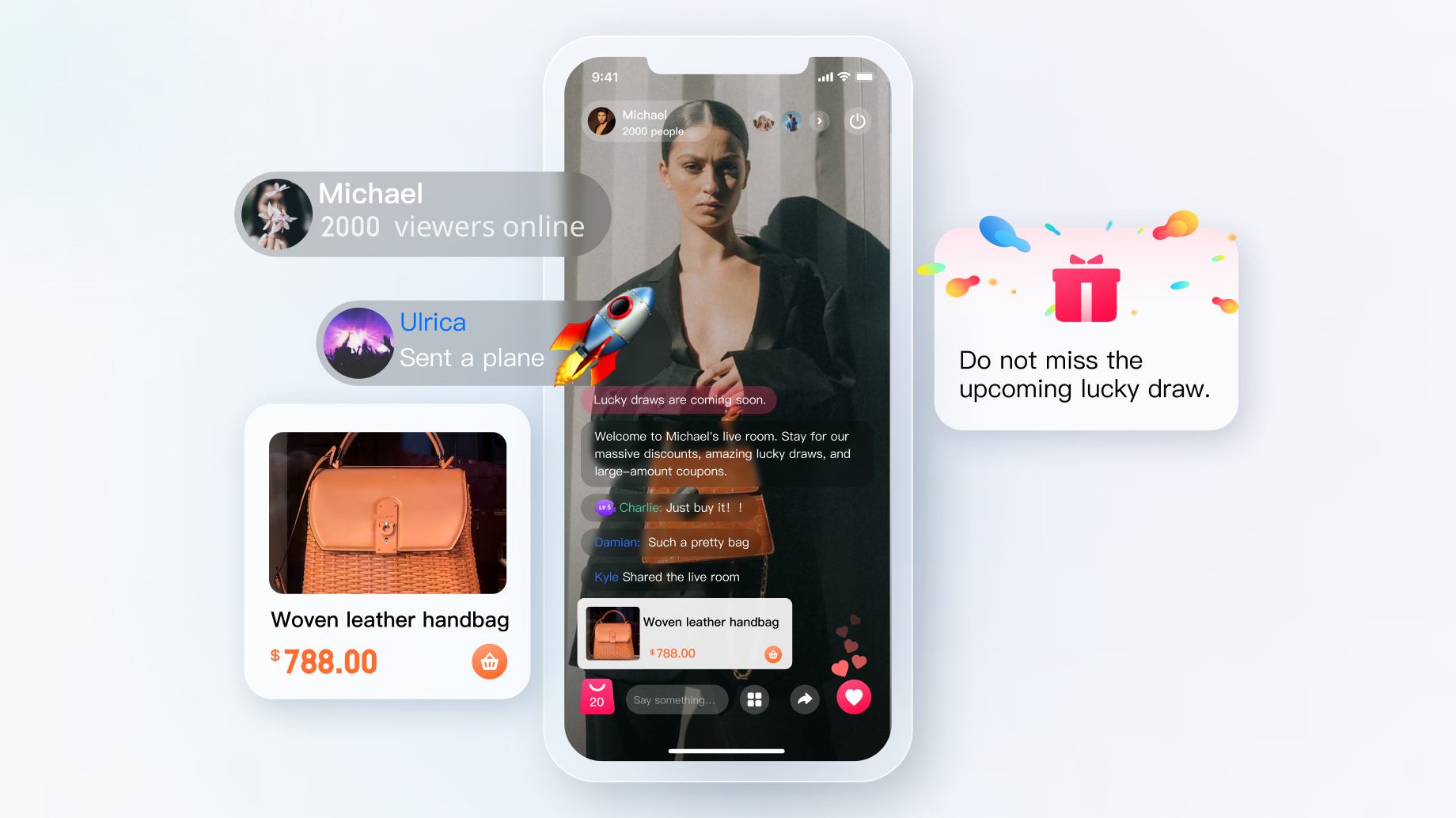
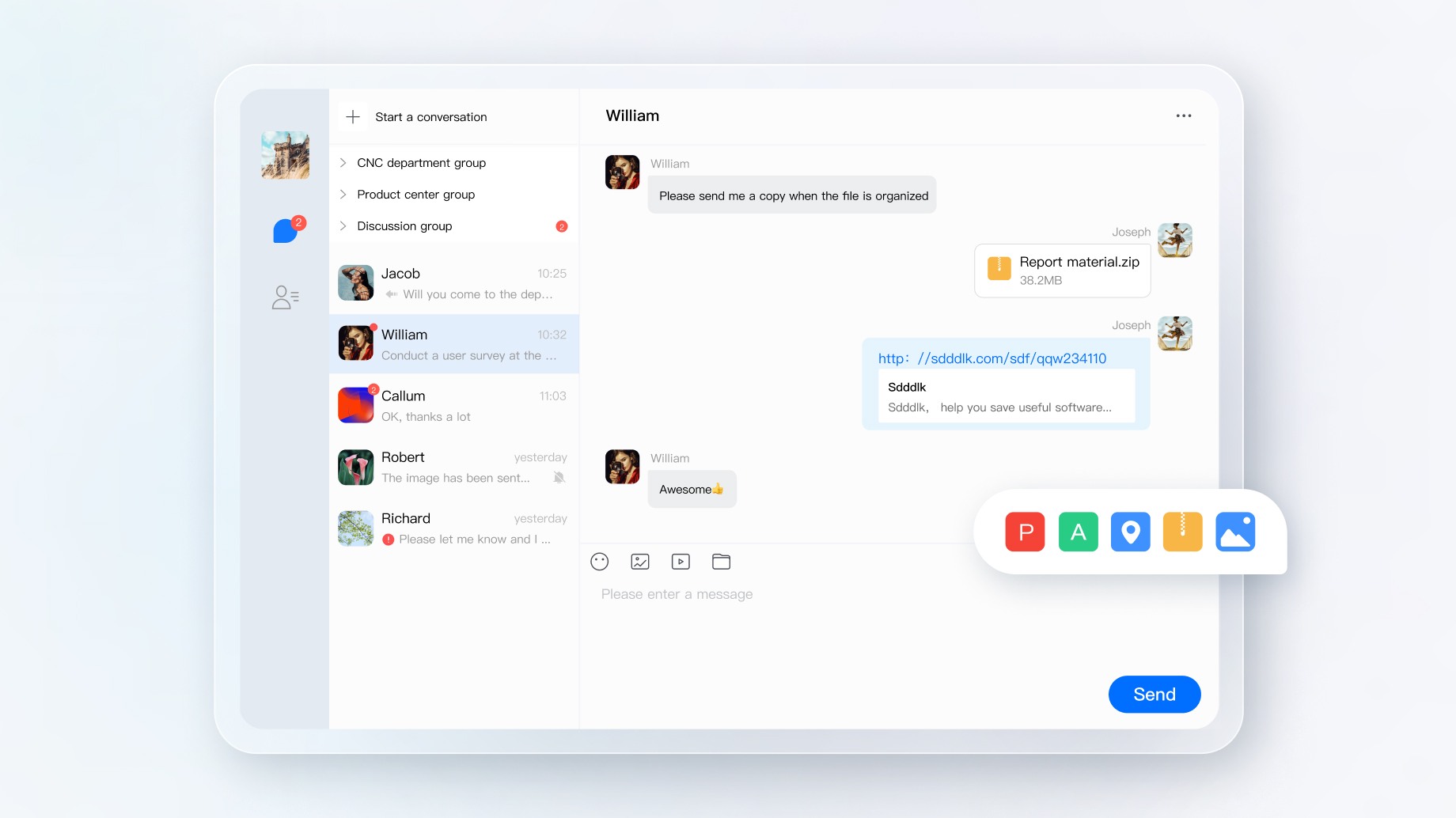 - Interactive Live Streaming
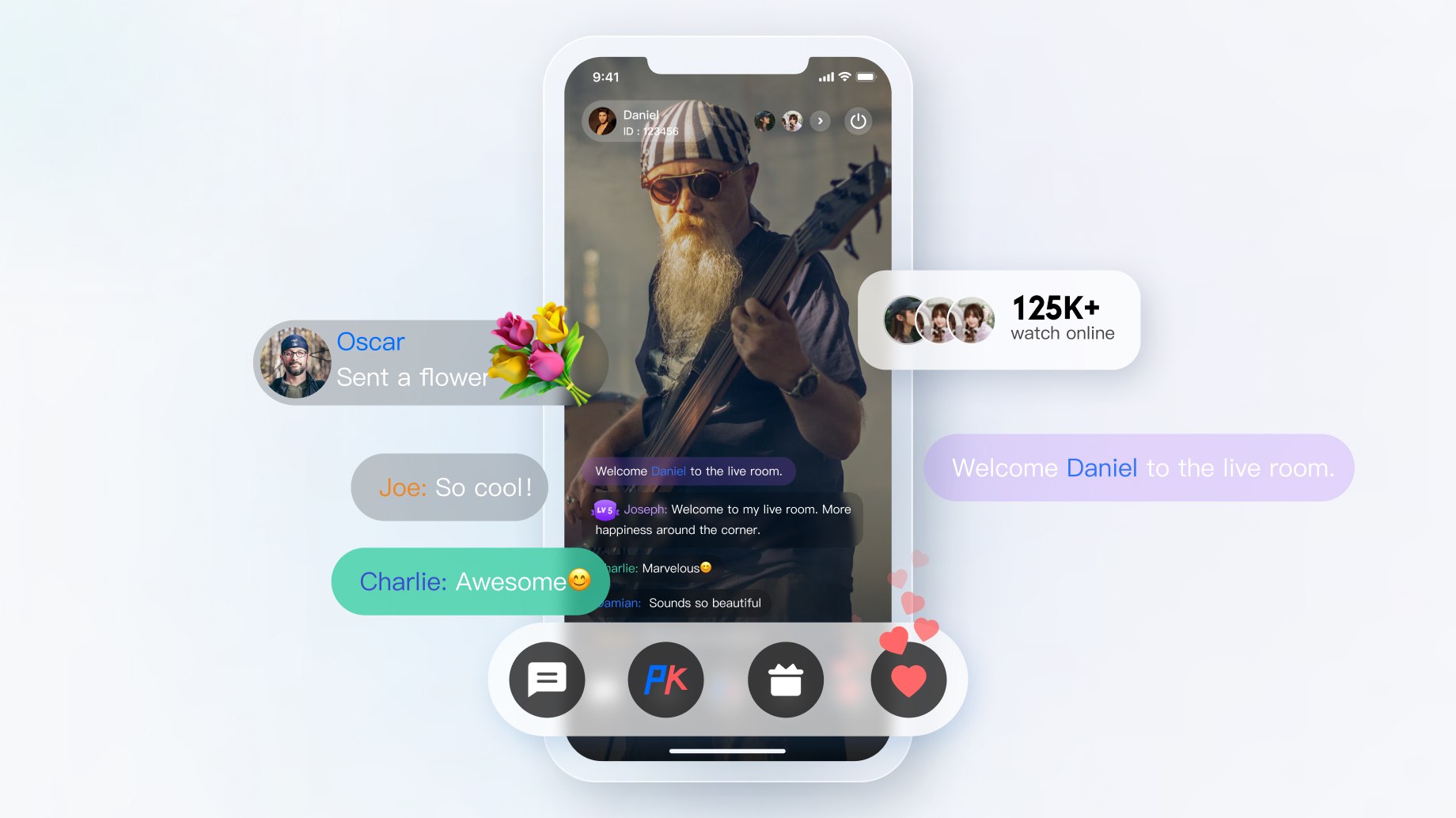 - Social Messaging
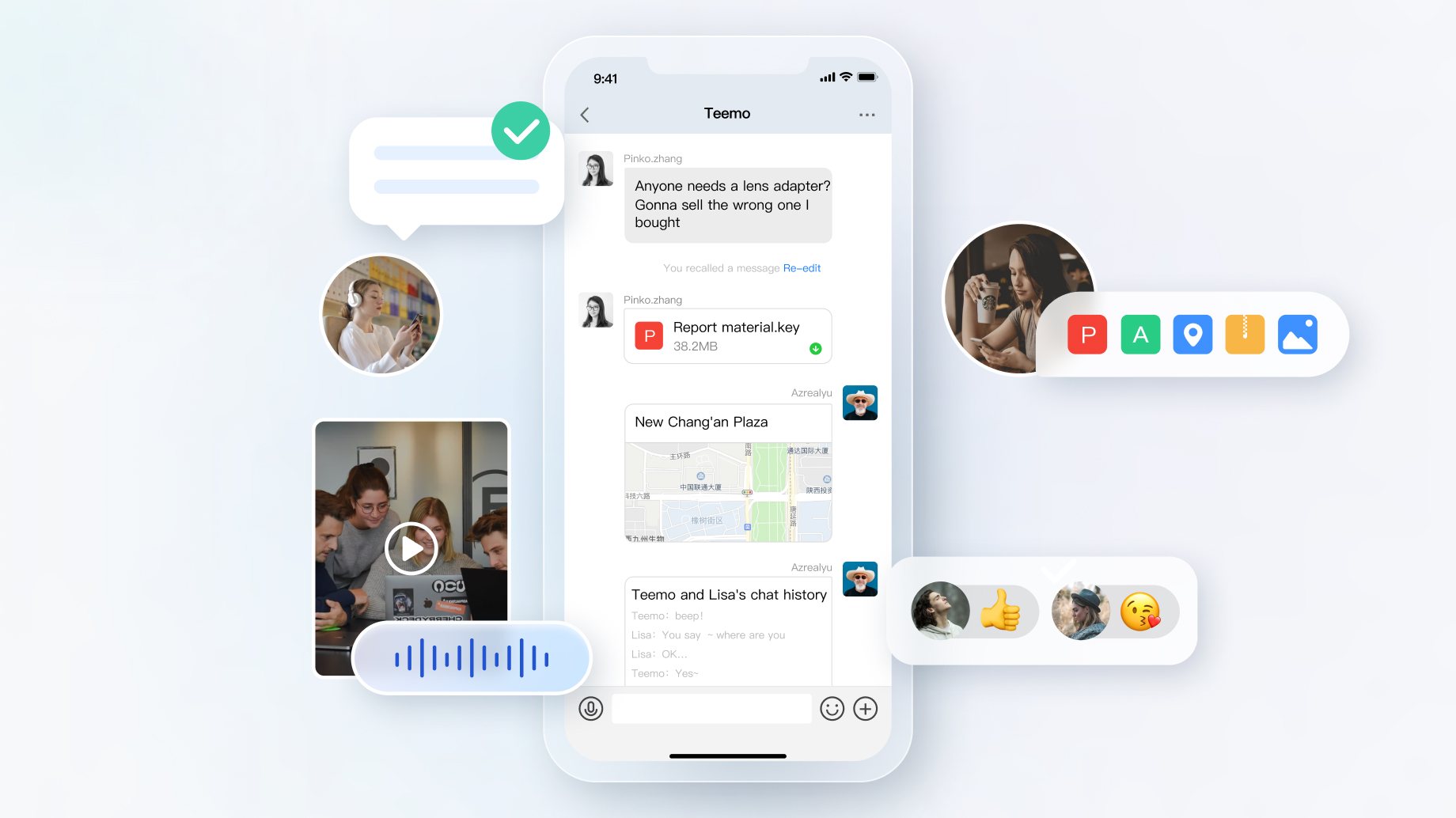 - Influencer Marketing
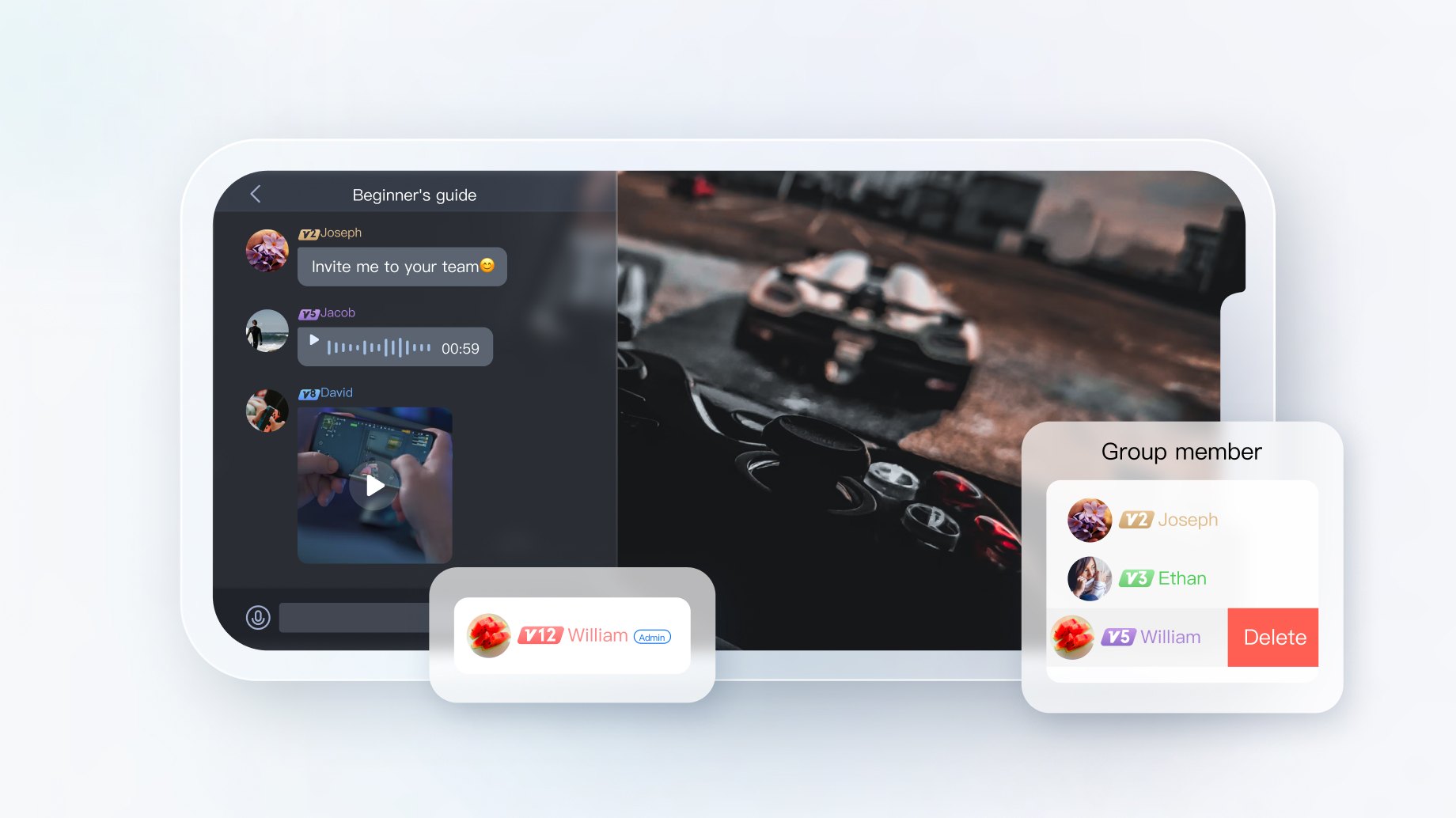
 - Interactive Game
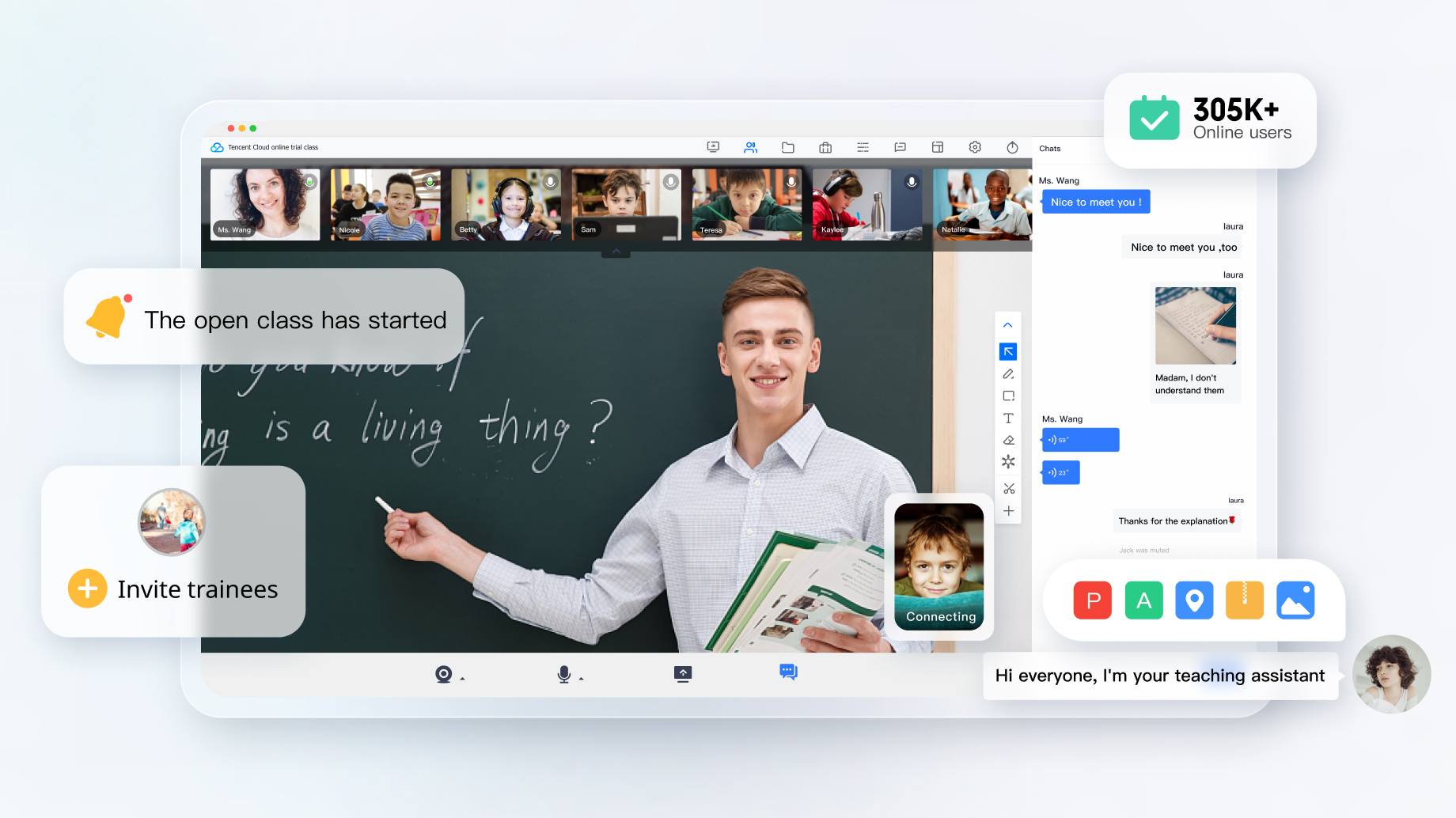
 - Online Education
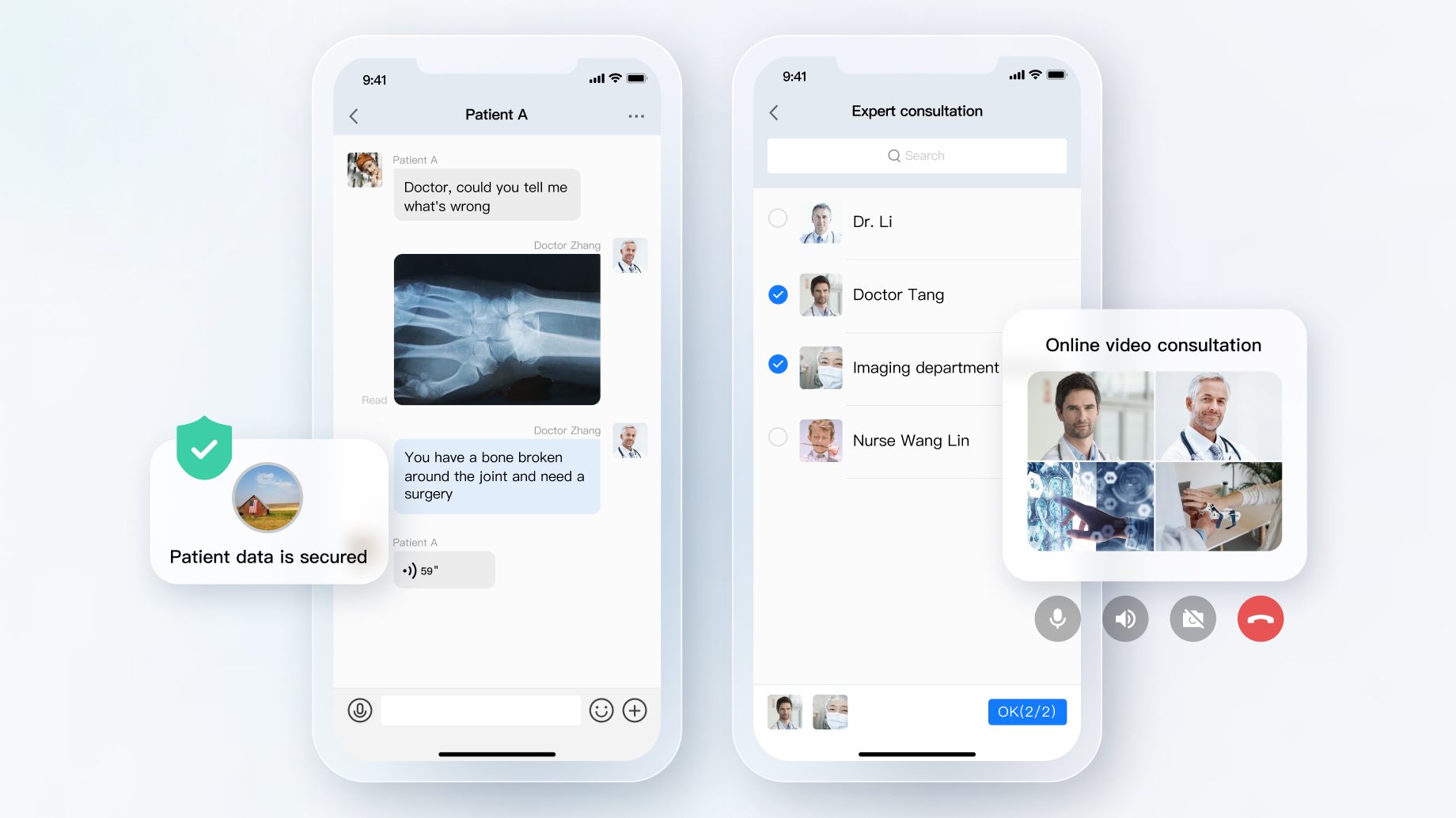
 - Online Healthcare
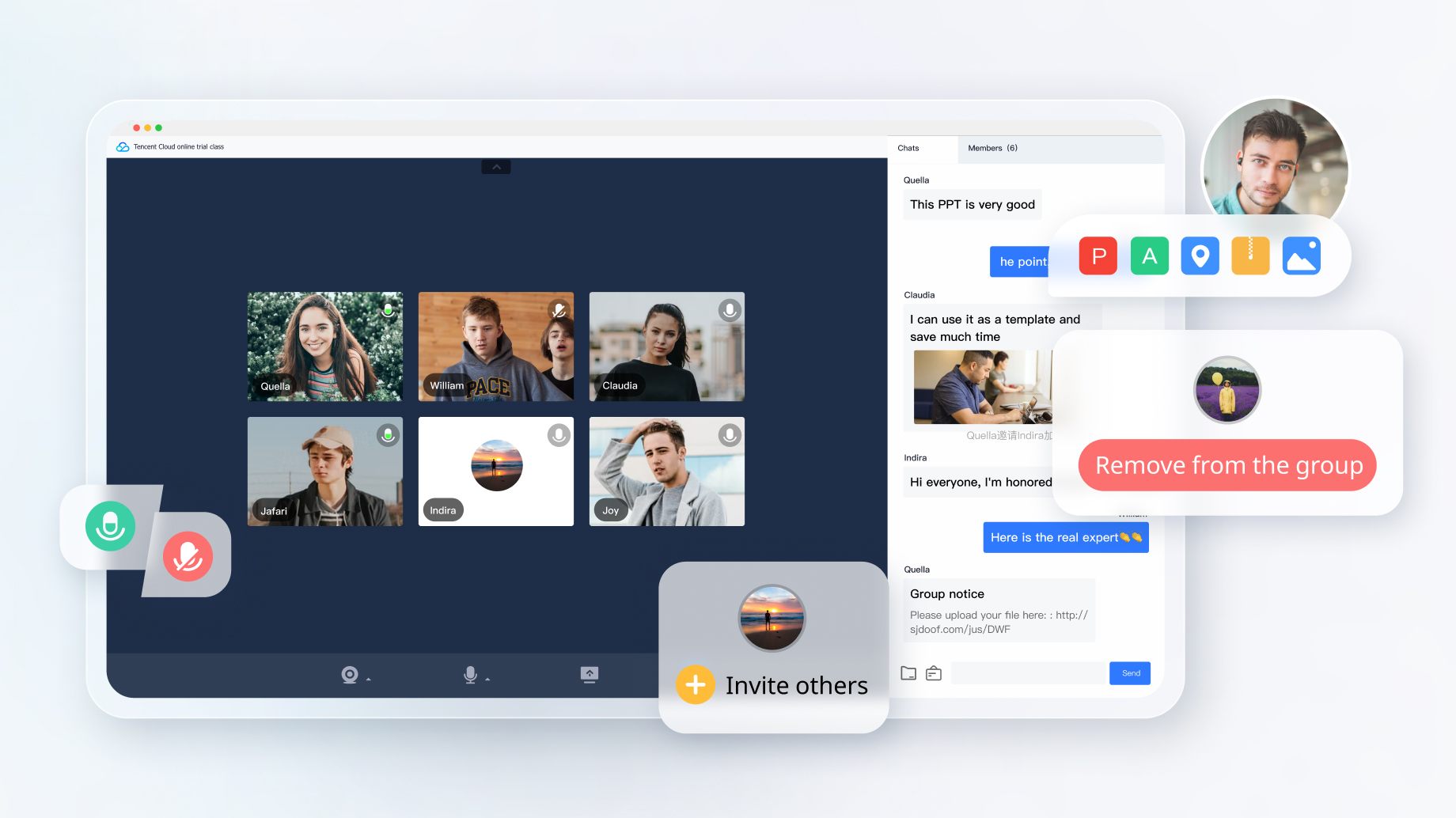
 - Meeting
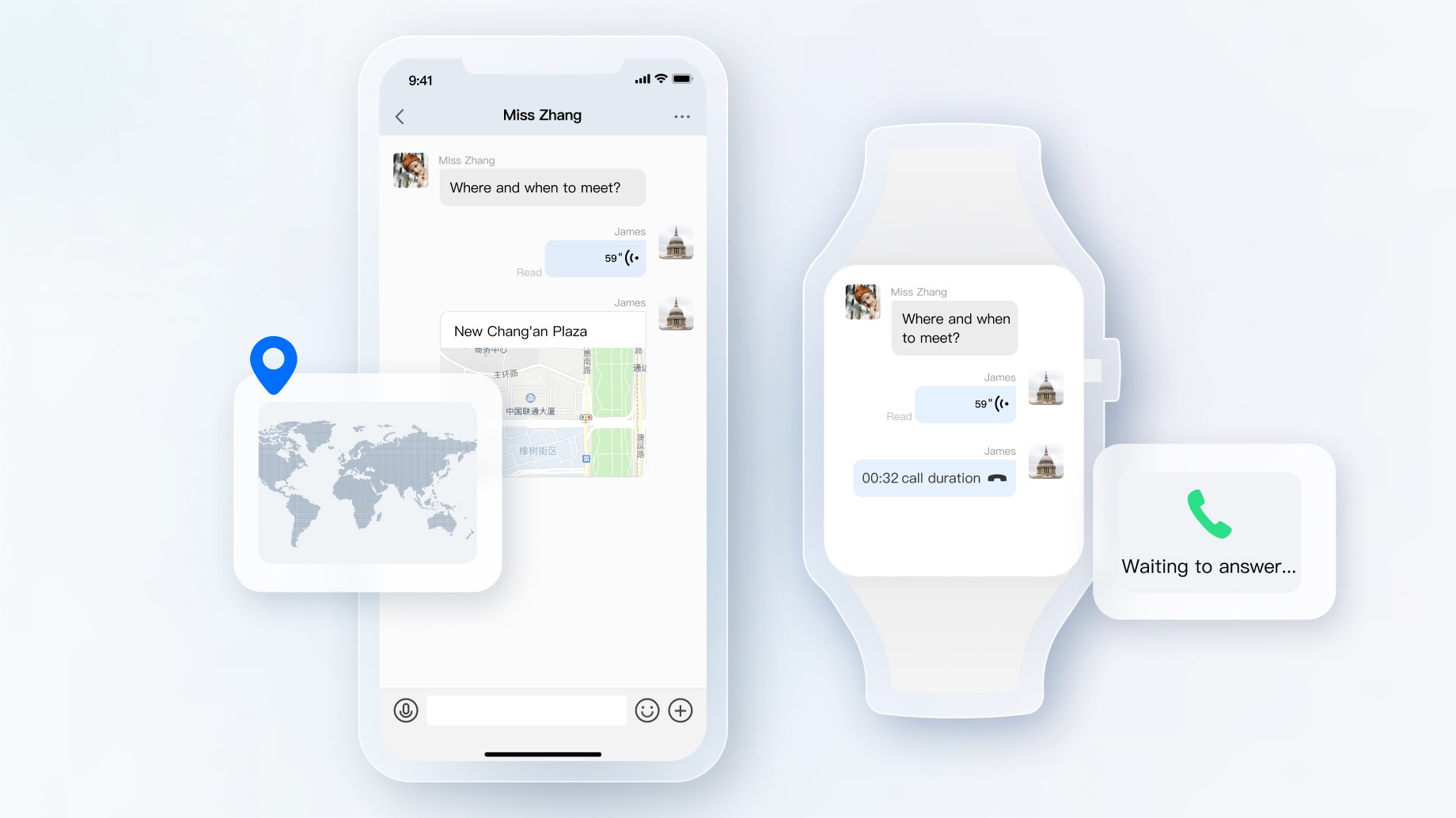
 - Smart Device
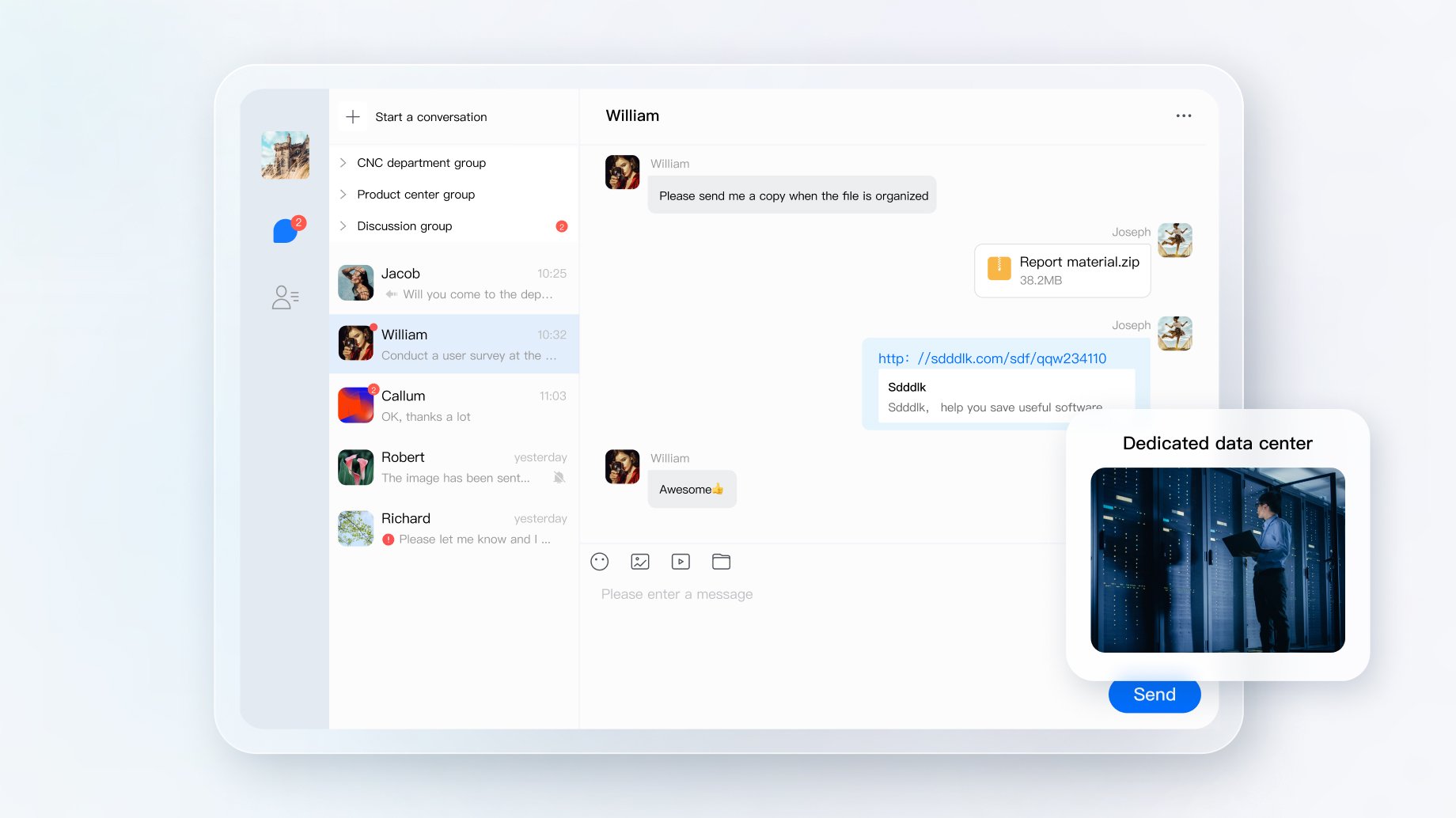
 - Private Cloud Deployment
 ## Installation
``` javascript
// npm
npm install react-native-tim-js
//yarn
yarn add react-native-tim-js
```
## Prerequisites
1. You have [signed up](https://cloud.tencent.com/document/product/378/17985) for a Tencent Cloud account,and completed [identity verification](https://cloud.tencent.com/document/product/378/3629)。
2. Please refer to [Creating and Upgrading an Application](https://cloud.tencent.com/document/product/269/32577) and create an app,record its `SDKAppID`。
## Getting started
```javascript
import { TencentImSDKPlugin } from 'react-native-tim-js';
// Obtain Chat Instance
const timManger = TencentImSDKPlugin.v2TIMManager;
// Group Manager Interface,includes advanced function of the group,such as group member invitation, non-group member join application and other operation interfaces
const groupManager = timManager.getGroupManager();
// Advanced Message Interface, includes create message,send message,get historical message and other operation interfaces
const messageManager = timManager.getMessageManager();
// Friendship Interface,includes addtion and deletion of friends,addtion and deletion of blocklist and other operation interfaces
const friendshipManager = timManager.getFriendshipManager();
// Conversation Interface,includes getting,deleting,updating conversation and other operation interfaces
const conversationManager = timManager.getConversationManager();
// Offline Push Interface
const offlinePushManager = timManager.getOfflinePushManager();
// Signaling Manager Interface
const signalingManager = timManager.getSignalingManager();
// Init SDK
const sdkAppID = 0; // sdkAppID from prerequisites
const logLevel = LogLevelEnum.V2TIM_LOG_DEBUG;
await timManger.initSDK(sdkAppID, logLeve);
// Login
const userID = 123456; // User ID
const userSig = "xxx"; // userSig generation see [Generating UserSig](https://cloud.tencent.com/document/product/269/32688)
timManger.login(userID, userSig);
// Send First Message
const friendID = 456789; // Receiver ID
const text = "Hello, Tencent IM";
timManger.sendC2CTextMessage(friendID, text);
// logout
timManager.logout();
```
## API Docs & Changelogs
If you want to find out more api docs about react-native-tim-js, go to [Docs](https://comm.qq.com/im/doc/RN/en/).
If you want to check the record of SDK versions, go to [Change Log](https://www.tencentcloud.com/en/document/product/1047/34281).
## Reference
- [Tencent Cloud](https://cloud.tencent.com/product/im)
- [API document](https://comm.qq.com/im/doc/RN/en/)
## Installation
``` javascript
// npm
npm install react-native-tim-js
//yarn
yarn add react-native-tim-js
```
## Prerequisites
1. You have [signed up](https://cloud.tencent.com/document/product/378/17985) for a Tencent Cloud account,and completed [identity verification](https://cloud.tencent.com/document/product/378/3629)。
2. Please refer to [Creating and Upgrading an Application](https://cloud.tencent.com/document/product/269/32577) and create an app,record its `SDKAppID`。
## Getting started
```javascript
import { TencentImSDKPlugin } from 'react-native-tim-js';
// Obtain Chat Instance
const timManger = TencentImSDKPlugin.v2TIMManager;
// Group Manager Interface,includes advanced function of the group,such as group member invitation, non-group member join application and other operation interfaces
const groupManager = timManager.getGroupManager();
// Advanced Message Interface, includes create message,send message,get historical message and other operation interfaces
const messageManager = timManager.getMessageManager();
// Friendship Interface,includes addtion and deletion of friends,addtion and deletion of blocklist and other operation interfaces
const friendshipManager = timManager.getFriendshipManager();
// Conversation Interface,includes getting,deleting,updating conversation and other operation interfaces
const conversationManager = timManager.getConversationManager();
// Offline Push Interface
const offlinePushManager = timManager.getOfflinePushManager();
// Signaling Manager Interface
const signalingManager = timManager.getSignalingManager();
// Init SDK
const sdkAppID = 0; // sdkAppID from prerequisites
const logLevel = LogLevelEnum.V2TIM_LOG_DEBUG;
await timManger.initSDK(sdkAppID, logLeve);
// Login
const userID = 123456; // User ID
const userSig = "xxx"; // userSig generation see [Generating UserSig](https://cloud.tencent.com/document/product/269/32688)
timManger.login(userID, userSig);
// Send First Message
const friendID = 456789; // Receiver ID
const text = "Hello, Tencent IM";
timManger.sendC2CTextMessage(friendID, text);
// logout
timManager.logout();
```
## API Docs & Changelogs
If you want to find out more api docs about react-native-tim-js, go to [Docs](https://comm.qq.com/im/doc/RN/en/).
If you want to check the record of SDK versions, go to [Change Log](https://www.tencentcloud.com/en/document/product/1047/34281).
## Reference
- [Tencent Cloud](https://cloud.tencent.com/product/im)
- [API document](https://comm.qq.com/im/doc/RN/en/)