# Modalize
[](https://badge.fury.io/js/react-native-modalize)
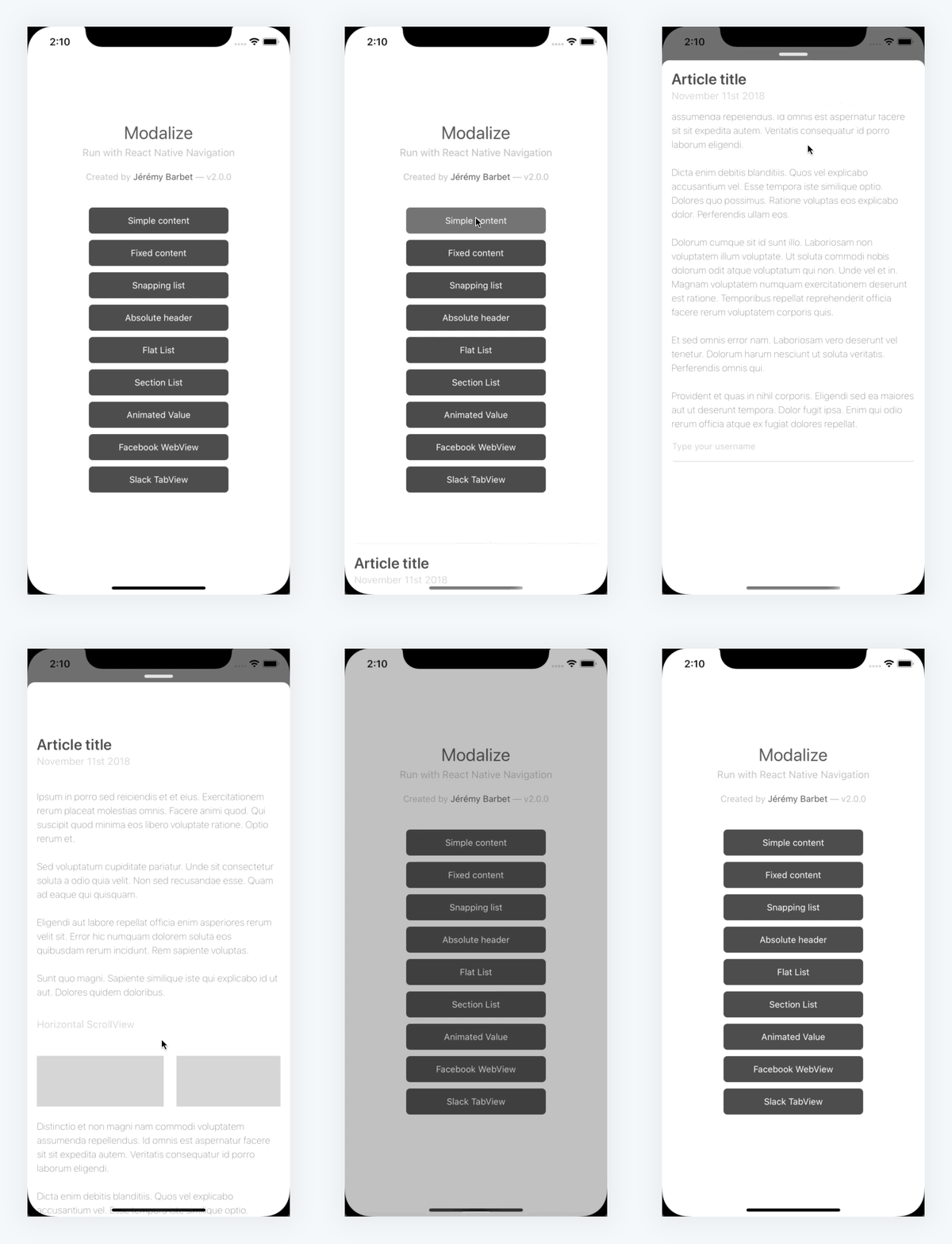
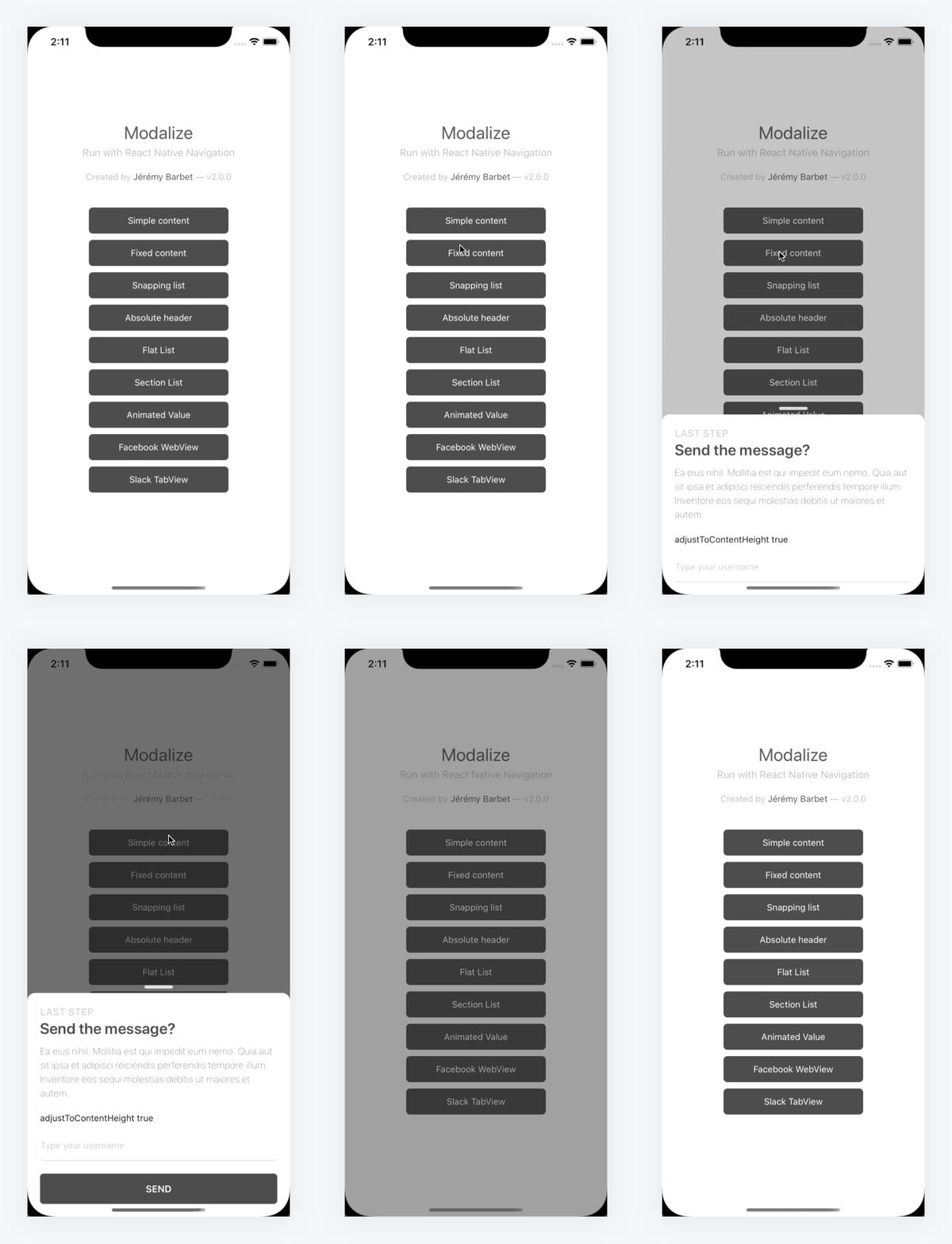
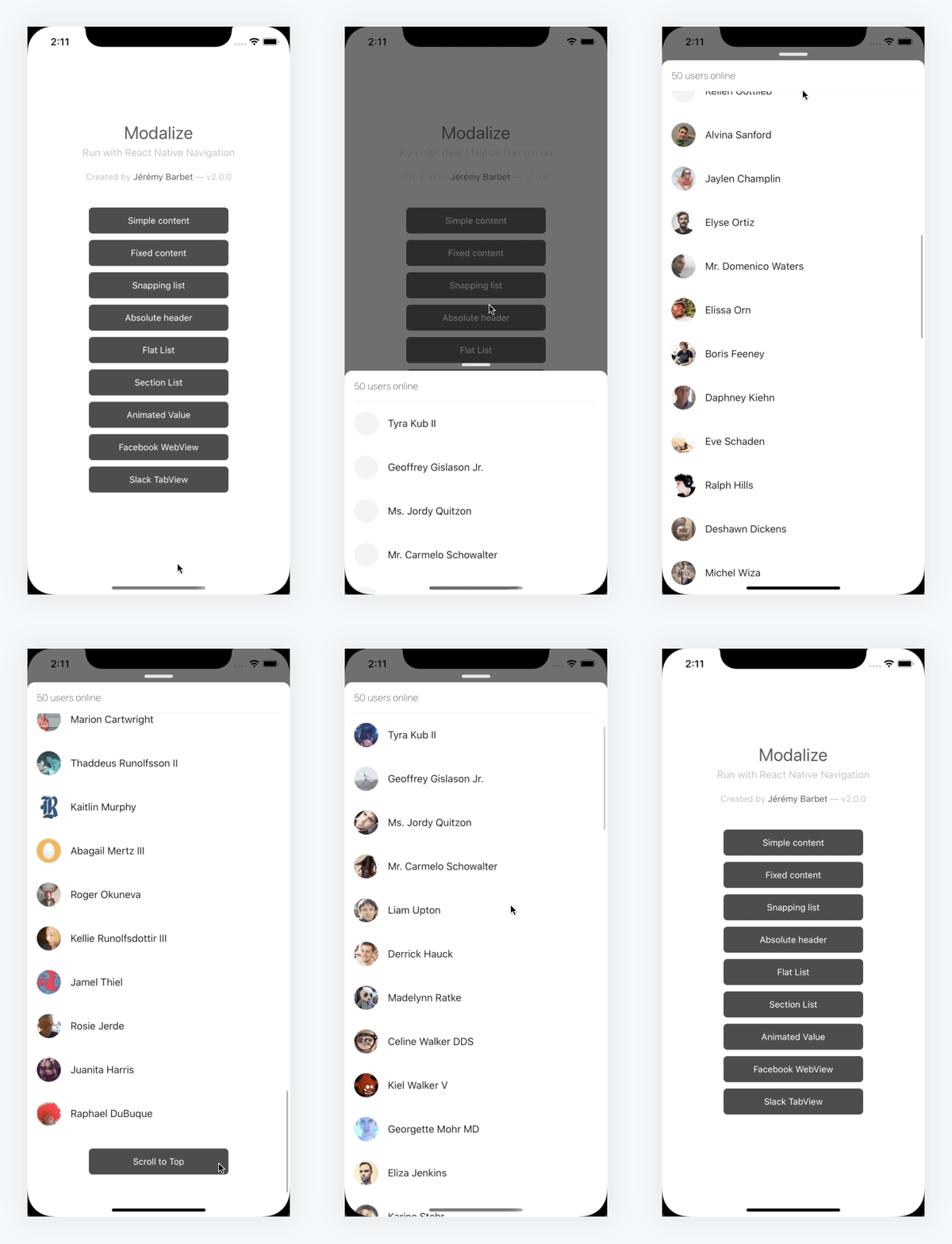
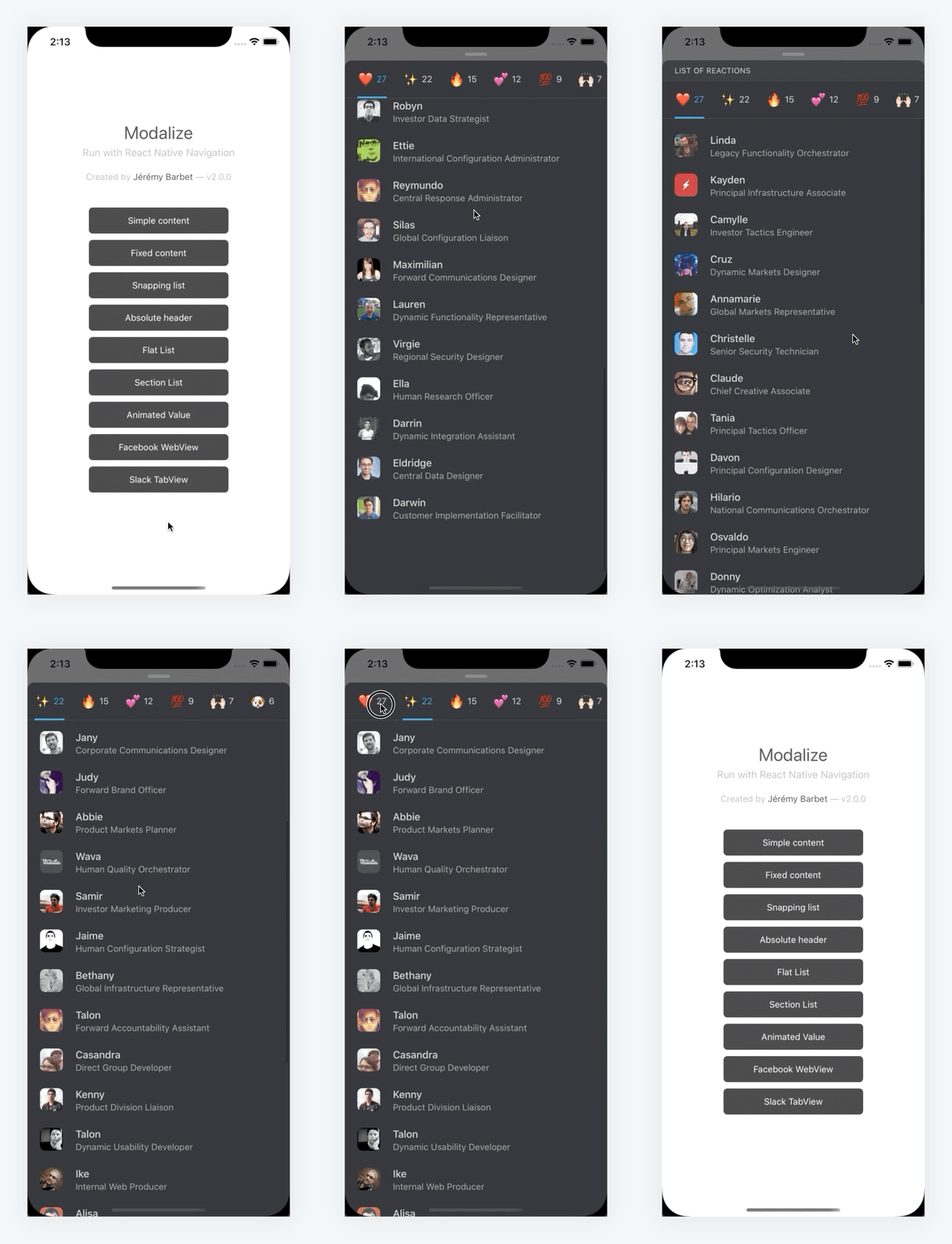
A highly customizable modal/bottom sheet that loves scrolling content.
This component has been built with `react-native-gesture-handler` to address the common issue of **scrolling**, **swiping** and handling the **keyboard** behaviors, you can face with react-native's modal.
This component comes with a ScrollView, the default renderer, a FlatList or a SectionList. They are all three built-in and make your life easier, just pass your content and Modalize will handle the rest for you. You can also have the possibility to pass your own custom renderer.


## Installation
```bash
yarn add react-native-modalize react-native-gesture-handler
```
iOS
```bash
npx pod-install ios
```
Android
#### React Native <= 0.59
Follow [this guide](https://jeremybarbet.github.io/react-native-modalize/#/INSTALLATION) to complete the Android installation.
#### React Native > 0.60
You don't need to follow the guide mentioned above because autolinking from React already did the steps.
## Usage
Here is a quick example, using the default ScrollView renderer.
```tsx
import React, { useRef } from 'react';
import { View, Text, TouchableOpacity } from 'react-native';
import { Modalize } from 'react-native-modalize';
export const App = () => {
const modalizeRef = useRef(null);
const onOpen = () => {
modalizeRef.current?.open();
};
return (
<>
Open the modal
...your content
);
};
```
## Documentation
Please check out the full [documentation available here](https://jeremybarbet.github.io/react-native-modalize) to find all about the props, methods and examples of Modalize's usage.