# react-native-liqpay
## Getting started
```bash
npm install react-native-liqpay --save
```
### Mostly automatic installation (RN >= 0.60)
```bash
cd ios && pod install
```
That's all! Ready for use on iOS and Android.
### Mostly automatic installation (RN < 0.60)
`$ react-native link react-native-liqpay`
---
Manual installation
#### iOS
1. In XCode, in the project navigator, right click `Libraries` ➜ `Add Files to [your project's name]`
2. Go to `node_modules` ➜ `react-native-liqpay` and add `RNLiqpay.xcodeproj`
3. In XCode, in the project navigator, select your project. From `RNLiqpay.xcodeproj/Producs/`, add `libRNLiqpay.a` to your project's `Build Phases` ➜ `Link Binary With Libraries`
4. Run your project (`Cmd+R`)
#### Android
1. Open up `android/app/src/main/java/[...]/MainActivity.java`
- Add `import com.reactlibrary.RNReactNativeLiqpayPackage;` to the imports at the top of the file
- Add `new RNReactNativeLiqpayPackage()` to the list returned by the `getPackages()` method
2. Append the following lines to `android/settings.gradle`:
```java
include ':react-native-liqpay'
project(':react-native-liqpay').projectDir = new File(rootProject.projectDir, '../node_modules/react-native-liqpay/android')
```
3. Insert the following lines inside the dependencies block in `android/app/build.gradle`:
```java
compile project(':react-native-liqpay')
```
4. Insert the following lines inside the dependencies block in `android/app/src/main/AndroidManifest.xml`:
```xml
```
5. Insert the following lines inside the dependencies block in `android/app/src/main/java/com/[yourappname]/MainApplication.java`:
```java
return Arrays.asList(
new RNLiqpayPackage()
);
```
6. To avoid problems with compile SDK version insert following inside `android/buid.gradle`
```
subprojects {
afterEvaluate {
project -> if (project.hasProperty("android")) {
android {
compileSdkVersion rootProject.ext.compileSdkVersion
buildToolsVersion rootProject.ext.buildToolsVersion
}
}
}
}
```
7. Request permissions
```javascript
if (Platform.OS === 'android') {
try {
const granted = await PermissionsAndroid.request(PermissionsAndroid.PERMISSIONS.READ_PHONE_STATE);
if (granted === PermissionsAndroid.RESULTS.GRANTED) {
// open liqpay
}
} catch (e) {
console.log(e);
}
} else {
// open liqpay
}
```
## Usage
### Checkout
**Note** Please don't forget that we work in a client environment. So it's **very very** bad pratice to store and use private key in app. You must make data and signature on your backend env. Then you can use [LiqpayCheckoutBase64](#liqpaycheckoutbase64) to make request.
Get the API keys here:
https://www.liqpay.ua/ru/admin/business
More info on the params:
https://www.liqpay.ua/documentation/data_signature
Info on LiPay Checkout:
https://www.liqpay.ua/documentation/api/aquiring/checkout/doc
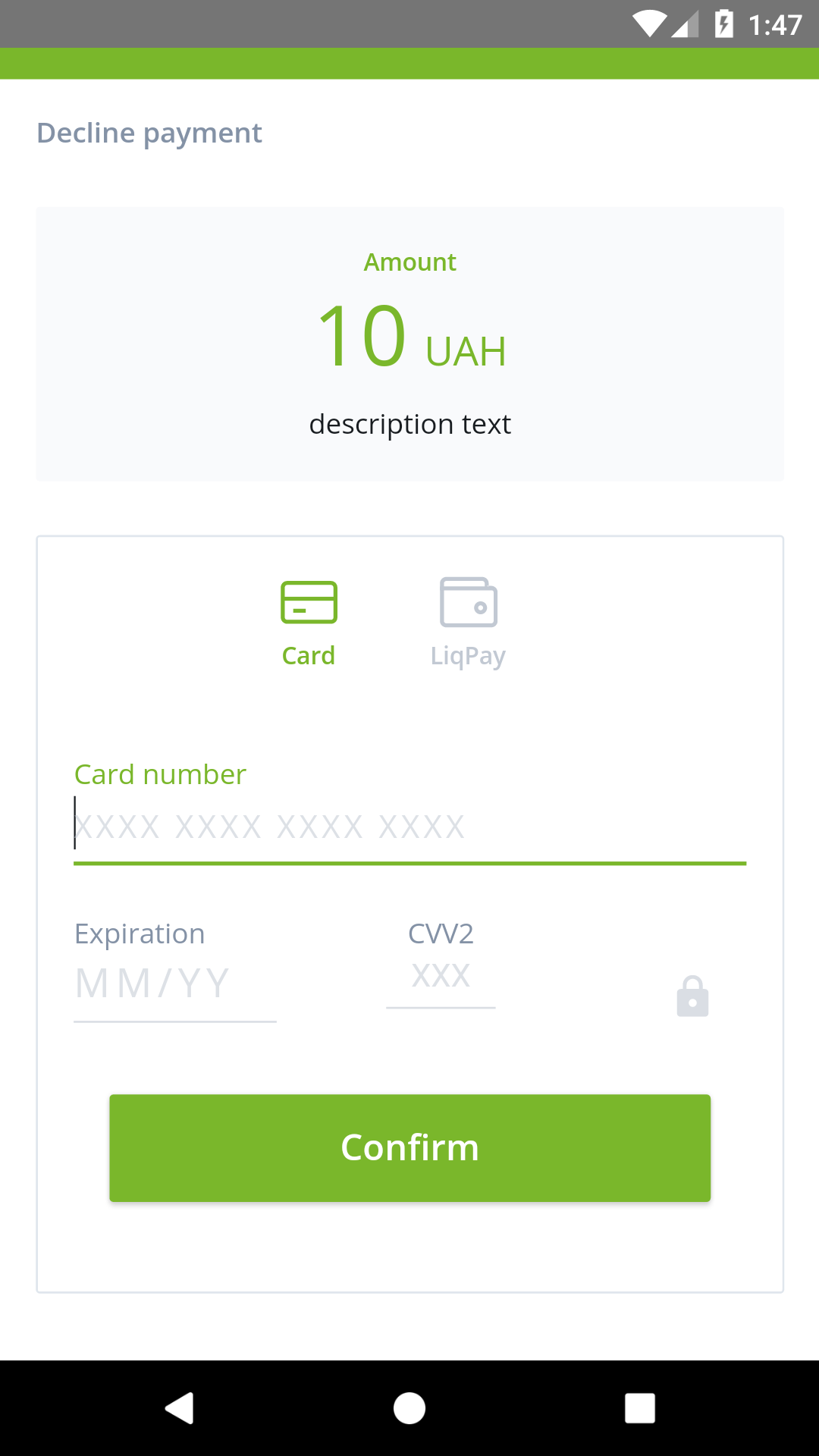
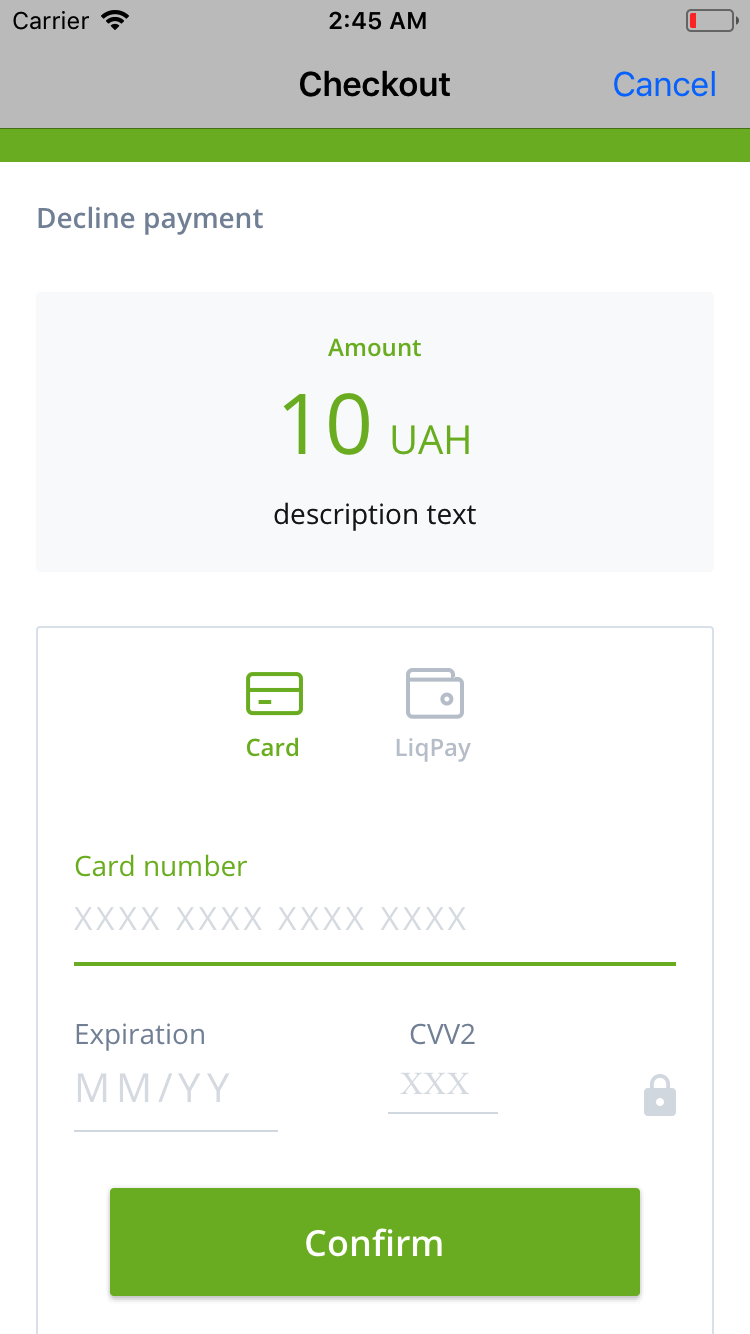
Example checkout:
```jsx
import { LiqpayCheckout } from 'react-native-liqpay';
import { Button, View } from 'react-native';
class Checkout extends React.Component {
state = {
showCheckout: false,
}
renderCheckout() {
return(
{
console.log(res);
}}
onLiqpayError={error => {
console.error(error);
}}
/>
);
}
render() {
return (
);
}
}
```
### LiqpayCheckoutBase64
```jsx
import { LiqpayCheckoutBase64 } from 'react-native-liqpay';
// About data and signature https://www.liqpay.ua/documentation/data_signature
// Signature calculator https://www.liqpay.ua/documentation/forming_test_data/
... {
console.log(res);
}}
onLiqpayError={error => {
console.log(error);
}}
/>
...
```
### LiqpayApi
_todo_
### LiqpayApiBase64
_todo_

 Get the API keys here:
https://www.liqpay.ua/ru/admin/business
More info on the params:
https://www.liqpay.ua/documentation/data_signature
Info on LiPay Checkout:
https://www.liqpay.ua/documentation/api/aquiring/checkout/doc
Example checkout:
```jsx
import { LiqpayCheckout } from 'react-native-liqpay';
import { Button, View } from 'react-native';
class Checkout extends React.Component {
state = {
showCheckout: false,
}
renderCheckout() {
return(
Get the API keys here:
https://www.liqpay.ua/ru/admin/business
More info on the params:
https://www.liqpay.ua/documentation/data_signature
Info on LiPay Checkout:
https://www.liqpay.ua/documentation/api/aquiring/checkout/doc
Example checkout:
```jsx
import { LiqpayCheckout } from 'react-native-liqpay';
import { Button, View } from 'react-native';
class Checkout extends React.Component {
state = {
showCheckout: false,
}
renderCheckout() {
return(