# Gifted ListView
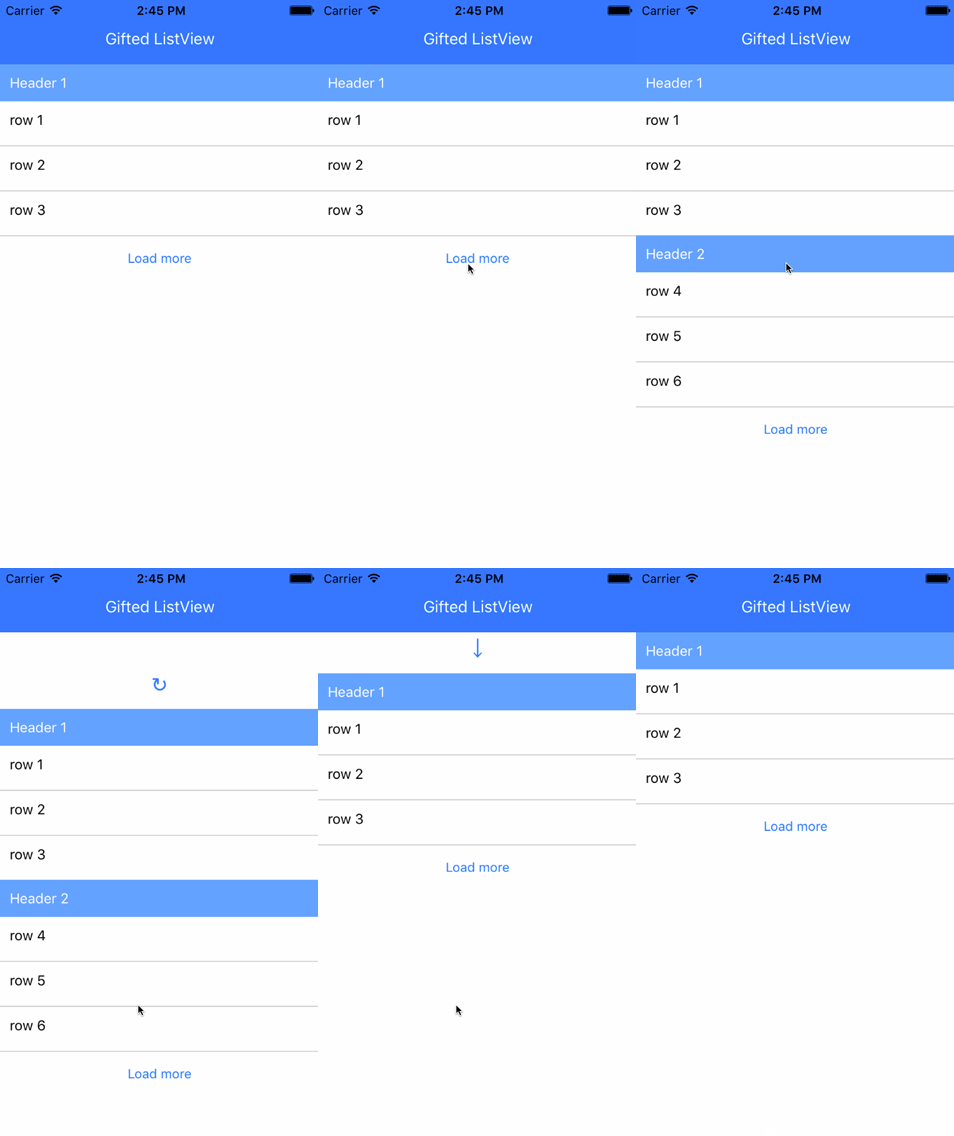
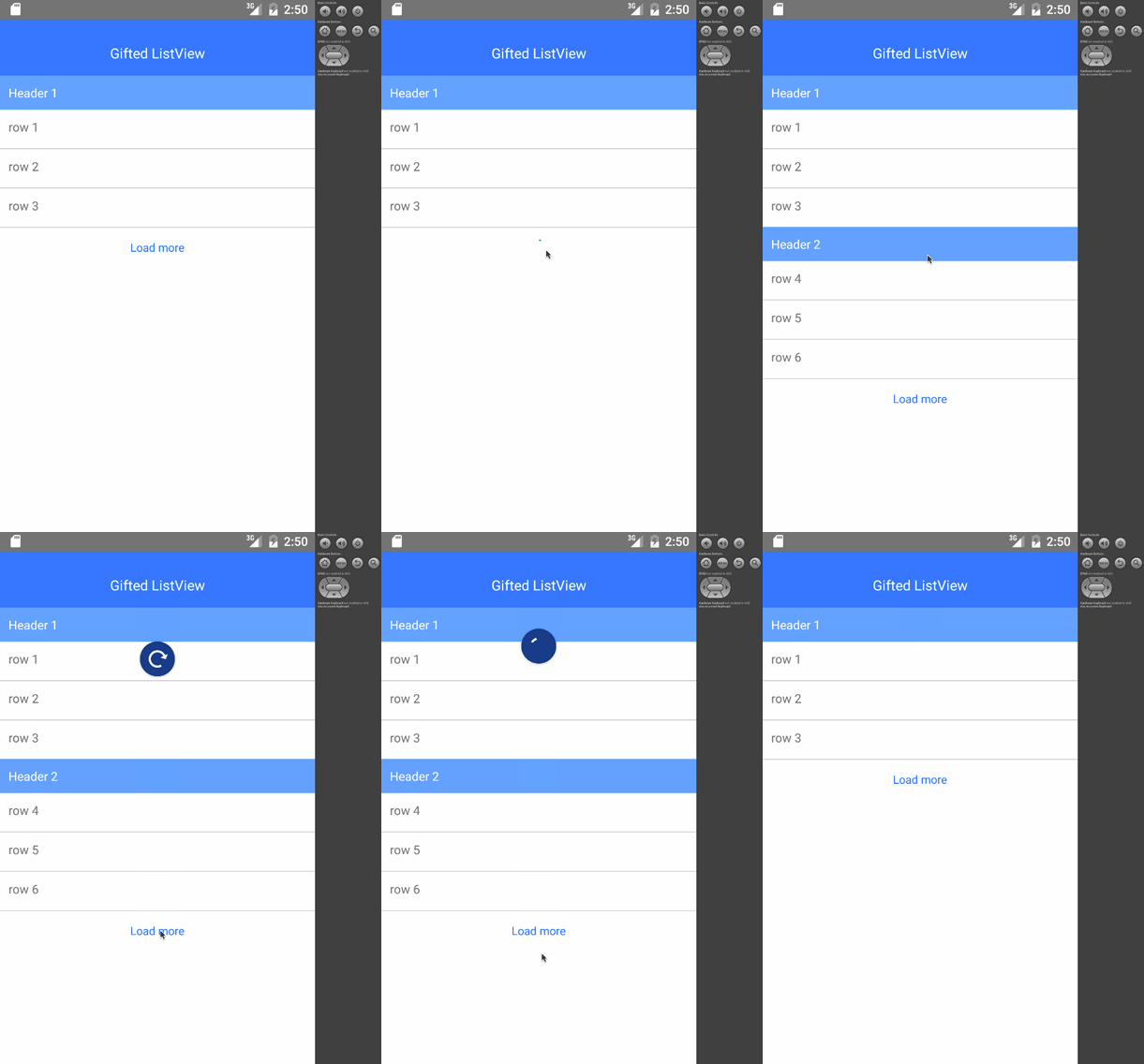
A ListView with pull-to-refresh, infinite scrolling and more for Android and iOS React-Native apps
### Changelog
#### 0.0.13
- Use RefreshControl instead of own implementation for pull-to-refresh (PR @SpaceK33z)
### Simple example
```js
var React = require('react-native');
var {
StyleSheet,
Text,
View,
TouchableHighlight
} = React;
var GiftedListView = require('react-native-gifted-listview');
var Example = React.createClass({
/**
* Will be called when refreshing
* Should be replaced by your own logic
* @param {number} page Requested page to fetch
* @param {function} callback Should pass the rows
* @param {object} options Inform if first load
*/
_onFetch(page = 1, callback, options) {
setTimeout(() => {
var rows = ['row '+((page - 1) * 3 + 1), 'row '+((page - 1) * 3 + 2), 'row '+((page - 1) * 3 + 3)];
if (page === 3) {
callback(rows, {
allLoaded: true, // the end of the list is reached
});
} else {
callback(rows);
}
}, 1000); // simulating network fetching
},
/**
* When a row is touched
* @param {object} rowData Row data
*/
_onPress(rowData) {
console.log(rowData+' pressed');
},
/**
* Render a row
* @param {object} rowData Row data
*/
_renderRowView(rowData) {
return (
this._onPress(rowData)}
>
{rowData}
);
},
render() {
return (
);
}
});
var styles = {
container: {
flex: 1,
backgroundColor: '#FFF',
},
navBar: {
height: 64,
backgroundColor: '#CCC'
},
row: {
padding: 10,
height: 44,
},
};
```
### Advanced example
[See GiftedListViewExample/example_advanced.js](GiftedListViewExample/example_advanced.js)
### Installation
```npm install react-native-gifted-listview --save```
### Features
- [x] Pull-to-refresh in iOS
- [x] Touch-to-refresh in Android
- [x] Infinite scrolling using touch to load more
- [x] Loader for first display
- [x] Default view when no content to display
- [x] Customizable (see advanced example)
- [x] Support for section header
- [x] Pull-to-refresh in Android
### License
[MIT](LICENSE.md)
Feel free to ask me questions on Twitter [@FaridSafi](https://www.twitter.com/FaridSafi) !