# :warning: This Repository Has been changed
### new package :- [react-native-receive-sharing-intent](https://www.npmjs.com/package/react-native-receive-sharing-intent)
:star: :star: :star: :star:
## Demo
- React Native > 0.60 Support
- Easy implimentation
- Ios Directly Open Host app
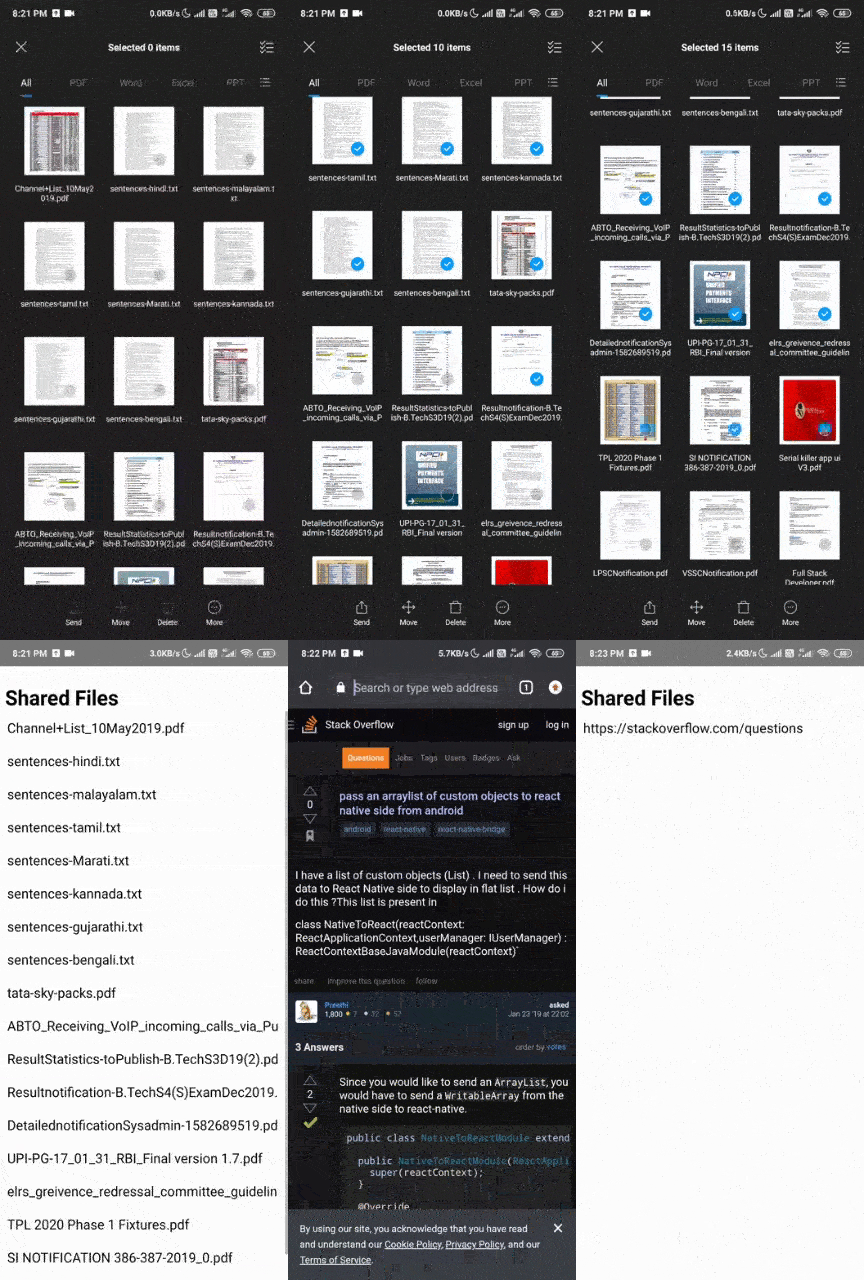
- Multiple Files Share Both ios and Android
| Android | Ios |
| :---: | :---: |
|  | 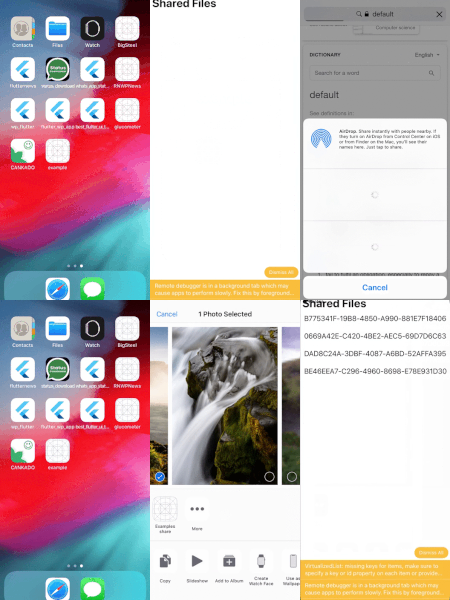 |
# react-native-file-share-intent
Adds the application to the share intent of the device, so it can be launched from other apps and receive data from them
## Installation
* Install the module
```bash
npm i --save react-native-file-share-intent
```
### Automatic Installation (React Native 0.36 - 0.59.9)
At the command line, in the project directory: only For `Android` and in `ios` use Manual installation
```bash
react-native link
```
### Manual Installation
- IOS
- Android
### Donate
## Example
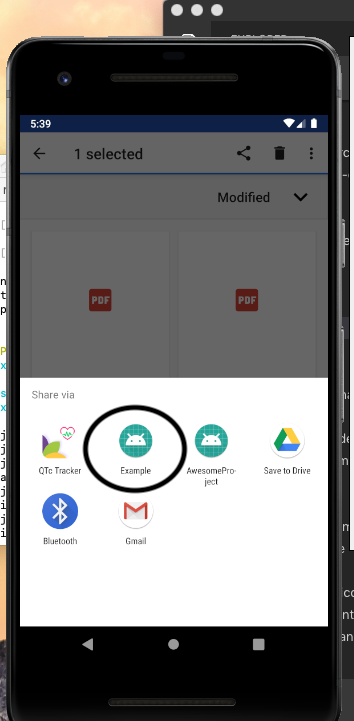
### For Android
App.js
```javascript
import React, { Component } from 'react';
import {Text,View} from 'react-native';
import RNFileShareIntent from 'react-native-file-share-intent';
export default class App extends Component {
constructor(props) {
super(props);
this.state = {
fileUrl: null,
};
}
componentDidMount() {
if(RNFileShareIntent){
RNFileShareIntent.getFilepath((url) => {
this.setState({ fileUrl: url });
})
}
}
render() {
var uri = this.state.fileUrl;
return (
Shared Url: {uri}
);
}
}
```
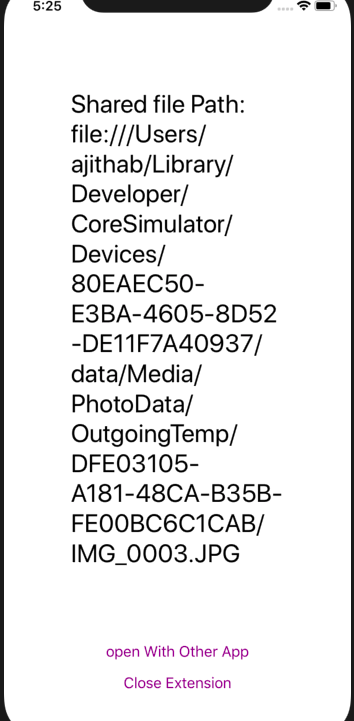
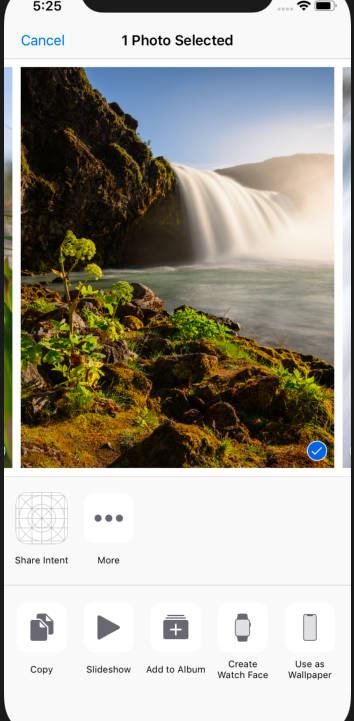
### For IOS Share Extension View
Share.js in the Root Folder
```javascript
import React, { Component } from 'react';
import { View, Text, AppRegistry, StyleSheet, Button } from 'react-native';
import RNFileShareIntent from 'react-native-file-share-intent';
export default class Share extends Component {
constructor(props) {
super(props);
this.state = {
sharedText: null
};
}
componentDidMount() {
var that = this;
RNFileShareIntent.getFilePath((text) => {
that.setState({ sharedText: text });
})
}
render() {
var url = this.state.sharedText;
return (
Shared file Path: {url}
)
}
}
const styles = StyleSheet.create({
text: {
color: 'black',
backgroundColor: 'white',
fontSize: 30,
margin: 80
}
});
AppRegistry.registerComponent('Share', () => Share);
```
Or check the "example" directory for an example application.
## Preview
### IOS