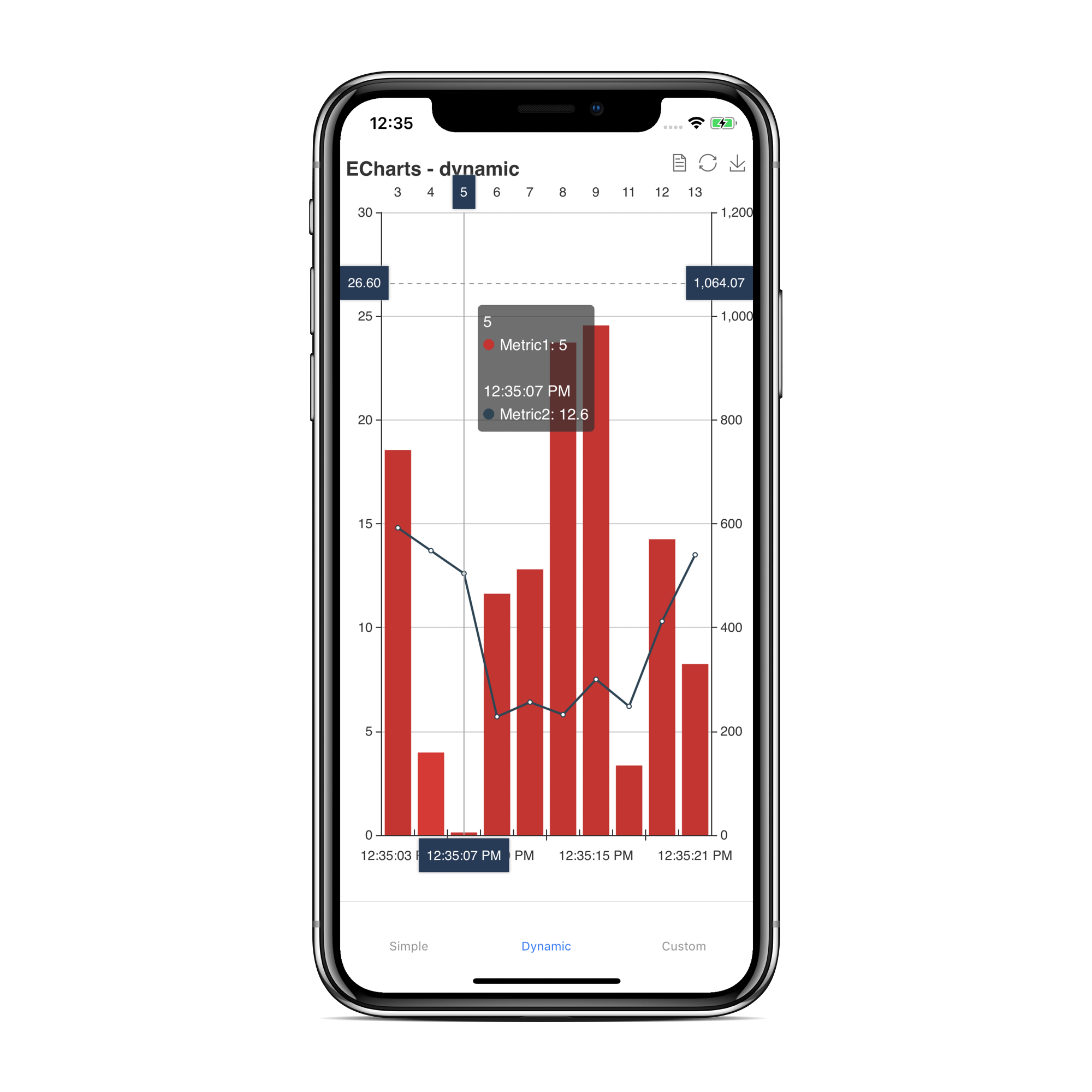
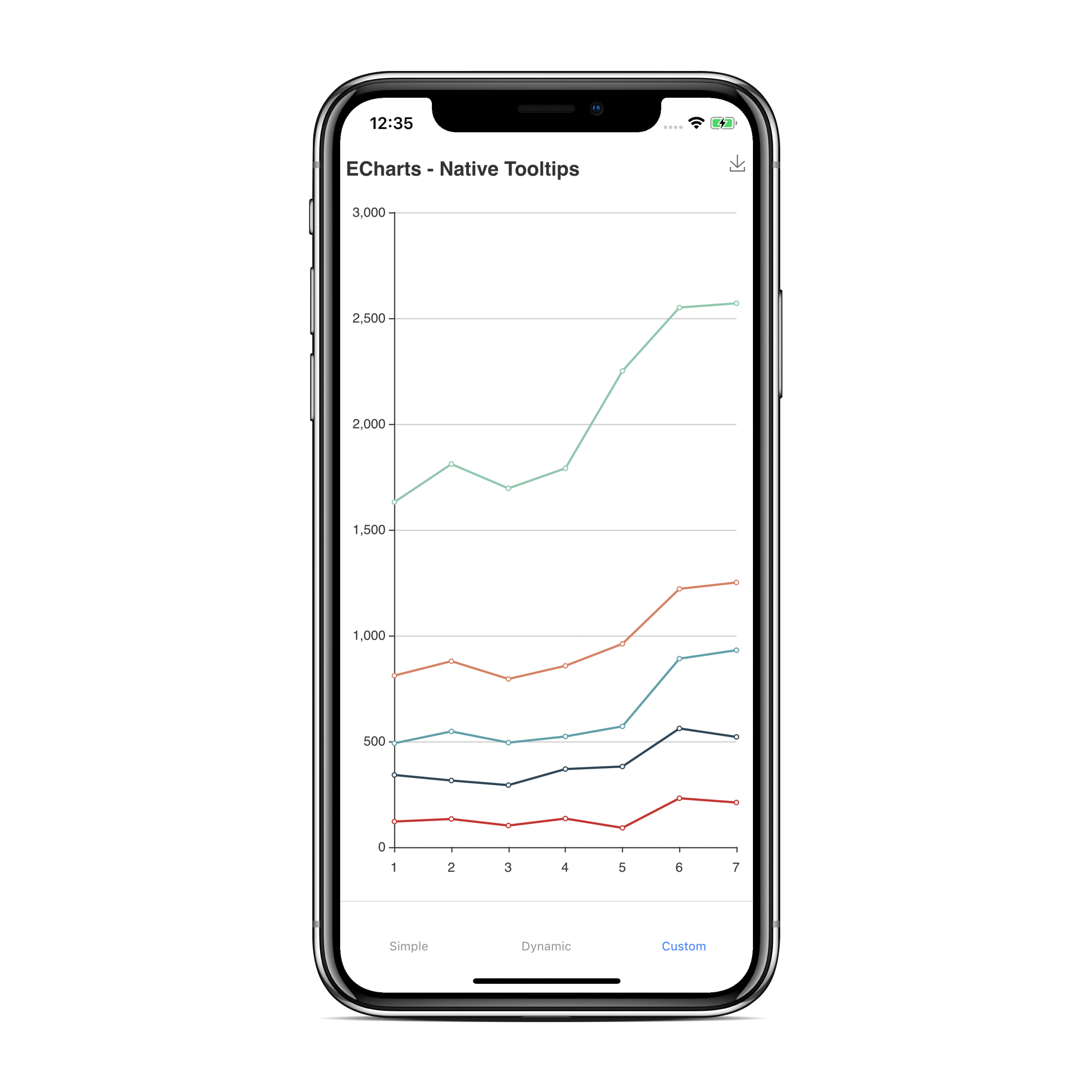
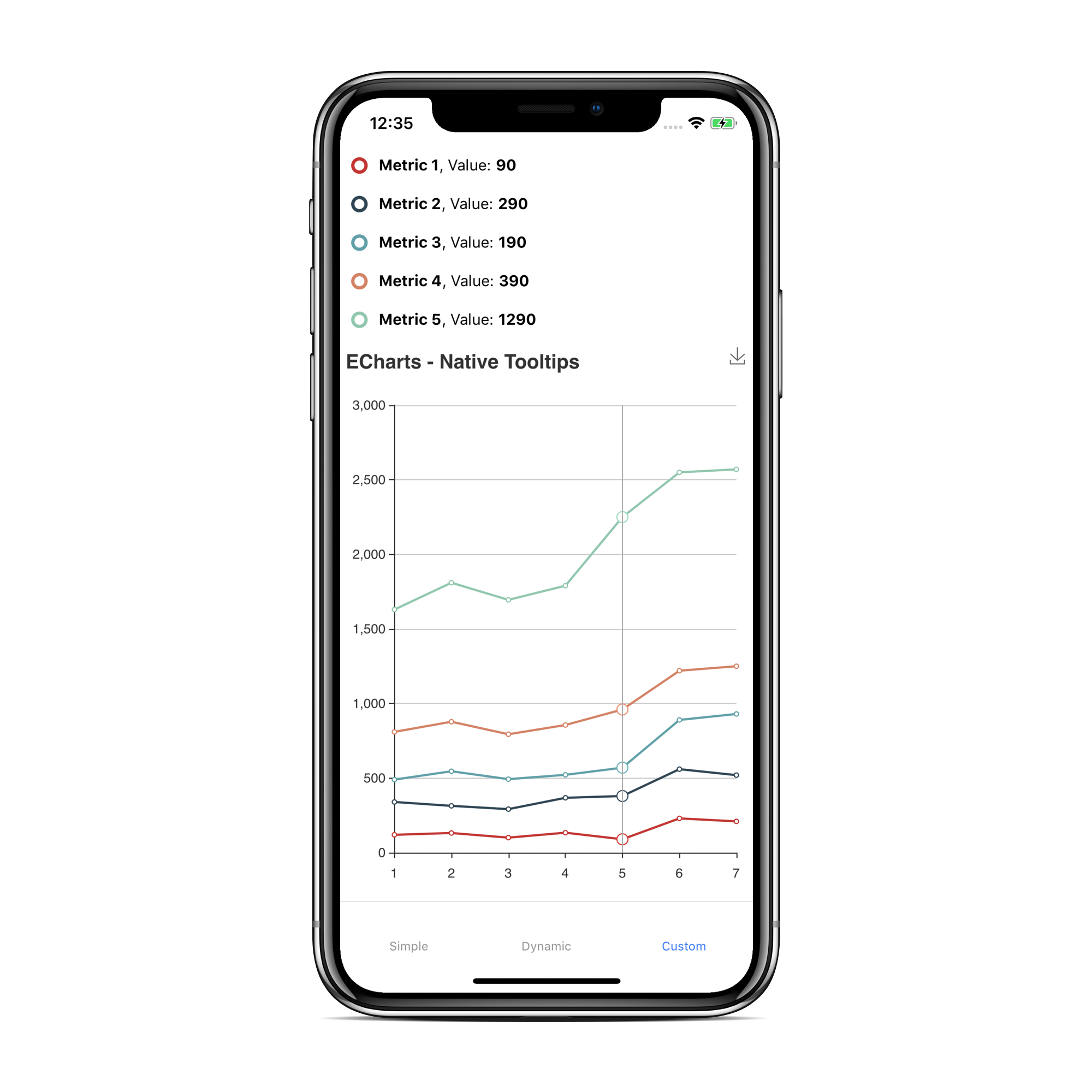
### A React Native wrapper for the popular echarts charting framework. With this library you can create complex, interactive charts with great performance on mobile devices.
The fact that the charting framework purely runs in a webview makes it very stable to upcomming React-Native versions. On the other hand it is not easy to make a two way data communication between the chart (running in the webview Javascript thread) and the React-Native Javascript thread. With this library you can even build the more complex chart options of echarts. You can inject custom javascript code within the webview which allows you to access the chart api (detect taps, selections etc...)
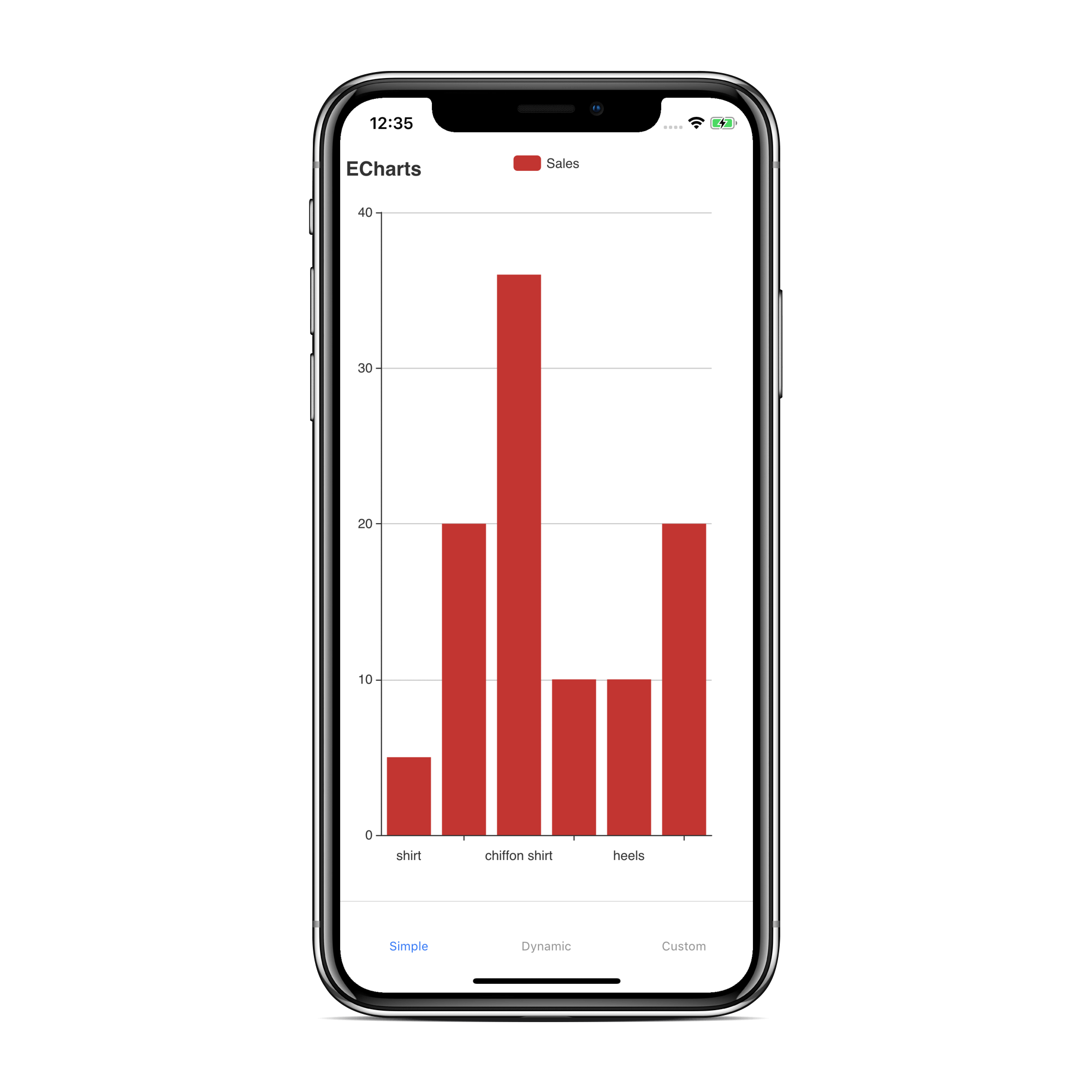
# Screenshots
# How To Use
```bash
$ yarn add react-native-echarts-wrapper
```
Not required if using expo or if you want to run in legacy mode:
```bash
$ yarn add react-native-webview
```
```bash
$ react-native link react-native-webview
```
#### Expo
Add legacyMode if you are using Expo.
```js
render() {
return (
);
}
```
#### Android
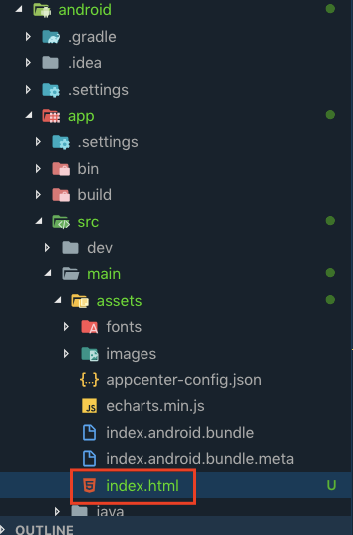
Add the `index.html` from `node_modules/react-native-echarts-wrapper/src/` to your android assets folder
### Properties
| Name | Type | Example | Description |
| --------------- | ------ | ---------------------------------- | ------------------------------------------------------------------------------------------------------------------------------------------------------------------------------------------------------------------------------------------------------------------------------------------- |
| option | object | take a look at the examples | Allows you to set the chart configuration (https://ecomfe.github.io/echarts-examples/public/index.html). Never access anything related to your React-Native Javascript code within the options object. It won't work! Take a look at `onData` and `sendData` |
| baseUrl | string | file:///android_assets | Use this property if you want to tell echarts where to look for local assets. You can use RNFS to get the directory path for Android/iOS. Take a look at More complex example |
| additionalCode | string | `alert('hello world');` | Allows you to inject javascript code in the webview. It is used to access the echarts api to create more complex charts (e.G. callback on chart tap). Take a look at More complex example |
| legacyMode | bool | - | Uses Webview from 'react-native' instead of 'react-native-webview' |
| canvas | bool | - | Use 'canvas' as renderer instead of 'svg' (default) |
| backgroundColor | string | rgba(255,101,80,0.4), red, #4287f5 | Set the background color of the chart |
### Methods / Callbacks
| Name | Example | Description |
| ------------------ | ---------------------------------------------------- | ------------------------------------------------------------------------------------------------------------------------------------------------------------------------------------------------------------------------------------------------------------------------------------------------------------------------------------------------------------------------------------------------------ |
| setOption | `this.chart.setOption(option);` | Allows you to set a chart configuration dyanmically (e.g. after initial setup with option prop). Take a look at Dynamic loading example |
| getOption | `this.chart.getOption((data) => console.log(data));` | Allows you to get the current option of a chart instance. First parameter is the result-callback. If you don't pass a second parameter the result-callback will be triggered with all option properties. Second parameter is an array of the e-charts-option-properties (e.g. `['dataZoom', 'series']`) you want to get. Take a look at Dynamic loading example |
| clear | `this.chart.clear();` | Allows you to clear the chart. Take a look at More complex example |
| onData | `` | This is the only way to receive data from the chart. It is called with the data provided by sendData (Webview functions). |
| setBackgroundColor | `this.chart.setBackgroundColor('#ecf542');` | Allows you to set the background color of the chart. |
### Webview functions
These functions can be called from code injected with `additionalCode` or within the echarts option.
| Name | Example | Description |
| -------- | ------------------------- | ---------------------------------------------------------------------------------------------------------------------------------------------------------------------------------------------------------------------------------------------------------------------- |
| sendData | `sendData('Hello World')` | With this function you can communicate with React Native. **Attention** you can only send strings over to React-Native. `sendData('Hello World')` will call `onData` on the React Native side. Take a look at More complex example |
### Webview variables
| Name | Example | Description |
| ----- | ---------------- | --------------------------------------------------------------------------------------------------------------------------------------------------------------------------------------- |
| chart | `chart.on(....)` | Allows you to access the echarts api (https://ecomfe.github.io/echarts-doc/public/en/api.html#echartsInstance). Take a look at More complex example |
### Simple example
```js
import React, { Component } from "react";
import { StyleSheet, View } from "react-native";
import { ECharts } from "react-native-echarts-wrapper";
export default class App extends Component {
option = {
xAxis: {
type: "category",
data: ["Mon", "Tue", "Wed", "Thu", "Fri", "Sat", "Sun"]
},
yAxis: {
type: "value"
},
series: [
{
data: [820, 932, 901, 934, 1290, 1330, 1320],
type: "line"
}
]
};
render() {
return (
);
}
}
const styles = StyleSheet.create({
chartContainer: {
flex: 1
}
});
```
### More complex example
```js
import React, { Component } from "react";
import { StyleSheet, SafeAreaView, Button } from "react-native";
import { ECharts } from "react-native-echarts-wrapper";
export default class App extends Component {
option = {
xAxis: {
type: "category",
data: ["Mon", "Tue", "Wed", "Thu", "Fri", "Sat", "Sun"]
},
yAxis: {
type: "value"
},
series: [
{
data: [820, 932, 901, 934, 1290, 1330, 1320],
type: "line"
}
]
};
additionalCode = `
chart.on('click', function(param) {
var obj = {
type: 'event_clicked',
data: param.data
};
sendData(JSON.stringify(obj));
});
`;
onData = param => {
const obj = JSON.parse(param);
if (obj.type === "event_clicked") {
alert(`you tapped the chart series: ${obj.data}`);
}
};
onRef = ref => {
if (ref) {
this.chart = ref;
}
};
onButtonClearPressed = () => {
this.chart.clear();
};
render() {
return (
{
this.chart.setBackgroundColor("rgba(93, 169, 81, 0.1)");
}}
/>
);
}
}
const styles = StyleSheet.create({
chartContainer: {
flex: 1,
backgroundColor: "#F5FCFF"
}
});
```
### Dynamic loading example
```js
import React, { Component } from "react";
import { StyleSheet, SafeAreaView, Button } from "react-native";
import { ECharts } from "react-native-echarts-wrapper";
export default class App extends Component {
onRef = ref => {
if (ref) {
this.chart = ref;
}
};
onData = param => {};
initChart = () => {
function randomData() {
now = new Date(+now + oneDay);
value = value + Math.random() * 21 - 10;
return {
name: now.toString(),
value: [
[now.getFullYear(), now.getMonth() + 1, now.getDate()].join("/"),
Math.round(value)
]
};
}
var data = [];
var now = +new Date(1997, 9, 3);
var oneDay = 24 * 3600 * 1000;
var value = Math.random() * 1000;
for (var i = 0; i < 1000; i++) {
data.push(randomData());
}
option = {
title: {
text: "Dynamic Chart"
},
tooltip: {
trigger: "axis",
formatter: function(params) {
params = params[0];
var date = new Date(params.name);
return (
date.getDate() +
"/" +
(date.getMonth() + 1) +
"/" +
date.getFullYear() +
" : " +
params.value[1]
);
},
axisPointer: {
animation: false
}
},
xAxis: {
type: "time",
splitLine: {
show: false
}
},
yAxis: {
type: "value",
boundaryGap: [0, "100%"],
splitLine: {
show: false
}
},
series: [
{
type: "line",
showSymbol: false,
hoverAnimation: false,
data: data
}
]
};
this.chart.setOption(option);
//no query parameter: whole option object
this.chart.getOption(option => {
console.log(option);
});
//with query parameter
this.chart.getOption(
option => {
console.log(option);
},
["dataZoom", "series"]
);
const instance = this.chart;
setInterval(function() {
for (var i = 0; i < 5; i++) {
data.shift();
data.push(randomData());
}
instance.setOption({
series: [
{
data: data
}
]
});
}, 100);
};
render() {
return (
);
}
}
const styles = StyleSheet.create({
chartContainer: {
flex: 1,
backgroundColor: "#F5FCFF"
}
});
```
## [1.4.6] - Thursday, 12.September 2019
### Fixed
- Variables and functions from injectedJavaScript not available on Android (see react-native issue)
## [1.4.5] - Saturday, 17.August 2019
### Added
- Loading state/Background Color (#17)
## [1.4.4] - Thursday, 08.August 2019
### Fixed
- postMessage double-encoded iOS RN 0.59.x (see react-native issue)
## [1.4.3] - Tuesday, 06.August 2019
### Fixed
- Broken on React Native >= 0.60.0 (Invariant Violation: Element type is invalid) (#27)
## [1.4.2] - Wednesday, 31.July 2019
### Fixed
- fix arrow function not working on old version Android webview (#25)
## [1.4.1] - Tuesday, 25.June 2019
### Fixed
- Dynamic loading issue on iOS (#16)
## [1.4.0] - Monday, 20.May 2019
### Fixed
- Doesn't work on iOS in Expo (#13)
### Added
- canvas & legacyMode
## [1.3.0] - Thursday, 18.Apr 2019
### Added
- tests, coverage, build report
### Fixed
- Blank page on Android (#10)
## [1.2.2] - Monday, 18.Feb 2019
### Fixed
- crash when not passing an option
## [1.2.1] - Wednesday, 16.Jan 2019
### Added
- getOption (#4)
## [1.1.1] - Tuesday, 27.Nov 2018
### Fixed
- Documentation missing (#3)
## [1.1.0] - Saturday, 17.Nov 2018
### Added
- baseUrl prop allows to access local content within the Webview on iOS and Android
- additionalCode prop allows to create more complex chart configurations (e.G. `chart.on('click'`)
## [1.0.4] - Monday, 5.Nov 2018
### Fixed
- Functions in options do not work when setting via 'setOptions'
# Authors
[](https://github.com/tomLadder) |
:---:
|[Thomas Leiter](https://github.com/tomLadder)|
## Contributors
[](https://github.com/papsti7) |
:---:
|[Stefan Papst](https://github.com/tomLadder)|
See also the list of [contributors](https://github.com/tomLadder/react-native-echarts-wrapper/settings/collaboration) who participated in this project.




 ](https://github.com/tomLadder) |
:---:
|[Thomas Leiter](https://github.com/tomLadder)|
## Contributors
[
](https://github.com/tomLadder) |
:---:
|[Thomas Leiter](https://github.com/tomLadder)|
## Contributors
[ ](https://github.com/papsti7) |
:---:
|[Stefan Papst](https://github.com/tomLadder)|
See also the list of [contributors](https://github.com/tomLadder/react-native-echarts-wrapper/settings/collaboration) who participated in this project.
](https://github.com/papsti7) |
:---:
|[Stefan Papst](https://github.com/tomLadder)|
See also the list of [contributors](https://github.com/tomLadder/react-native-echarts-wrapper/settings/collaboration) who participated in this project.