# react-native-easy-toast
A react native module to show toast like android, it works on iOS and Android.
[ ](https://github.com/crazycodeboy/react-native-easy-toast/releases)
[ ](https://github.com/crazycodeboy/react-native-easy-toast/pulls)
[ ](https://www.npmjs.com/package/react-native-easy-toast)
[](https://raw.githubusercontent.com/crazycodeboy/react-native-easy-toast/master/LICENSE)
[ ](https://github.com/crazycodeboy/react-native-easy-toast/blob/master/README.zh.md)
## Content
- [Installation](#installation)
- [Demo](#demo)
- [Getting started](#getting-started)
- [API](#api)
- [Contribution](#contribution)
## Installation
* 1.Run `npm i react-native-easy-toast --save`
* 2.`import Toast, {DURATION} from 'react-native-easy-toast'`
## Demo
* [Examples](https://github.com/crazycodeboy/react-native-easy-toast/tree/master/examples)
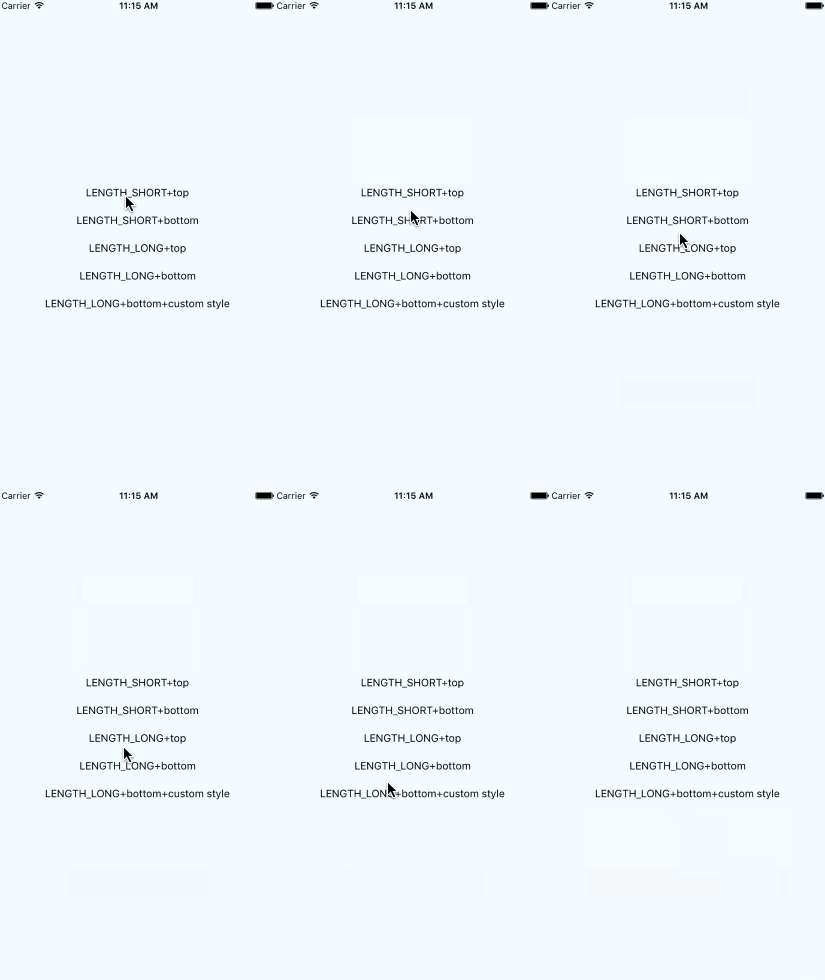
## Getting started
Add `react-native-easy-toast` to your js file.
`import Toast, {DURATION} from 'react-native-easy-toast'`
Inside your component's render method, use Toast:
```javascript
render() {
return (
...
);
}
```
>Note: Add it in the bottom of the root view.
Then you can use it like this:
```javascript
this.refs.toast.show('hello world!');
```
That's it, you're ready to go!
Show a toast forever until you manually close it:
```javascript
this.refs.toast.show('hello world!', DURATION.FOREVER);
// later on:
this.refs.toast.close('hello world!');
```
Optional you can pass a delay in seconds to the close()-method:
```javascript
this.refs.toast.close('hello world!', 500);
```
Currently, the default delay for close() in FOREVER-mode is set to 250 ms (or this.props.defaultCloseDelay, which you can pass with)
```jsx
```
### Basic usage
```javascript
render() {
return (
{
this.refs.toast.show('hello world!');
}}>
Press me
);
}
```
### Custom Toast
```javascript
render() {
return (
{
this.refs.toast.show('hello world!',DURATION.LENGTH_LONG);
}}>
Press me
);
}
```
**More Usage:**
[GitHubPopular](https://github.com/crazycodeboy/GitHubPopular/blob/develop/js/page/SearchPage.js)
## API
Props | Type | Optional | Default | Description
----------------- | -------- | -------- | ----------- | -----------
style | View.propTypes.style | true | {backgroundColor: 'black',opacity: OPACITY,borderRadius: 5,padding: 10,} | Custom style toast
position | PropTypes.oneOf(['top','center','bottom',]) |true | 'bottom' | Custom toast position
positionValue | React.PropTypes.number | true | 120 | Custom toast position value
fadeInDuration | React.PropTypes.number | true | 500 | Custom toast show duration
fadeOutDuration | React.PropTypes.number | true | 500 | Custom toast close duration
opacity | React.PropTypes.number | true | 1 | Custom toast opacity
textStyle | View.propTypes.style | true | {color:'white'} | Custom style text
Method | Type | Optional | Description
----------------- | -------- | -------- | -----------
show(text, duration) | function | false | show a toast,unit is millisecond
close() | function | - | start the close timer
## Contribution
Issues are welcome. Please add a screenshot of bug and code snippet. Quickest way to solve issue is to reproduce it on one of the examples.
Pull requests are welcome. If you want to change API or making something big better to create issue and discuss it first.
---
**MIT Licensed**