# React Native Draggable Reanimated
[](https://badge.fury.io/js/react-native-draggable-reanimated)    
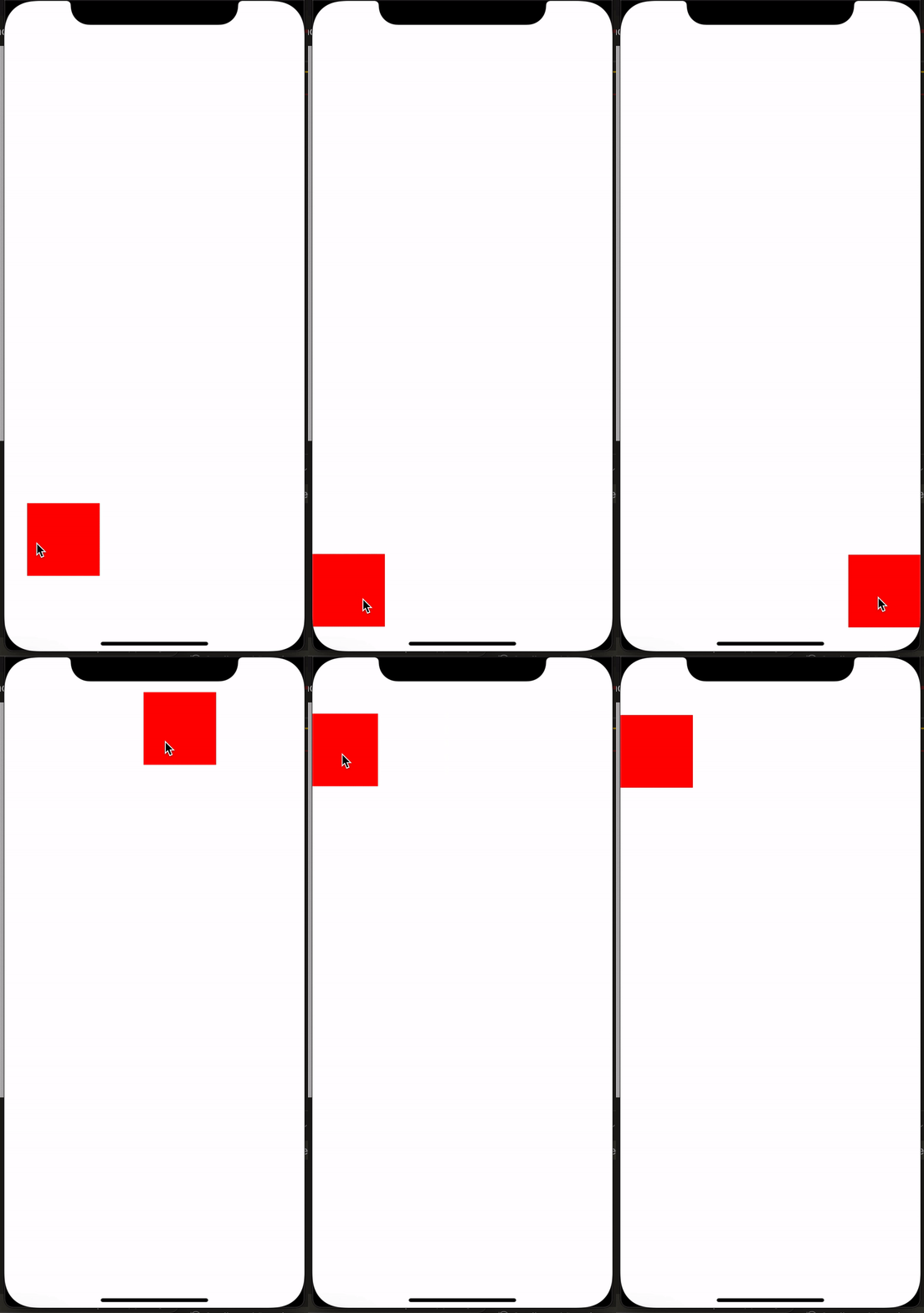
#### This package help you easy to drag any view
---
This package requires these, please make sure you had installed them:
- [react-native-gesture-handler](https://github.com/software-mansion/react-native-gesture-handler)
- [react-native-reanimated V2](https://github.com/software-mansion/react-native-reanimated)
## Demo
 ## Getting started
`$ npm install react-native-draggable-reanimated --save`
- OR
`$ yarn add react-native-draggable-reanimated`
- All in one
`$ npm install react-native-draggable-reanimated react-native-gesture-handler react-native-reanimated --save && cd ios && pod install`
## Usage
```javascript
import DraggableView from 'react-native-draggable-reanimated';
{
console.log(val);
}}>
```
## License
This module is [MIT licensed](./LICENSE)
---
## Getting started
`$ npm install react-native-draggable-reanimated --save`
- OR
`$ yarn add react-native-draggable-reanimated`
- All in one
`$ npm install react-native-draggable-reanimated react-native-gesture-handler react-native-reanimated --save && cd ios && pod install`
## Usage
```javascript
import DraggableView from 'react-native-draggable-reanimated';
{
console.log(val);
}}>
```
## License
This module is [MIT licensed](./LICENSE)
---