# react-native-collapsible-toolbar
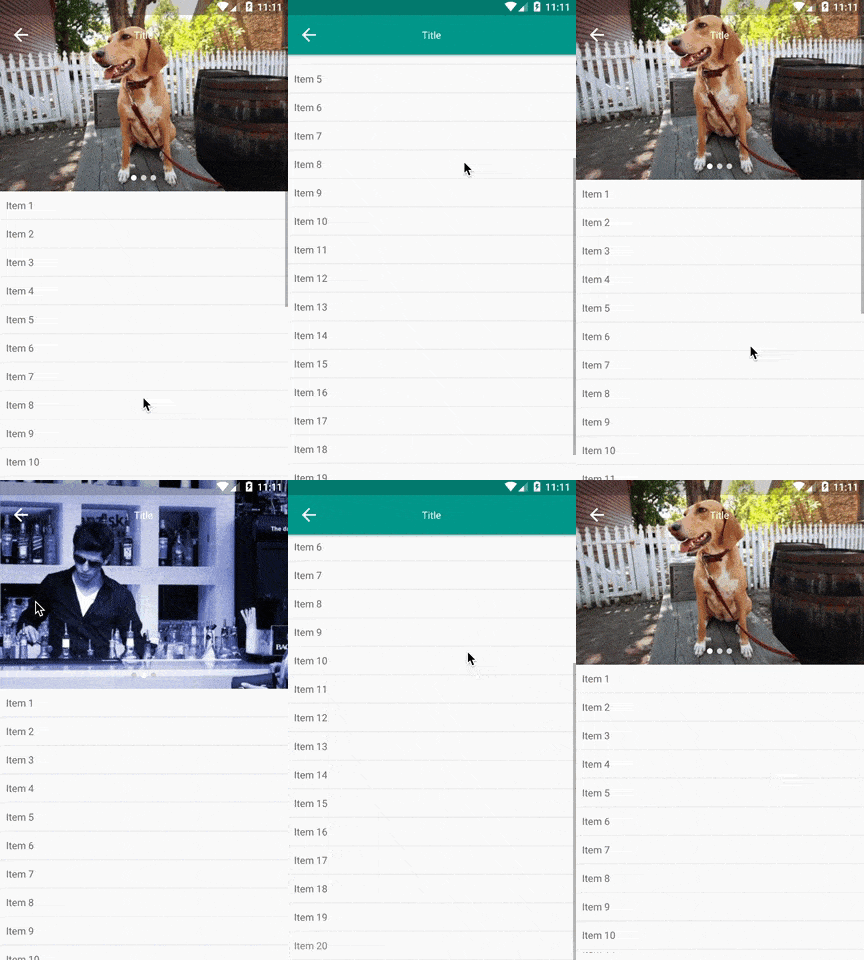
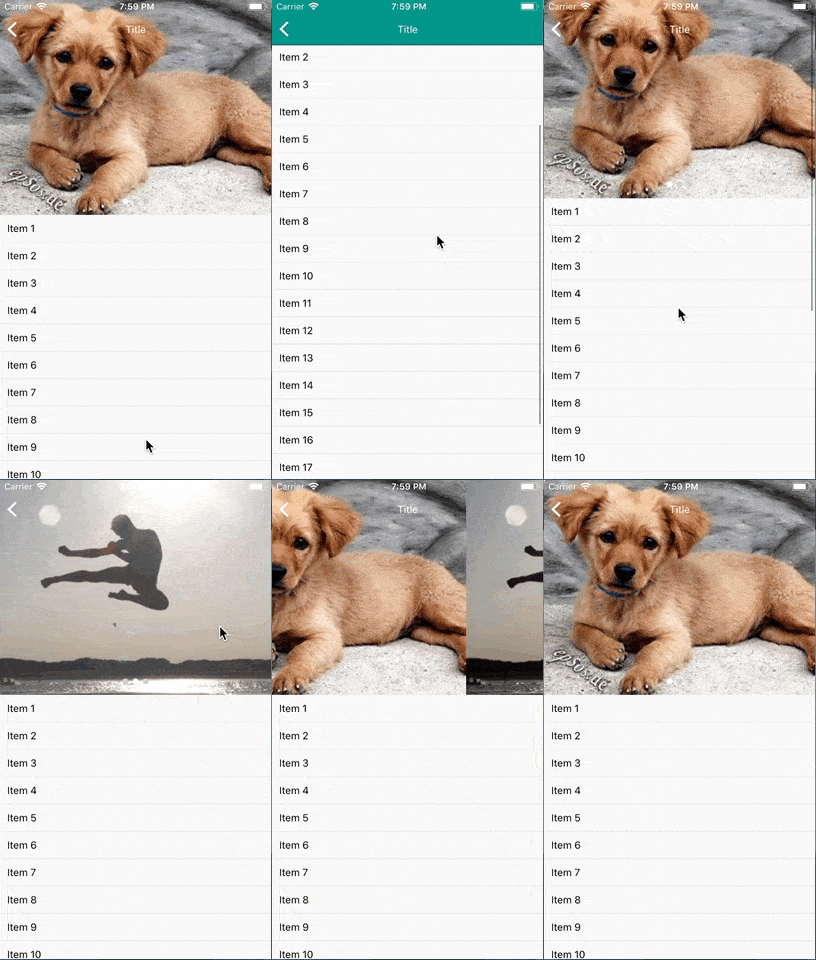
Pure JS based collapsible toolbar for react native on Android and iOS.
## Demo
## Installation
```sh
yarn add react-native-collapsible-toolbar
```
## Usage
```javascript
import { Platform } from 'react-native';
import CollapsibleToolbar from 'react-native-collapsible-toolbar';
...
= 21}
toolBarHeight={300}
/>
...
```
## Available props
> Either an image source or a custom toolbar component must be provided
| Name | Type | Default | Description |
| --- | --- | --- | --- |
| collapsedNavBarBackgroundColor | String | '#FFF' | Navbar background color when it's collapsed |
| imageSource | String | - | Image to render as collapsible component |
| onContentScroll | Function | - | The scroll event
| renderContent | Function | **REQUIRED** | Content to render below the collapsible toolbar |
| renderNavBar | Function | **REQUIRED** | Transparent nav bar to render on top of the toolbar |
| renderToolBar | Function | - | Custom toolbar component (will override imageSource) |
| toolBarHeight | Number | 300 | Height of the collpasible toolbar |
| translucentStatusBar | Boolean | false | If true, will adjust the nav bar position for Android |
All the [ScrollView props](https://facebook.github.io/react-native/docs/scrollview.html) are also supported.