## React Native Carousel Component
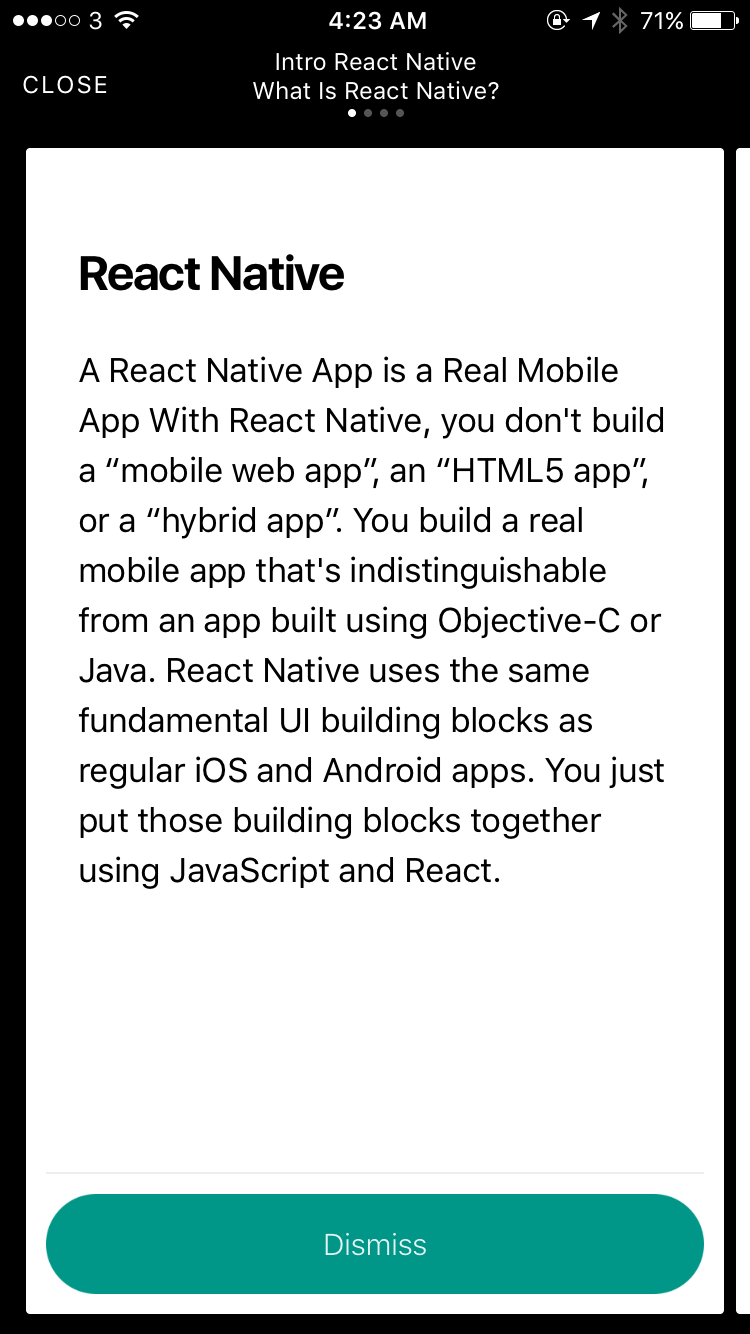
React Native Carousel Component for iOS & Android.
Pull request are welcomed. Please follow the Airbnb style guide [Airbnb JavaScript](https://github.com/airbnb/javascript)
[Try it with Exponent](https://exp.host/@jacklam718/carousel-demo)
 ## Installation
`react-native <= 0.4.3 install 'react-native-carousel-component: ^0.1.17'`
## Installation
`react-native <= 0.4.3 install 'react-native-carousel-component: ^0.1.17'`
`react-native >= 0.4.4 install 'react-native-carousel-component: ^0.2.17'`
```bash
yarn add react-native-carousel-component
# OR
npm install --save react-native-carousel-component
```
## Docs
[Docs](https://github.com/jacklam718/react-native-carousel-component/tree/master/docs/README.md)
## Example
[Example App](https://github.com/jacklam718/react-native-carousel-component/blob/master/carousel-example/CarouselExample.js)
[Demo App for Demonstrate How To Use `CarouselComponent` +
`Navigator` with `Navigator.NavigationBar` ](https://github.com/jacklam718/react-native-carousel-component/blob/master/carousel-demo/src/CarouselDemo.js)
## Usage with `CorouselComponent`
```javascript
import CarouselComponent, { CarouselCard } from 'react-native-carousel-component';
const cards = [
// You can put your view here
];
{ this.carousel = carousel; }}
cards={cards}
title="Carousel Title"
subTitle="Carousel Sub Title"
showPageControl
leftItem={{
title: 'CLOSE',
layout: 'title',
onPress: this.dismiss,
}}
>
// You can put your view here
```
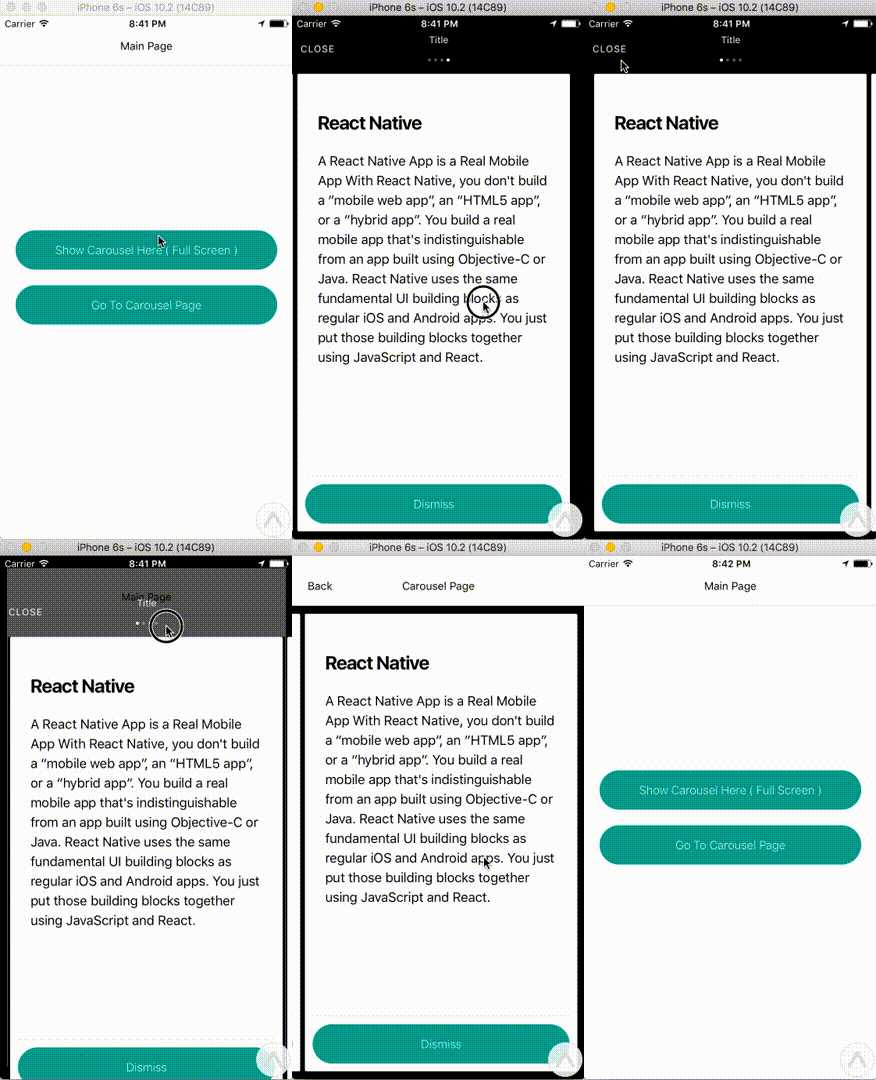
#### Note: If you uses `Navigator` with `Navigator.NavigationBar` in your app please put Navigator into `CarouselComponent`
##### For example:
```javascript
{ this.carousel = carousel; }}
cards={cards}
title="Carousel Title"
subTitle="Carousel Sub Title"
showPageControl
leftItem={{
title: 'CLOSE',
layout: 'title',
onPress: this.dismiss,
}}
>
{ this.navigator = navigator; }}
navigationBar={}
style={styles.navigator}
/>
```
#### You can call `show` method open the carousel and call the `dismiss` to close the carousel
```javascript
this.carousel.show(() => {
console.log('callback for show method')
});
this.carousel.dismiss(() => {
console.log('callback for dismiss method')
});
```