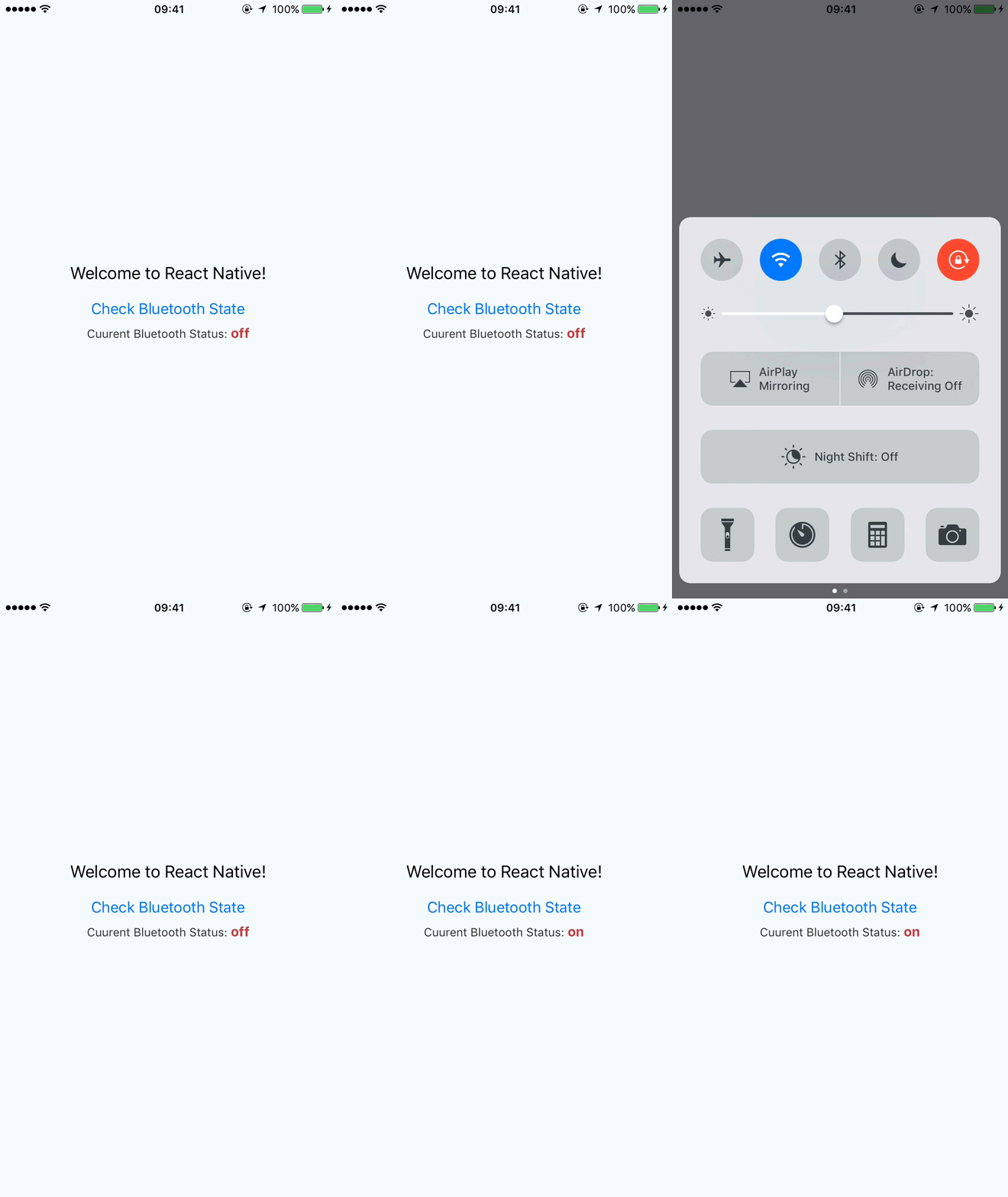
# react-native-bluetooth-info
React Native native module for checking Bluetooth state with event listener. Supports both iOS and android.
## Getting started
`$ npm install react-native-bluetooth-info --save`
### Mostly automatic installation
`$ react-native link react-native-bluetooth-info`
### Manual installation
#### iOS
1. In XCode, in the project navigator, right click `Libraries` ➜ `Add Files to [your project's name]`
2. Go to `node_modules` ➜ `react-native-bluetooth-info` and add `RNBluetoothInfo.xcodeproj`
3. In XCode, in the project navigator, select your project. Add `libRNBluetoothInfo.a` to your project's `Build Phases` ➜ `Link Binary With Libraries`
4. Run your project (`Cmd+R`)<
#### Android
1. Open up `android/app/src/main/java/[...]/MainActivity.java`
- Add `import com.reactlibrary.RNBluetoothInfoPackage;` to the imports at the top of the file
- Add `new RNBluetoothInfoPackage()` to the list returned by the `getPackages()` method
2. Append the following lines to `android/settings.gradle`:
```
include ':react-native-bluetooth-info'
project(':react-native-bluetooth-info').projectDir = new File(rootProject.projectDir, '../node_modules/react-native-bluetooth-info/android')
```
3. Insert the following lines inside the dependencies block in `android/app/build.gradle`:
```
compile project(':react-native-bluetooth-info')
```
## Usage
```javascript
import RNBluetoothInfo from 'react-native-bluetooth-info';
class App extends Component<{}> {
constructor(props) {
super(props);
this.state = {
connectionState : ''
}
}
componentDidMount() {
RNBluetoothInfo.getCurrentState().then(this.handleConnection)
}
componentWillMount() {
RNBluetoothInfo.addEventListener('change', this.handleConnection);
}
componentWillUnmount() {
RNBluetoothInfo.removeEventListener('change', this.handleConnection)
}
handleConnection = (resp) => {
let {connectionState} = resp.type;
console.log('type ', connectionState);
this.setState({connectionState});
}
checkBluetooth = () => {
RNBluetoothInfo.getCurrentState().then(resp =>{
let {connectionState} = resp.type;
this.setState({connectionState});
} )
}
render() {
return (
Welcome to React Native!
Cuurent Bluetooth Status: {this.state.connectionState}
);
}
}
```