[](https://www.npmjs.com/package/react-liberator)
[](https://www.npmjs.com/package/react-liberator)
# React Liberator
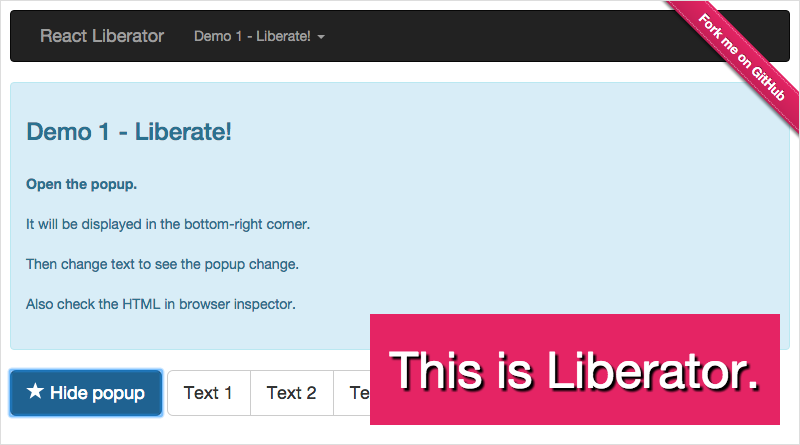
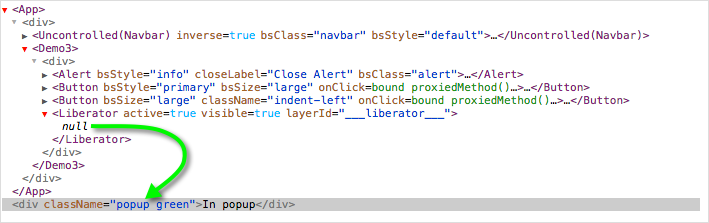
Enables React component to render its DOM away from its siblings.
This is the foundation for building a proper windowing system.
[](http://dkozar.github.io/react-liberator/)
[](http://dkozar.github.io/react-liberator/)
## :tv: Demo
http://dkozar.github.io/react-liberator/
* [Demo 1 - Liberate!](http://dkozar.github.io/react-liberator/#/demo1)
* [Demo 2 - Popup](http://dkozar.github.io/react-liberator/#/demo2)
* [Demo 3 - Activate / deactivate](http://dkozar.github.io/react-liberator/#/demo3)
* [Demo 4 - Maximized popup](http://dkozar.github.io/react-liberator/#/demo4)
* [Demo 5 - Full screen sync](http://dkozar.github.io/react-liberator/#/demo5)
* [Demo 6 - Multiple children](http://dkozar.github.io/react-liberator/#/demo6)
## :zap: Usage
```js
// ES6
import React, { Component } from 'react';
import ReactDOM from 'react-dom';
import { Button } from 'react-bootstrap';
import Liberator from './Liberator';
export class App extends Component {
constructor(props) {
super(props);
this.state = {
text: 'I\'m rendered in an overlay'
};
}
render() {
return (
{this.state.text}
);
}
}
render(, document.body);
```
Or use it as a switch:
```js
Popup
```
Or render it to the predefined element:
```js
Popup
```
Use callbacks:
```js
Popup
```
These callbacks are being executed with an object as argument:
```js
{
layer: // the layer to which liberated components are rendered to (multiple Liberators could render into the same layer)
wrapper: // wrapper element for component rendered by THIS Liberator
children: // original children provided to THIS Liberator
}
```
## :truck: Installation
### Option A - use it as NPM plugin:
```bash
npm install react-liberator --save
```
This will install the package into the *node_modules* folder of your project.
### Option B - download the project source:
```bash
git clone https://github.com/dkozar/react-liberator.git
cd react-liberator
npm install
```
*npm install* will install all the dependencies (and their dependencies) into the *node_modules* folder.
Then, you should run one of the builds.
## :factory: Builds
### :rocket: Hot-loader development build
```bash
npm start
open http://localhost:3000
```
This will give you the build that will partially update the browser via *webpack* whenever you save the edited source file.
Additionally, it will keep the React component state *intact*.
For more info on React hot-loader, take a look into [this fantastic video](https://www.youtube.com/watch?v=xsSnOQynTHs).
### :helicopter: Demo build
```bash
npm run demo
```
This should build the minified *demo* folder (it's how the [demo](http://dkozar.github.io/react-liberator/) is built).
```bash
npm run debug
```
This should build the non-minified *demo* folder (for easier debugging).
You could install the http-server for running demo builds in the browser:
```bash
npm install http-server
http-server
```
### :steam_locomotive: Additional builds
```bash
npm run build
```
Runs Babel on source files (converting ES6 and React to JS) and puts them into the *build* folder.
```bash
npm run dist
```
Builds the webpackUniversalModuleDefinition and puts it into the *dist* folder.
```bash
npm run all
```
Runs all the builds: *build* + *dist* + *demo*.
## :thumbsup: Thanks to:
:rocket: [React Transform Boilerplate](https://github.com/gaearon/react-transform-boilerplate) for the workflow.
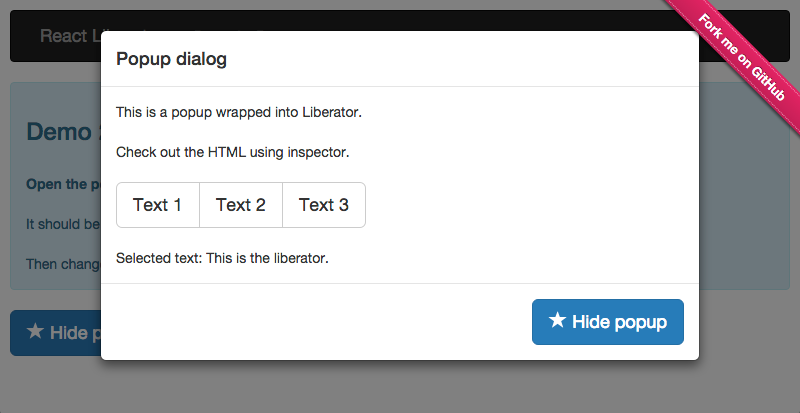
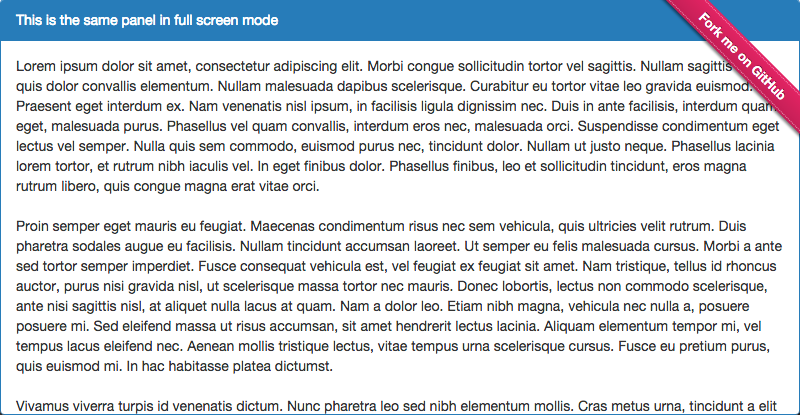
## :camera: Screenshots:
[](https://www.npmjs.com/package/react-liberator)