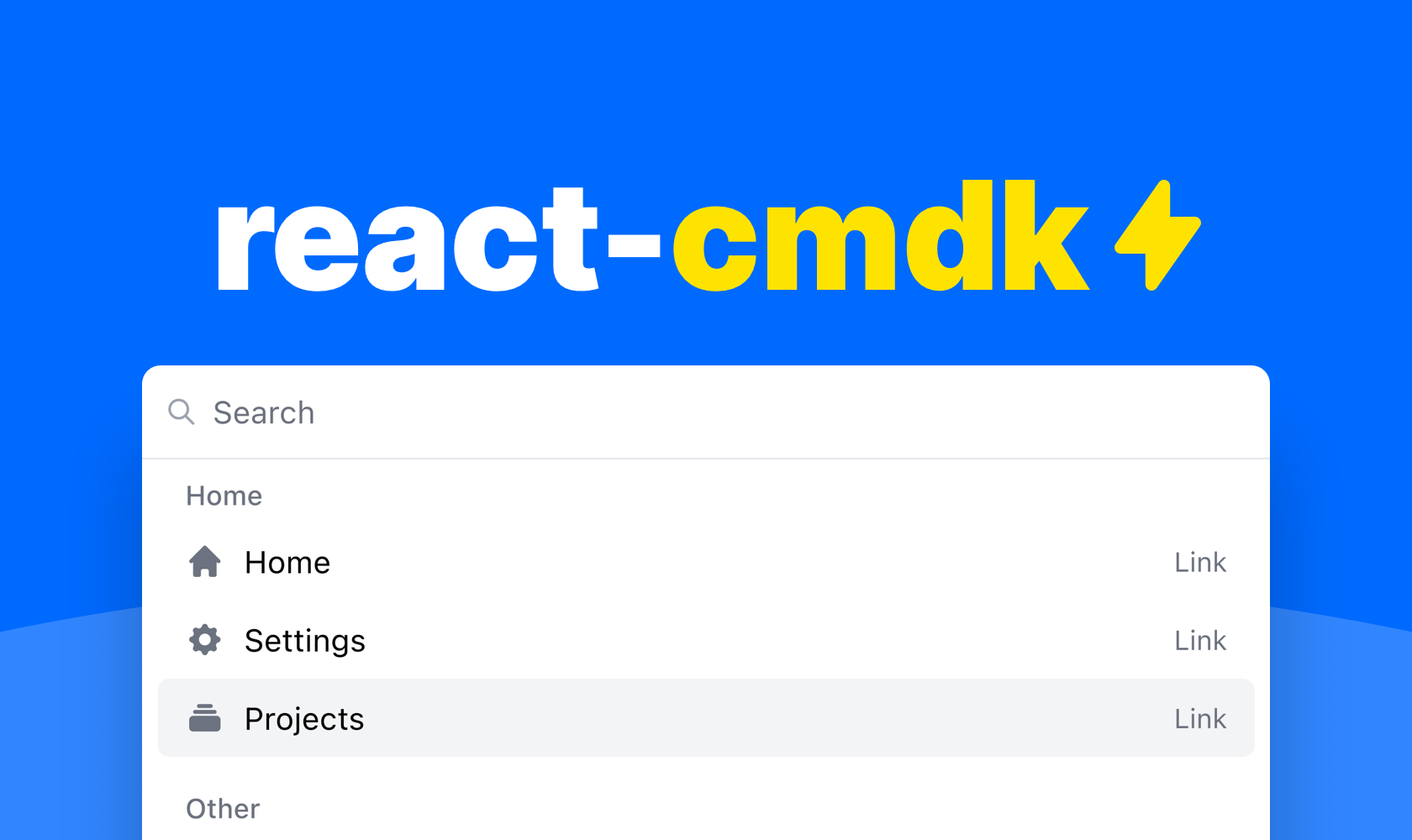
 # A command palette for React
A package with components for building your dream command palette for your web application.
Watch the [YouTube demo](https://www.youtube.com/watch?v=FN8noNclyoU) or [try it out here](https://react-cmdk.com) to get started.
- [Features](#features)
- [Installation](#installation)
- [Example usage](#example-usage)
- [Opening the commane palelette](#opening-the-command-palelette)
- [API](#api)
- [Utils](#utils)
- [Maintainers](#maintainers)
## Features
✓ Accessible
# A command palette for React
A package with components for building your dream command palette for your web application.
Watch the [YouTube demo](https://www.youtube.com/watch?v=FN8noNclyoU) or [try it out here](https://react-cmdk.com) to get started.
- [Features](#features)
- [Installation](#installation)
- [Example usage](#example-usage)
- [Opening the commane palelette](#opening-the-command-palelette)
- [API](#api)
- [Utils](#utils)
- [Maintainers](#maintainers)
## Features
✓ Accessible
✓ Flexible
✓ Good looking
✓ Very fast
✓ Dark & light mode
## Installation
```
npm install react-cmdk
```
Or if you'd rather use Yarn
```
yarn add react-cmdk
```
## Example usage
You can compose your command palette pretty much however you like with the
included components. But here is an example of a command palette that uses some
of the included helpers for a very neat solution.
```typescript
import "react-cmdk/dist/cmdk.css";
import CommandPalette, { filterItems, getItemIndex } from "react-cmdk";
import { useState } from "react";
const Example = () => {
const [page, setPage] = useState<"root" | "projects">("root");
const [open, setOpen] = useState(true);
const [search, setSearch] = useState("");
const filteredItems = filterItems(
[
{
heading: "Home",
id: "home",
items: [
{
id: "home",
children: "Home",
icon: "HomeIcon",
href: "#",
},
{
id: "settings",
children: "Settings",
icon: "CogIcon",
href: "#",
},
{
id: "projects",
children: "Projects",
icon: "RectangleStackIcon",
closeOnSelect: false,
onClick: () => {
setPage("projects");
},
},
],
},
{
heading: "Other",
id: "advanced",
items: [
{
id: "developer-settings",
children: "Developer settings",
icon: "CodeBracketIcon",
href: "#",
},
{
id: "privacy-policy",
children: "Privacy policy",
icon: "LifebuoyIcon",
href: "#",
},
{
id: "log-out",
children: "Log out",
icon: "ArrowRightOnRectangleIcon",
onClick: () => {
alert("Logging out...");
},
},
],
},
],
search
);
return (
{filteredItems.length ? (
filteredItems.map((list) => (
{list.items.map(({ id, ...rest }) => (
))}
))
) : (
)}
{/* Projects page */}
);
};
export default Example;
```
### Opening the command palelette
The package does include a helper hook for opening the command palette,
but you can actually open it however you want. Here are some examples.
#### Helper
```typescript
const [isOpen, setIsOpen] = useState(false);
useHandleOpenCommandPalette(setIsOpen);
```
#### Custom
```typescript
const [isOpen, setIsOpen] = useState(false);
useEffect(() => {
function handleKeyDown(e: KeyboardEvent) {
if (e.metaKey && e.key === "k") {
e.preventDefault();
e.stopPropagation();
setIsOpen((currentValue) => {
return !currentValue;
});
}
}
document.addEventListener("keydown", handleKeyDown);
return () => {
document.removeEventListener("keydown", handleKeyDown);
};
}, []);
```
## API
### `CommandPalette`
| name | type | required | default | description |
| ---------------- | ------------------------ | -------- | ---------- | ------------------------------------------- |
| onChangeSearch | (value: string) => void | true | | Function for setting search value |
| onChangeOpen | (value: boolean) => void | true | | Function for setting open state |
| children | React.ReactNode | true | | Children of command palette |
| isOpen | boolean | true | | Open state |
| search | string | true | | Search state |
| placeholder | string | false | `"Search"` | Search field placeholder |
| page | string | false | | The current page id |
| renderLink | RenderLink | false | | Function for customizing rendering of links |
| footer | React.ReactNode | false | | Footer component |
| selected | number | false | | The current selected item index |
| onChangeSelected | (value: number) => void | false | | Function for setting selected item index |
### `CommandPalette.Page`
FYI. Using pages is completely optional
| name | type | required | default | description |
| ------------ | --------------- | -------- | ------- | --------------------------------------- |
| id | string | true | | A unique page id |
| children | React.ReactNode | true | | Children of the list |
| searchPrefix | string[] | false | | Prefix to the left of the search bar |
| onEscape | () => void | false | | Function that runs upon clicking escape |
### `CommandPalette.List`
| name | type | required | default | description |
| -------- | --------------- | -------- | ------- | -------------------- |
| children | React.ReactNode | true | | Children of the list |
| heading | string | false | | Heading of the list |
### `CommandPalette.ListItem`
| name | type | required | default | description |
| ------------- | -------------------- | -------- | ---------- | ----------------------------------------------- |
| index | number | true | | Index for list item |
| closeOnSelect | boolean | false | | Whether to close the command palette upon click |
| icon | (IconName, React.FC) | false | `false` | Icon for list item |
| iconType | IconType | false | `"solid" ` | Icon for list item |
| showType | boolean | false | true | Whether to show the item type |
| disabled | boolean | false | | Whether the item is disabled |
| keywords | Array | false | | Underlying search keywords for the list item |
The list item also extends the `HTMLAnchorElement & HTMLButtonElement` types
### `CommandPalette.FreeSearchAction`
| name | type | required | default | description |
| ----- | ------ | -------- | -------------- | ------------------- |
| index | number | false | `0` | Index for list item |
| label | string | false | `"Search for"` | Button label |
The search action also extends the `HTMLAnchorElement & HTMLButtonElement` types
### `RenderLink`
```typescript
(
props: DetailedHTMLProps<
AnchorHTMLAttributes,
HTMLAnchorElement
>
) => ReactNode;
```
### `JsonStructure`
Array of
| name | type | required | default | description |
| ------- | -------------------------- | -------- | ------- | ---------------- |
| id | string | true | | Id for list |
| items | Array<`JsonStructureItem`> | true | | Items for list |
| heading | string | false | | Heading for list |
### `JsonStructureItem`
`CommandPalette.ListItem`
Omits `index` & extends
| name | type | required | default | description |
| ---- | ------ | -------- | ------- | ---------------- |
| id | string | true | | Id for list item |
## Utils
### `getItemIndex`
A function for getting the current index of a item within the json structure
```typescript
(items: JsonStructure, listItemId: string, startIndex = 0) => number;
```
### `filterItems`
A function for filtering the json structure from a search string
```typescript
(
items: JsonStructure,
search: string,
options?: { filterOnListHeading: boolean }
) => JsonStructure;
```
### `renderJsonStructure`
A function for rendering a json structure
```typescript
(items: JsonStructure) => JSX.Element[]
```
### `useHandleOpenCommandPalette`
```typescript
(fn: React.Dispatch>) => void
```
## Maintainers
