# React Bootstrap Ribbon
Get a Microsoft inspired Ribbon menu for your React app. It uses Bootstrap 4 components.\
[Find React Bootstrap Ribbon on NPM.](https://www.npmjs.com/package/react-bootstrap-ribbon)
[](https://www.npmjs.com/package/react-bootstrap-ribbon)
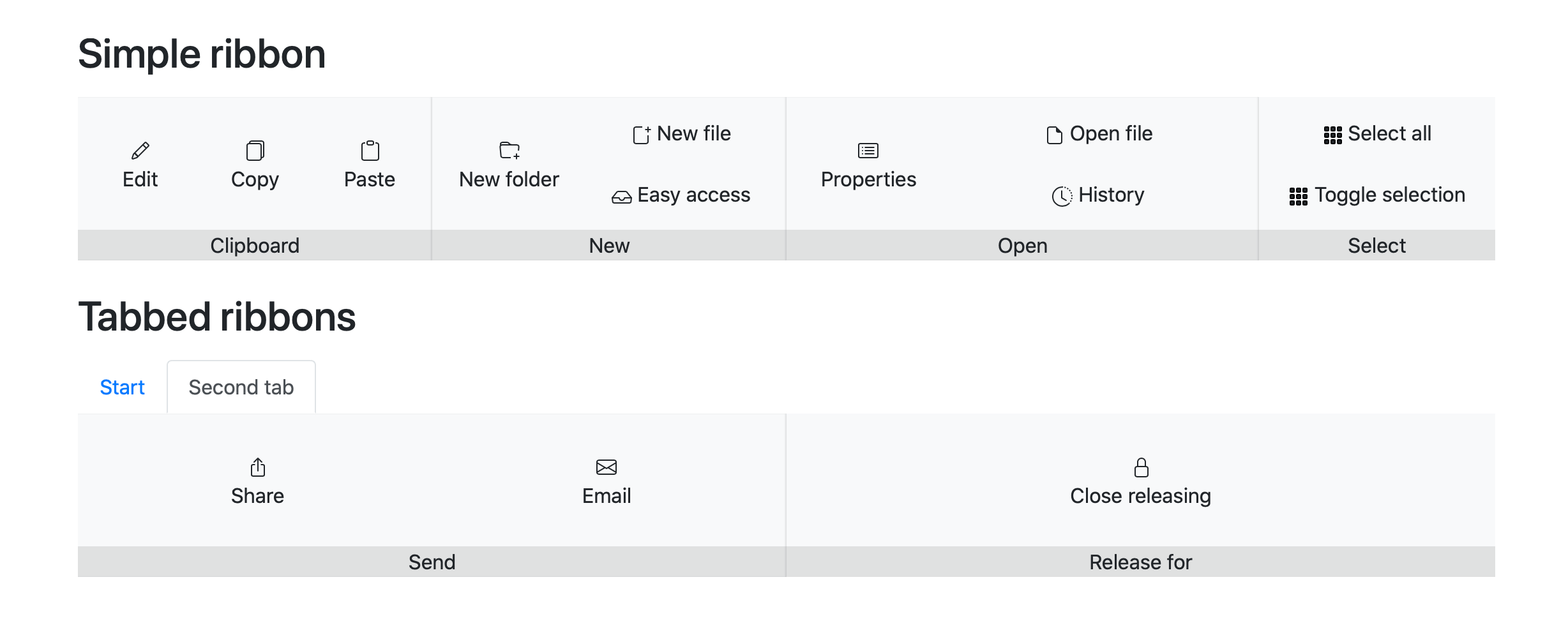
Desktop preview
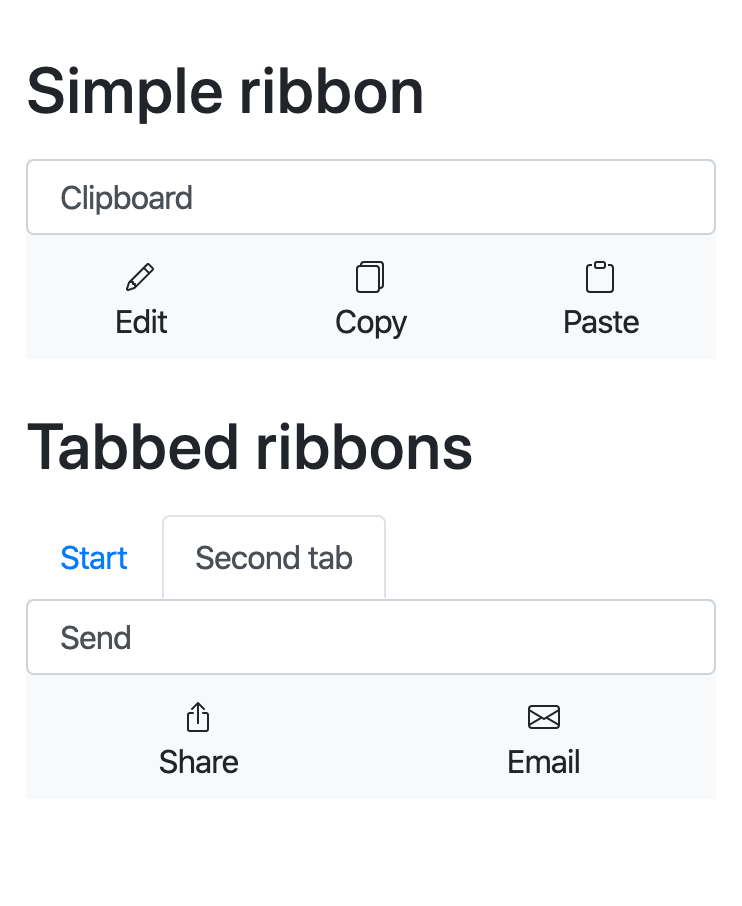
Mobile preview
Installation
Add it with NPM:
npm i -S react-bootstrap-ribbon
After that you can import the components:
import {Ribbon, RibbonGroup, RibbonGroupItem, RibbonButton} from "react-bootstrap-ribbon";
Make sure you also embed the CSS:
import "react-bootstrap-ribbon/dist/react-bootstrap-ribbon.css";
Usage
Your code could look like this:
```javascript
import React, { Component } from "react";
import { Ribbon, RibbonGroup, RibbonGroupItem, RibbonButton } from "react-bootstrap-ribbon";
// In this example Bootsrap is installed via NPM. Here it gets imported from the "./node_modules" folder:
import "bootstrap/dist/css/bootstrap.css";
import "react-bootstrap-ribbon/dist/react-bootstrap-ribbon.css";
class App extends Component {
render() {
return (
{/*
`breakpoint` prop is optional and defines when to switch between mobile and desktop view.
Possible values: "sm", "md", "lg", "xl", default: "md"
`height` is also optional. Default is "8rem".
*/}
alert("Hello from Ribbon button!")}>
✏️
Edit
{/* more Ribbon group items */}
{/* more Ribbon groups */}
Run an example
Clone this repo on your PC. After that install all dependencies with npm i.
Then run npm start and you should see the example in your browser. You can see the code under ./docs/src/index.js.