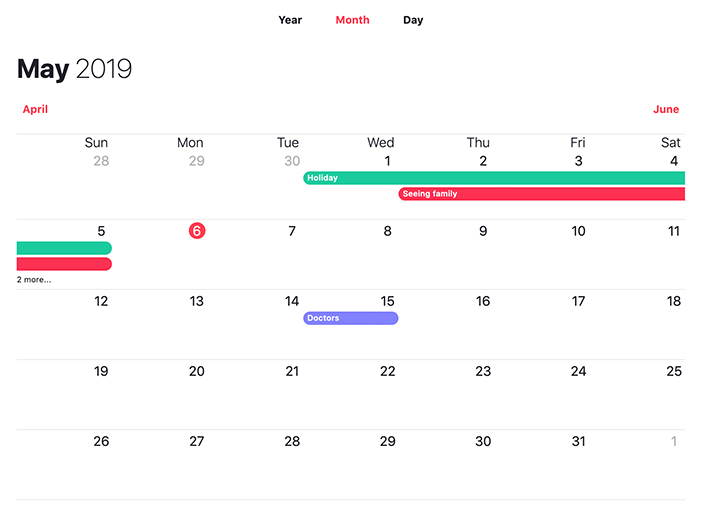
Monthly
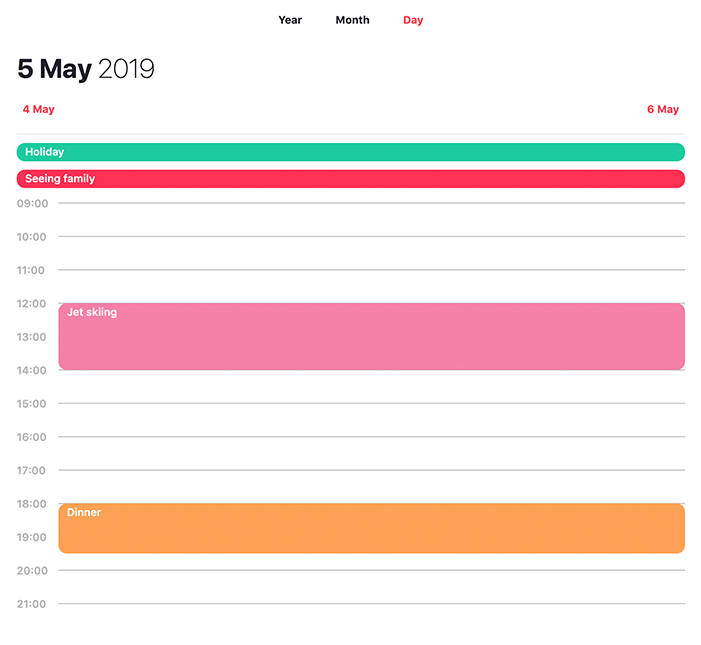
Daily
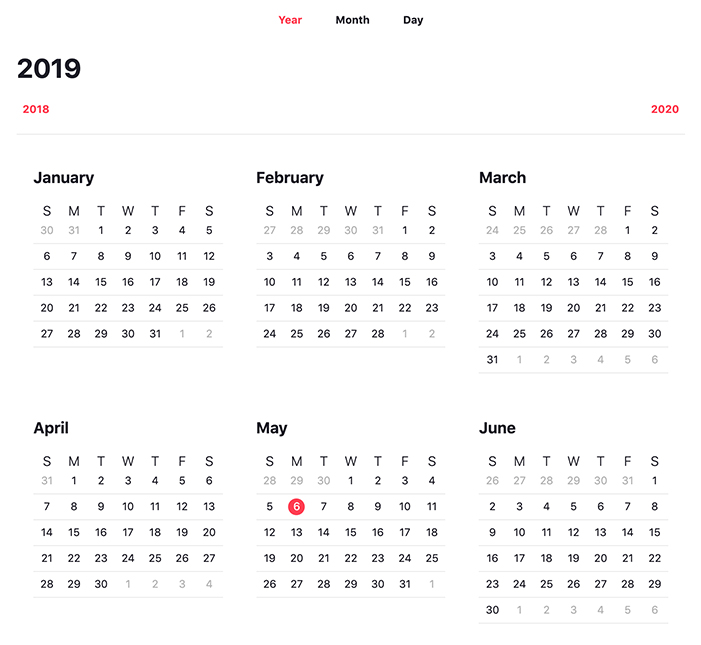
Yearly
## Basic use
```bash
import Calendar from 'react-awesome-calendar';
const events = [{
id: 1,
color: '#fd3153',
from: '2019-05-02T18:00:00+00:00',
to: '2019-05-05T19:00:00+00:00',
title: 'This is an event'
}, {
id: 2,
color: '#1ccb9e',
from: '2019-05-01T13:00:00+00:00',
to: '2019-05-05T14:00:00+00:00',
title: 'This is another event'
}, {
id: 3,
color: '#3694DF',
from: '2019-05-05T13:00:00+00:00',
to: '2019-05-05T20:00:00+00:00',
title: 'This is also another event'
}];
class MyComponent extends React.Component {
render() {
return (
);
}
}
```
## Calendar
### Props
#### Summary
|Name |Type |Description |
|-----------------------|-------------|--------------------------------------------------------------------------------------------------------------|
|events |array |Events is an array that can be passed into the calendar and will render events on the Monthly and Daily view |
|header |component |This allows you to provide a custom header component for the calendar |
|onChange |function |This will be called every time the calendar changes date or mode |
|onClickEvent |function |This function is called on click of an event on the daily mode |
|onClickTimeLine |function |This function is called on click of the timeline present on the daily calendar mode |
|ref |ref |By passing in a ref it enables the ability to call methods on the Calendar class e.g. getDetails | |
#### events
The events array prop has the following shape
```bash
{
id: (string or numeric) - this is used to uniquely identify an event,
color: (hex or RBG/RGBA value) - this sets the event color on the calendar,
from: (utc timestamp) - start date/time of event e.g. '2019-05-05T13:00:00+00:00',
to: (utc timestamp) - end date/time of event e.g. '2019-05-05T20:00:00+00:00',
title: (string) - name of event
}
```
I would recommend retrieving events on a per month basis to improve performance.
#### header
If you wish to provide a customer header component you can pass in a prop which will override the header used by default. The following props will be passed into this component:
##### props
```bash
{
current: {
year: numeric,
month: numeric,
day: numeric
},
mode: "dailyMode" || "monthlyMode" || "yearlyMode" - this can be used to determine what the current mode of the calender is. This way you can choose whether to show a year, month or day depending on the mode,
prev: {
year: numeric,
month: numeric,
day: numeric
},
next: {
year: numeric,
month: numeric,
day: numeric
},
onClickPrev: function - this will change the calendar to the prev year, month, day depending on the mode
onClickNext: function - this will change the calendar to the next year, month, day depending on the mode
}
```
#### onChange
The onChange prop is a function that will be called on change of the mode (year, month, day) or previous/next calendar. the mode, year, month, day values will be passed in.
##### Example
```bash
(date) => {
console.log(date)
/* result (1st January 2019 viewed in the monthly calendar view)
{
mode: 'monthlyMode',
year: 2019,
month: 0,
day: 1
}
*/
}
```
#### onClickEvent
The onClickEvent prop is a function that will be called on click of an event on the Day mode of the calendar. The event id will be passed through to the function as an argument
##### Example
```bash
(event) => {
console.log(event)
/* result
42
*/
}
```
#### onClickTimeLine
The onClickTimeLine prop is a function that will be called on click of the timeline present on the on the Day mode of the calendar. The year month date and hour (0-24 with a resolution of 0.5) will be passed through to the function as an argument
##### Example
```bash
(date) => {
console.log(date)
/* result
{
year: 2019,
month: 0,
day: 1,
hour: 15.5
}
*/
}
```
#### ref
Passing in a ref allows you to call methods on the Calendar class. A particularly useful method would be getDetails which return the current
mode, year, month, day.
##### Example
```bash
import React from 'react';
import Calendar from "react-awesome-calendar";
export default class Component extends React.Component {
constructor(props) {
super(props);
this.calendar = React.createRef();
}
componentDidMount() {
const details = this.calendar.current.getDetails();
console.log(details);
/* result
{
mode: 'monthlyMode',
year: 2019,
month: 0,
day: 1
}
*/
// call endpoint to retrieve events
}
render() {
return (
);
}
}
```