# react-animated-checkmark
[![npm package][npm-badge]][npm]
## Introduction
**react-animated-checkmark** is:
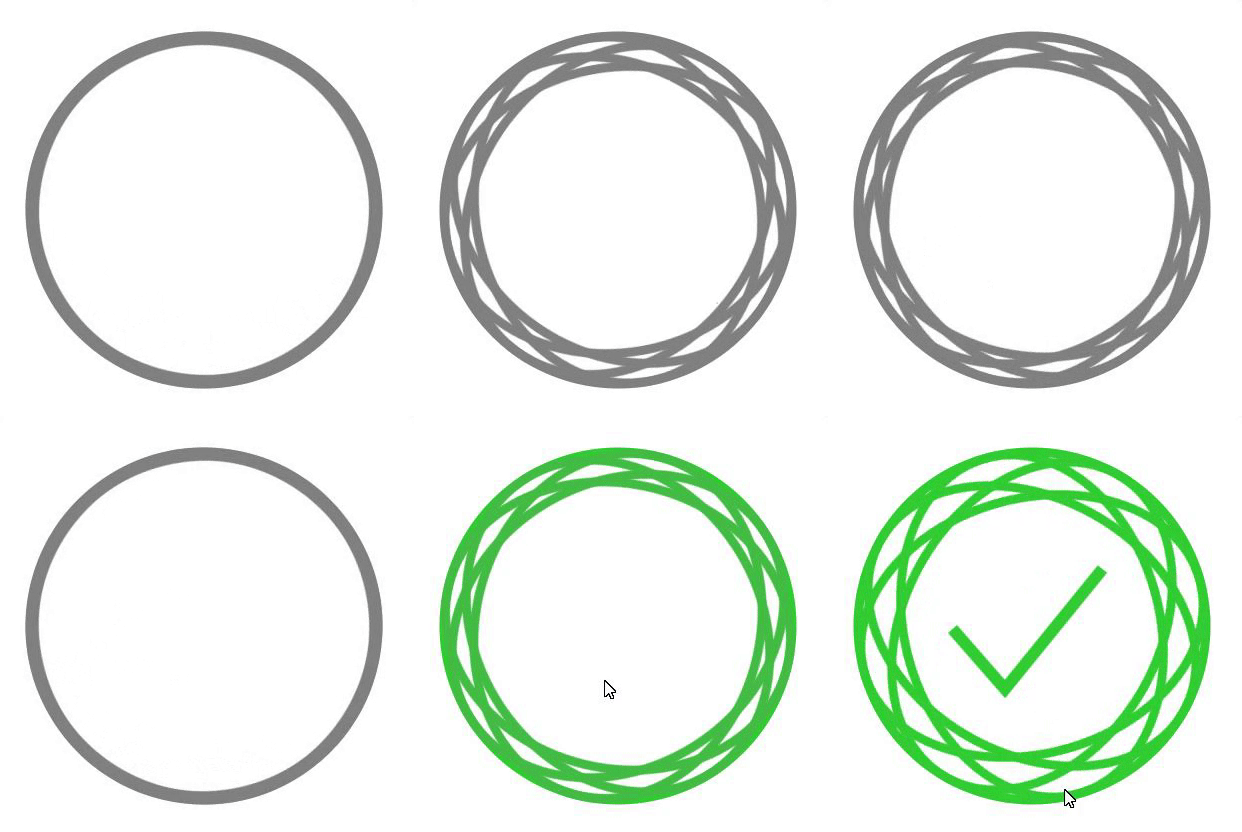
1. An awesome checkmark
2. Customizable and easy-to-use
3. Coming with zero dependencies
## Installation
1. Using yarn
```yarn add react-animated-checkmark```
2. Using npm
```npm install react-animated-checkmark```
Make sure that your `React` version is > `16.8`!
[npm-badge]: https://img.shields.io/npm/v/npm-package.png?style=flat-square
[npm]: https://www.npmjs.org/package/react-animated-checkmark
## Basic Usage
```
import AnimatedCheckmark, { MODES } from 'react-animated-checkmark'
const YourComponent = () => {
return (
)
}
...
```
Control the state of by passing in the mode as a prop:
```
import AnimatedCheckmark, { MODES } from 'react-animated-checkmark'
const YourComponent = () => {
const [mode, setMode] = useState(MODES.LOADING)
return (
<>
setMode(MODES.SUCCESS)} />
)
}
...
```
## PROPS
There are different props available to customize the checkmark. None of these are needed but keep in mind that mode changes are needed to display something different than the loading checkmark.
```
// Dictates the state of the Checkmark, changes in mode are animated
// You can use the MODES exported by the package
mode: ?string = 'loading'
// Sets the constraints of the checkmark container
size: ?number = 128
// Decides whether or not to repeat the animation once the maximum collapse has been reached
breathingCollapse: ?boolean = true
// Regulates how elliptical the 4 ellipsis can get, 1 is the maximum and should not be higher than that
collapseFactor: ?number = 1
// Shows a certain color for the whole component
baseColor: ?string = 'gray'
// Shows a certain color on success
successColor: ?string = 'limegreen'