# QR Code Styling
[](https://www.npmjs.org/package/qr-code-styling)
JavaScript library for generating QR codes with a logo and styling.
Try it here https://qr-code-styling.com
If you have issues / suggestions / notes / questions, please open an issue or contact me. Let's create a cool library together.
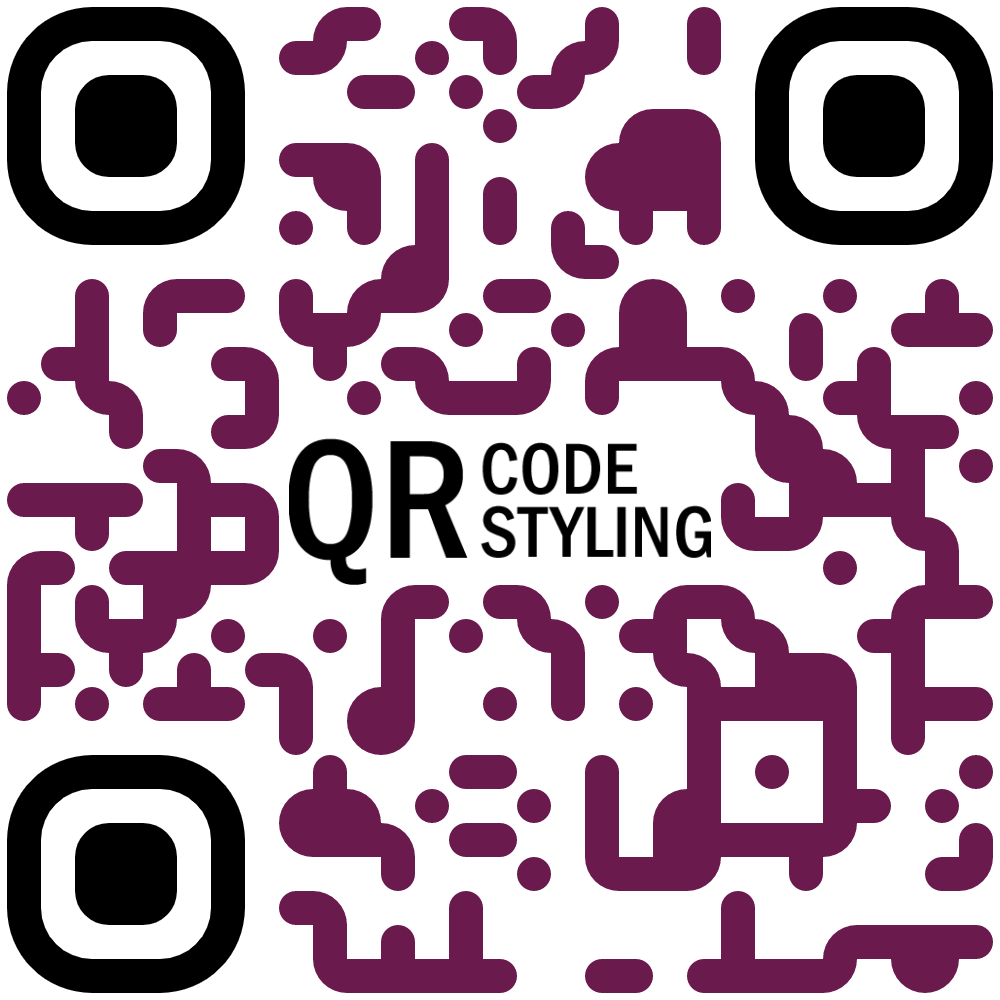
### Examples


### Installation
```
npm install qr-code-styling
```
### Usage
```HTML
QR Code Styling
```
---
[**React example (Codesandbox)**](https://codesandbox.io/s/qr-code-styling-react-example-l8rwl?file=/src/App.js)
[**Angular example (Codesandbox)**](https://codesandbox.io/s/agitated-panini-tpgb2?file=/src/app/app.component.ts)
---
[**React example (source)**](https://github.com/kozakdenys/qr-code-styling-examples/tree/master/examples/react)
[**Angular example (source)**](https://github.com/kozakdenys/qr-code-styling-examples/tree/master/examples/angular)
[**Vue example (source)**](https://github.com/kozakdenys/qr-code-styling-examples/tree/master/examples/vue)
---
### API Documentation
#### QRCodeStyling instance
`new QRCodeStyling(options) => QRCodeStyling`
Param |Type |Description
-------|------|------------
options|object|Init object
`options` structure
Property |Type |Default Value|Description
-----------------------|-------------------------|-------------|-----------------------------------------------------
width |number |`300` |Size of canvas
height |number |`300` |Size of canvas
type |string (`'canvas' 'svg'`)|`canvas` |The type of the element that will be rendered
data |string | |The date will be encoded to the QR code
image |string | |The image will be copied to the center of the QR code
margin |number |`0` |Margin around canvas
qrOptions |object | |Options will be passed to `qrcode-generator` lib
imageOptions |object | |Specific image options, details see below
dotsOptions |object | |Dots styling options
cornersSquareOptions |object | |Square in the corners styling options
cornersDotOptionsHelper|object | |Dots in the corners styling options
backgroundOptions |object | |QR background styling options
`options.qrOptions` structure
Property |Type |Default Value
--------------------|--------------------------------------------------|-------------
typeNumber |number (`0 - 40`) |`0`
mode |string (`'Numeric' 'Alphanumeric' 'Byte' 'Kanji'`)|
errorCorrectionLevel|string (`'L' 'M' 'Q' 'H'`) |`'Q'`
`options.imageOptions` structure
Property |Type |Default Value|Description
------------------|---------------------------------------|-------------|------------------------------------------------------------------------------
hideBackgroundDots|boolean |`true` |Hide all dots covered by the image
imageSize |number |`0.4` |Coefficient of the image size. Not recommended to use ove 0.5. Lower is better
margin |number |`0` |Margin of the image in px
crossOrigin |string(`'anonymous' 'use-credentials'`)| |Set "anonymous" if you want to download QR code from other origins.
`options.dotsOptions` structure
Property|Type |Default Value|Description
--------|------------------------------------------------------------------------------|-------------|-------------------
color |string |`'#000'` |Color of QR dots
gradient|object | |Gradient of QR dots
type |string (`'rounded' 'dots' 'classy' 'classy-rounded' 'square' 'extra-rounded'`)|`'square'` |Style of QR dots
`options.backgroundOptions` structure
Property|Type |Default Value
--------|------|-------------
color |string|`'#fff'`
gradient|object|
`options.cornersSquareOptions` structure
Property|Type |Default Value|Description
--------|-----------------------------------------|-------------|-----------------
color |string | |Color of Corners Square
gradient|object | |Gradient of Corners Square
type |string (`'dot' 'square' 'extra-rounded'`)| |Style of Corners Square
`options.cornersDotOptions` structure
Property|Type |Default Value|Description
--------|-------------------------|-------------|-----------------
color |string | |Color of Corners Dot
gradient|object | |Gradient of Corners Dot
type |string (`'dot' 'square'`)| |Style of Corners Dot
Gradient structure
`options.dotsOptions.gradient`
`options.backgroundOptions.gradient`
`options.cornersSquareOptions.gradient`
`options.cornersDotOptions.gradient`
Property |Type |Default Value|Description
----------|----------------------------|-------------|---------------------------------------------------------
type |string (`'linear' 'radial'`)|"linear" |Type of gradient spread
rotation |number |0 |Rotation of gradient in radians (Math.PI === 180 degrees)
colorStops|array of objects | |Gradient colors. Example `[{ offset: 0, color: 'blue' }, { offset: 1, color: 'red' }]`
Gradient colorStops structure
`options.dotsOptions.gradient.colorStops[]`
`options.backgroundOptions.gradient.colorStops[]`
`options.cornersSquareOptions.gradient.colorStops[]`
`options.cornersDotOptions.gradient.colorStops[]`
Property|Type |Default Value|Description
--------|----------------|-------------|-----------------------------------
offset |number (`0 - 1`)| |Position of color in gradient range
color |string | |Color of stop in gradient range
#### QRCodeStyling methods
`QRCodeStyling.append(container) => void`
Param |Type |Description
---------|-----------|-----------
container|DOM element|This container will be used for appending of the QR code
`QRCodeStyling.getRawData(extension) => Promise`
Param |Type |Default Value|Description
---------|------------------------------------|-------------|------------
extension|string (`'png' 'jpeg' 'webp' 'svg'`)|`'png'` |Blob type
`QRCodeStyling.update(options) => void`
Param |Type |Description
-------|------|--------------------------------------
options|object|The same options as for initialization
`QRCodeStyling.download(downloadOptions) => Promise`
Param |Type |Description
---------------|------|------------
downloadOptions|object|Options with extension and name of file (not required)
`downloadOptions` structure
Property |Type |Default Value|Description
---------|------------------------------------|-------------|-----------------------------------------------------
name |string |`'qr'` |Name of the downloaded file
extension|string (`'png' 'jpeg' 'webp' 'svg'`)|`'png'` |File extension
### License
[MIT License](https://raw.githubusercontent.com/kozakdenys/qr-code-styling/master/LICENSE). Copyright (c) 2021 Denys Kozak