# pi-generative-ui
Claude.ai's generative UI - reverse-engineered, rebuilt for [pi](https://github.com/badlogic/pi).
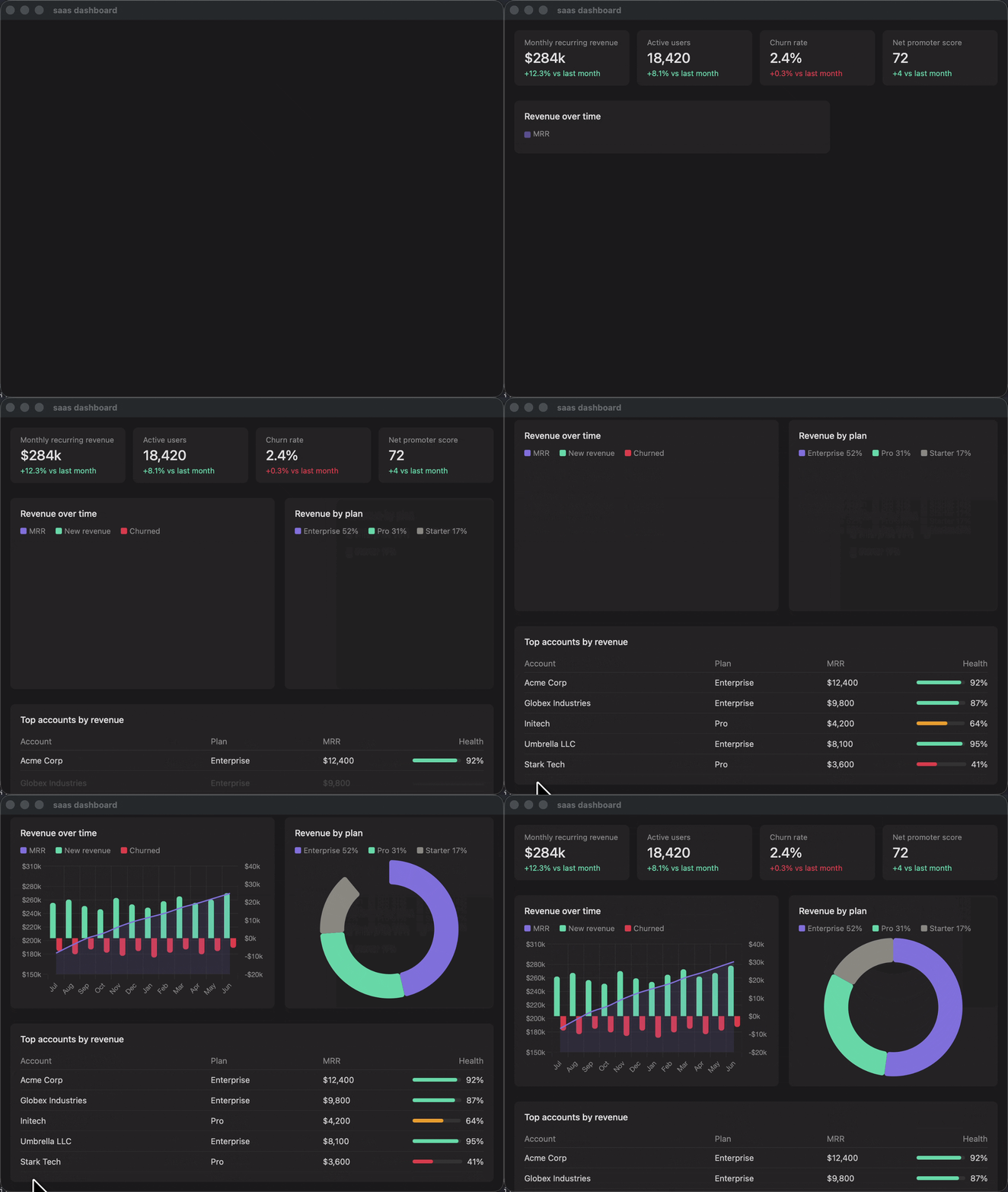
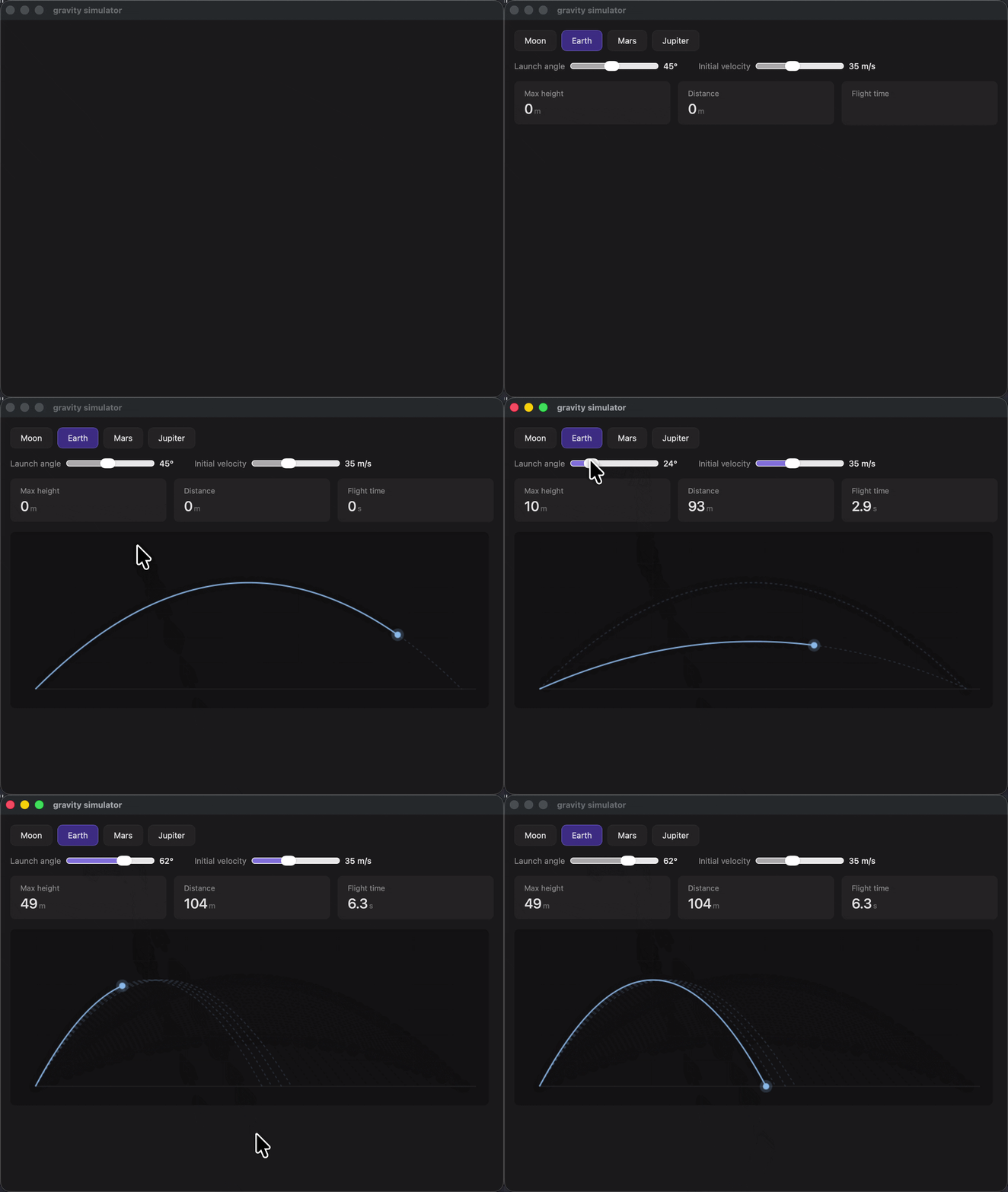
Ask pi to "show me how compound interest works" and get a live interactive widget - sliders, charts, animations - rendered in a native macOS window. Not a screenshot. Not a code block. A real HTML application with JavaScript, streaming live as the LLM generates it.
## How it works
On claude.ai, when you ask Claude to visualize something, it calls a tool called `show_widget` that renders HTML inline in the conversation. The HTML streams live - you see cards, charts, and sliders appear as tokens arrive.
This extension replicates that system for pi:
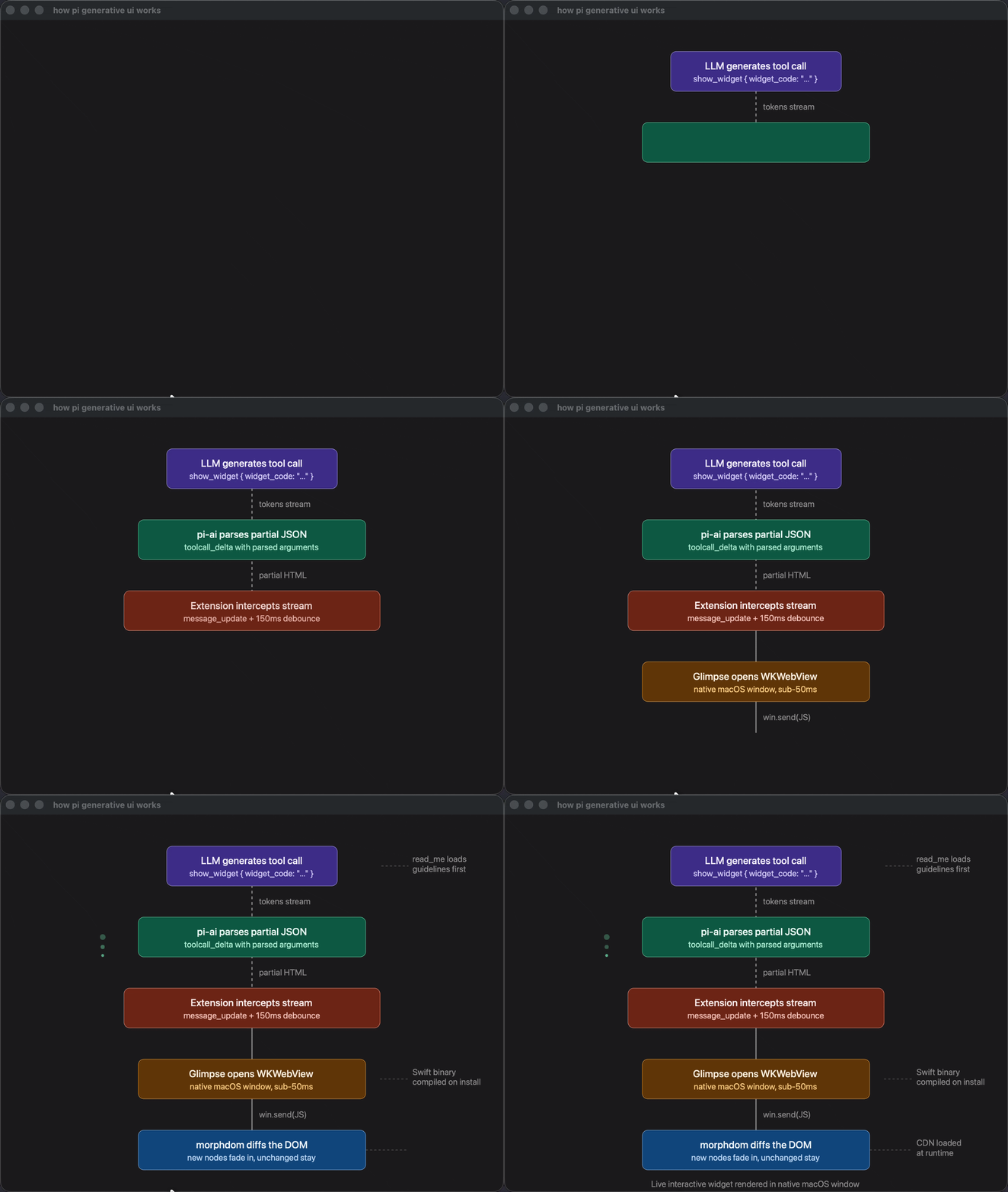
1. **LLM calls `visualize_read_me`** - loads design guidelines (lazy, only the relevant modules)
2. **LLM calls `show_widget`** - generates an HTML fragment as a tool call parameter
3. **Extension intercepts the stream** - opens a native macOS window via [Glimpse](https://github.com/hazat/glimpse) and feeds partial HTML as tokens arrive
4. **[morphdom](https://github.com/patrick-steele-idem/morphdom) diffs the DOM** - new elements fade in smoothly, unchanged elements stay untouched
5. **Scripts execute on completion** - Chart.js, D3, Three.js, anything from CDN
The widget window has full browser capabilities (WKWebView) and a bidirectional bridge - `window.glimpse.send(data)` sends data back to the agent.
## Install
```bash
pi install git:github.com/user/pi-generative-ui
```
> macOS only. Requires Swift toolchain (ships with Xcode or Xcode Command Line Tools).
## Usage
Just ask pi to visualize things. The extension adds two tools that the LLM calls automatically:
- **"Show me how compound interest works"** → interactive explainer with sliders and Chart.js
- **"Visualize the architecture of a transformer"** → SVG diagram with labeled components
- **"Create a dashboard for this data"** → metric cards, charts, tables
- **"Draw a particle system"** → Canvas animation
The LLM decides when to use widgets vs text based on the request. Explanatory/visual requests trigger widgets; code/text requests stay in the terminal.
## What's inside
### The guidelines - extracted from Claude
The design guidelines aren't hand-written. They're **extracted verbatim from claude.ai**.
Here's the trick: you can export any claude.ai conversation as JSON. The export includes full tool call payloads - including the complete `read_me` tool results containing Anthropic's actual design system. 72K of production rules covering typography, color palettes, streaming-safe CSS patterns, Chart.js configuration, SVG diagram engineering, and more.
We triggered `read_me` with each module combination, exported the conversation, parsed the JSON, split the responses into deduplicated sections, and verified byte-level accuracy against the originals. The result: our LLM gets the exact same instructions Claude gets on claude.ai.
Five modules, loaded on demand:
| Module | Size | What it covers |
|---|---|---|
| `interactive` | 19KB | Sliders, metric cards, live calculations |
| `chart` | 22KB | Chart.js setup, custom legends, number formatting |
| `mockup` | 19KB | UI component tokens, cards, forms, skeleton loading |
| `art` | 17KB | SVG illustration, Canvas animation, creative patterns |
| `diagram` | 59KB | Flowcharts, architecture diagrams, SVG arrow systems |
### Streaming architecture
The extension intercepts pi's streaming events (`toolcall_start` / `toolcall_delta` / `toolcall_end`) to render the widget live as tokens arrive:
```
toolcall_start → initialize streaming state
toolcall_delta → debounce 150ms, open window, morphdom diff
toolcall_end → final diff + execute