# Pi Defender 🛡️
> [!WARNING]
> This extension is provided "as is", without warranty of any kind. The author assumes no liability for damages or data loss resulting from its use. Always maintain up-to-date backups.
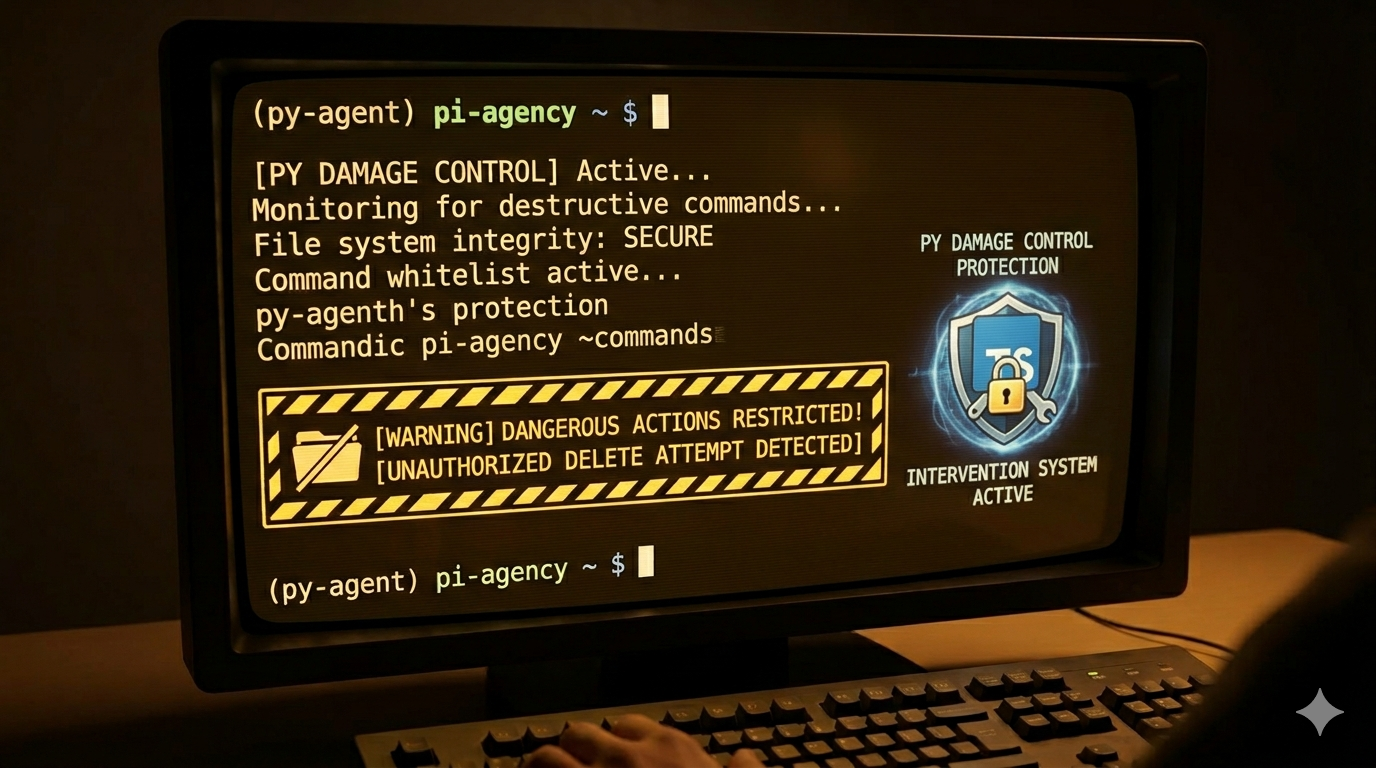
Defense-in-depth protection for [Pi](https://github.com/badlogic/pi-mono) — intercepts dangerous bash commands and file operations before they execute. Ported from [claude-code-damage-control](https://github.com/disler/claude-code-damage-control).
 ## Install
```bash
pi install npm:pi-defender
```
The next time you start Pi agent, a **protection-level selector** appears — choose your mode for the session:
- 🔒 **Strict Mode** (default) — every bash command requires approval
- 🛡️ **Patterns only** — only dangerous commands trigger prompts
- ⚪ **Disable Defender** — no protection for this session
### ⚙️ Default Mode (skip the session-start selector)
**From the selector:** The session-start selector includes 💾 *Save choice for this project* and 🌐 *Save choice forever (global)* options. Navigate to your preferred mode, then down to a save option to persist it — no manual YAML editing required.
**From the command line:** Use `/defender:default-mode` (no args) to open the same interactive protection-level selector from session startup, or pass a mode directly:
```
/defender:default-mode # opens the selector (🔒/🛡️/⚪ + save options)
/defender:default-mode strict # 🔒 Strict ON (global)
/defender:default-mode patterns # 🛡️ Patterns only (global)
/defender:default-mode off # ⚪ Disable defender (global)
/defender:default-mode interactive # reset — show selector again
/defender:default-mode strict --local # project-local (.pi/defender.yaml)
```
**In YAML config:** Add `defaultMode` to any `defender.yaml` or `patterns.yaml` to skip the interactive selector on session start and go directly to your preferred mode:
```yaml
defaultMode: strict # 🔒 Strict Mode ON (default behavior)
defaultMode: patterns # 🛡️ Patterns only
defaultMode: off # ⚪ Disable Defender
defaultMode: interactive # show the selector (same as omitting the key)
```
Place it in `.pi/defender.yaml` (project-local, persistent) or `~/.pi/defender.yaml` (global). When set to anything other than `interactive`, the session-start selector is skipped entirely and a config table notification is shown instead.
## Features
**🛡️ Three layers of protection:**
| Layer | What it does |
|-------|-------------|
| **Pattern blocking** | Dangerous commands (`rm -rf`, `sudo`, `curl \| bash`, `DROP TABLE`, `dd if=`, `chmod 777`, `git push --force`) are intercepted with an ⚠️ Allow / ❌ Deny selector |
| **Path protection** | Sensitive paths are guarded at 3 levels: `zeroAccess` (no read/write/delete — secrets, keys), `readOnly` (write/edit blocked — system files), `noDelete` (delete blocked — project docs) |
| **Strict Mode** 🔒 | Every bash command requires explicit approval via arrow-key selector. Whitelist trusted commands to auto-approve them across sessions |
**TUI selector with keyboard shortcuts** — press `1`-`N` to instantly choose: Approve, Deny, Whitelist, Approve All, or Abort.
**Chained commands** — `cmd1 && cmd2 || cmd3` are split and each sub-command approved individually. Deny/Abort on any sub-command blocks the entire chain.
**Abort protection** — selecting ❌ Abort calls `ctx.abort()` to cancel the agent's turn and locks all future bash + file writes until you run `/defender:strict off`.
## Commands
| Command | Description |
|---------|-------------|
| `/defender:status` | Show stats, strict mode state, and config table |
| `/defender:reload` | Reload YAML config after editing |
| `/defender:patterns` | Initialize `.pi/patterns.yaml` with bundled defaults |
| `/defender:strict [on\|off]` | Toggle strict mode (ON by default) |
| `/defender:globalize-whitelist` | Copy unique local whitelist patterns to `~/.pi/defender.yaml` |
| `/defender:report-issue ` | AI-enhanced bug/feature report → GitHub issue |
| `/defender:default-mode` | Set/reset default mode. No args = opens selector. With args: `strict`/`patterns`/`off`/`interactive` (+ `--local`) |
## Configuration
Pi Defender merges rules from up to 4 YAML files:
| File | Overwritten on update? | Purpose |
|------|----------------------|---------|
| `.pi/patterns.yaml` | ✅ Yes | Bundled security rules (local installs only) |
| `~/.pi/patterns.yaml` | ✅ Yes | Bundled security rules (global) |
| `.pi/defender.yaml` | ❌ Never | Your custom patterns + whitelist |
| `~/.pi/defender.yaml` | ❌ Never | Your custom patterns + whitelist (global) |
All 4 are merged — no file overrides another. On session start, a config table shows what each file contributed.
### Prompt timeout (pattern-blocked + strict mode)
Both pattern-blocked prompts and strict mode prompts auto-dismiss after a configurable duration:
```yaml
# In .pi/defender.yaml or ~/.pi/defender.yaml:
promptTimeout: 30 # seconds before auto-dismiss (default: 120)
autoApprove: true # auto-approve on timeout (default: false = auto-deny)
```
`autoApprove` only applies to non-whitelisted bash commands in strict mode — not to `patternBlockedPrompt` patterns. Pattern-blocked prompts always auto-deny on timeout regardless of `autoApprove`. Timeout never aborts the session; only explicit user selection of "Deny & Abort" does.
### Auto-reject patterns (skip prompt entirely)
All bundled patterns ship with `autoReject: true`. The `promptTimeout` config (default: 120) controls whether a countdown prompt appears or the command is blocked immediately:
| `autoReject` | `promptTimeout` | Prompt | Options | Timeout action |
|---|---|---|---|---|
| `true` | > 0 | Full prompt + countdown | Allow anyway / Deny & Abort | Auto-deny (no abort) |
| `true` | 0 / not set | None (notification only) | N/A | Immediate deny |
| `false` | > 0 | Full prompt + countdown | Allow anyway / Deny & Abort | Auto-deny (no abort) |
| `false` | 0 / not set | Full prompt (wait forever) | Allow anyway / Deny & Abort | N/A |
Override per-pattern in `defender.yaml`:
```yaml
bashToolPatterns:
- pattern: '\bgit\s+push\s+.*--force'
autoReject: false # show prompt and wait forever for this pattern
reason: git push --force
```
### Adding patterns
Your custom rules go in `.pi/defender.yaml` (never overwritten on updates):
```yaml
# Block a custom command
bashToolPatterns:
- pattern: '\bdangerous-tool\b'
reason: Internal tool — never run via agent
# Add paths to protect
zeroAccessPaths:
- .env.production
- *.pem
# Trusted commands (skip strict mode prompts)
strictModeWhiteList:
- ^npm\s+test\b
- ^npm\s+run\sbuild\b
- ^git\s+status\b
```
### Whitelist from strict mode
When strict mode prompts for a command you trust (e.g. `npm test`), select 📋 **Whitelist** to save it permanently. The pattern is written to `.pi/defender.yaml` under `strictModeWhiteList` — future runs auto-approve.
## Quick Commands to Try
After install, test protection in a Pi session:
```
# Should block (rm with force flag)
> Run: rm -rf /tmp/test
# Should prompt for confirmation
> Run: git push --force origin main
# Should block (system path)
> Write a file to /etc/hosts
# Should block (zero-access)
> Read ~/.ssh/id_rsa
```
## License
MIT — see [LICENSE](LICENSE)
## Credits
Previously published as [pi-damage-control](https://github.com/Serhioromano/pi-damage-control). Inspired by [claude-code-damage-control](https://github.com/disler/claude-code-damage-control) by [disler](https://github.com/disler).
## Install
```bash
pi install npm:pi-defender
```
The next time you start Pi agent, a **protection-level selector** appears — choose your mode for the session:
- 🔒 **Strict Mode** (default) — every bash command requires approval
- 🛡️ **Patterns only** — only dangerous commands trigger prompts
- ⚪ **Disable Defender** — no protection for this session
### ⚙️ Default Mode (skip the session-start selector)
**From the selector:** The session-start selector includes 💾 *Save choice for this project* and 🌐 *Save choice forever (global)* options. Navigate to your preferred mode, then down to a save option to persist it — no manual YAML editing required.
**From the command line:** Use `/defender:default-mode` (no args) to open the same interactive protection-level selector from session startup, or pass a mode directly:
```
/defender:default-mode # opens the selector (🔒/🛡️/⚪ + save options)
/defender:default-mode strict # 🔒 Strict ON (global)
/defender:default-mode patterns # 🛡️ Patterns only (global)
/defender:default-mode off # ⚪ Disable defender (global)
/defender:default-mode interactive # reset — show selector again
/defender:default-mode strict --local # project-local (.pi/defender.yaml)
```
**In YAML config:** Add `defaultMode` to any `defender.yaml` or `patterns.yaml` to skip the interactive selector on session start and go directly to your preferred mode:
```yaml
defaultMode: strict # 🔒 Strict Mode ON (default behavior)
defaultMode: patterns # 🛡️ Patterns only
defaultMode: off # ⚪ Disable Defender
defaultMode: interactive # show the selector (same as omitting the key)
```
Place it in `.pi/defender.yaml` (project-local, persistent) or `~/.pi/defender.yaml` (global). When set to anything other than `interactive`, the session-start selector is skipped entirely and a config table notification is shown instead.
## Features
**🛡️ Three layers of protection:**
| Layer | What it does |
|-------|-------------|
| **Pattern blocking** | Dangerous commands (`rm -rf`, `sudo`, `curl \| bash`, `DROP TABLE`, `dd if=`, `chmod 777`, `git push --force`) are intercepted with an ⚠️ Allow / ❌ Deny selector |
| **Path protection** | Sensitive paths are guarded at 3 levels: `zeroAccess` (no read/write/delete — secrets, keys), `readOnly` (write/edit blocked — system files), `noDelete` (delete blocked — project docs) |
| **Strict Mode** 🔒 | Every bash command requires explicit approval via arrow-key selector. Whitelist trusted commands to auto-approve them across sessions |
**TUI selector with keyboard shortcuts** — press `1`-`N` to instantly choose: Approve, Deny, Whitelist, Approve All, or Abort.
**Chained commands** — `cmd1 && cmd2 || cmd3` are split and each sub-command approved individually. Deny/Abort on any sub-command blocks the entire chain.
**Abort protection** — selecting ❌ Abort calls `ctx.abort()` to cancel the agent's turn and locks all future bash + file writes until you run `/defender:strict off`.
## Commands
| Command | Description |
|---------|-------------|
| `/defender:status` | Show stats, strict mode state, and config table |
| `/defender:reload` | Reload YAML config after editing |
| `/defender:patterns` | Initialize `.pi/patterns.yaml` with bundled defaults |
| `/defender:strict [on\|off]` | Toggle strict mode (ON by default) |
| `/defender:globalize-whitelist` | Copy unique local whitelist patterns to `~/.pi/defender.yaml` |
| `/defender:report-issue ` | AI-enhanced bug/feature report → GitHub issue |
| `/defender:default-mode` | Set/reset default mode. No args = opens selector. With args: `strict`/`patterns`/`off`/`interactive` (+ `--local`) |
## Configuration
Pi Defender merges rules from up to 4 YAML files:
| File | Overwritten on update? | Purpose |
|------|----------------------|---------|
| `.pi/patterns.yaml` | ✅ Yes | Bundled security rules (local installs only) |
| `~/.pi/patterns.yaml` | ✅ Yes | Bundled security rules (global) |
| `.pi/defender.yaml` | ❌ Never | Your custom patterns + whitelist |
| `~/.pi/defender.yaml` | ❌ Never | Your custom patterns + whitelist (global) |
All 4 are merged — no file overrides another. On session start, a config table shows what each file contributed.
### Prompt timeout (pattern-blocked + strict mode)
Both pattern-blocked prompts and strict mode prompts auto-dismiss after a configurable duration:
```yaml
# In .pi/defender.yaml or ~/.pi/defender.yaml:
promptTimeout: 30 # seconds before auto-dismiss (default: 120)
autoApprove: true # auto-approve on timeout (default: false = auto-deny)
```
`autoApprove` only applies to non-whitelisted bash commands in strict mode — not to `patternBlockedPrompt` patterns. Pattern-blocked prompts always auto-deny on timeout regardless of `autoApprove`. Timeout never aborts the session; only explicit user selection of "Deny & Abort" does.
### Auto-reject patterns (skip prompt entirely)
All bundled patterns ship with `autoReject: true`. The `promptTimeout` config (default: 120) controls whether a countdown prompt appears or the command is blocked immediately:
| `autoReject` | `promptTimeout` | Prompt | Options | Timeout action |
|---|---|---|---|---|
| `true` | > 0 | Full prompt + countdown | Allow anyway / Deny & Abort | Auto-deny (no abort) |
| `true` | 0 / not set | None (notification only) | N/A | Immediate deny |
| `false` | > 0 | Full prompt + countdown | Allow anyway / Deny & Abort | Auto-deny (no abort) |
| `false` | 0 / not set | Full prompt (wait forever) | Allow anyway / Deny & Abort | N/A |
Override per-pattern in `defender.yaml`:
```yaml
bashToolPatterns:
- pattern: '\bgit\s+push\s+.*--force'
autoReject: false # show prompt and wait forever for this pattern
reason: git push --force
```
### Adding patterns
Your custom rules go in `.pi/defender.yaml` (never overwritten on updates):
```yaml
# Block a custom command
bashToolPatterns:
- pattern: '\bdangerous-tool\b'
reason: Internal tool — never run via agent
# Add paths to protect
zeroAccessPaths:
- .env.production
- *.pem
# Trusted commands (skip strict mode prompts)
strictModeWhiteList:
- ^npm\s+test\b
- ^npm\s+run\sbuild\b
- ^git\s+status\b
```
### Whitelist from strict mode
When strict mode prompts for a command you trust (e.g. `npm test`), select 📋 **Whitelist** to save it permanently. The pattern is written to `.pi/defender.yaml` under `strictModeWhiteList` — future runs auto-approve.
## Quick Commands to Try
After install, test protection in a Pi session:
```
# Should block (rm with force flag)
> Run: rm -rf /tmp/test
# Should prompt for confirmation
> Run: git push --force origin main
# Should block (system path)
> Write a file to /etc/hosts
# Should block (zero-access)
> Read ~/.ssh/id_rsa
```
## License
MIT — see [LICENSE](LICENSE)
## Credits
Previously published as [pi-damage-control](https://github.com/Serhioromano/pi-damage-control). Inspired by [claude-code-damage-control](https://github.com/disler/claude-code-damage-control) by [disler](https://github.com/disler).