# peepshow-sink-shortcuts
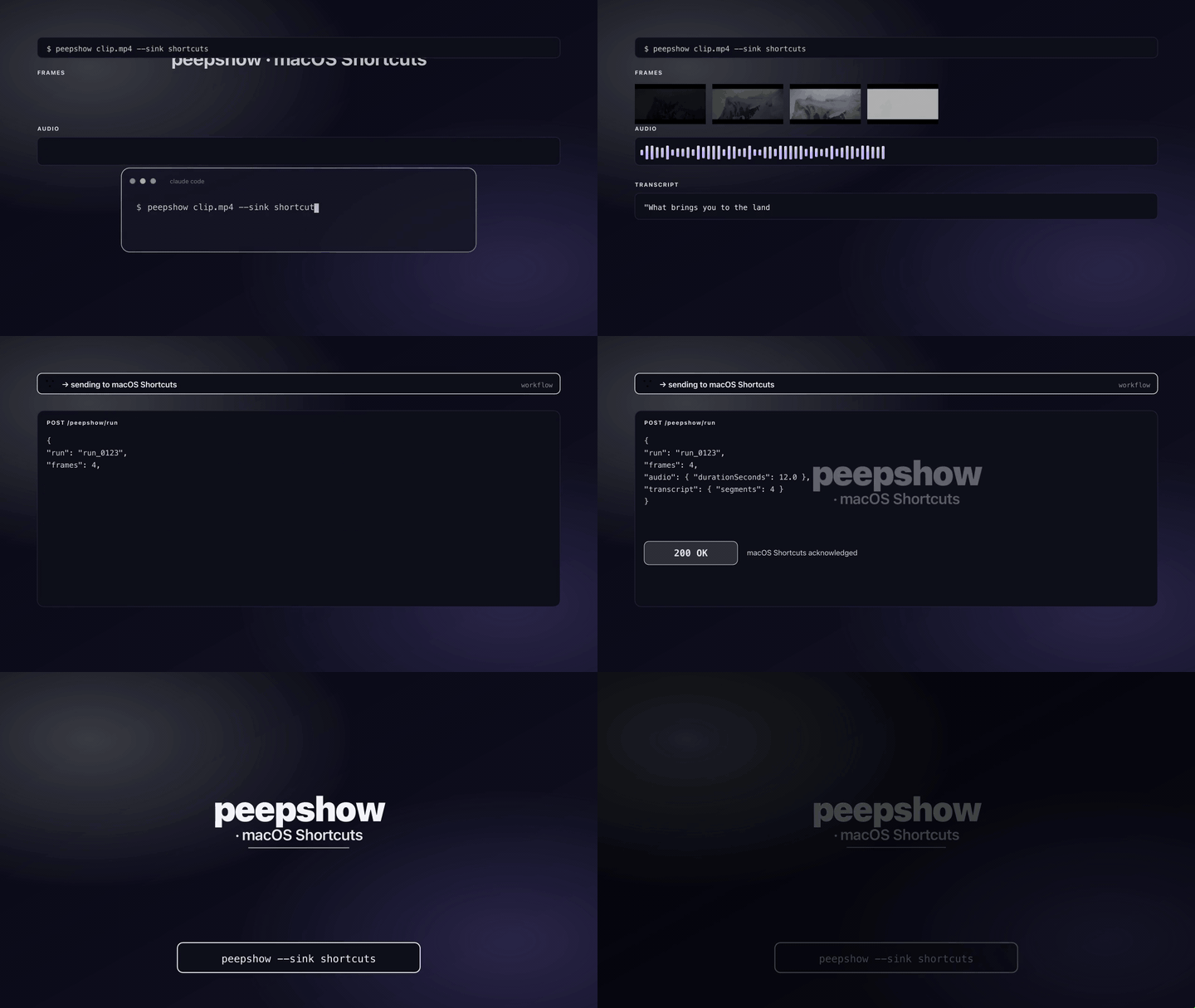
Invoke a user-created **macOS Shortcut** with the peepshow payload as input. Uses the `shortcuts` CLI that ships with macOS 12+; every peepshow run can trigger a Shortcut to, e.g., post the clip to a chat app, summarise it with an on-device LLM, archive frames to iCloud, or fire any of the hundreds of actions available in Shortcuts.app.
> Not to be confused with the `shortcut` (singular) sink, which posts to [Shortcut.com](https://www.shortcut.com) (formerly Clubhouse) for project management.
## Install
Ships built-in with peepshow:
```bash
npm i -g peepshow
```
Then register it as an auto-sink so every run fires the Shortcut:
```bash
export SHORTCUT_NAME="Summarise peepshow clip"
peepshow sinks add shortcuts
```
Open **Shortcuts.app**, create a Shortcut that "Receives input from Quick Actions / Share Sheet" (the CLI forwards `--input-path` through that pipe), and make sure the shortcut's **Name** matches `SHORTCUT_NAME` exactly.
## Configuration
| Env | Required | Default | Purpose |
|-----|----------|---------|---------|
| `SHORTCUT_NAME` | ✔ | — | Exact name of the Shortcut as shown in Shortcuts.app. |
| `PEEPSHOW_SHORTCUT_NAME` | — | — | Alias for `SHORTCUT_NAME`. Wins when both are set. |
| `SHORTCUT_MODE` | — | `payload` | `payload` (one invocation, full JSON on disk) or `frames` (one invocation per extracted frame, image path passed as input). |
| `SHORTCUT_OUTPUT_PATH` | — | — | Forwarded to `shortcuts run` as `--output-path`. Most Shortcuts don't need one. |
| `SHORTCUT_ALLOW_NON_DARWIN` | — | — | Set to `1` to force the sink to run on non-darwin platforms (CI dry-run). |
## Platform behaviour
macOS Shortcuts is darwin-only — the `shortcuts` CLI doesn't exist on Linux or Windows. The sink skips silently on non-darwin platforms unless `SHORTCUT_ALLOW_NON_DARWIN=1` is set, which is useful for CI pipelines that inject a stub `shortcuts` binary via `PATH`.
## Modes
### `payload` (default)
One invocation per peepshow run. The sink writes the full `--emit json` payload to a temp file (`$TMPDIR/peepshow-shortcuts---.json`) and calls:
```sh
shortcuts run "$SHORTCUT_NAME" --input-path
```
Inside the Shortcut, use **Get Contents of File** + **Get Dictionary from Input** to parse the JSON. The payload includes frames, video metadata + tags, audio info, and transcript segments when transcription is enabled.
### `frames`
One invocation per extracted frame — the Shortcut sees the image directly:
```sh
shortcuts run "$SHORTCUT_NAME" --input-path frame_0001.jpg
shortcuts run "$SHORTCUT_NAME" --input-path frame_0002.jpg
...
```
Useful when your Shortcut expects an image (e.g. "Describe image" with the on-device language model, or "Save to Photos"). The JSON payload is not written in this mode.
## Exit codes
| Code | Meaning |
|------|---------|
| 0 | Shortcut ran successfully (or skipped silently on non-darwin). |
| 2 | Missing `SHORTCUT_NAME` or invalid `SHORTCUT_MODE`. |
| 3 | `shortcuts` CLI not on PATH (extremely rare on macOS 12+). |
| 4 | stdin malformed. |
| 5 | Shortcut exited non-zero, or temp-file write failed. |
## Caveats
- `shortcuts run` is synchronous — if your Shortcut takes 10 seconds, the peepshow run blocks for 10 seconds. Use `frames` mode carefully; a 30-frame clip means 30 serial invocations.
- The CLI surfaces a Shortcut error as a non-zero exit + stderr. The sink relays both in the failure message so you can see what went wrong without opening Shortcuts.app.
- Shortcut names are case-sensitive and must match exactly. If you rename the Shortcut, update `SHORTCUT_NAME` or the sink fails with exit code 5.
- In `frames` mode, all per-frame failures are collected and reported together — one run doesn't stop the loop. The sink still exits non-zero if any frame failed.
## Use with an LLM agent
Every peepshow sink is a zero-config extension point for any LLM CLI —
Claude Code, Cursor, Windsurf, Codex, Gemini, or any agent that can shell
out. The LLM doesn't need a plugin; it just needs `peepshow` on `PATH` and
the sink's env vars in the shell it runs under.
### 1. Set the environment
```sh
export SHORTCUT_NAME="Summarise peepshow clip"
# Optional: pass the image directly instead of the JSON payload
export SHORTCUT_MODE=frames
```
### 2. Register as an auto-sink
```sh
peepshow sinks add shortcuts
# Optional: only fire for matching inputs
peepshow sinks add shortcuts --when extension=mp4,mov
```
See [`peepshow sinks`](../../docs/PLUGINS.md) for the full matching
vocabulary.
### 3. An LLM session, end-to-end
> **You**: drop a `clip.mov` into Claude Code (or ask
> "what's in ~/bugs/crash.mov?")
>
> **Claude Code**: the `UserPromptSubmit` hook detects the video and
> auto-invokes `/peepshow:slides ~/bugs/crash.mov`. peepshow extracts
> frames + audio, transcribes locally if `whisper.cpp` is on `PATH`,
> then forwards the run to the `Shortcuts` sink.
>
> **`Shortcuts`**: `shortcuts run "Summarise peepshow clip" --input-path .json`
> fires your Shortcut, which might post the summary to Messages, save
> frames to Photos, or route the JSON through Apple Intelligence.
>
> **Claude Code**: reads the frames back as images, combines them with
> the audio transcript, and writes a summary that references whatever
> the Shortcut did downstream.
### 4. What the sink sees
In `payload` mode, the Shortcut receives the complete `--emit json`
payload on disk — not just the frame paths. That includes:
- `video` — codec, duration, resolution, container tags (director / studio
/ title etc).
- `frames[]` — every extracted frame path + byte size.
- `audio` — `path`, `durationSeconds`, codec, loudness peak, silence
ratio.
- `audio.transcript` — `segments[]` with timestamps, full `text`,
language — populated when transcription is enabled (v0.4.0+).
- `extraction` — strategy, thresholds, ffmpeg path used.
In `frames` mode, the Shortcut receives one image file path per
invocation — no JSON, no metadata. Pick the mode that matches what your
Shortcut expects.
*Full list + links: [docs/sinks/README.md](./README.md).*