# peepshow-sink-raycast
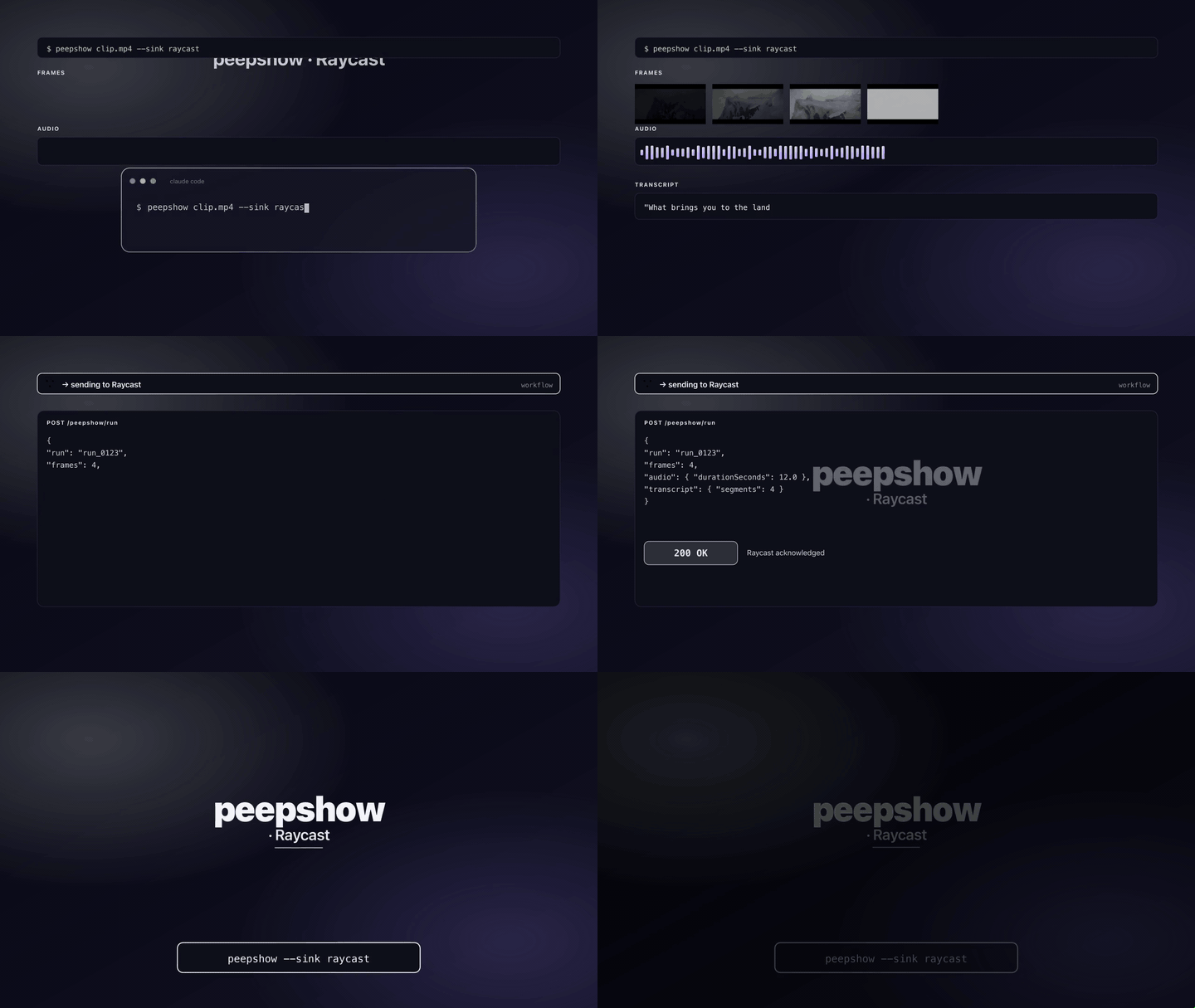
Expose every peepshow run through [Raycast](https://www.raycast.com) on macOS. Each run drops a JSON manifest + a sibling folder of copied frames into Raycast's script-commands directory, and a companion script command — **Show last peepshow run** — `open`s the newest run folder in Finder with one keystroke.
## Install
Ships built-in with peepshow:
```bash
npm i -g peepshow
```
Then register it as an auto-sink so every run shows up in Raycast:
```bash
peepshow sinks add raycast
```
In Raycast → **Preferences → Extensions → Script Commands**, either point at the default directory (`~/Library/Application Support/Raycast/script-commands/peepshow`) or add that path explicitly. The **Show last peepshow run** command is written the first time the sink fires.
## Configuration
| Env | Required | Default | Purpose |
|-----|----------|---------|---------|
| `RAYCAST_SCRIPT_DIR` | — | `~/Library/Application Support/Raycast/script-commands/peepshow/` | Override the target directory. Also unlocks the sink on non-darwin platforms (for debug / network share use). |
| `PEEPSHOW_RAYCAST_DIR` | — | — | Alias for `RAYCAST_SCRIPT_DIR`. Wins when both are set. |
| `RAYCAST_MODE` | — | `manifest` | `manifest` (current) or `quicklook` (reserved — falls back to `manifest` with a stderr note for now). |
## Platform behaviour
Raycast is macOS-only. On non-darwin platforms, the sink skips silently **unless** `RAYCAST_SCRIPT_DIR` (or `PEEPSHOW_RAYCAST_DIR`) is set — an explicit override always wins, so you can point it at a synced directory for testing on Linux/Windows.
## What gets written
On every run, inside the target dir:
- `peepshow-.json` — the manifest (see shape below).
- `peepshow-/` — a sibling folder with every frame copied into it.
- `peepshow-show-last.sh` — the companion Raycast script. Written once, skipped if it already exists.
## Manifest shape
```json
{
"ranAt": "2026-04-24T15:00:00.000Z",
"video": { "codec": "h264", "width": 1920, "height": 1080, "tags": { "title": "…" }, "…": "…" },
"frames": [
"/abs/path/peepshow-20260424-150000/frame_0001.jpg",
"/abs/path/peepshow-20260424-150000/frame_0002.jpg"
],
"audioPath": "/abs/path/audio.m4a",
"transcript": [{ "start": 0, "end": 12, "text": "…" }]
}
```
`audioPath` is `null` when peepshow didn't produce an audio track (or audio was disabled). `transcript` is `null` when transcription wasn't run or returned no segments.
## Companion script
The companion (`peepshow-show-last.sh`) is a POSIX-shell Raycast script that Raycast surfaces as **Show last peepshow run**. It walks its own directory for the newest `peepshow-*.json`, resolves the matching run folder, and `open`s it in Finder. No node runtime needed.
```sh
#!/bin/sh
# @raycast.schemaVersion 1
# @raycast.title Show last peepshow run
# @raycast.mode inline
# @raycast.packageName peepshow
```
## Exit codes
| Code | Meaning |
|------|---------|
| 0 | Wrote the manifest (or skipped silently on non-darwin). |
| 2 | Invalid `RAYCAST_MODE`. |
| 4 | stdin malformed. |
| 5 | fs copy / write failure. |
## Caveats
- The companion script is only written once per target dir. If you change the template later, delete the existing `peepshow-show-last.sh` and peepshow will regenerate it on the next run.
- Raycast's Script Commands watcher picks up new files within a few seconds — if **Show last peepshow run** doesn't appear, toggle the Script Commands path in Raycast's preferences.
- `quicklook` mode is a placeholder today. Setting `RAYCAST_MODE=quicklook` logs a stderr note and falls back to `manifest` mode until the toggle lands.
## Use with an LLM agent
Every peepshow sink is a zero-config extension point for any LLM CLI —
Claude Code, Cursor, Windsurf, Codex, Gemini, or any agent that can shell
out. The LLM doesn't need a plugin; it just needs `peepshow` on `PATH` and
the sink's env vars in the shell it runs under.
### 1. Set the environment
Raycast's default script-commands directory needs no env on macOS:
```sh
# Optional overrides
export RAYCAST_SCRIPT_DIR="$HOME/Library/Application Support/Raycast/script-commands/peepshow"
```
### 2. Register as an auto-sink
```sh
peepshow sinks add raycast
# Optional: only fire for matching inputs
peepshow sinks add raycast --when extension=mp4,mov
```
See [`peepshow sinks`](../../docs/PLUGINS.md) for the full matching
vocabulary.
### 3. An LLM session, end-to-end
> **You**: drop a `clip.mov` into Claude Code (or ask
> "what's in ~/bugs/crash.mov?")
>
> **Claude Code**: the `UserPromptSubmit` hook detects the video and
> auto-invokes `/peepshow:slides ~/bugs/crash.mov`. peepshow extracts
> frames + audio, transcribes locally if `whisper.cpp` is on `PATH`,
> then forwards the run to the `Raycast` sink.
>
> **`Raycast`**: writes the manifest + frame folder into Raycast's
> script-commands directory. The **Show last peepshow run** command
> is now one keystroke away.
>
> **Claude Code**: reads the frames back as images, combines them with
> the audio transcript, and writes a summary that references the
> downstream record.
### 4. What the sink sees
The sink receives the complete `--emit json` payload on stdin — not just
the frame paths. That includes:
- `video` — codec, duration, resolution, container tags (director / studio
/ title etc).
- `frames[]` — every extracted frame path + byte size.
- `audio` — `path`, `durationSeconds`, codec, loudness peak, silence
ratio.
- `audio.transcript` — `segments[]` with timestamps, full `text`,
language — populated when transcription is enabled (v0.4.0+).
- `extraction` — strategy, thresholds, ffmpeg path used.
> **Transcript handling**: transcript segments ride along inside the manifest JSON so any downstream Raycast script can present them without re-invoking peepshow.
*Full list + links: [docs/sinks/README.md](./README.md).*