# peepshow-sink-pagerduty
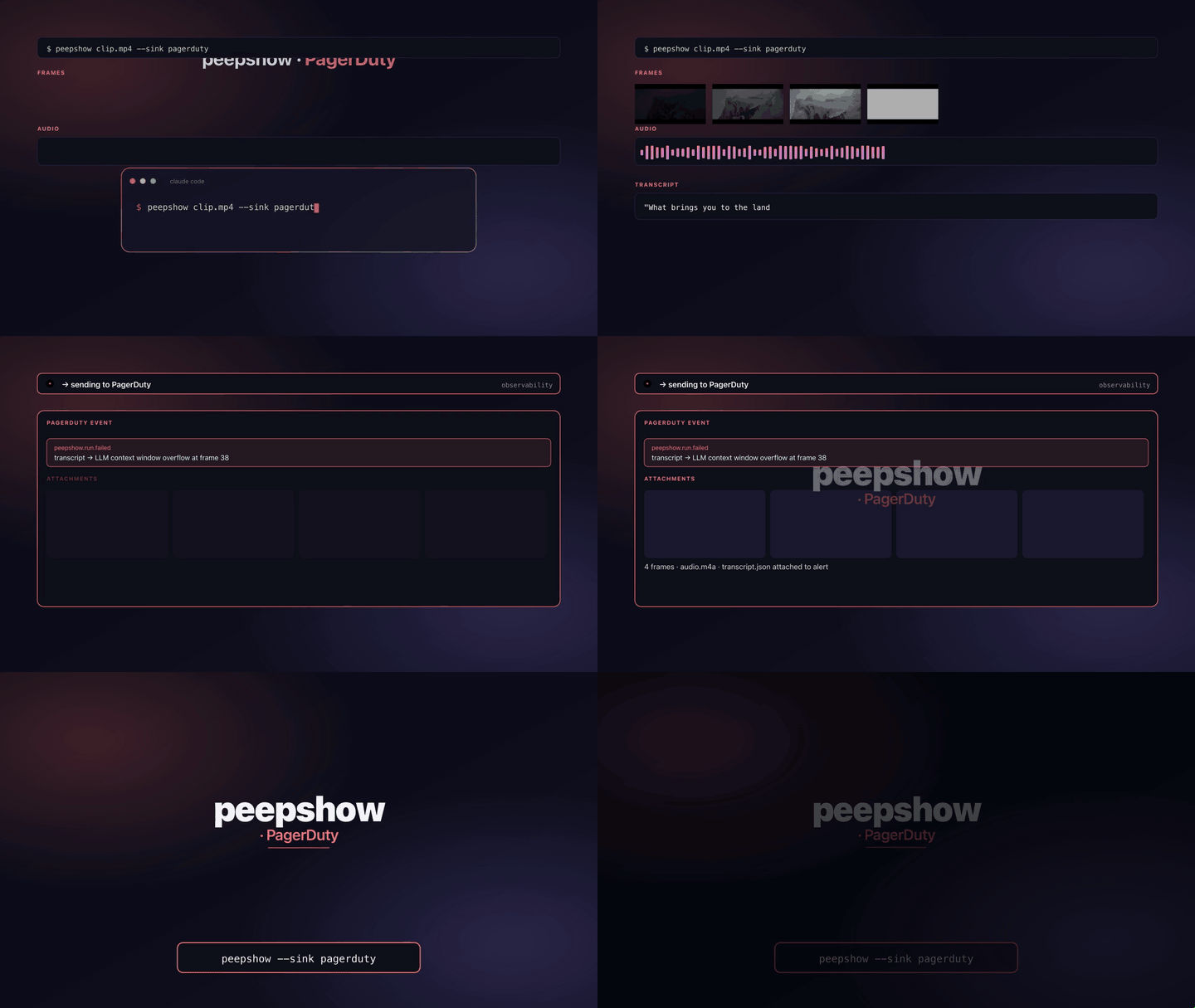
Fire a [PagerDuty Events API v2](https://developer.pagerduty.com/docs/events-api-v2/overview/)
`trigger` so a peepshow run shows up on an incident timeline. The sink
POSTs JSON to `https://events.pagerduty.com/v2/enqueue` (configurable
for the EU data centre or a wiremock in tests) and exits on 202.
## Configuration
| Env | Required | Default | Purpose |
|-----|----------|---------|---------|
| `PAGERDUTY_ROUTING_KEY` | ✓ | — | Integration key from the service's "Events API v2" integration. |
| `PAGERDUTY_SEVERITY` | | `info` | `info` \| `warning` \| `error` \| `critical`. Unknown values fall back to `info`. |
| `PAGERDUTY_DEDUP_KEY` | | — | Stable key so retriggers collapse onto one incident. Passed through verbatim. |
| `PAGERDUTY_SOURCE` | | `peepshow` | `payload.source` label. |
| `PAGERDUTY_COMPONENT` | | — | `payload.component`. |
| `PAGERDUTY_GROUP` | | — | `payload.group`. |
| `PAGERDUTY_CLASS` | | — | `payload.class`. |
| `PAGERDUTY_IMAGE_BASE` | | — | URL prefix. When set, attaches up to `PAGERDUTY_MAX_IMAGES` frames as `images[]`. Omit to skip. |
| `PAGERDUTY_MAX_IMAGES` | | `4` | Cap on attached images. |
| `PAGERDUTY_EVENTS_URL` | | `https://events.pagerduty.com/v2/enqueue` | Override for the EU DC or tests. |
## Payload shape
- `summary`: `peepshow: (<N> frames)` — clamped to 1024 chars. `title` is `video.tags.title`, then `video.tags.show`, then `"peepshow run"`.
- `custom_details`: `strategy`, `frames`, `codec`, `duration_s`, `resolution`, `director`, `studio`, `tags`, `output_dir`. Null/absent fields are omitted.
- `images`: included only when `PAGERDUTY_IMAGE_BASE` is set. Each entry is `{ src: <base>/<basename>, alt: "frame NNNN" }`.
- `dedup_key`: included only when `PAGERDUTY_DEDUP_KEY` is set.
## Exit codes
| 0 | Event accepted (202). |
| 2 | Missing `PAGERDUTY_ROUTING_KEY`. |
| 4 | stdin malformed / not a peepshow `--emit json` payload. |
| 5 | PagerDuty returned non-2xx. |
## Use with an LLM agent
Every peepshow sink is a zero-config extension point for any LLM CLI —
Claude Code, Cursor, Windsurf, Codex, Gemini, or any agent that can shell
out. The LLM doesn't need a plugin; it just needs `peepshow` on `PATH` and
the sink's env vars in the shell it runs under.
### 1. Set the environment
Add the sink's required env vars to your shell rc (`~/.zshrc`,
`~/.bashrc`, PowerShell profile) or a project-local `.env` that your
agent tooling loads. Example:
```sh
export PAGERDUTY_ROUTING_KEY="…"
```
### 2. Register as an auto-sink
Auto-sinks fire on every `peepshow` run without per-invocation flags,
so the LLM doesn't have to remember a pipeline — the routing is
declarative:
```sh
peepshow sinks add pagerduty
# Optional: only fire for matching inputs
peepshow sinks add pagerduty --when extension=mp4,mov
peepshow sinks add pagerduty --when environment=prod
```
See [`peepshow sinks`](../../docs/PLUGINS.md) for the full matching
vocabulary.
### 3. An LLM session, end-to-end
> **You**: drop a `clip.mov` into Claude Code (or ask
> "what's in ~/bugs/crash.mov?")
>
> **Claude Code**: the `UserPromptSubmit` hook detects the video and
> auto-invokes `/peepshow:slides ~/bugs/crash.mov`. peepshow extracts
> frames + audio, transcribes locally if `whisper.cpp` is on `PATH`,
> then forwards the run to the `PagerDuty` sink.
>
> **`PagerDuty`**: triggers a PagerDuty Events API v2 incident with `dedup_key` collapsing retriggers onto one incident.
>
> **Claude Code**: reads the frames back as images, combines them with
> the audio transcript, and writes a summary that references the
> downstream record.
### 4. What the sink sees
The sink receives the complete `--emit json` payload on stdin — not just
the frame paths. That includes:
- `video` — codec, duration, resolution, container tags (director / studio
/ title etc).
- `frames[]` — every extracted frame path + byte size.
- `audio` — `path`, `durationSeconds`, codec, loudness peak, silence
ratio.
- `audio.transcript` — `segments[]` with timestamps, full `text`,
language — populated when transcription is enabled (v0.4.0+).
- `extraction` — strategy, thresholds, ffmpeg path used.
> **Transcript handling**: transcript metadata tags the event; the full text is stored as a custom attribute.