# peepshow-sink-openai-files
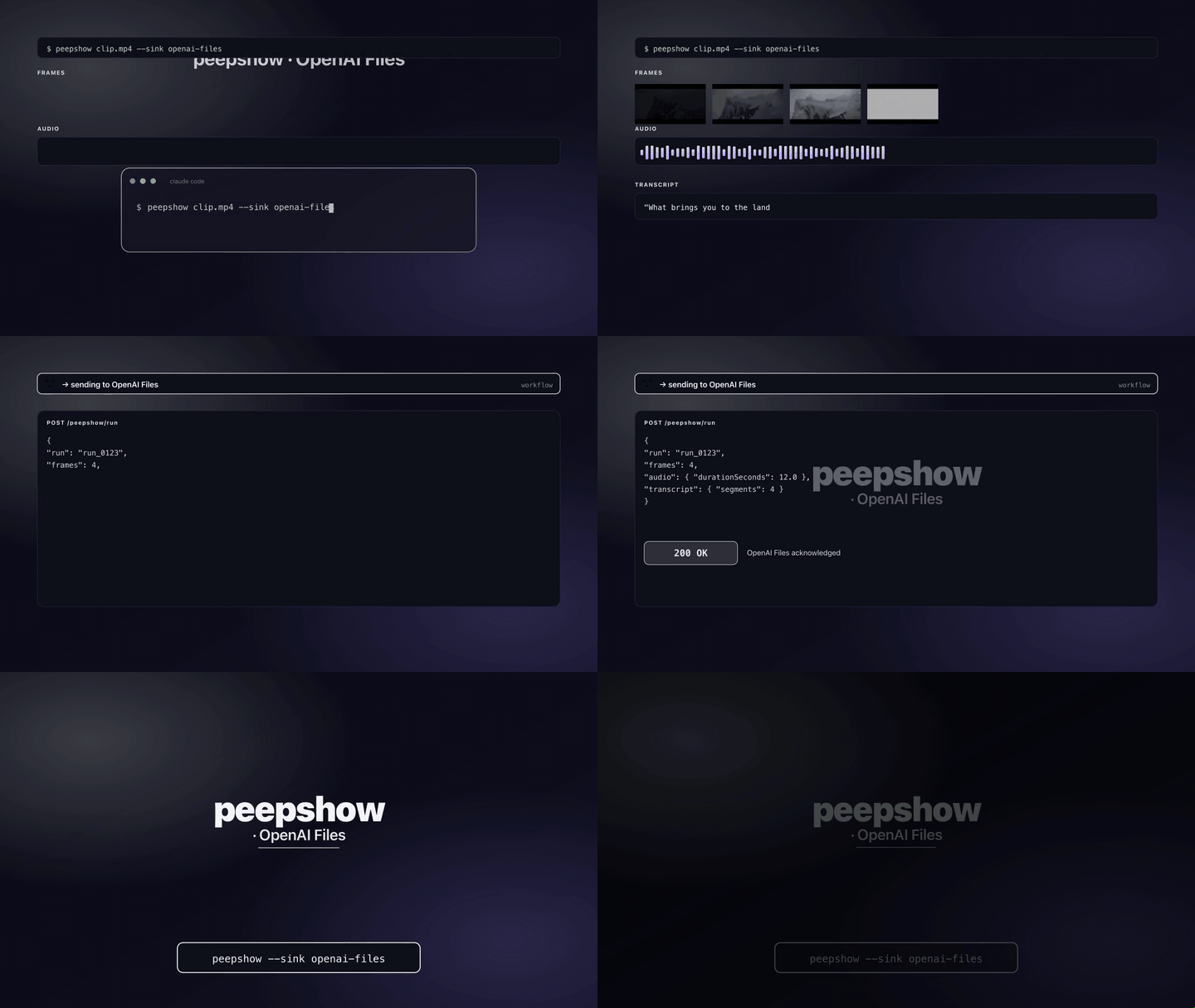
Pre-uploads every extracted frame (plus a `manifest.json` stitched with the resulting File IDs) to the [OpenAI Files API](https://platform.openai.com/docs/api-reference/files) so Custom GPTs, Projects, Assistants with file-search, and the Responses API can reference the frames by `file_id` without re-uploading each turn.
Frames land with `purpose=vision` by default — that's the bucket used for image inputs to the Responses / Assistants APIs. The manifest ships with `purpose=assistants` so it's discoverable by file-search tools.
## Install
```bash
npm install -g peepshow
```
No extra packages — the sink uses native `fetch` + `FormData` + `Blob` (Node 22+).
## Config
| Env var | Required | Default | Purpose |
| :------ | :------- | :------ | :------ |
| `OPENAI_API_KEY` | yes | — | Standard OpenAI key. Sent as `Authorization: Bearer ` |
| `OPENAI_FILES_PURPOSE` | no | `vision` | Purpose for frame uploads. One of `vision`, `assistants`, `user_data`, `batch`. Manifest is always `assistants` |
| `OPENAI_FILES_ORG` | no | — | Added as `OpenAI-Organization` header when set |
| `OPENAI_FILES_API_URL` | no | `https://api.openai.com/v1/files` | Override for self-hosted OpenAI-compatible endpoints |
## Use
```bash
export OPENAI_API_KEY=sk-...
peepshow sinks add openai-files
peepshow ./demo.mp4
```
`--sink openai-files` works the same way on an ad-hoc per-run basis.
## Output
For a three-frame run the sink issues four multipart POSTs to `/v1/files`:
```
POST /v1/files (purpose=vision, filename=frame_0001.jpg) → file-abc
POST /v1/files (purpose=vision, filename=frame_0002.jpg) → file-def
POST /v1/files (purpose=vision, filename=frame_0003.jpg) → file-ghi
POST /v1/files (purpose=assistants, filename=manifest.json) → file-jkl
```
`manifest.json` bundles the full peepshow payload plus the File IDs so a downstream agent can jump straight into a Responses / Assistants run:
```json
{
"outputDir": "/tmp/peepshow-20260424-120000-scene",
"strategy": "scene",
"purposeUsedForFrames": "vision",
"uploadedAt": "2026-04-24T12:00:00.000Z",
"frames": [
{
"path": "/tmp/.../frame_0001.jpg",
"bytes": 38204,
"fileId": "file-abc",
"uploadBytes": 38204,
"uploadStatus": "processed"
}
],
"video": { "codec": "h264", "durationSeconds": 42, ... },
"extraction": { "strategy": "scene", ... },
"audio": { ... }
}
```
## Wiring into a Custom GPT / Project / Assistant
Once the frames are in OpenAI's files bucket, you can hand the IDs to whatever surface needs them:
- **Responses API (`vision` purpose)**: pass each `fileId` as an `input_image` content part with `file_id`.
- **Assistants with file-search (`assistants` purpose)**: attach `fileId`s to a vector store and the assistant can retrieve them.
- **Custom GPT Projects**: attach via the OpenAI dashboard (Files → select the uploaded files).
## Caveats
- **Cost / quota**: every frame is a separate upload call. For a 60-frame keynote that's 61 POSTs. There's no rate-limit back-off in this sink; a 429 surfaces as a `SinkError`. If you need retries, wrap peepshow in a shell loop or send to the [`webhook`](./webhook.md) sink and retry on the receiving end.
- **File limits**: OpenAI caps individual file sizes at 512 MB for `assistants` / `vision`. Peepshow frames are tiny JPEGs so you won't hit that, but JSON manifests over that ceiling will 400.
- **Files linger in your org**: OpenAI retains uploaded files until you delete them. This sink doesn't prune; use `DELETE /v1/files/{file_id}` or the dashboard.
- **Content-Type** is inferred from filename: `.jpg`/`.jpeg` → `image/jpeg`, `.png` → `image/png`, `.webp` → `image/webp`, `.json` → `application/json`.
- Frames are uploaded sequentially. Parallel fan-out is a future revision.
## Use with an LLM agent
Every peepshow sink is a zero-config extension point for any LLM CLI —
Claude Code, Cursor, Windsurf, Codex, Gemini, or any agent that can shell
out. The LLM doesn't need a plugin; it just needs `peepshow` on `PATH` and
the sink's env vars in the shell it runs under.
### 1. Set the environment
Add the sink's required env vars to your shell rc (`~/.zshrc`,
`~/.bashrc`, PowerShell profile) or a project-local `.env` that your
agent tooling loads. Example:
```sh
export OPENAI_API_KEY="sk-..."
# Optional: route into a specific purpose
export OPENAI_FILES_PURPOSE="vision"
# Optional: pin to an organisation
export OPENAI_FILES_ORG="org-..."
```
### 2. Register as an auto-sink
Auto-sinks fire on every `peepshow` run without per-invocation flags,
so the LLM doesn't have to remember a pipeline — the routing is
declarative:
```sh
peepshow sinks add openai-files
# Optional: only fire for matching inputs
peepshow sinks add openai-files --when extension=mp4,mov
peepshow sinks add openai-files --when retention=long
```
See [`peepshow sinks`](../../docs/PLUGINS.md) for the full matching
vocabulary.
### 3. An LLM session, end-to-end
> **You**: drop a `clip.mov` into your editor (or ask
> "what's in ~/bugs/crash.mov?")
>
> **Your agent**: the `UserPromptSubmit` hook detects the video and
> auto-invokes `/peepshow:slides ~/bugs/crash.mov`. peepshow extracts
> frames + audio, transcribes locally if `whisper.cpp` is on `PATH`,
> then forwards the run to the `OpenAI Files` sink.
>
> **`OpenAI Files`**: multipart-uploads every frame as `purpose=vision`
> and a stitched `manifest.json` as `purpose=assistants`. Returns File
> IDs ready to hand to a Custom GPT, Projects file, Assistant vector
> store, or Responses API call.
>
> **Your agent**: reads the frames back locally as images *and* has
> the File IDs in hand for any downstream OpenAI tool use.
### 4. What the sink sees
The sink receives the complete `--emit json` payload on stdin — not just
the frame paths. That includes:
- `video` — codec, duration, resolution, container tags (director / studio
/ title etc).
- `frames[]` — every extracted frame path + byte size.
- `audio` — `path`, `durationSeconds`, codec, loudness peak, silence
ratio.
- `audio.transcript` — `segments[]` with timestamps, full `text`,
language — populated when transcription is enabled (v0.4.0+).
- `extraction` — strategy, thresholds, ffmpeg path used.
> **Transcript handling**: the full transcript JSON is saved into the per-run manifest under `audio.transcript` and uploaded as `manifest.json` with `purpose=assistants`, so any Assistants / file-search tool can retrieve it.