# peepshow-sink-figma
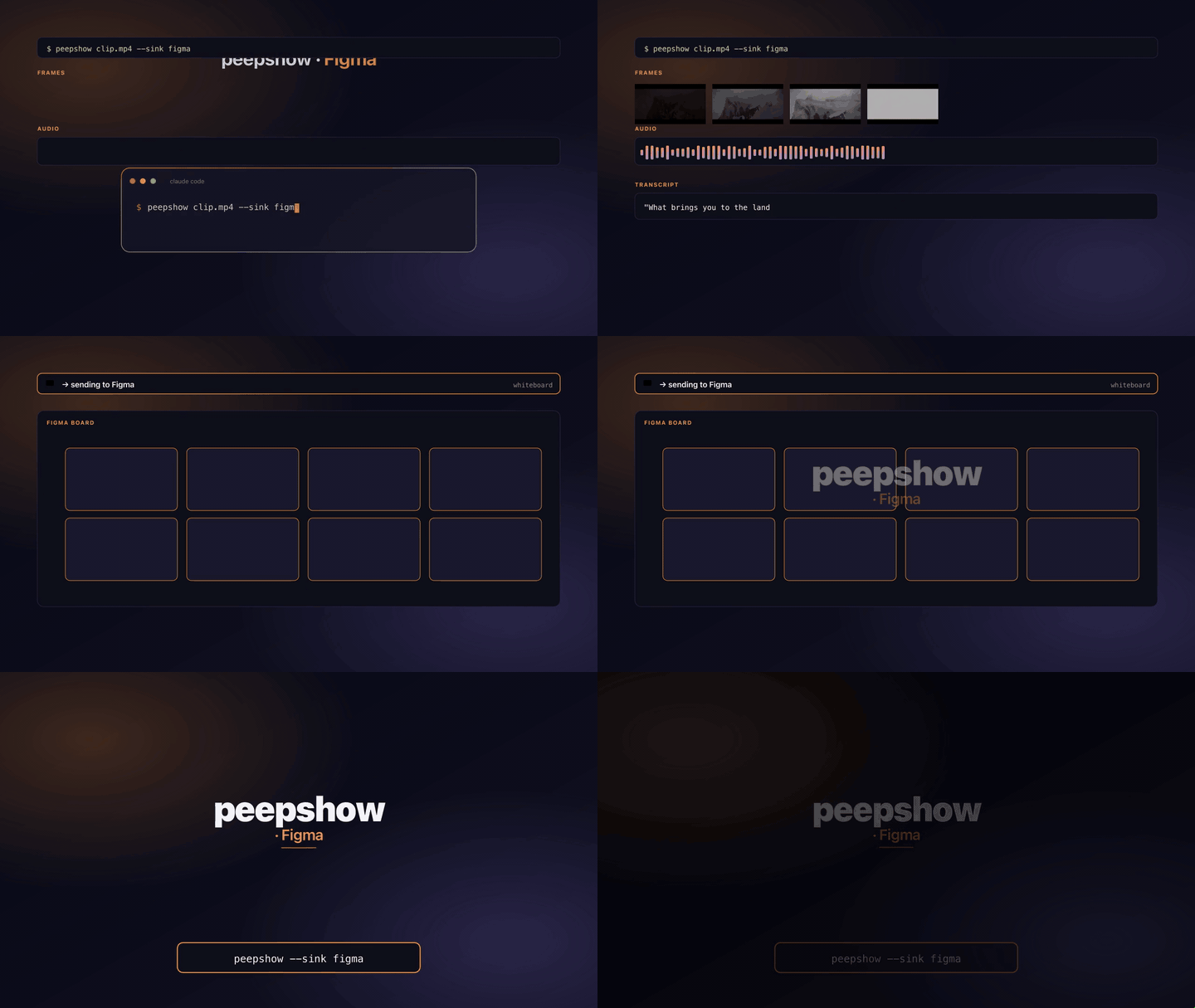
Post a peepshow run as a single **file-level comment** on a Figma file.
The comment contains the run metadata (title, strategy, frame count,
codec, duration, resolution, director, studio) plus one line per
extracted frame.
When `FIGMA_IMAGE_BASE` is set, each frame basename is embedded as a
markdown link to the hosted image (`[frame 0001](/frame_0001.jpg)`).
Without a base, the raw frame path is included as plaintext — still
useful if the frames live somewhere the reader can reach via the host.
## Why comments (not image fills)
Figma exposes two places to attach images:
1. **Image fills** (`POST /v1/images`) — requires a node in the file
whose fill rect is already set up to receive the image hash. The
user has to prepare the file upfront.
2. **Comments** (`POST /v1/files/{file_key}/comments`) — works on any
file the access token can see; zero file setup required.
Comments are the more universally useful default, so that's what this
sink does. If you need the image-fill flow for a specific file layout,
roll a custom `--sink ./my-fill.sh` — the pure helpers in
`src/builtin-sinks/figma.ts` are reusable.
## Configuration
| Env | Required | Default | Purpose |
|-----------------------------------|----------|-----------------------------|---------|
| `FIGMA_TOKEN` | ✓ | — | Personal access token (sent as `X-Figma-Token`). |
| `FIGMA_FILE_KEY` | ✓ | — | File key from the Figma URL (`/file//...`). |
| `FIGMA_IMAGE_BASE` | | — | URL prefix for hosted frames; turns each frame line into a markdown link. |
| `FIGMA_MAX_FRAMES_PER_COMMENT` | | `20` | Cap on frame lines per comment; overflow becomes `(+K more)`. |
| `FIGMA_API_URL` | | `https://api.figma.com/v1` | Override for self-hosted proxies. |
## Comment shape
```
**peepshow** —
<N> frames · strategy=<scene|fps> · codec=<codec>
duration <x.x>s · resolution <WxH> · director <name> · studio <name>
Frames:
- [frame 0001](https://cdn.example.com/runs/abc/frame_0001.jpg)
- [frame 0002](https://cdn.example.com/runs/abc/frame_0002.jpg)
...
(+5 more)
```
Optional metadata lines (duration, resolution, director, studio) are
omitted when the underlying tag/field is unset. Title falls back to
`video.tags.title`, then `video.tags.show`, then `peepshow run`.
## Exit codes
| 0 | Comment accepted. |
| 2 | Missing `FIGMA_TOKEN` or `FIGMA_FILE_KEY`. |
| 4 | stdin malformed. |
| 5 | Figma API returned non-2xx. |
## Example
```sh
export FIGMA_TOKEN="figd_XXXXXXXXXXXXXXXXXXXXXXXXXXXXXX"
export FIGMA_FILE_KEY="abc123XYZ"
export FIGMA_IMAGE_BASE="https://cdn.example.com/runs/abc"
peepshow ./video.mp4 --sink figma
```
## Use with an LLM agent
Every peepshow sink is a zero-config extension point for any LLM CLI —
Claude Code, Cursor, Windsurf, Codex, Gemini, or any agent that can shell
out. The LLM doesn't need a plugin; it just needs `peepshow` on `PATH` and
the sink's env vars in the shell it runs under.
### 1. Set the environment
Add the sink's required env vars to your shell rc (`~/.zshrc`,
`~/.bashrc`, PowerShell profile) or a project-local `.env` that your
agent tooling loads. Example:
```sh
export FIGMA_TOKEN="…"
export FIGMA_FILE_KEY="…"
```
### 2. Register as an auto-sink
Auto-sinks fire on every `peepshow` run without per-invocation flags,
so the LLM doesn't have to remember a pipeline — the routing is
declarative:
```sh
peepshow sinks add figma
# Optional: only fire for matching inputs
peepshow sinks add figma --when extension=mp4,mov
peepshow sinks add figma --when project=storyboard
```
See [`peepshow sinks`](../../docs/PLUGINS.md) for the full matching
vocabulary.
### 3. An LLM session, end-to-end
> **You**: drop a `clip.mov` into Claude Code (or ask
> "what's in ~/bugs/crash.mov?")
>
> **Claude Code**: the `UserPromptSubmit` hook detects the video and
> auto-invokes `/peepshow:slides ~/bugs/crash.mov`. peepshow extracts
> frames + audio, transcribes locally if `whisper.cpp` is on `PATH`,
> then forwards the run to the `Figma` sink.
>
> **`Figma`**: leaves a file-level comment on a Figma design summarising the run with a bulleted frame list.
>
> **Claude Code**: reads the frames back as images, combines them with
> the audio transcript, and writes a summary that references the
> downstream record.
### 4. What the sink sees
The sink receives the complete `--emit json` payload on stdin — not just
the frame paths. That includes:
- `video` — codec, duration, resolution, container tags (director / studio
/ title etc).
- `frames[]` — every extracted frame path + byte size.
- `audio` — `path`, `durationSeconds`, codec, loudness peak, silence
ratio.
- `audio.transcript` — `segments[]` with timestamps, full `text`,
language — populated when transcription is enabled (v0.4.0+).
- `extraction` — strategy, thresholds, ffmpeg path used.
> **Transcript handling**: transcript text can be overlaid as a board item underneath the frame collage.